How to Download My Free SVG Files
Are you looking for one of my free SVG designs but aren’t sure where to download it? You’re in the right place!
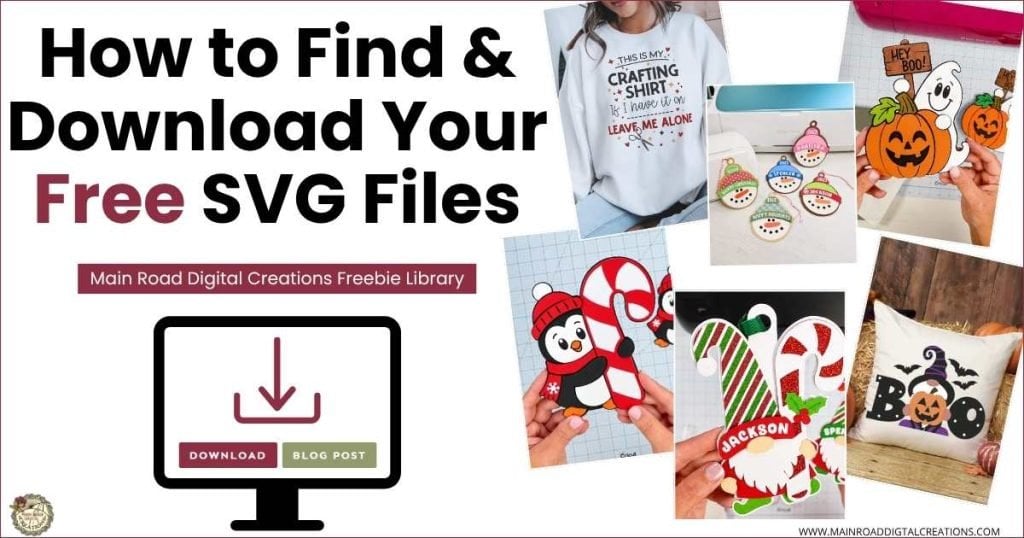
All of my free SVG files are stored inside my Freebie Library. The design you saw on my blog, Facebook page, YouTube, Pinterest, or elsewhere will have a design number that helps you find it in the library.
Here’s How to Get Your Free Download
Step 1: Go to the Blog Post for the Design
Open the blog post for the design you want.
Scroll toward the bottom of the post until you see the section that looks like this:
Here’s where to find your Free SVG download!
Your design number and design name will be listed here.
Your free SVG is available in my freebie library. To get the Password, click the button below and Join our Freebie Club!
Make a note of the design number. You’ll use it to find your file in the library.
Step 2: Open the Freebie Library
Click the link to go to the Freebie Library. You’ll be asked to enter the Freebie Library password. If you already have the password, enter it to access the library.
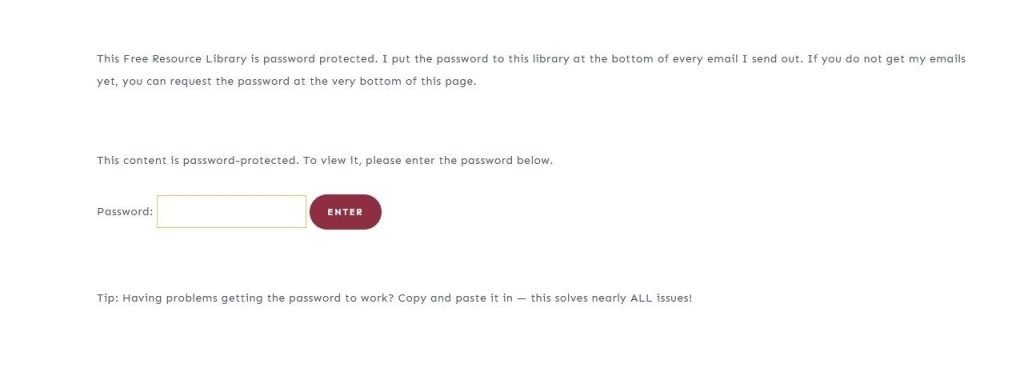
If you don’t have the password yet, you can sign up for free, and I’ll email it to you.
Step 3: Find the Design You Want
Once you’re inside the Freebie Library, look for the design number you found in the blog post. Each design has a picture so you can also look for the project you want.

My Freebie Library has more than one page, so if you don’t see your design right away, make sure you’re looking on the correct Freebie Library page listed in the blog post.
Choose the Freebie Library page you need:
Step 4: Click the Download Button
Under the picture of the design you want, you’ll see two buttons:
Download and Blog Post, just like the example below.

Click the Download button to get the free design file.
Your ZIP file will automatically download to your device. The Blog Post button takes you back to the corresponding blog post for that design. It does not download the file.
Where Did My Download Go?
After you click Download, the file will usually be saved in the Downloads folder on your computer, tablet, or phone. Your download will be a ZIP file, so you’ll need to unzip or extract the folder before you can use the files inside.
After you unzip the folder, open it to find the files included with your download. The SVG file works with Cricut Design Space, Silhouette Studio Designer Edition or higher, and many other cutting machine programs. If you use the free Basic Edition of Silhouette Studio, use the DXF file instead.
Still Having Trouble?
Here are the most important things to remember:
- Find the design number near the bottom of the blog post.
- Use the link in that section to enter the Freebie Library.
- Find the picture and matching design number.
- Click Download, not Blog Post.
- Check your device’s Downloads folder after clicking the button.
That’s it! Once you know where to look, grabbing your free SVG is quick and easy.

I hope this helps! Once you know where everything is, finding your free SVGs gets much easier. Thanks so much for being here and crafting along with me. ❤️
New to Cricut crafting? You’ll find beginner-friendly tutorials, project ideas, and helpful tips on my YouTube channel.
Watch My Cricut Tutorials on YouTube
Cricut Projects & Tutorials
I share Cricut tutorials, project ideas, and simple crafting tips on my YouTube channel. Click the image below to subscribe and find more projects to make with your Cricut.