
Free Mama SVG – Cricut Design Space Tips to Make It Your Own
Cricut Design Space Tutorial with Offset, Digital Paper and Custom Text
This post may contain affiliate links. As an Amazon Associate, I earn from qualifying purchases. Please see my privacy policy for full details.
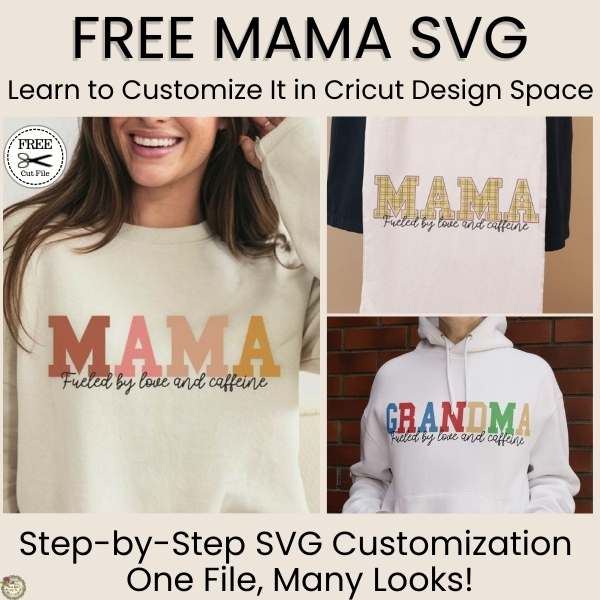
This week’s freebie is perfect for any caffeine-fueled mama! I designed this Free Mama SVG with Mother’s Day in mind, and in this Free Mama SVG Cricut tutorial, I’ll show you how to make the most of it using simple tools in Design Space. It’s a great choice for shirts, mugs, totes, and thoughtful gifts all year long.
But this post is more than just a free download—it’s a full Cricut Design Space walkthrough where I show you how to turn one SVG into multiple creative looks. From knockout effects and inset letters to using digital papers and customizing the text, you’ll pick up easy, beginner-friendly tips to get even more out of your SVGs.
Free Mama SVG – Perfect for Mother’s Day & Beyond
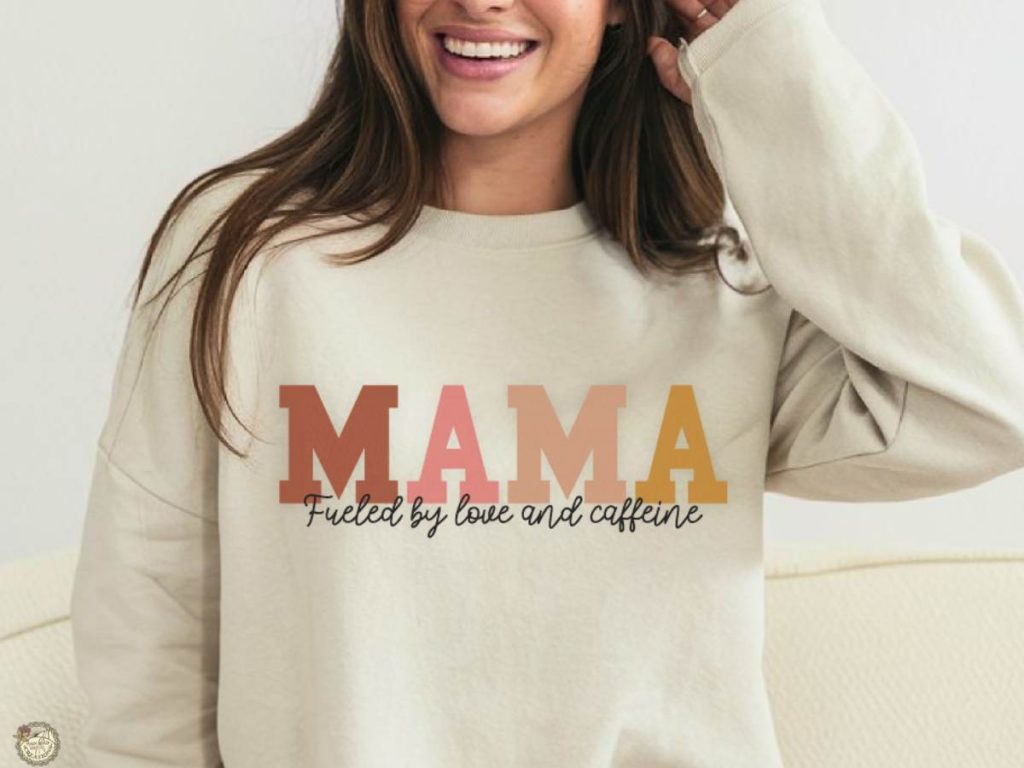
Whether you’re making a sweet gift for yourself, your mom, or someone who goes by Grandma, Gigi, or Mimi, this design is for YOU. In this week’s Cricut Design Space tutorial, you’ll learn how to:
- Create an offset for slicing to help with layering
- Use the knockout slice technique
- Create an inset
- Upload and apply digital papers to your design
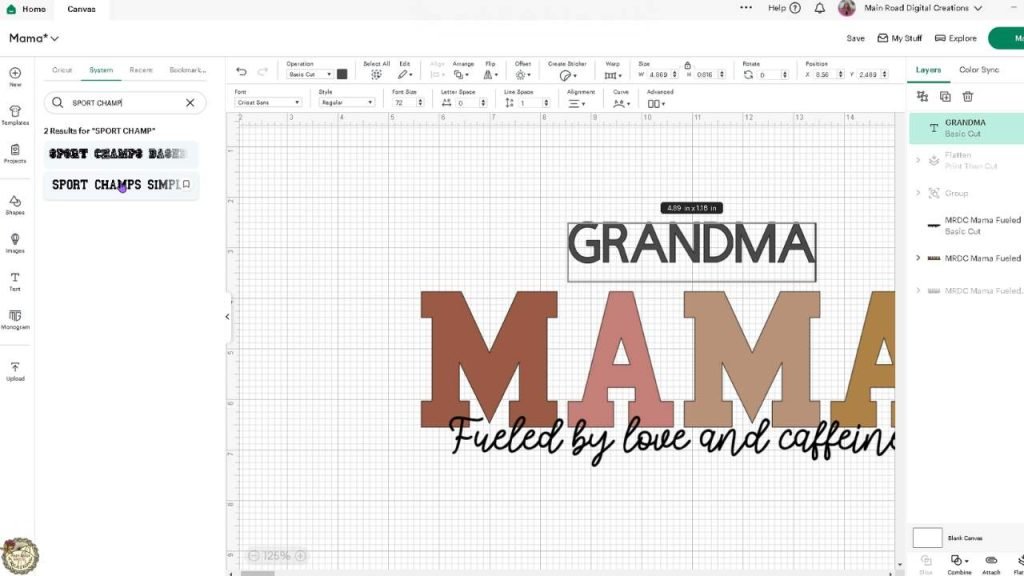
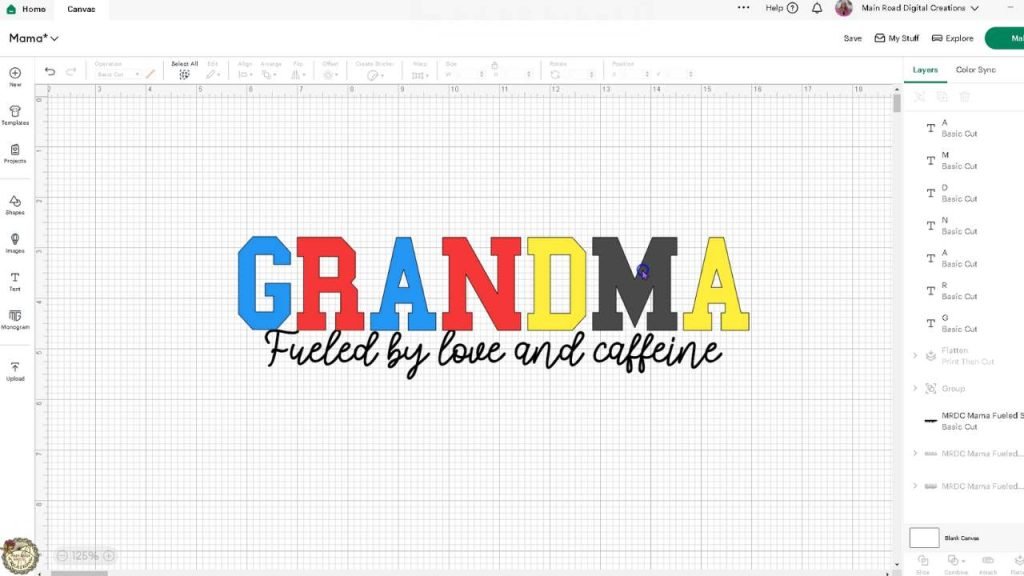
- Separate and customize the text to say Grandma (or whatever you choose!)
Free Mama SVG Cricut Tutorial Design Ideas
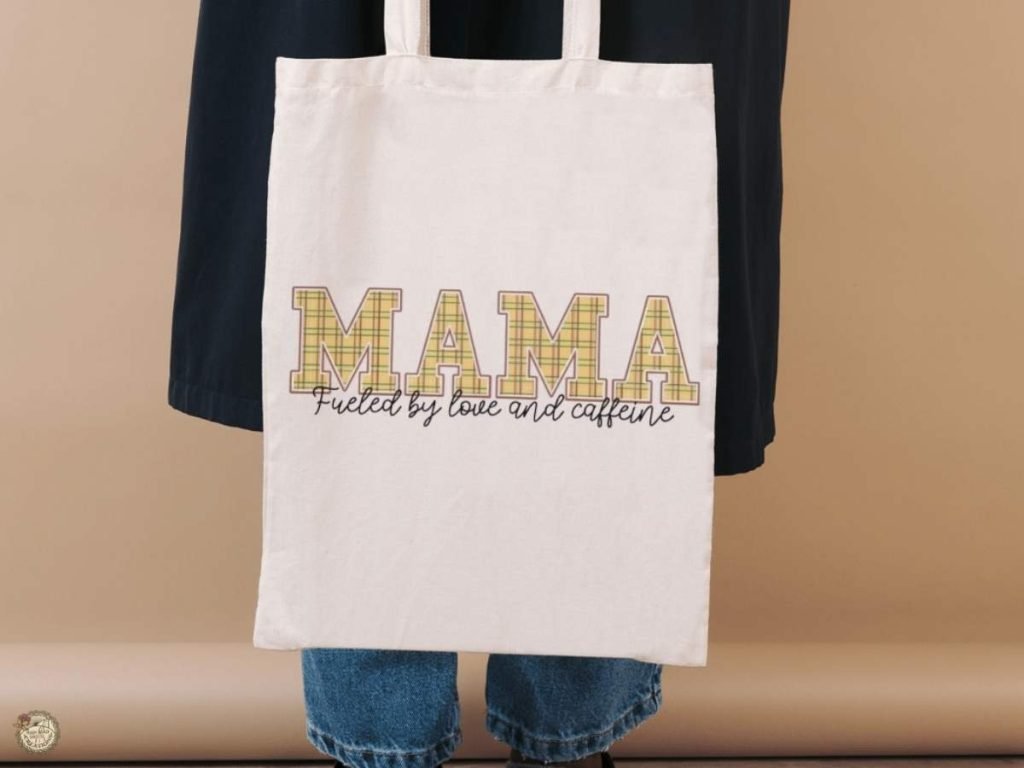
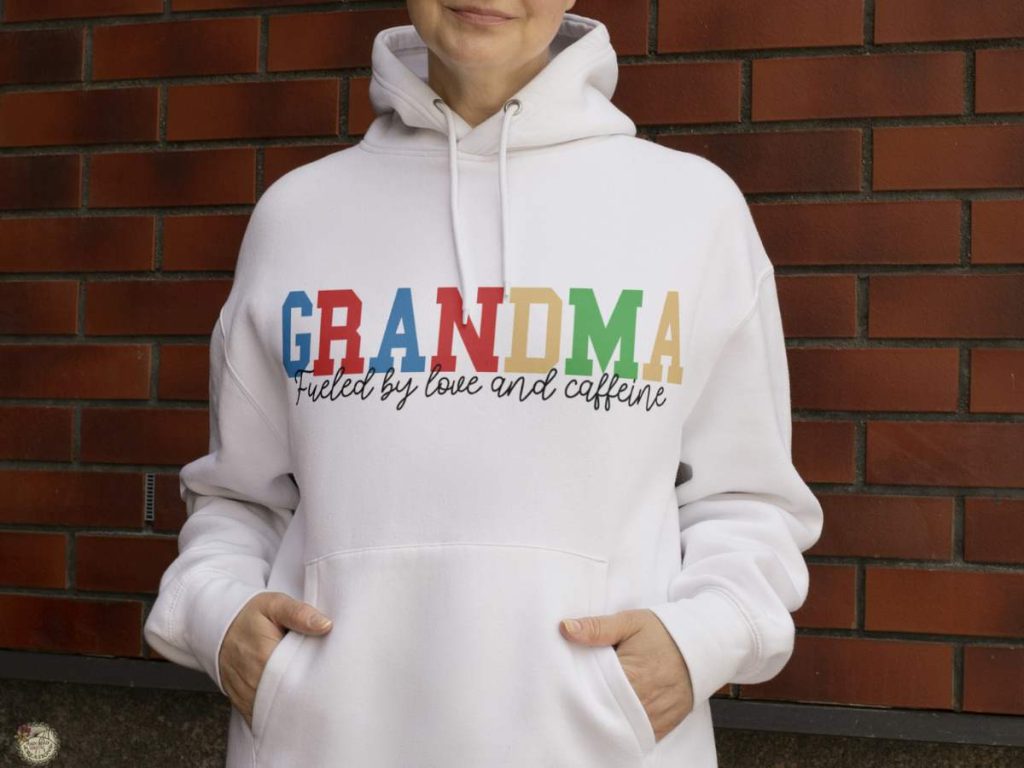
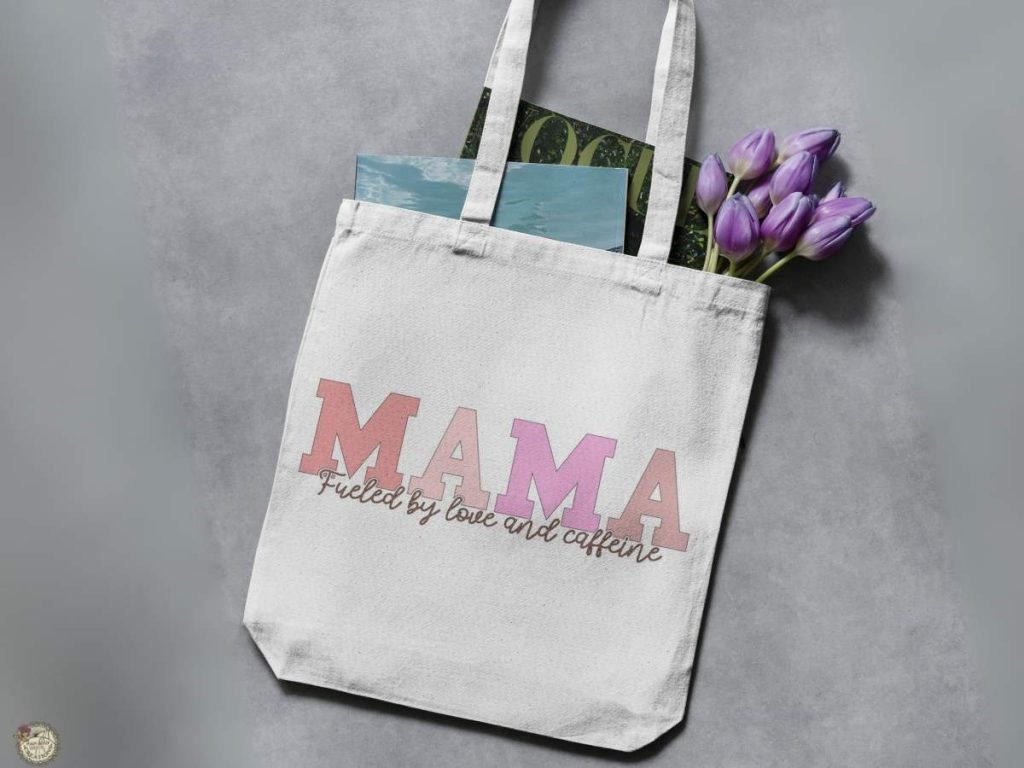
In the video tutorial, I walk you through exactly how I created these two fun variations using the Free Mama SVG in Cricut Design Space. You will learn how to use digital papers to add a colorful pattern inside the MAMA letters, perfect for tote bag designs like this one. You’ll also see how I customized the text from this week’s free Mama SVG to say GRANDMA. These are just a couple of ways you can take one SVG and turn it into several personalized looks, all done right in Design Space, no extra software needed!
Digital Papers Used in This Cricut Tutorial
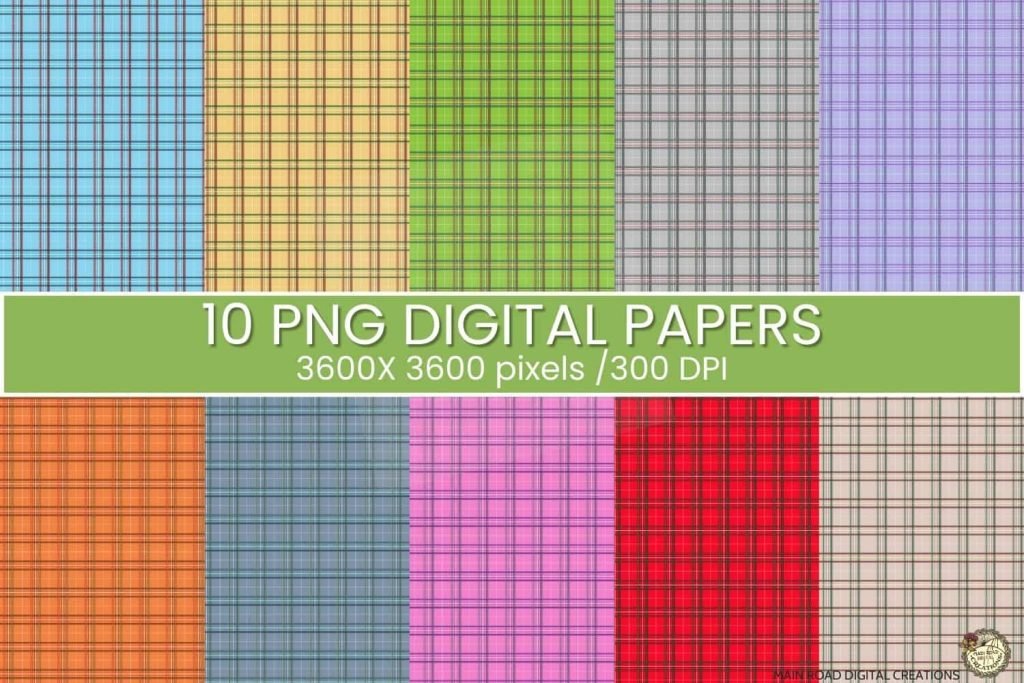
The digital papers I used in the video are available in my shop! They’re perfect for filling in text, creating patterned backgrounds, or adding a custom printed look to your Cricut projects. In the video, I show how to add them two different ways in Design Space. Either by uploading them as PNG files or by adding them as a pattern fill. These designs are an easy way to add personality and color to your SVG projects. You can also find digital papers on Creative Fabrica if you’re looking to build up your collection!
What’s that font?
MAMA is used for the main word. The second part of the design says: Fueled by love and caffeine.

What You’ll Learn in the Free Mama SVG Cricut Tutorial
Uploading the Free Mama SVG in Cricut Design Space
Start by uploading the free Mama SVG into your Cricut Design Space canvas-I’ll show you exactly how to get it ready for editing.


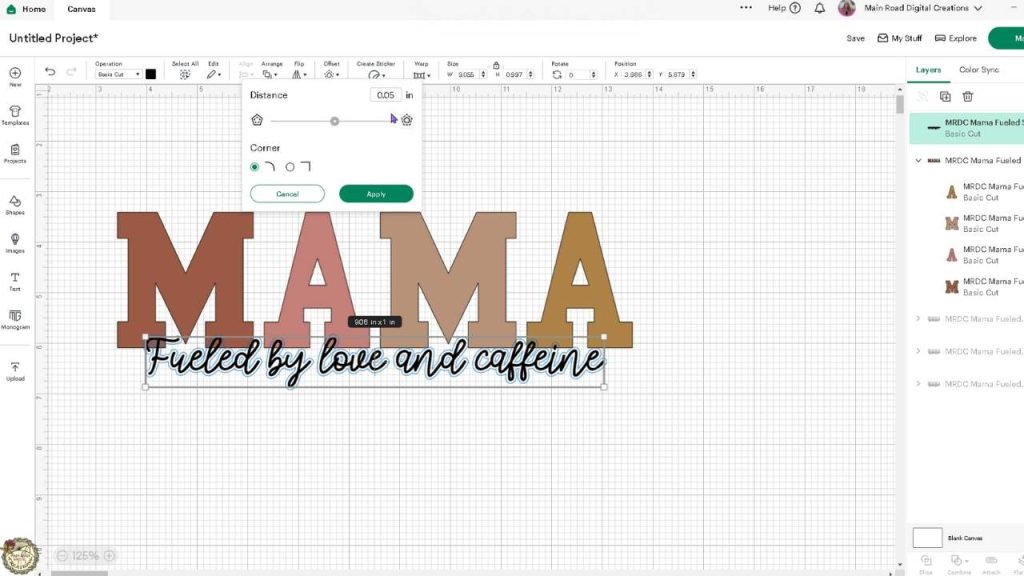
Creating the Offset and Slicing a Knockout
Learn how to use the offset feature to create a knockout design-perfect for layered vinyl projects.
Adding Digital Paper with Pattern Fill and PNG Upload

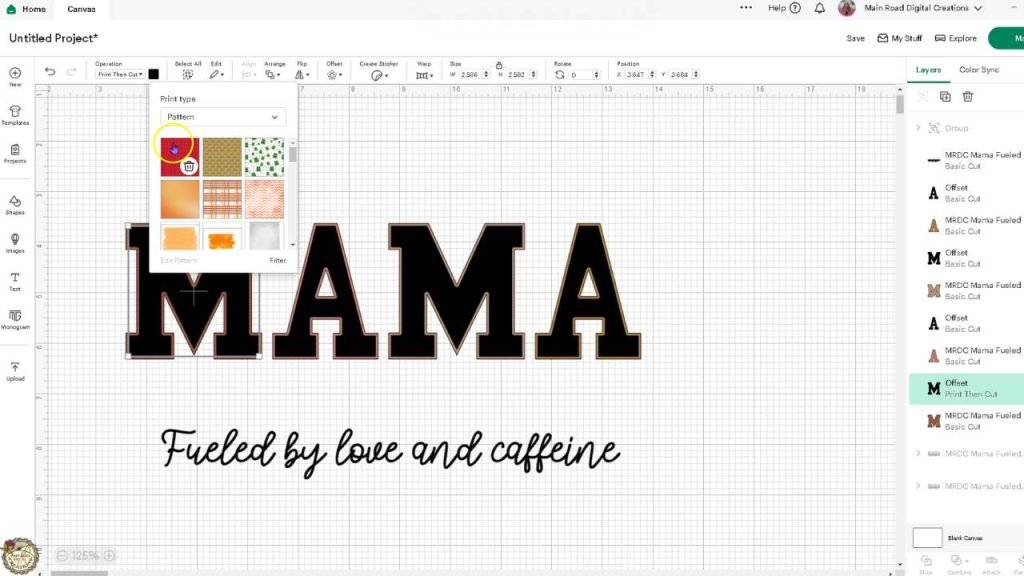
I show you two ways to use digital papers in Design Space: upload as a pattern fill or upload the PNG directly to your canvas. Both give your designs a fun look!
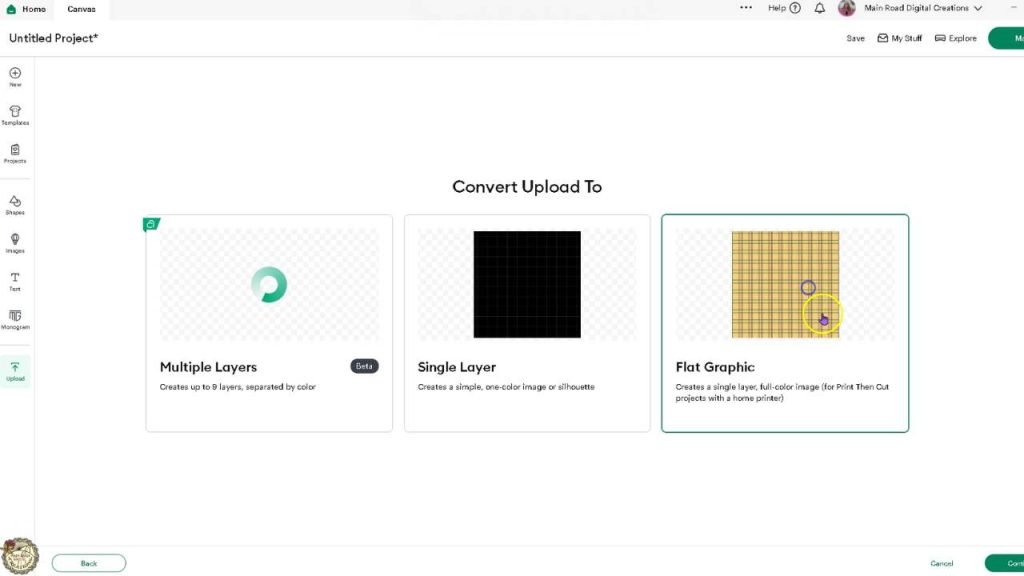
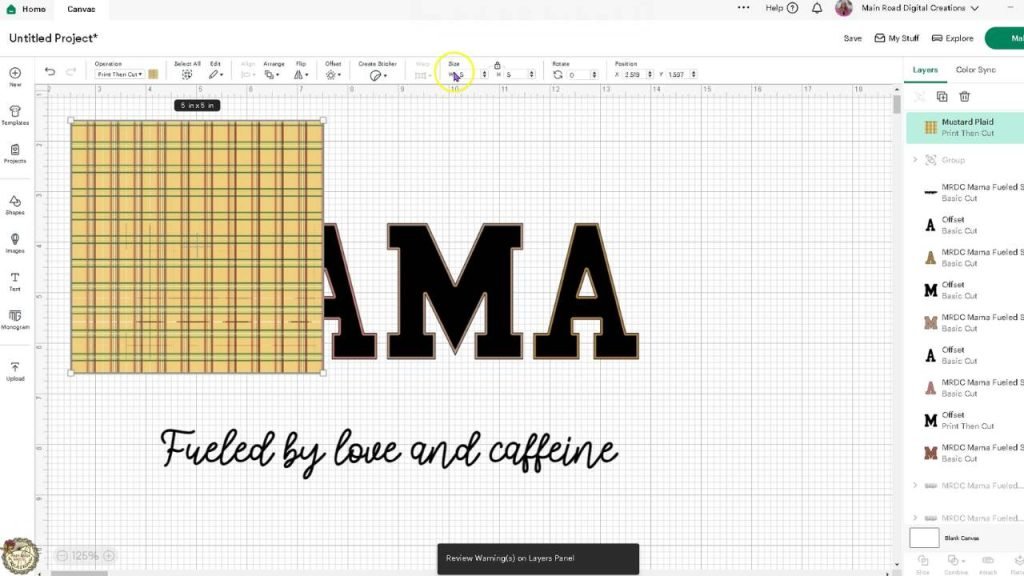
Inset Letters and Slicing Digital Papers for a Custom Look
See how to create an inset for your letters and slice digital papers to fill your design with custom color and pattern!
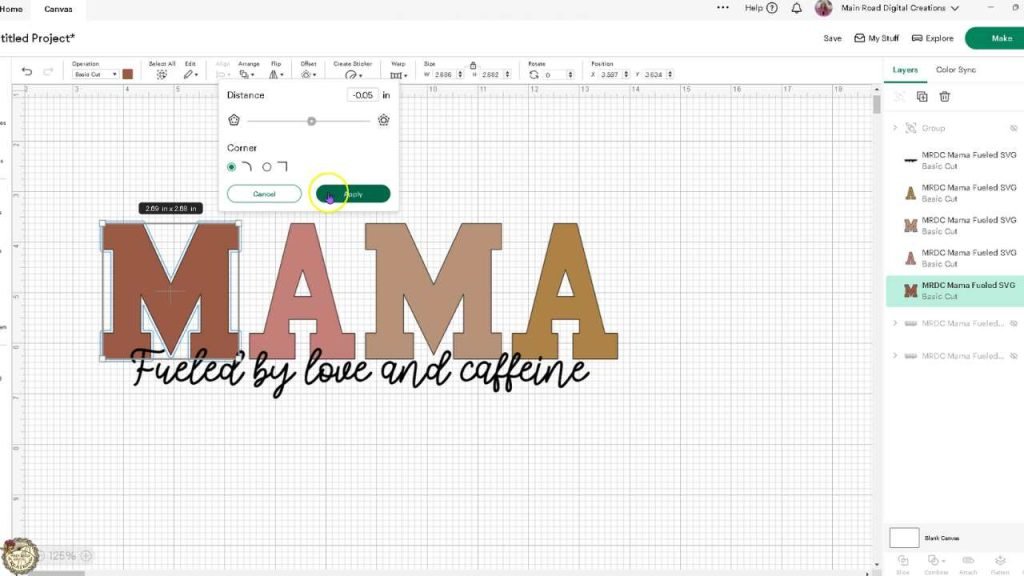
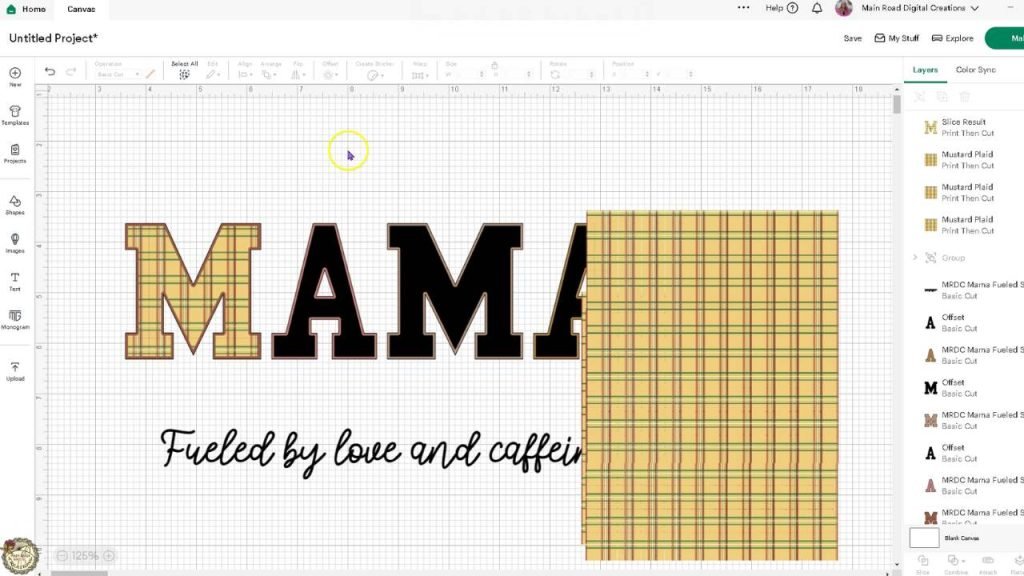
Customizing the Text to Say GRANDMA (or any name)
See how easy it is to swap out “Mama” for Grandma, Gigi, or any name you want while keeping the original design layout.
Watch the Full Cricut Design Space Tutorial
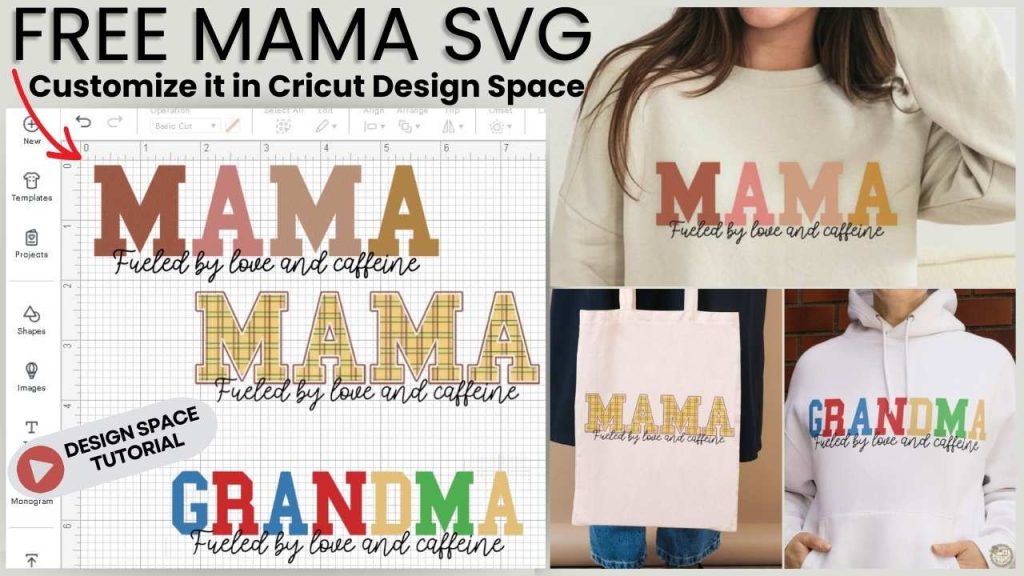
Want to see exactly how I customized this Free Mama SVG in Design Space? In the video, I walk you through the full process-from uploading the file to creating unique variations using just a few simple tools. If you’ve been wanting to do more with your SVGs inside Cricut Design Space, this step-by-step tutorial is a great place to start. Watch how I use this one design to create multiple looks that are perfect for shirts, totes, cards, and more.
Click below to watch the full tutorial and follow along!

Are you on Facebook?
Join our group!
We’d love to have you!
All of the Free Files on my website are for Personal and Commercial use. Check out my Terms of Use (TOU) here.

I’d love it if you could take a moment to pin the Free SVG image above to Pinterest. By sharing, you’re helping my business grow, which allows me to keep bringing you the free SVG files you adore. Thanks a bunch for your support. It means the world to me!
Here’s where you can find your Free SVG download!
Design #248- Mama Fueled SVG file is available in my freebie library. To get the Password, click the button below and Join our Freebie Club!
If you enjoyed this week’s Free SVG, here’s another you will love!

Check out my shop for fun and creative designs you can use in your projects!
Join the Creative Fabrica Membership

Fonts, designs, and so much crafty goodness! Over 16 million digital files are waiting! In partnership with Main Road Digital Creations, your first 10 downloads are totally free. After that? It’s just $47 a year (yep, that’s $3.99/month) with full commercial and POD use included. Sign up for Free!