
Free School Photo Frame SVG Bundle for Back to School
School Photo Frames SVG & Cricut Tutorial
This post may contain affiliate links. As an Amazon Associate, I earn from qualifying purchases. Please see my privacy policy for full details.

Back-to-school season always gets me a little nostalgic and a little crafty! As someone who ran an in-home daycare and snapped more photos than I can count, I’ve always loved capturing those little milestones and turning them into keepsakes. This Free School Photo Frame SVG Bundle for Back to School will be perfect to help you do just that. Whether you’re a Cricut crafter or you use a Silhouette or other cutting machine, you will love making these photo frames! This project is perfect for capturing each year of school and personalizing it to have a keepsake for years to come!
Personalize Each School Year with This School Photo Frame SVG Bundle

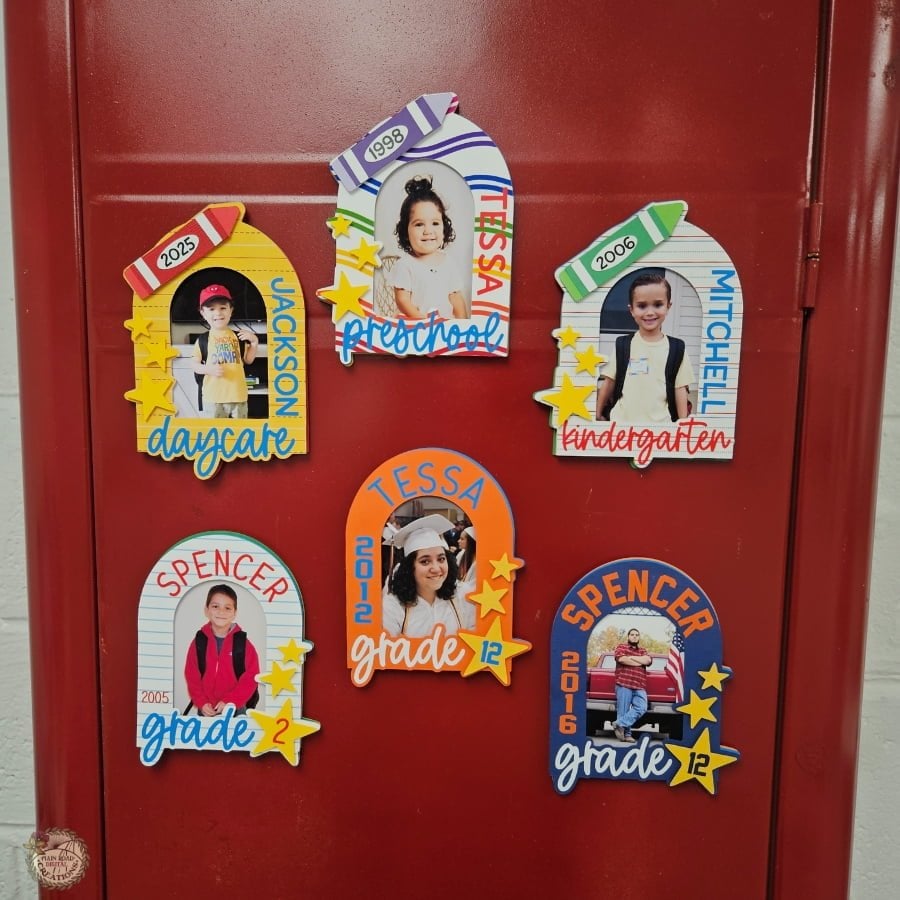
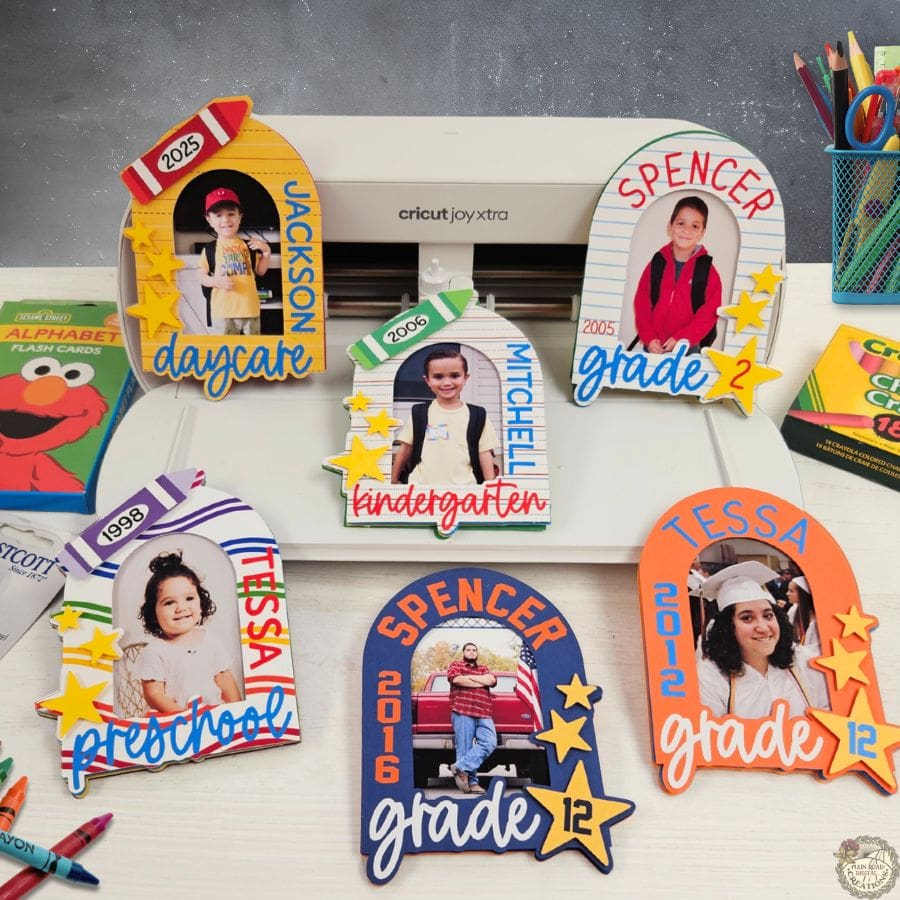
This free School Photo Frame SVG Bundle includes four different frame designs: Daycare, Preschool, Kindergarten, and Grade, so you can use them year after year. They’re perfect for crafting personalized photo gifts, fridge magnets, or even graduation party displays. You can use cardstock, heat transfer vinyl (HTV), and even print your own digital papers to mix and match your styles. I’ve used everything from school-themed prints to solid color scraps I had on hand.
What’s that font?
▪This is the font I used for the words daycare, preschool, kindergarten, and grade.
▪I used this font for the names Jackson (daycare), Mitchell (kindergarten), Tessa (preschool), and the years on the crayons.
▪This font is used for Spencer (grade 2) and Tessa (grade 12).
▪I used this font for Spencer (grade 12) and the years on the grade 12 frames.

Supplies You Will Need to Make School Photo Frames
These are the supplies I used for my tutorial, but feel free to get creative with what you already have in your stash. Gather them up and let’s get to crafting!
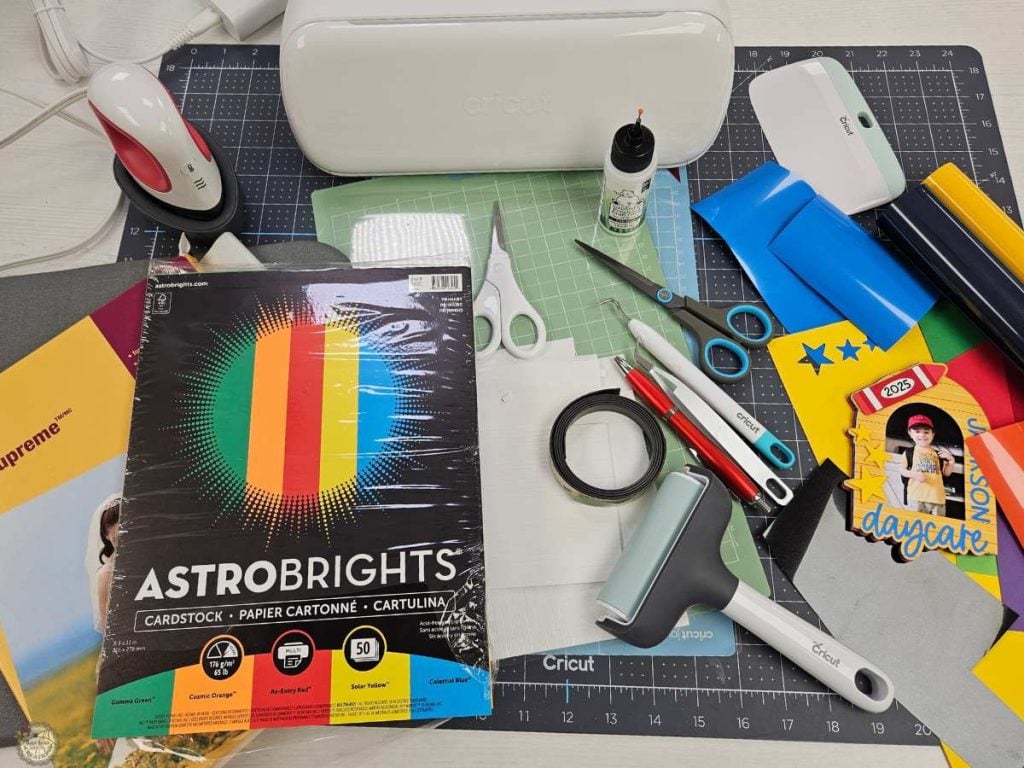
- Glue
- Pick Up Tool
- Foam Tape
- Foam Squares
- Magnetic Tape
- Digital Papers
- Used in Tutorial: Preschool, Daycare & Kindergarten, Grade 2
- Creative Fabrica Membership Details (get your first 10 downloads free– All Access Free Trial)
Step-by-Step Photo Frame Tutorial
Here’s a step-by-step guide on how to make your School Photo Frames. Check out the complete video tutorial below to see these steps in action!
There are four designs included in your free school frames bundle. I will be working on the “grade” frame in the tutorial.
Step 1: Upload the Free School Frames SVG Bundle to Cricut Design Space
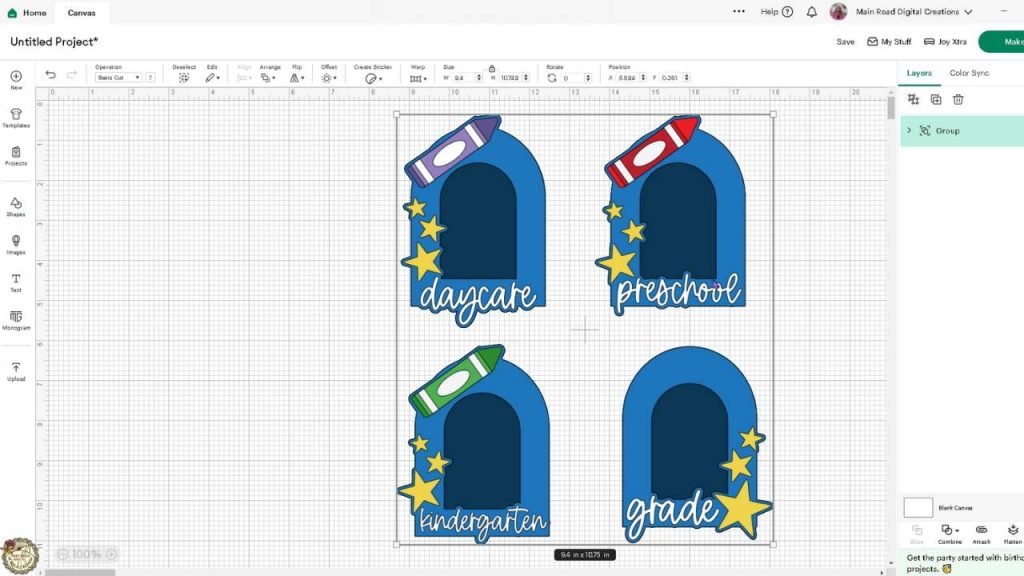
Open Cricut Design Space and upload the School Photo Frame SVG Bundle. Choose the “grade” frame for this project. Upload the photo you’d like to use. Select and upload the digital paper if you are choosing to use one for your project. Insert both into your canvas.

Step 2: Resize Your Photo and Digital Paper, Then Slice
Use the shape tool to create a rectangle around 2.43 x 3.54 inches, then turn it into a guide. Center this over your photo to slice it to the perfect size so it fits snugly behind your frame. If you are using a digital paper, take the top copy of the frame and turn it into a guide. Position the guide on the digital paper and slice.
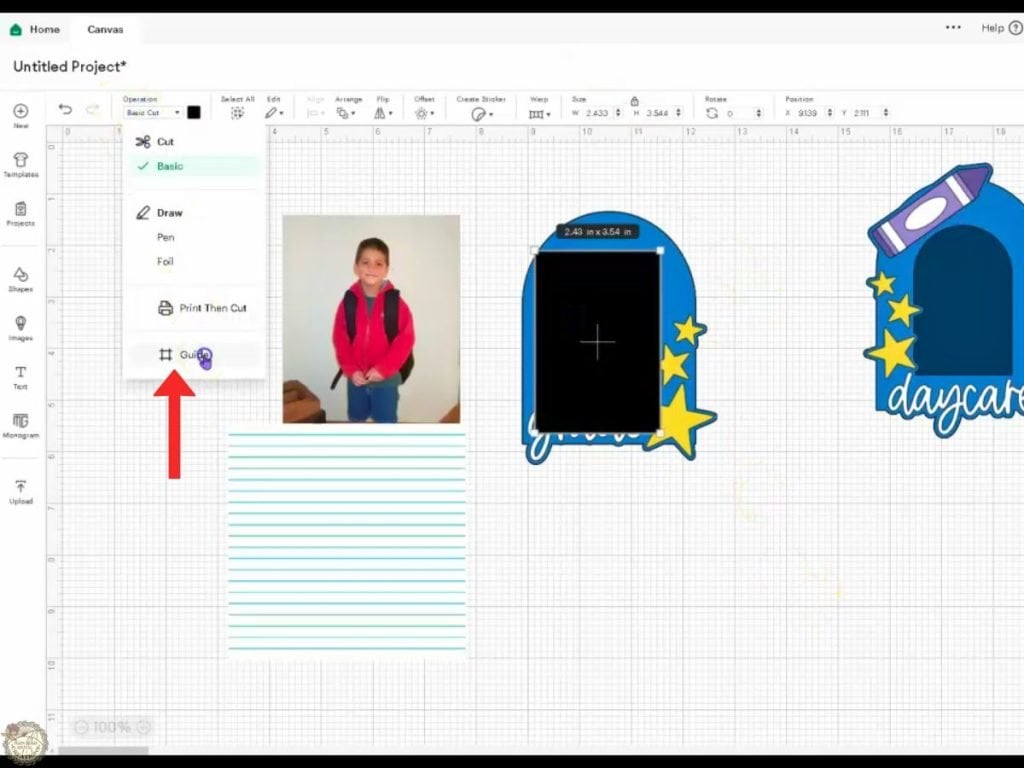
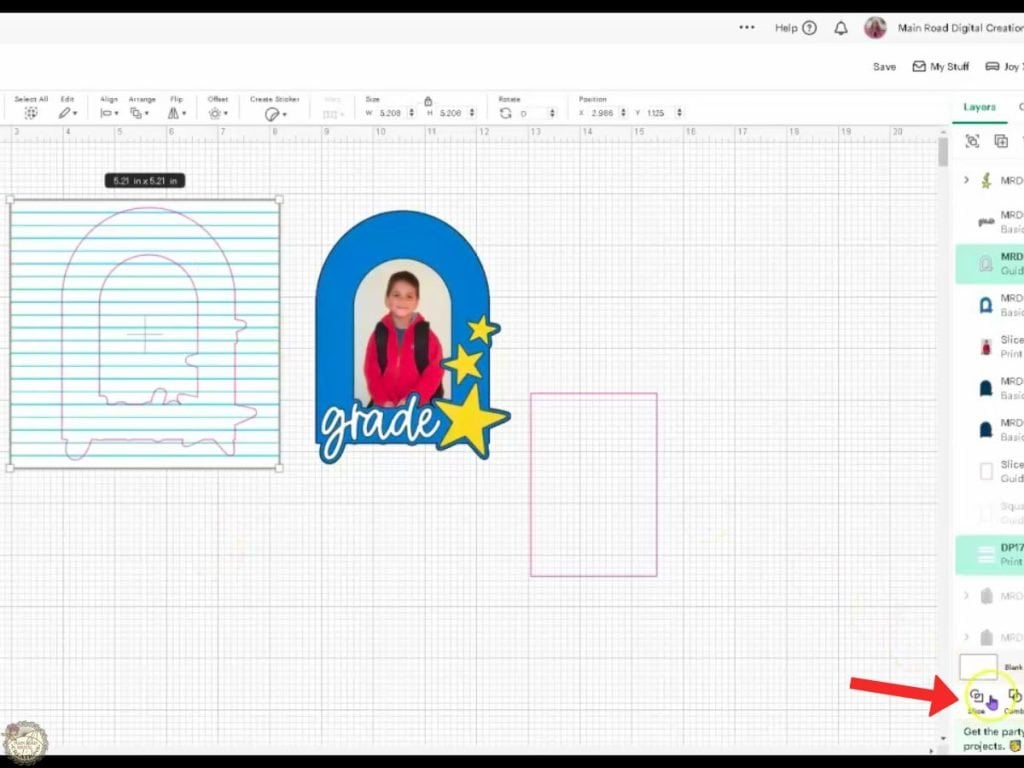
Step 3: Customize The Colors and Curve Your Text
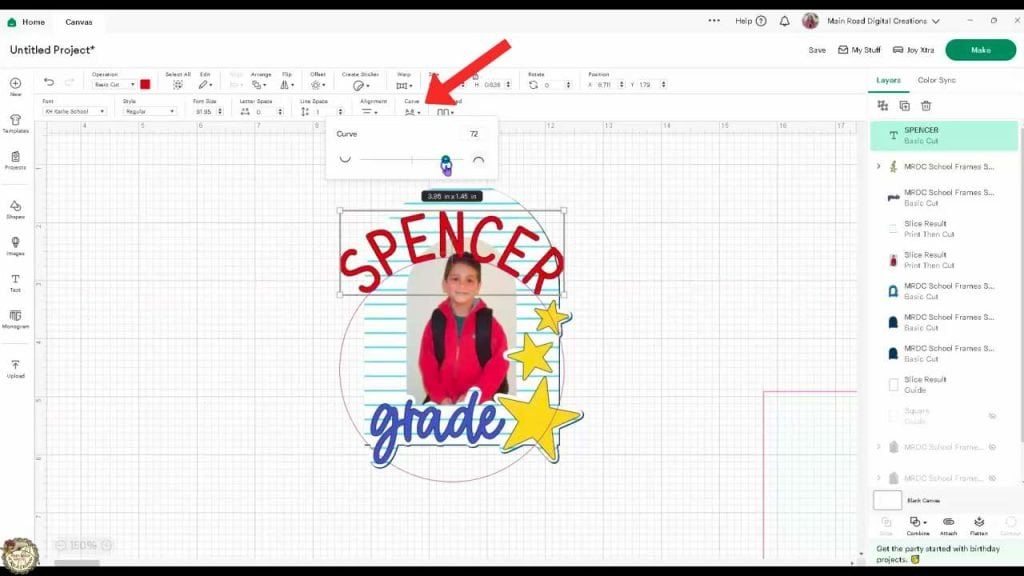
Select the frame and ungroup it. Choose your colors, and type the name using the font of your choice. Curve the name above the frame, and add a number and year for your grade. Make sure your HTV colors are unique so they don’t land on the same cutting mat.
Step 4: Prepare Your Mats: Arrange Images, Print The Select All Cut Settings
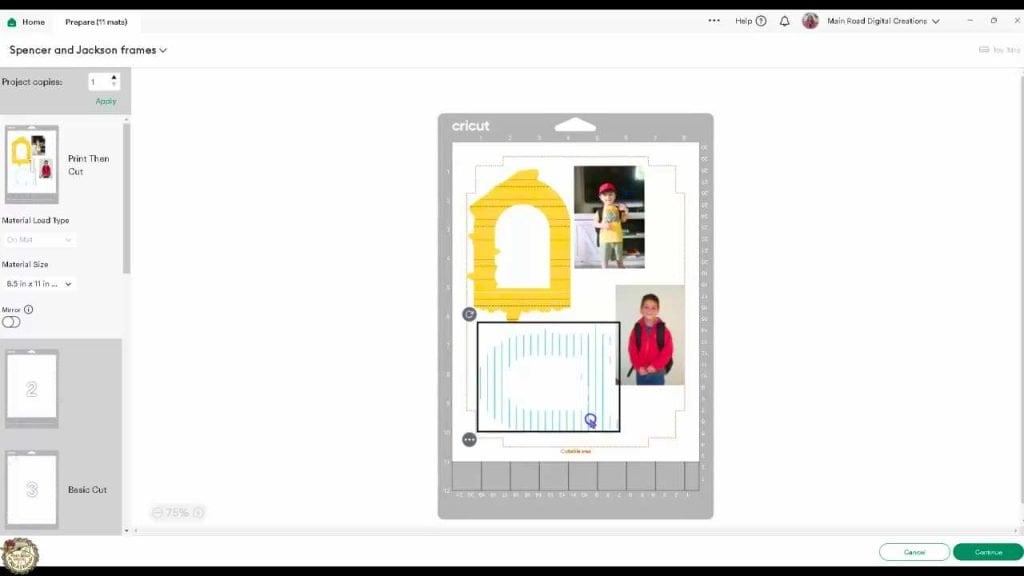
Move your images to save space on the Print Then Cut screen, ensuring they don’t overlap. I printed my photos and digital paper on photo paper, but you can use cardstock if you choose.
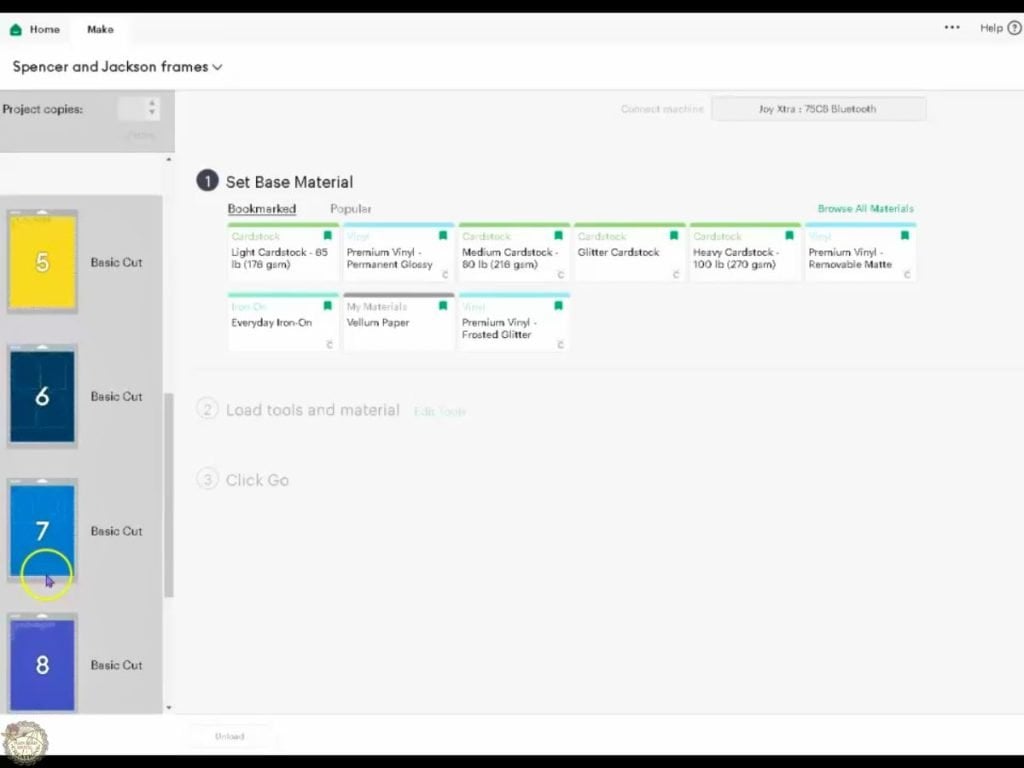
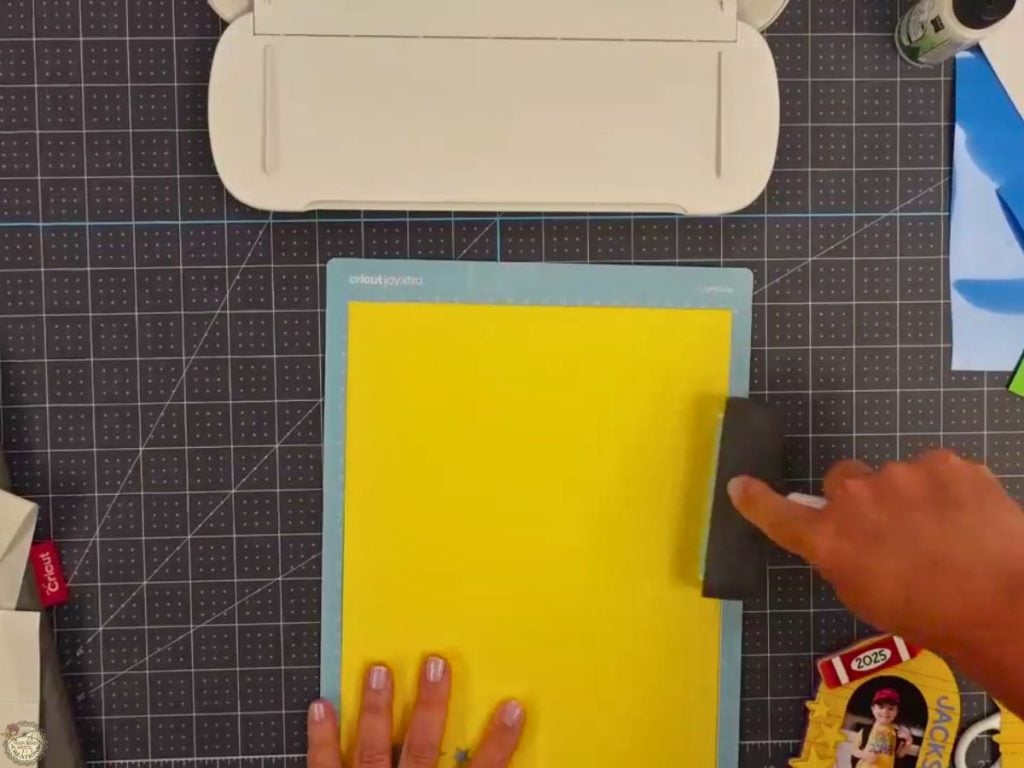
Use a brayer to help your products adhere to your cutting mats, which will result in better cuts. Cut all items with your cutting machine.
How to Assemble Your Free School Photo Frame SVG Bundle for Back to School
Step 5: Weed and Press the HTV to Your Cardstock
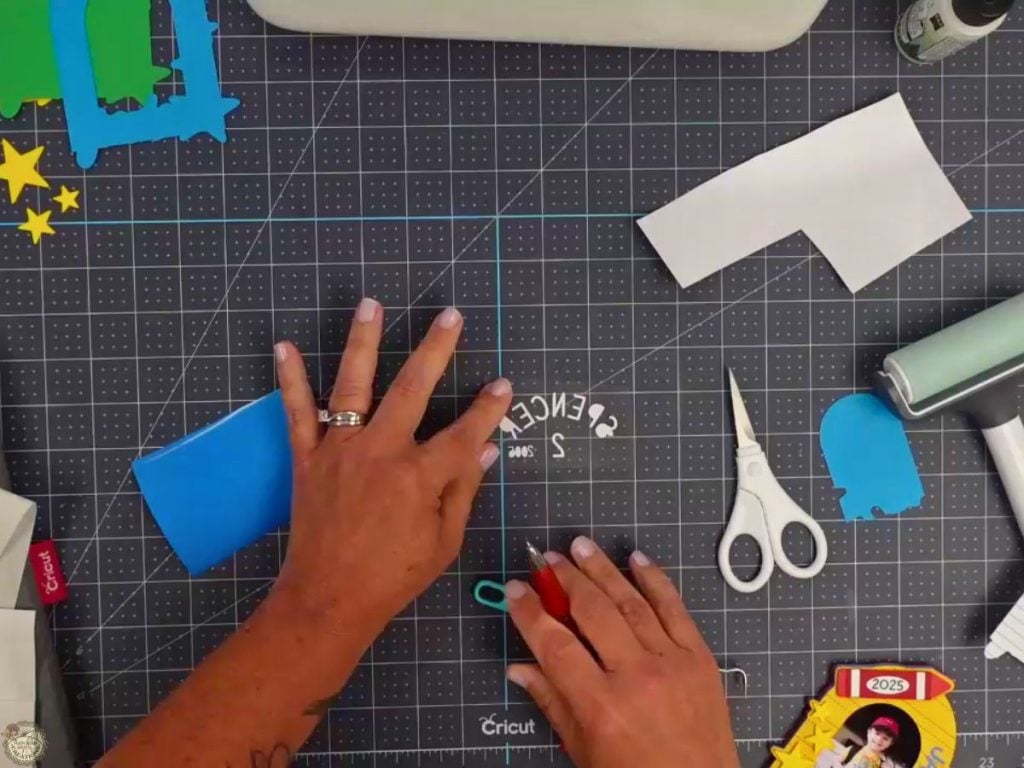
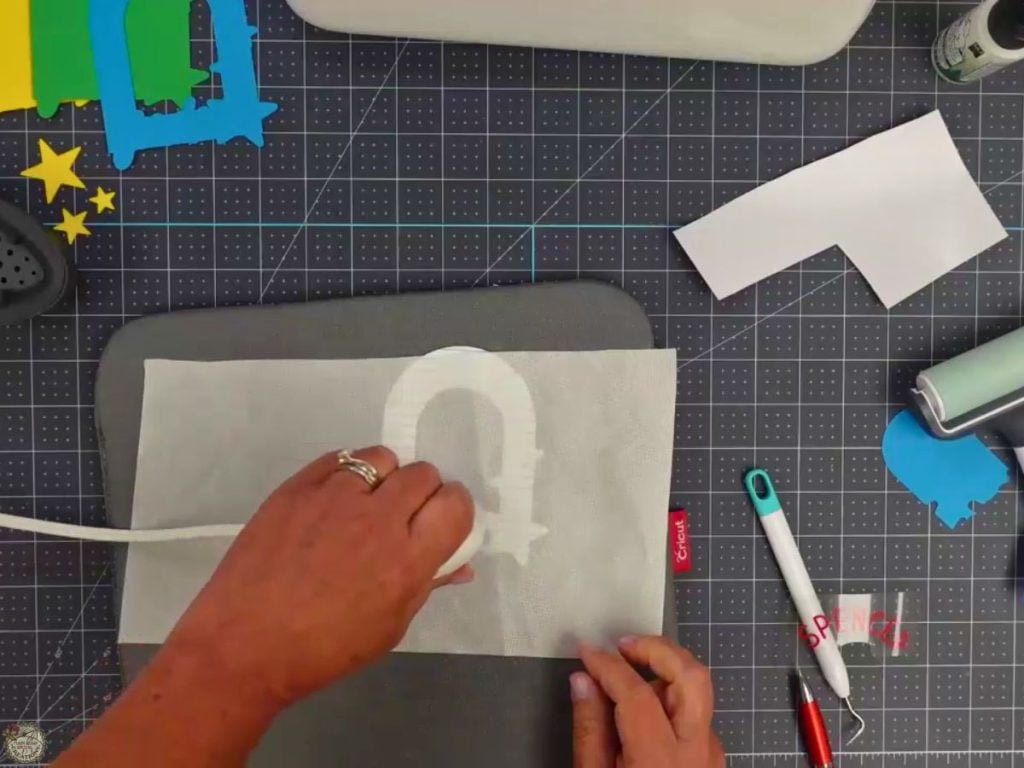
Turn on your EasyPress Mini. Weed your heat transfer vinyl (HTV) and use the Cricut EasyPress Mini to adhere it to your cardstock.
Step 6: Assemble the Frame
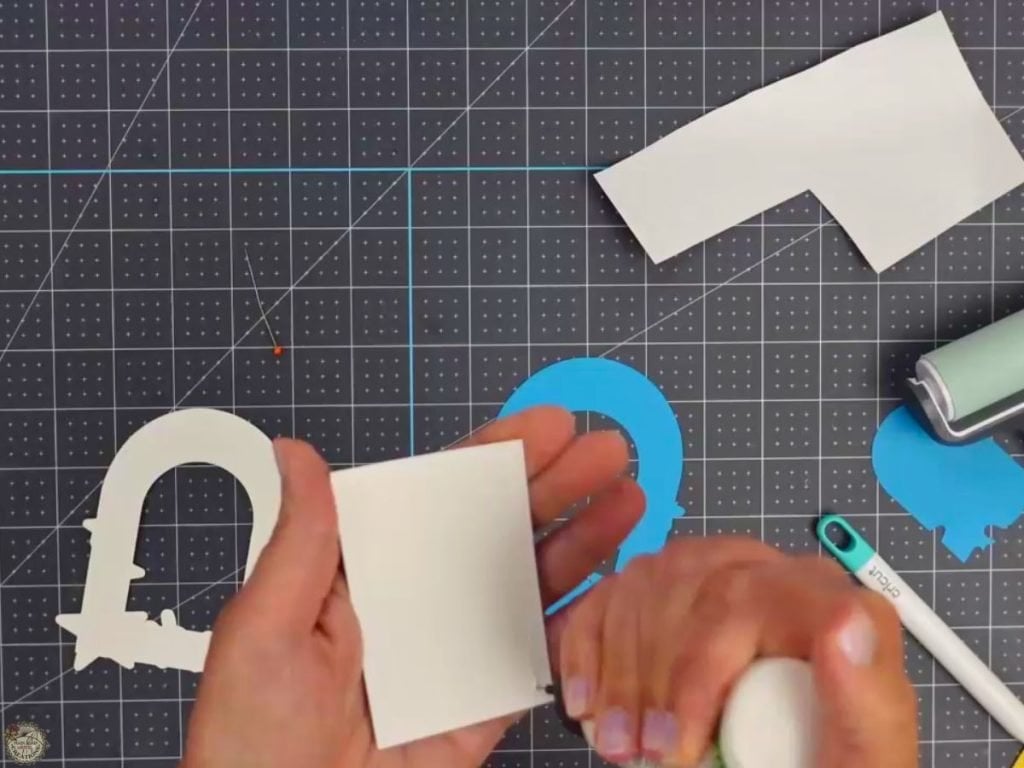
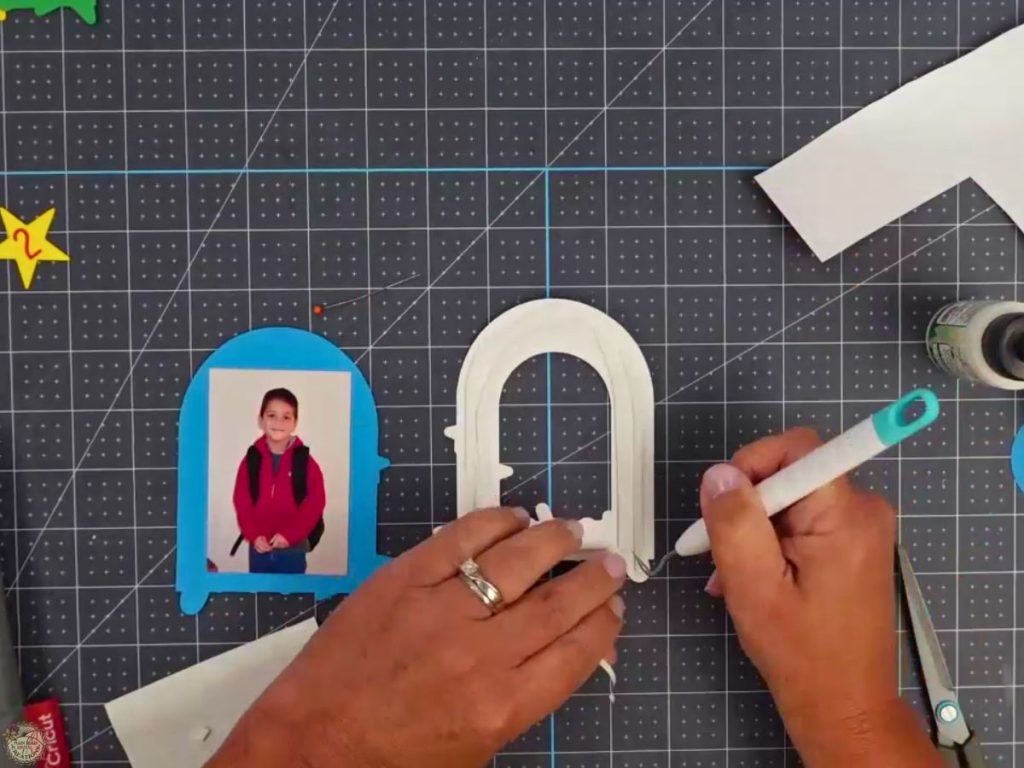
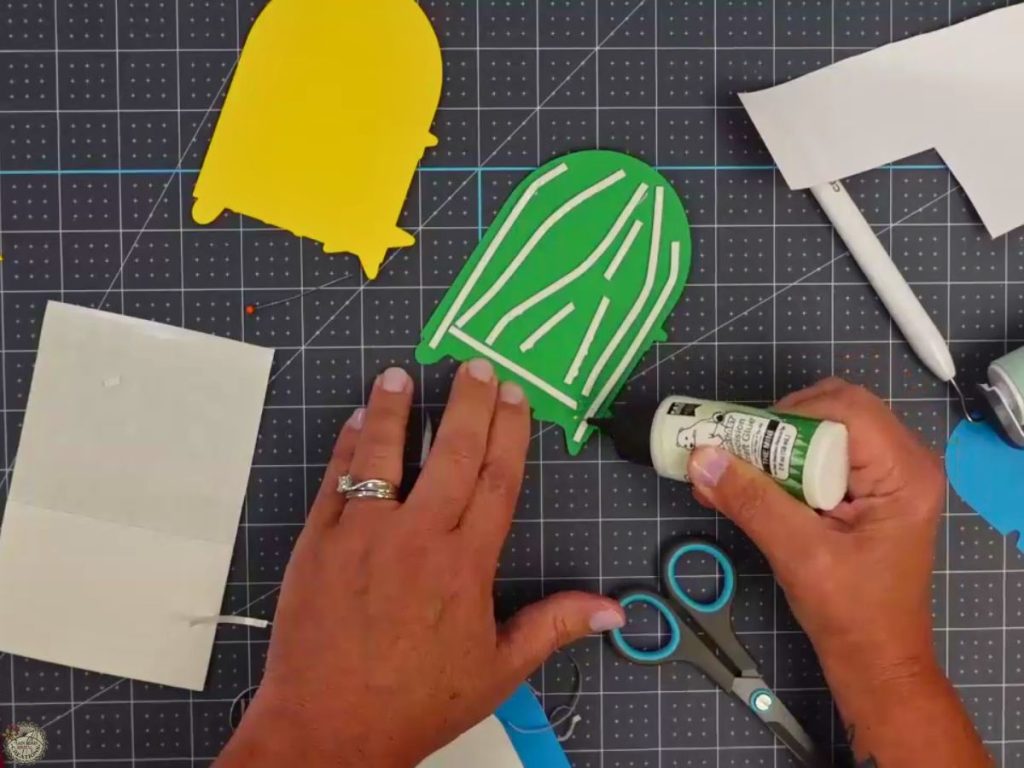
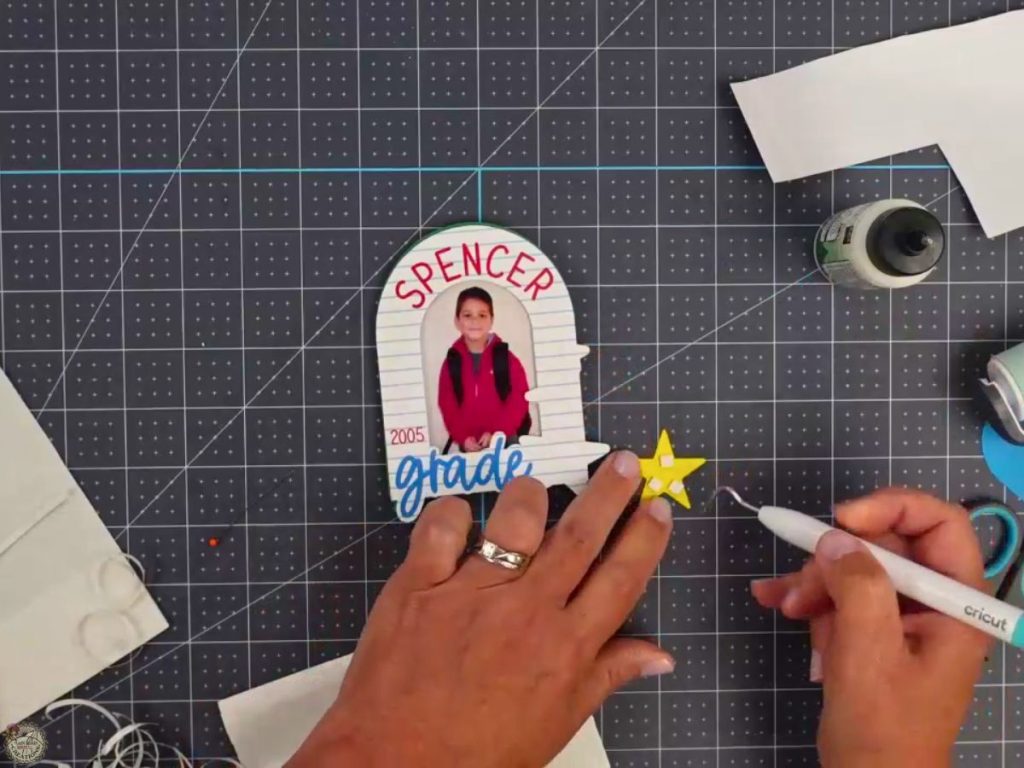
Use glue and foam tape to layer your pieces together; this gives the frame extra dimension. Glue the sliced photo layer to the second frame piece, add the top frame piece and stars using foam tape or squares.
Step 7: Finish with a Magnet
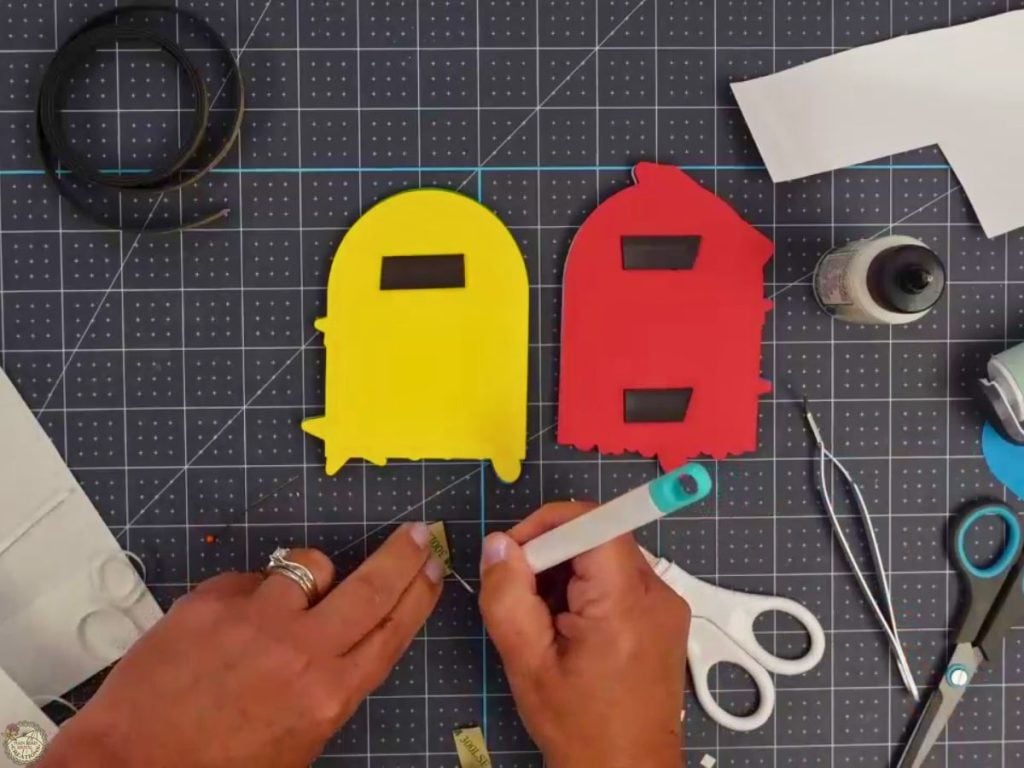
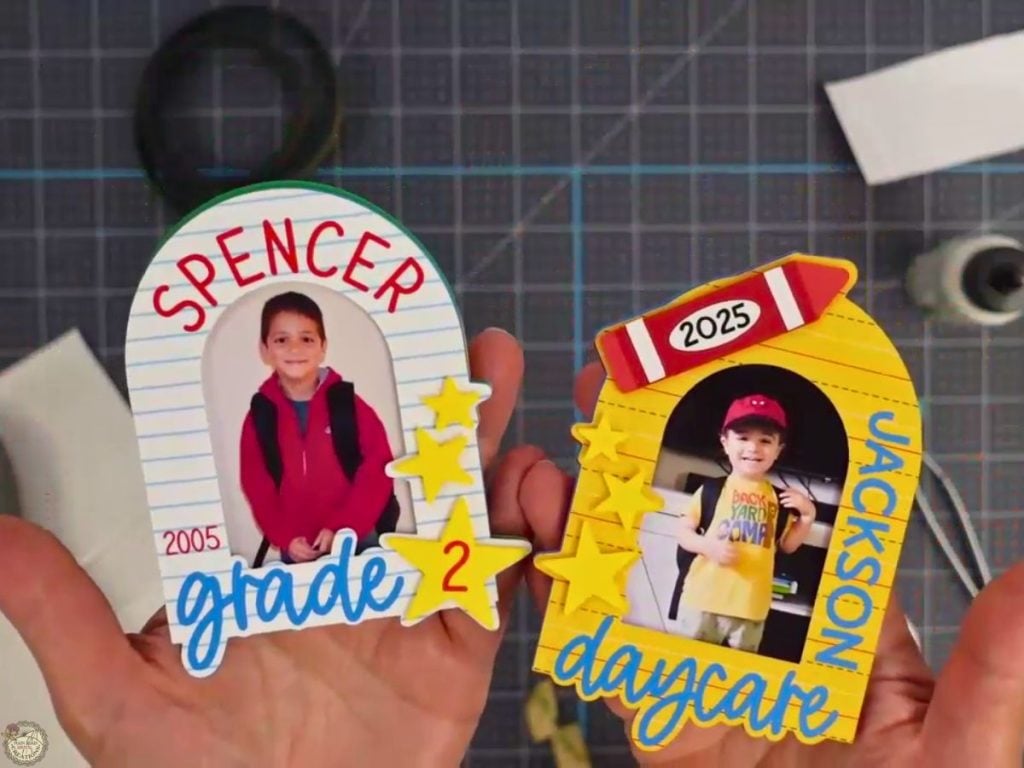
Stick a strip of magnetic tape to the back of the frame so you can proudly display it on your fridge, locker, or metal cabinet. That’s it!
My Finished School Photo Frames
It was surprisingly tricky to capture a good photo of all the finished frames; my red craft cabinet doesn’t make the easiest backdrop. But I had to show them off! I love how they turned out. These colorful back-to-school photo frames are such a fun way to document special milestones. Whether it’s daycare, preschool, kindergarten, or graduation, this project makes such a sweet keepsake you’ll treasure for years to come.
Video Tutorial: How to Make School Photo Frames
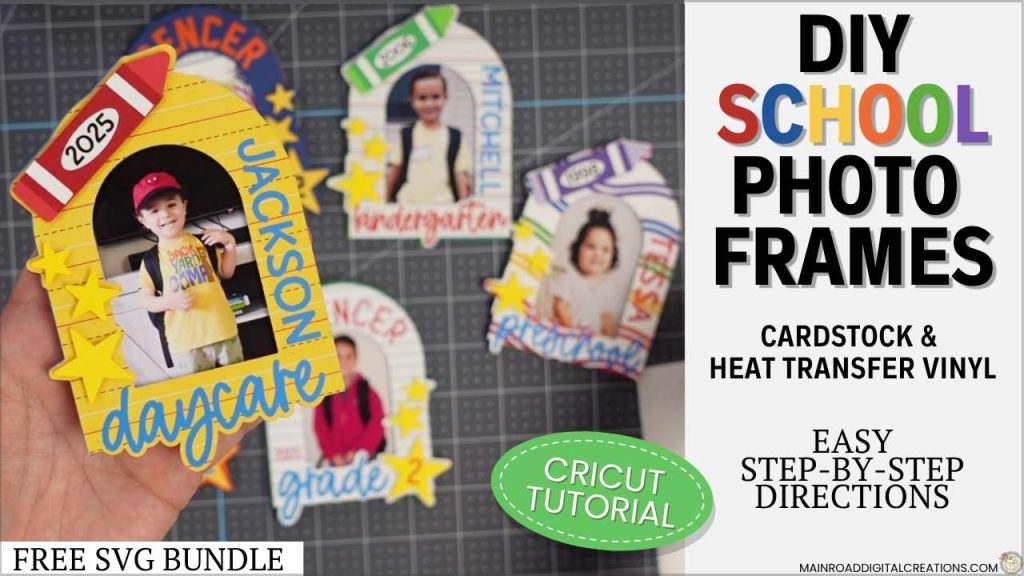
Check out the full step-by-step video tutorial. I walk you through everything, from uploading your photo and slicing it in Design Space, to layering your cardstock and pressing HTV onto paper. It’s a fun, easy project with tons of ways to customize!
Free Back-to-School SVG Files from My Creative Friends
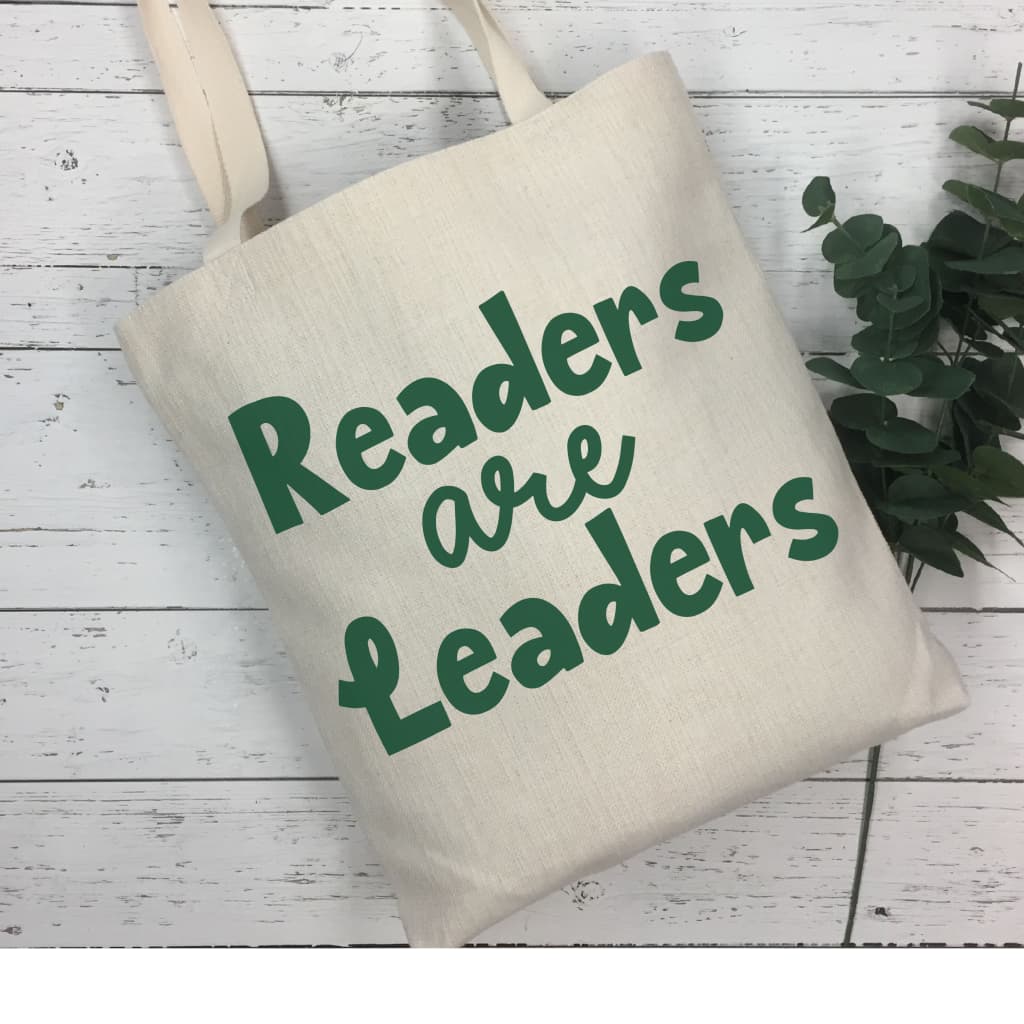
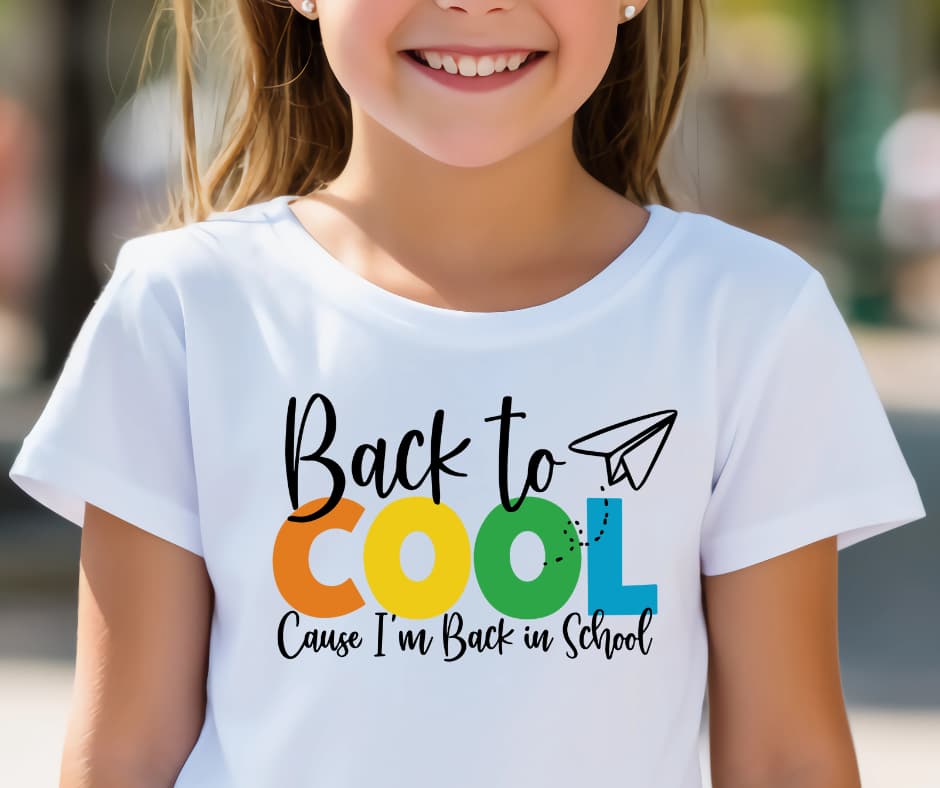
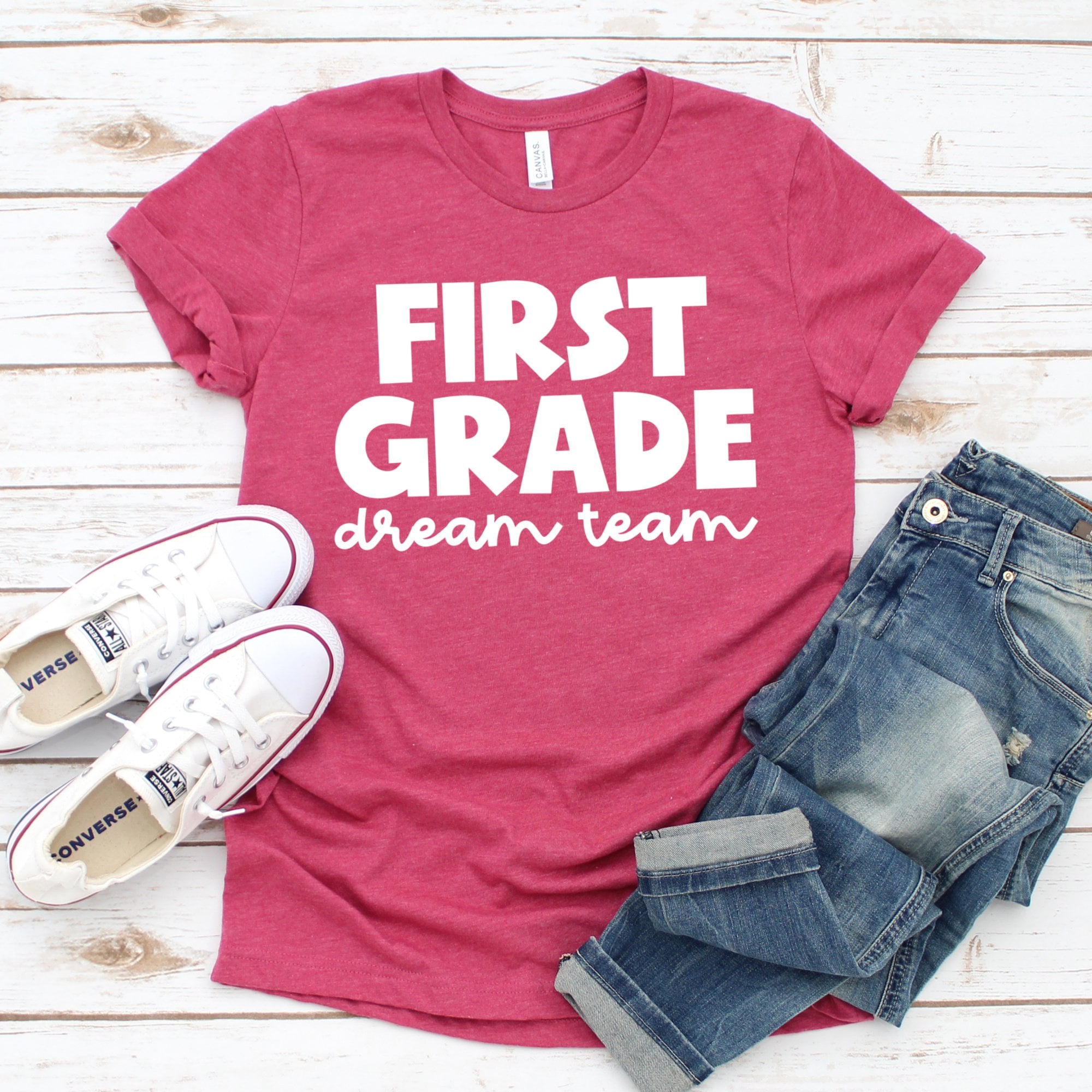
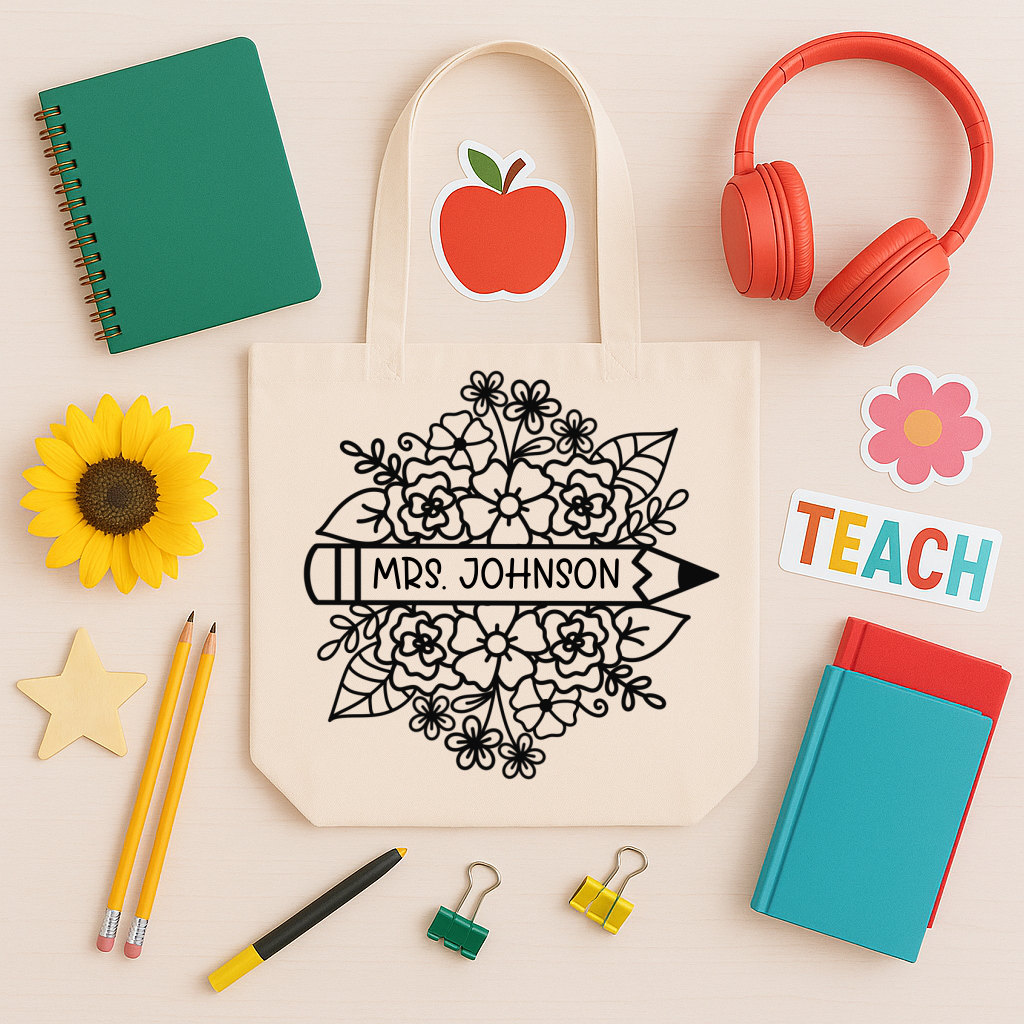
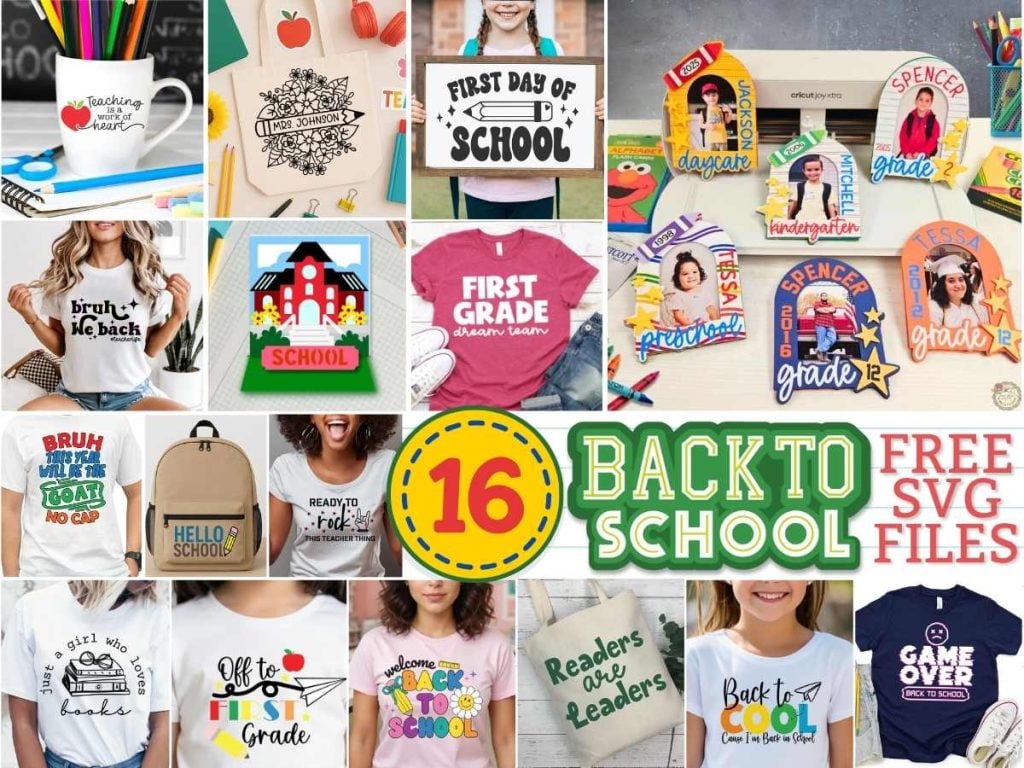
Ready for even more crafty inspiration? I’ve teamed up with some of my crafty friends to bring you even more free Back-to-School SVG files. From classroom decor to student gifts and school-themed crafts, these designs are perfect for your Cricut or Silhouette projects. Click on any of the images in the gallery below to visit each creator’s blog and grab your free download!







Share your Creations
I can’t wait to see how you use this design in your projects! Be sure to share your creations in our Facebook group.

Are you on Facebook?
Join our group!
We’d love to have you!
All of the Free Files on my website are for Personal and Commercial use. Check out my Terms of Use (TOU) here.

I’d love it if you could take a moment to pin the Free SVG image above to Pinterest. By sharing, you’re helping my business grow, which allows me to keep bringing you the free SVG files you adore. Thanks a bunch for your support. It means the world to me!
Here’s where you can find your Free School Photo Frames SVG Bundle download!
Design #254- School Photo Frames SVG Bundle is available in my freebie library. To get the Password, click the button below and Join our Freebie Club!
If you enjoyed these school-themed free SVG files, here are two more you will love!


16 Free Back-to-School SVG Files for Cricut
These 16 free Back to School SVG files for Cricut are perfect for celebrating the new school year with fun and creative projects. From teacher gifts and student keepsakes to classroom decor and custom school shirts, you’ll find designs to fit every back-to-school need. Each design is created by a talented SVG designer and is available to download directly from their blog. Scroll up to the gallery, click the images, and grab your favorites to start crafting today.
Check out my shop for fun and creative designs!

Join the Creative Fabrica Membership

Fonts, designs, and so much crafty goodness! Over 16 million digital files are waiting! In partnership with Main Road Digital Creations, your first 10 downloads are totally free. After that? It’s just $47 a year (yep, that’s $3.99/month) with full commercial and POD use included. Sign up for Free!