
Free Halloween Pumpkin Card SVG | Cricut Wobble Card Tutorial
Hey There, Pumpkin Wobble Card with Free SVG
This post may contain affiliate links. As an Amazon Associate, I earn from qualifying purchases. Please see my privacy policy for full details.

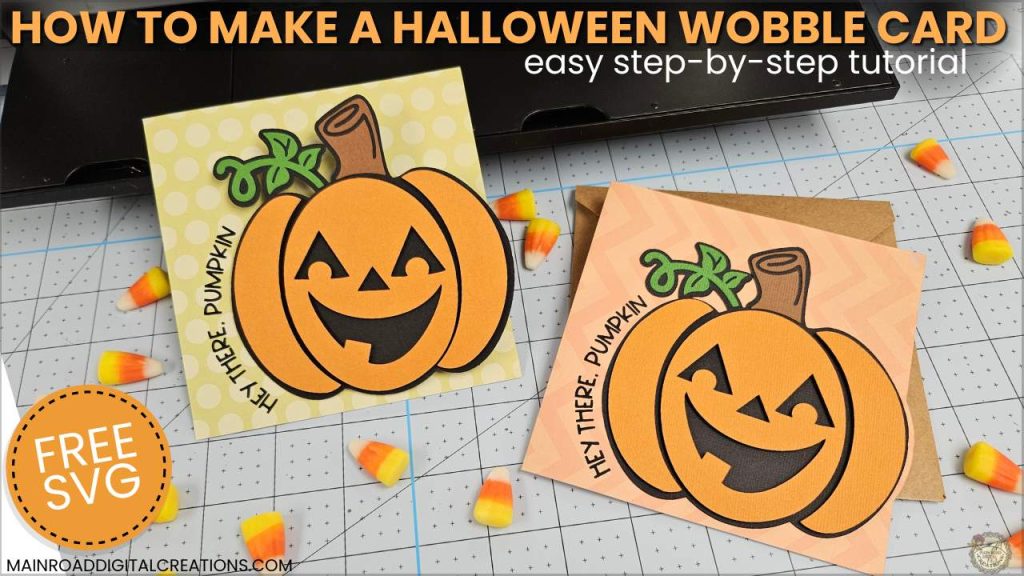
I’ve got a new freebie and it’s full of Halloween charm (and a little wiggle)! This Free Halloween Pumpkin Card SVG includes an envelope and is perfect for Cricut crafters who love making cards for spooky season. The pumpkin design is bold and cute, and the best part? It wobbles! I’ll show you how to make a wobble spring using wire and cardstock in the tutorial. This card is perfect for Halloween parties, teacher gifts, happy mail, or just sending someone a little fall fun.
Free Halloween Pumpkin Card SVG for Cricut Projects
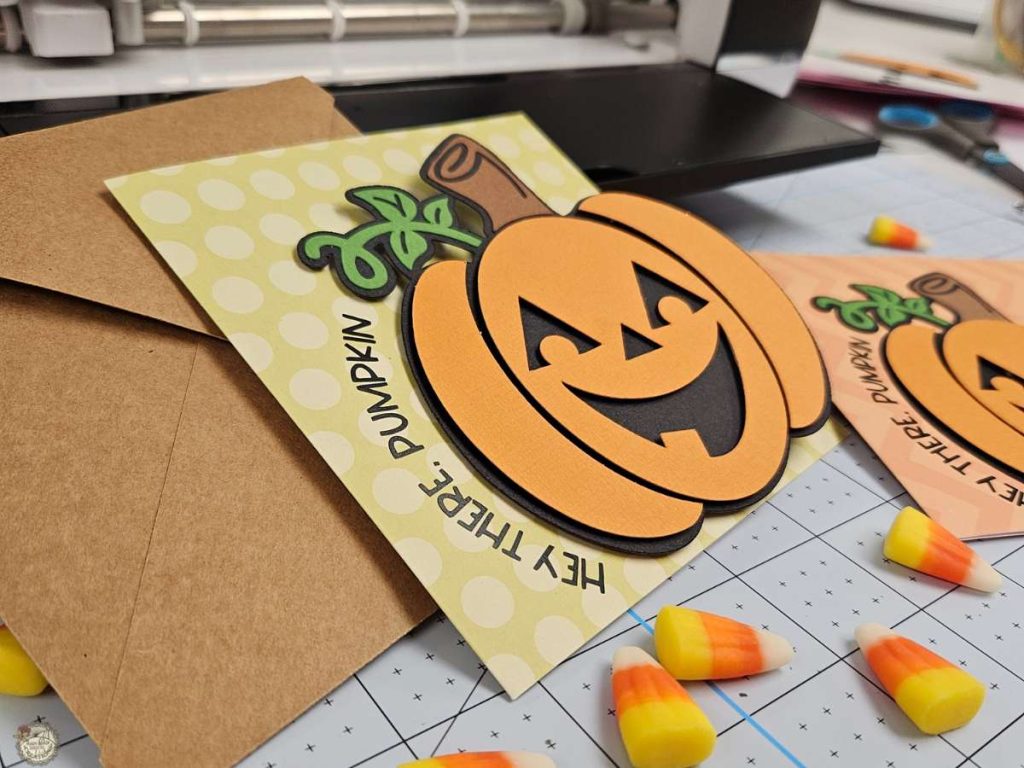
This week’s free SVG is a layered pumpkin card that says “Hey There, Pumpkin” and includes the envelope. It’s simple to assemble and uses materials you probably already have in your craft stash: cardstock, HTV, and a bit of wire for the spring. You can skip the wobble if you want and make it a flat card too, but I mean… who doesn’t love a little pumpkin wiggle?
Supplies You Need to Make a Wobbler Card
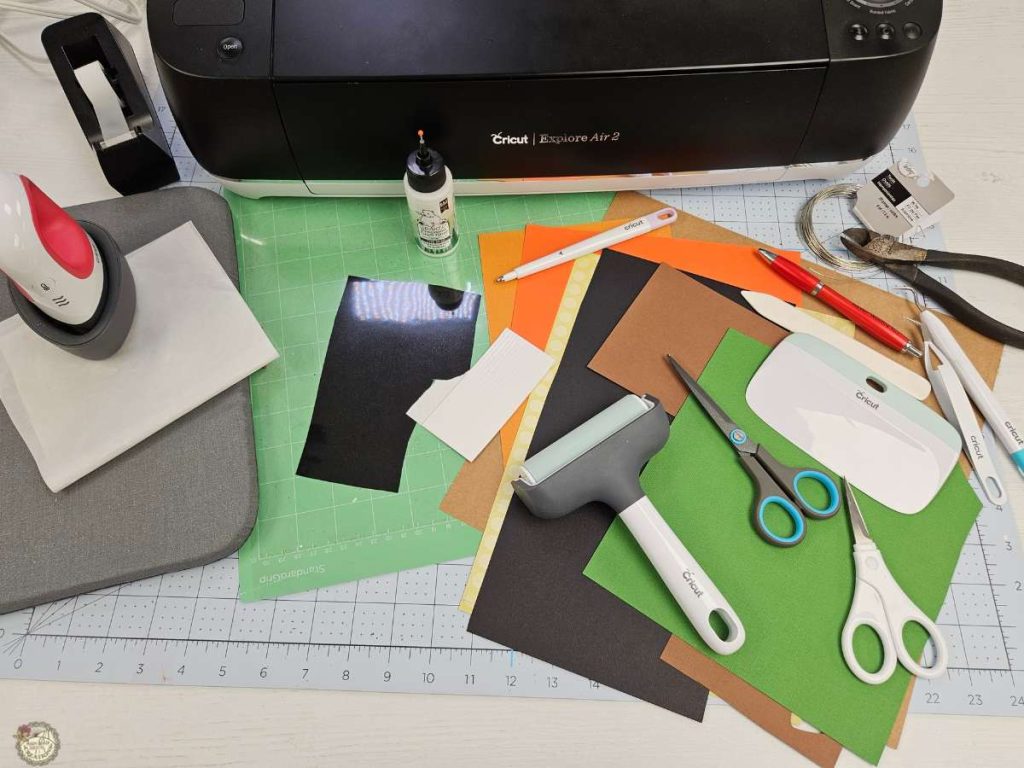
Here’s a quick look at the supplies I used to make this Halloween wobble card:
- Cricut – I used my Explore Air 2
- Standard or Light Grip Mat
- Scoring Stylus
- Cardstock
- Encore -Apricot Jam, Dill Pickle, Jet Black, Mocha
- Walmart -Patterned Paper (Primary Geo & Craft Smooth Cardstock, both Colorbok)
- Black HTV (heat transfer vinyl)
- Brayer
What’s that font?
This is the font I used for the Hey There, Pumpkin Halloween Card.

How to Make Your Halloween Wobbler Card
Here’s the step-by-step tutorial to help you make your Hey There, Pumpkin Halloween wobbler card, envelope and action spring. If you’d like to see these steps in action, check out the full video tutorial below!
Download the Free SVG File
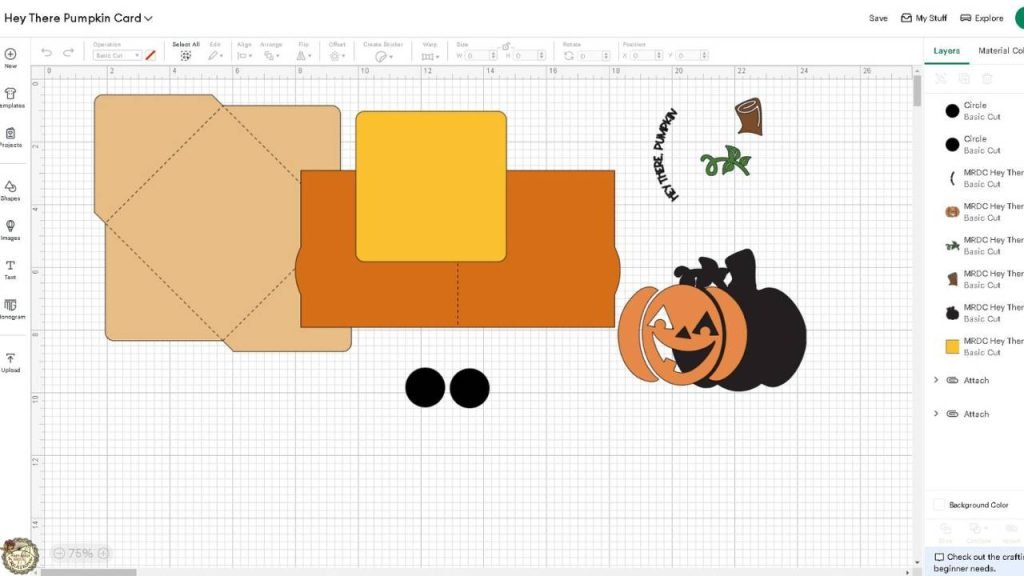
Download your Free Hey There Pumpkin Halloween Card SVG from the freebie library and add it to your Design Space Canvas.
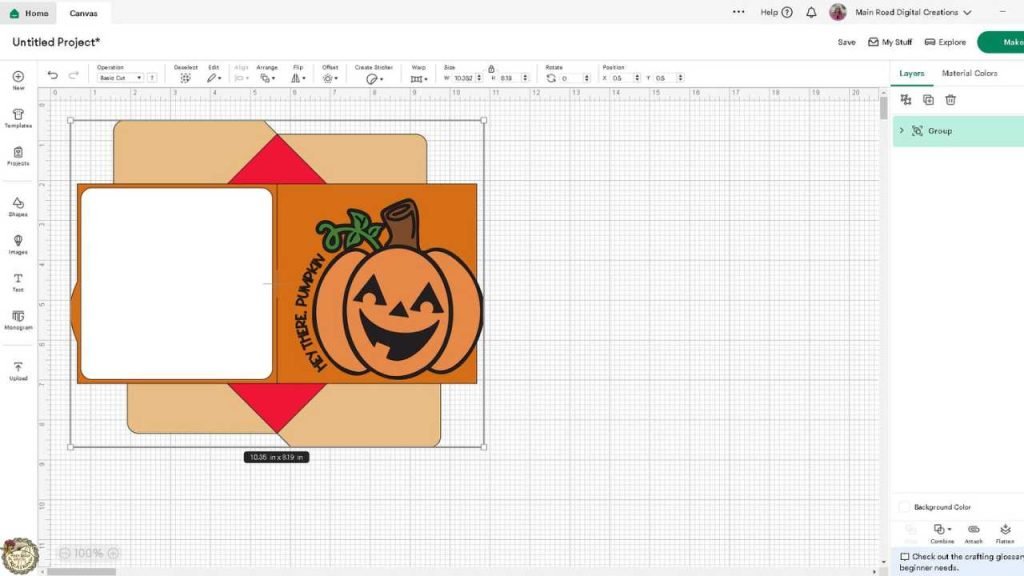
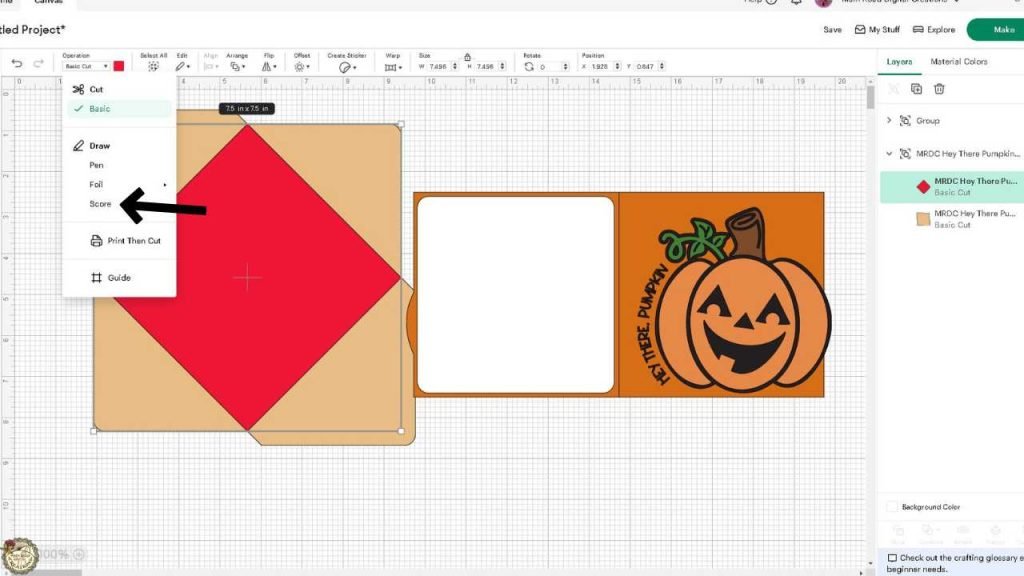
Change and Attach Score Lines
Ungroup your SVG, change the red part in the envelope, and the red line in the card, to score lines in the operations panel. Use the attach button to attach the score lines to the envelope and card.
Load Your Materials & Prepare to Cut
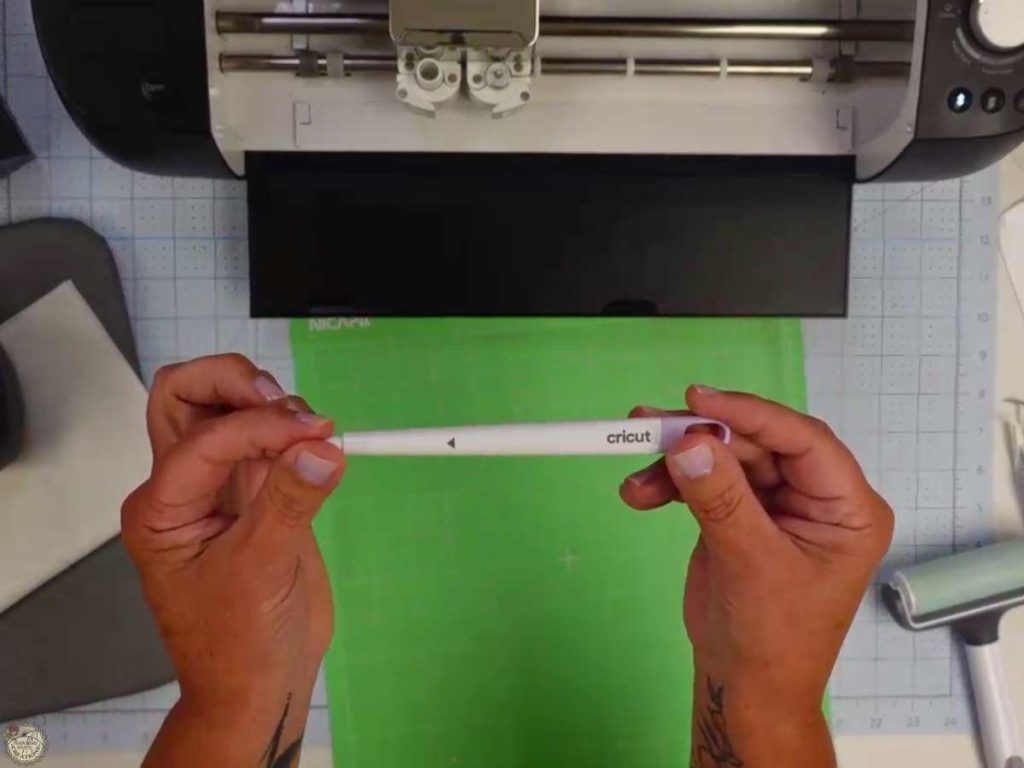
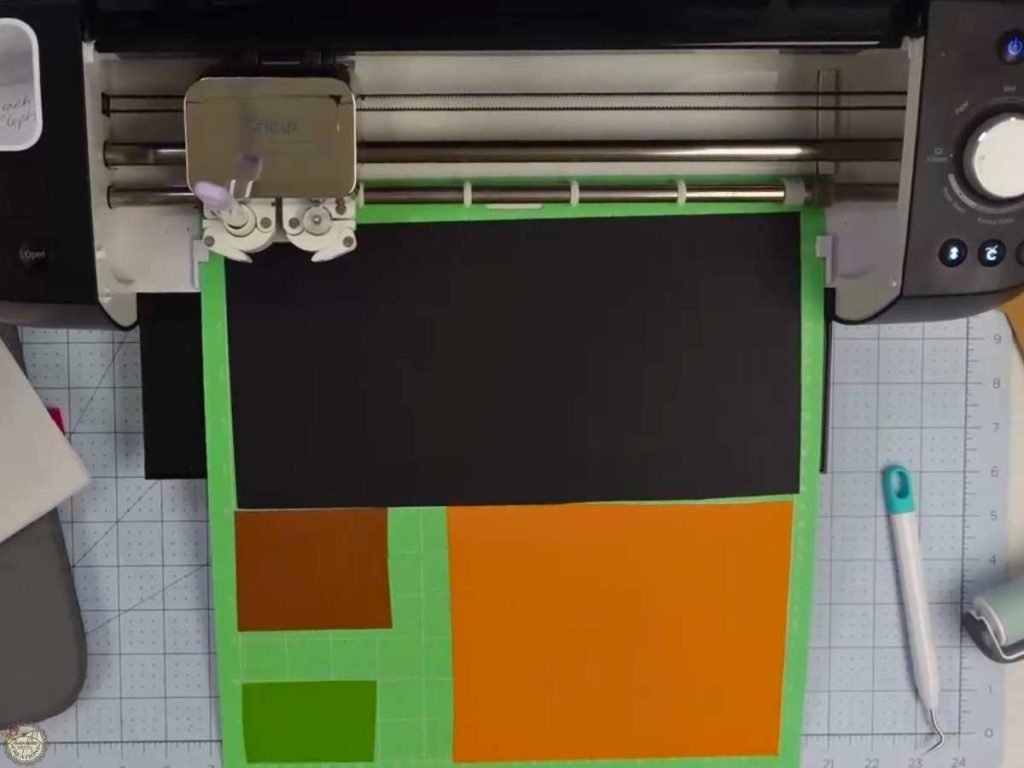
Before cutting, insert your scoring stylus into clamp A of your Cricut. Use your brayer to press your HTV and cardstock firmly onto your cutting mat.
Turn on Your EasyPress and Weed Your Vinyl
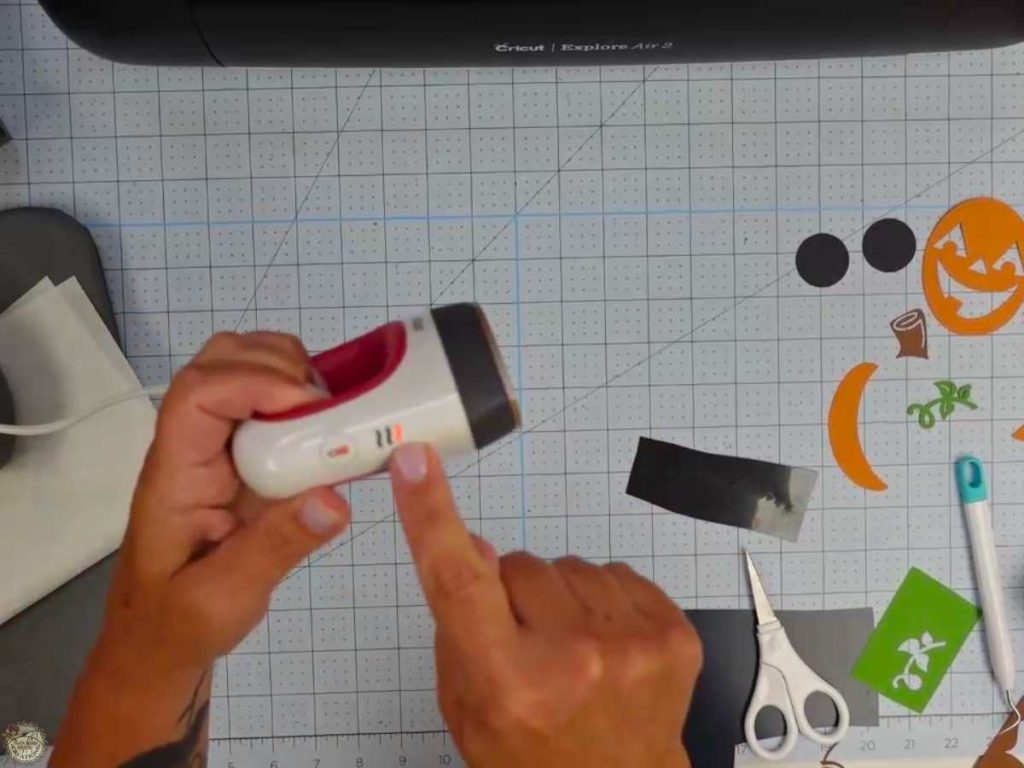
Set your EasyPress Mini to low heat to warm and weed your vinyl.
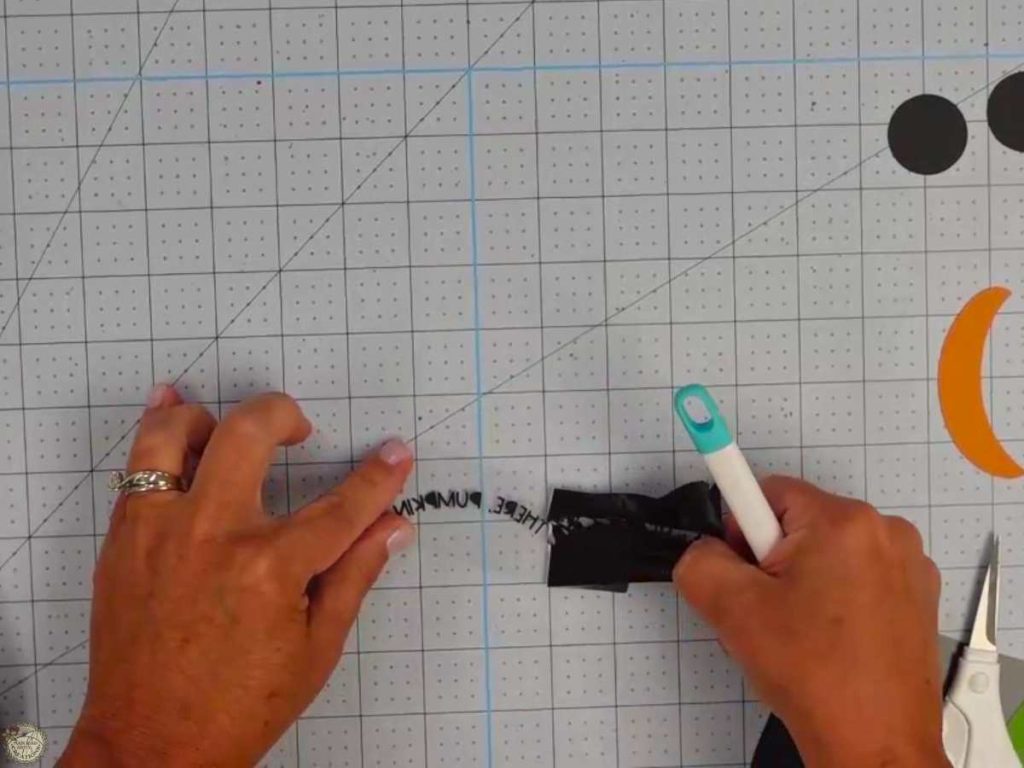
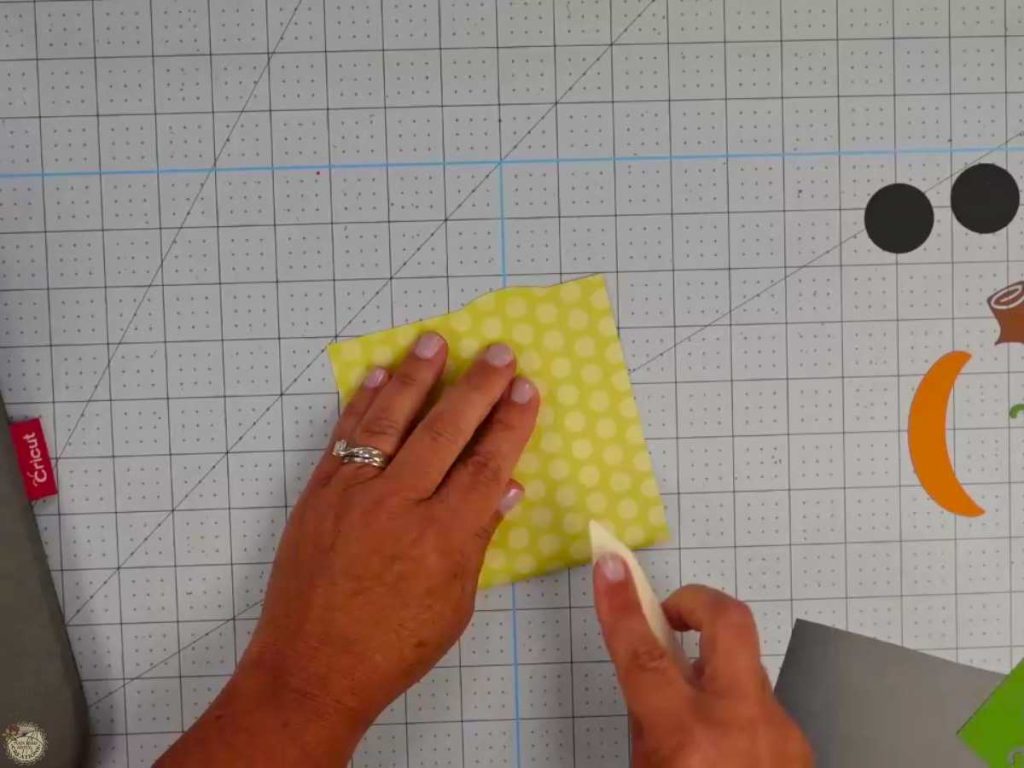
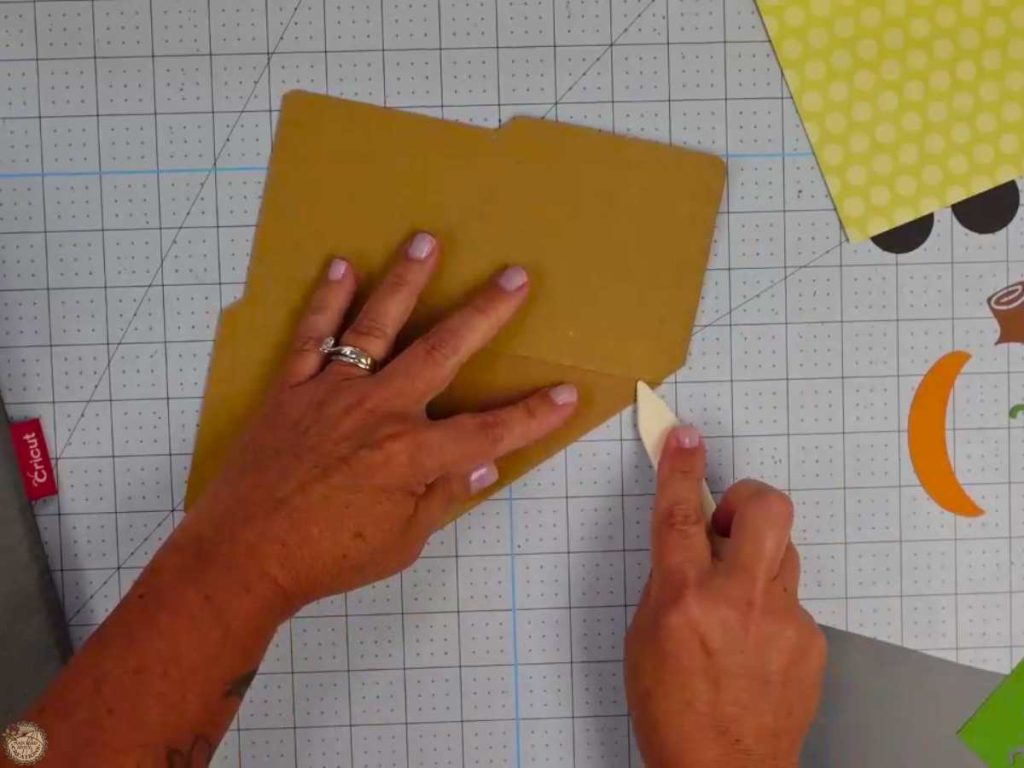
Fold the Card and Envelope
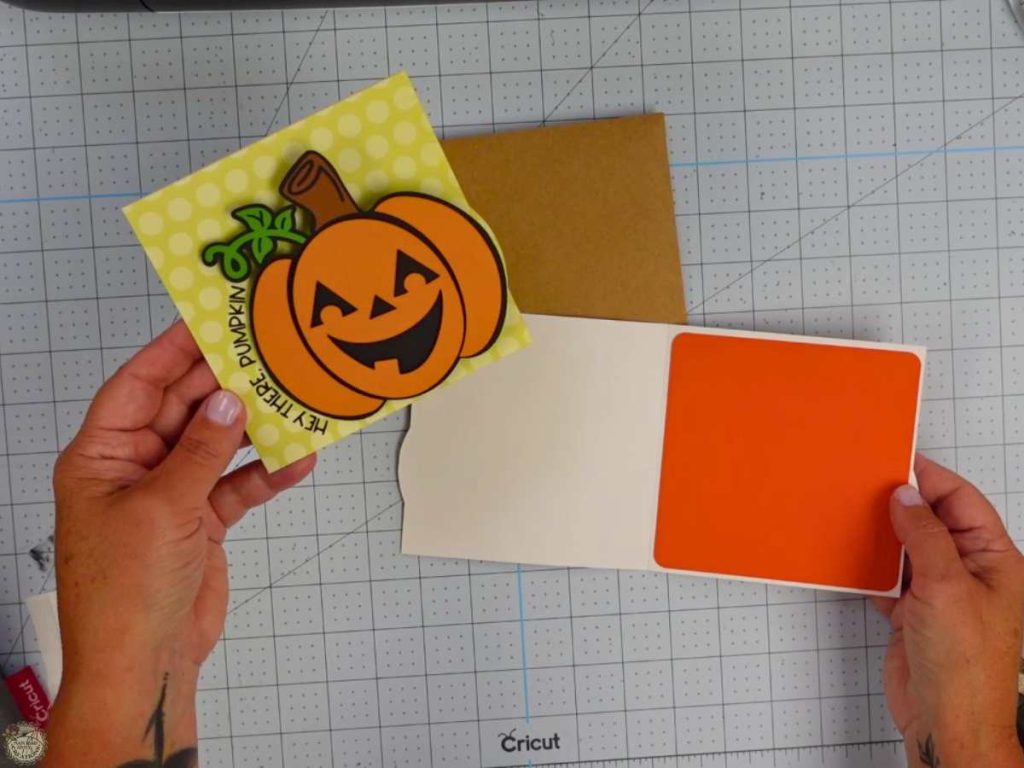
Following the score lines on the card and envelope, fold and use the bone folder to make the edges sharp.
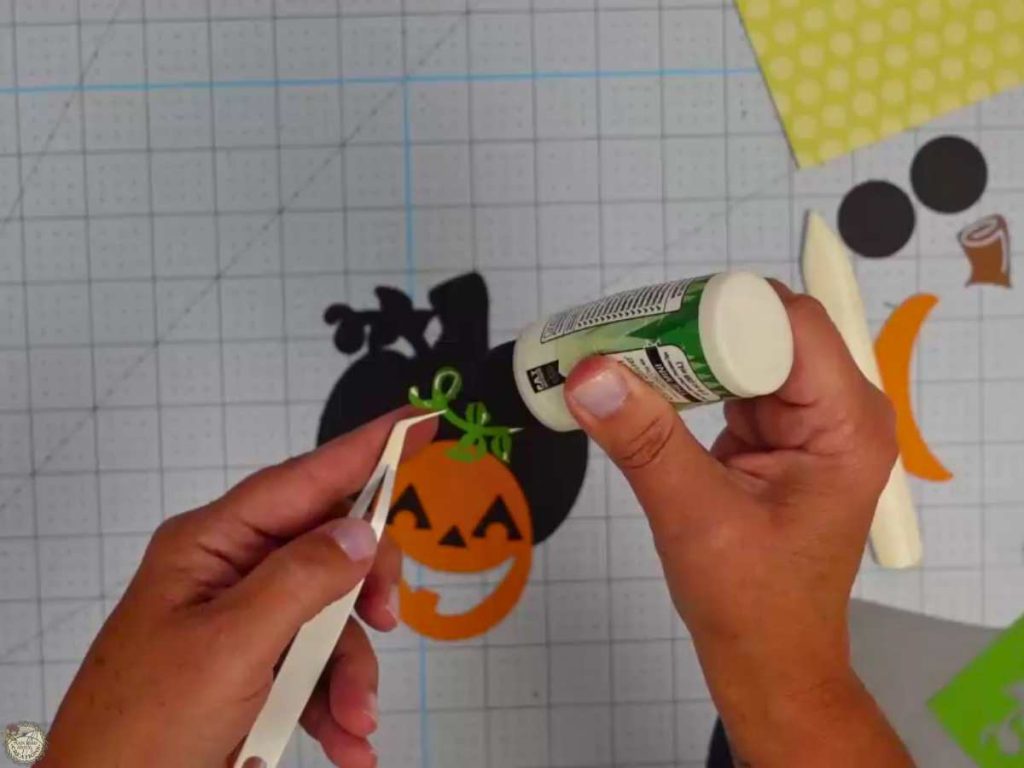
Assemble the Pumpkin
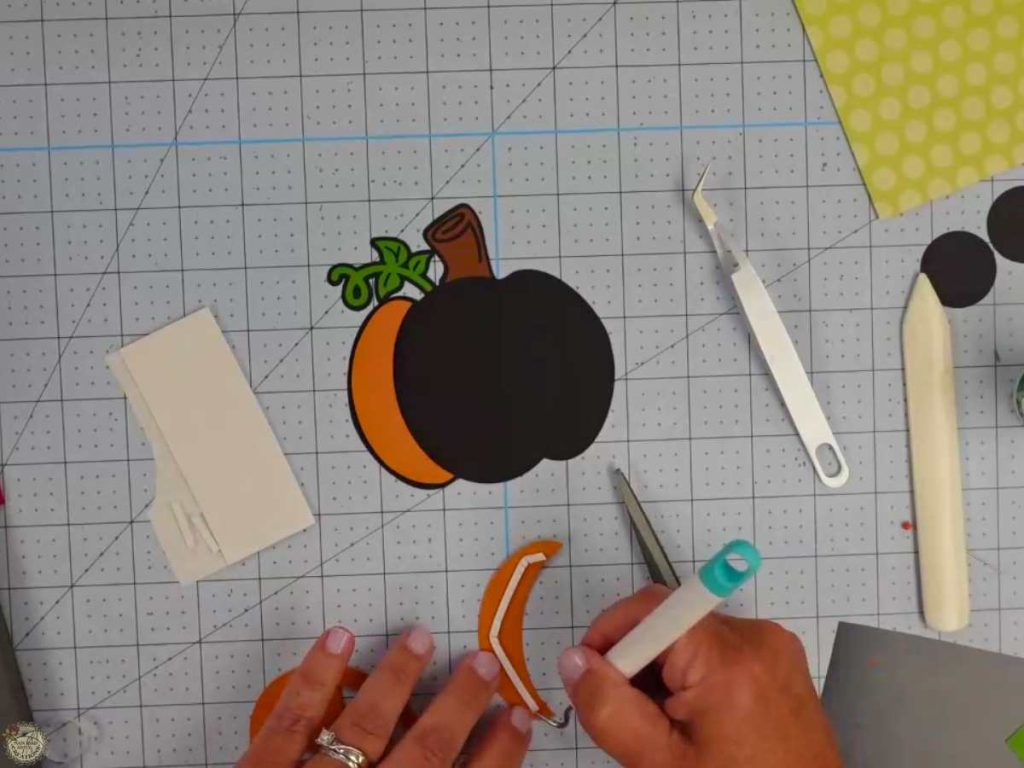
Use glue to attach the leaf and stem to the black backing. Use foam tape to attach the pumpkin.
Apply the HTV (heat transfer vinyl) to Your Card
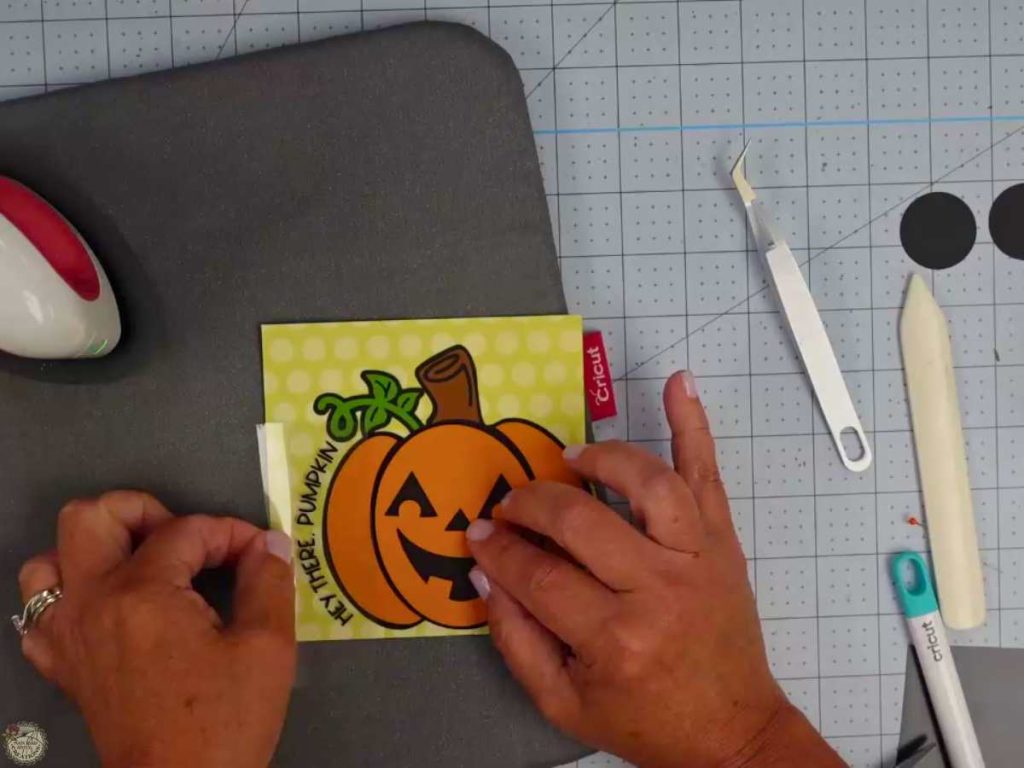
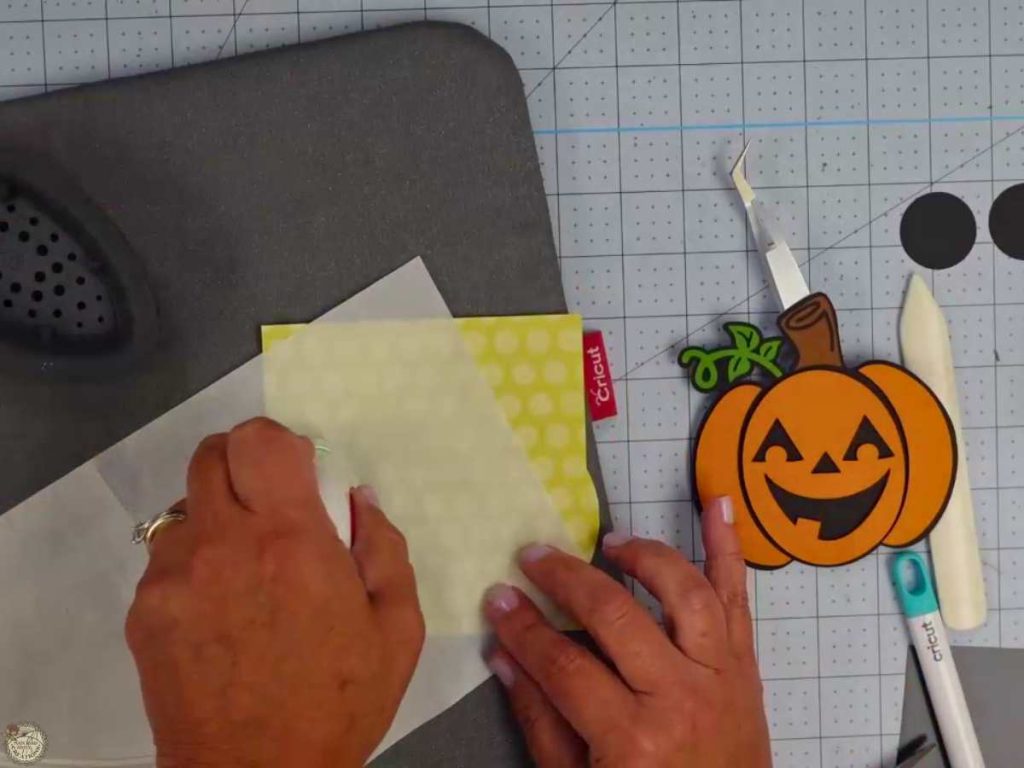
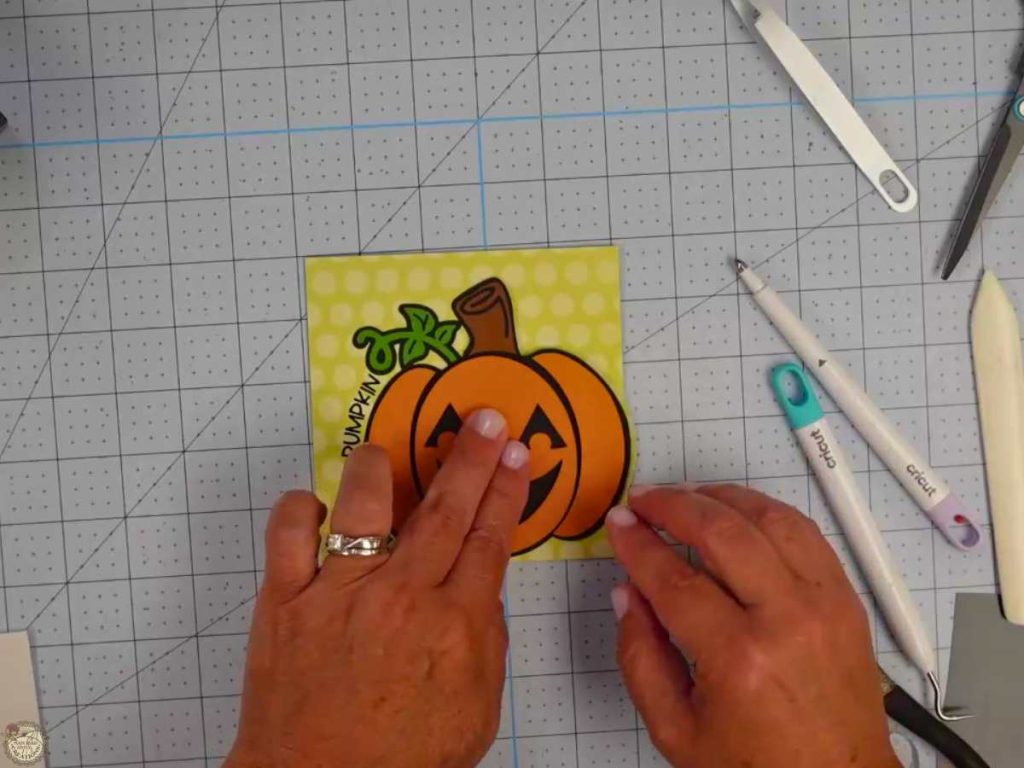
Position the HTV on the card using the pumpkin to align correctly. Remove the pumpkin, cover the HTV with the Teflon sheet and press for a few seconds. Peel back the carrier sheet carefully; if it doesn’t stick, press again.
How to Make the Action Spring Wobbler
Wrap the wire around the scoring stylus, remove and compress. Add tape to adhere the spring to the cardstock circle on one side.
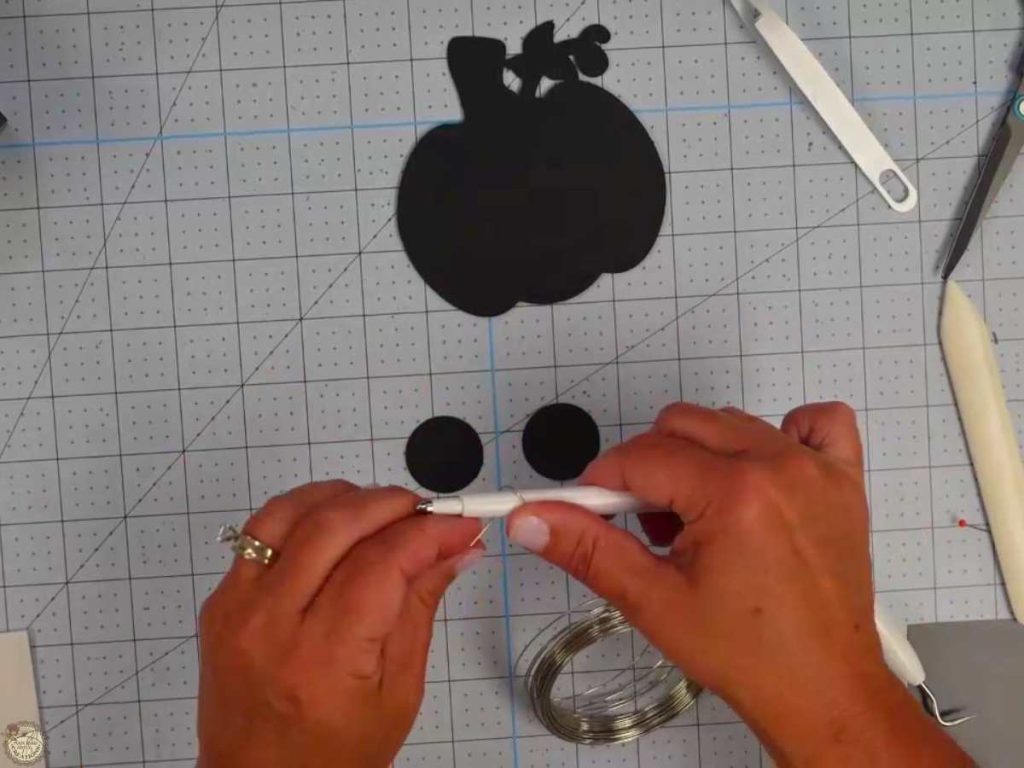
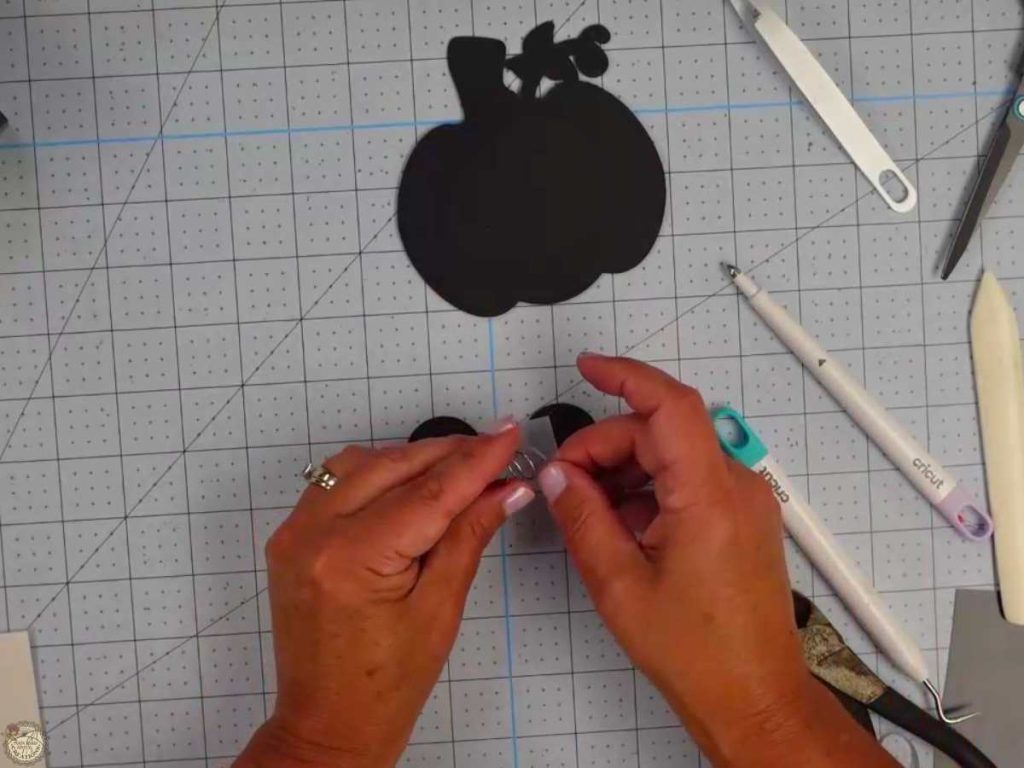
Apply the spring to the cardstock circle. Add tape to the other side of the spring and apply the spring to the other cardstock circle, making a “spring sandwich”.
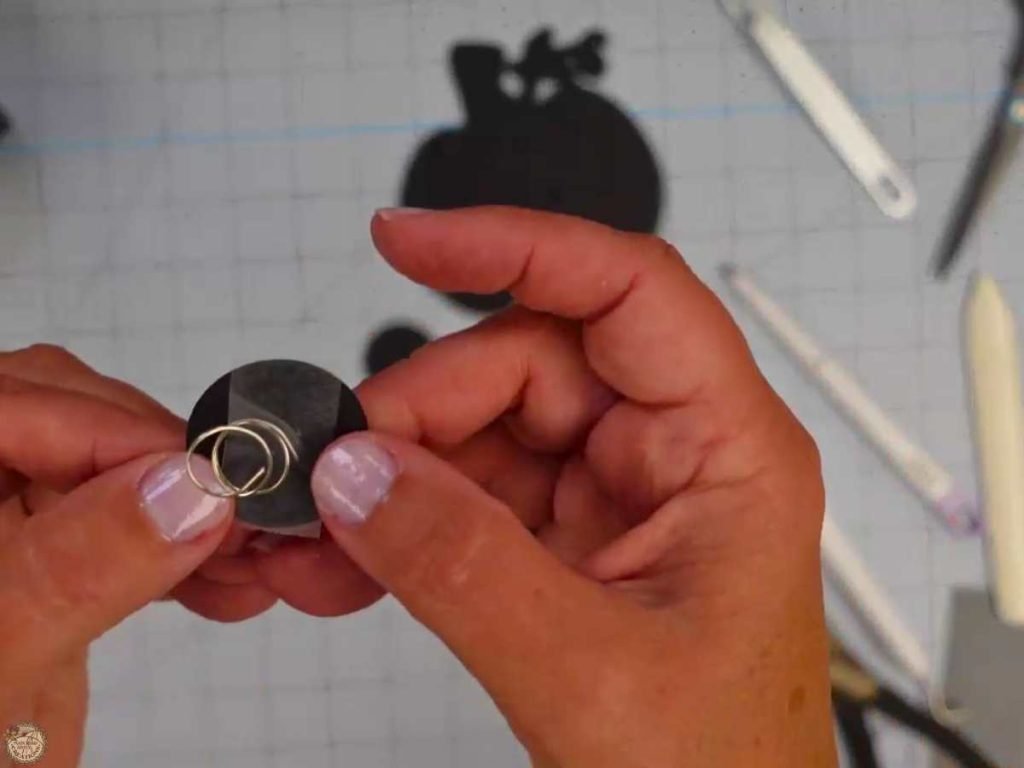
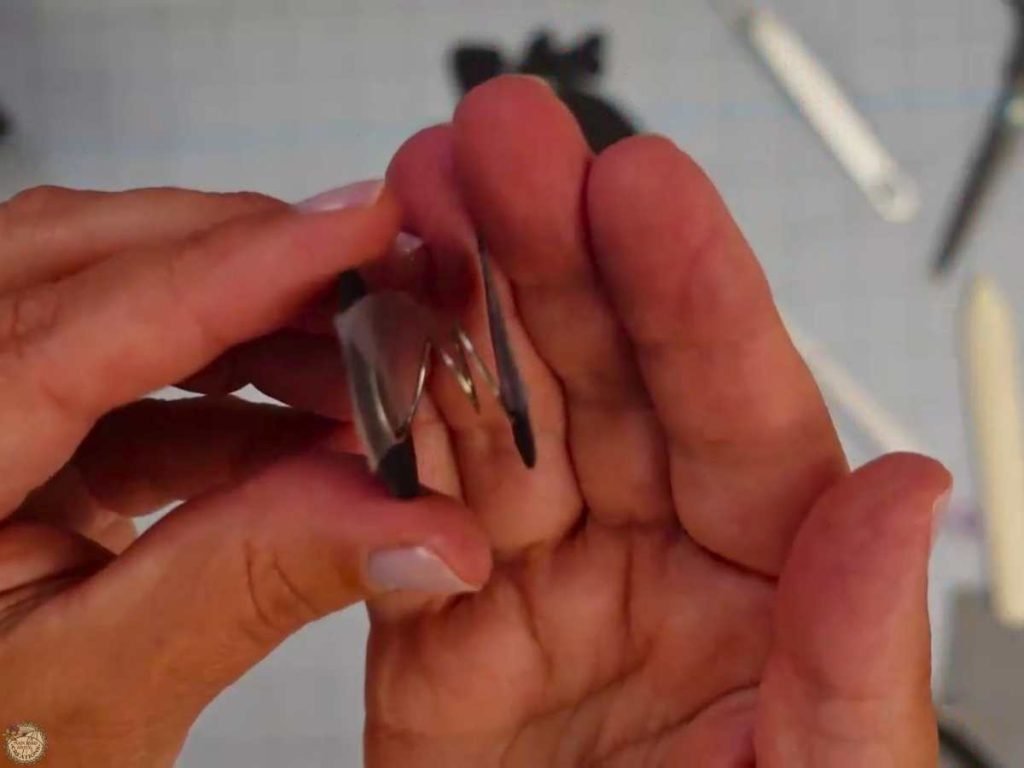
Here is the link to the original video I watched to learn how to make the wobble spring.
Glue the Wobbler Spring to the Card
Add glue to the back of the cardstock spring sandwich. Center and glue to the back of the pumpkin.
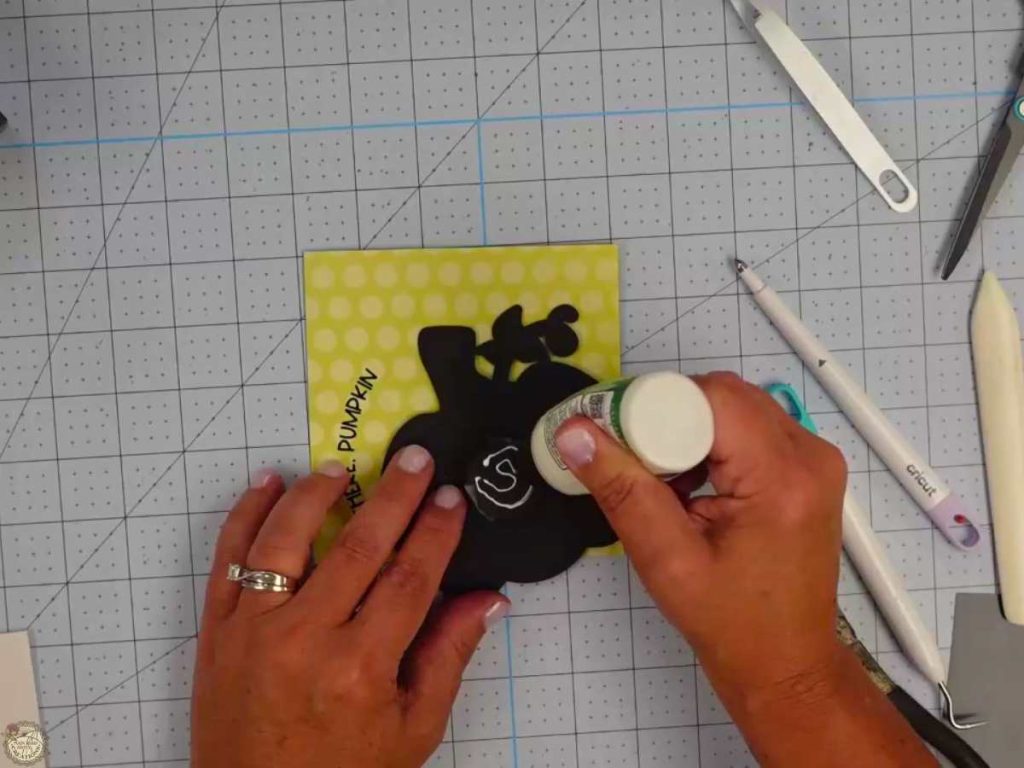
Test the Wiggle in the Wobble Card
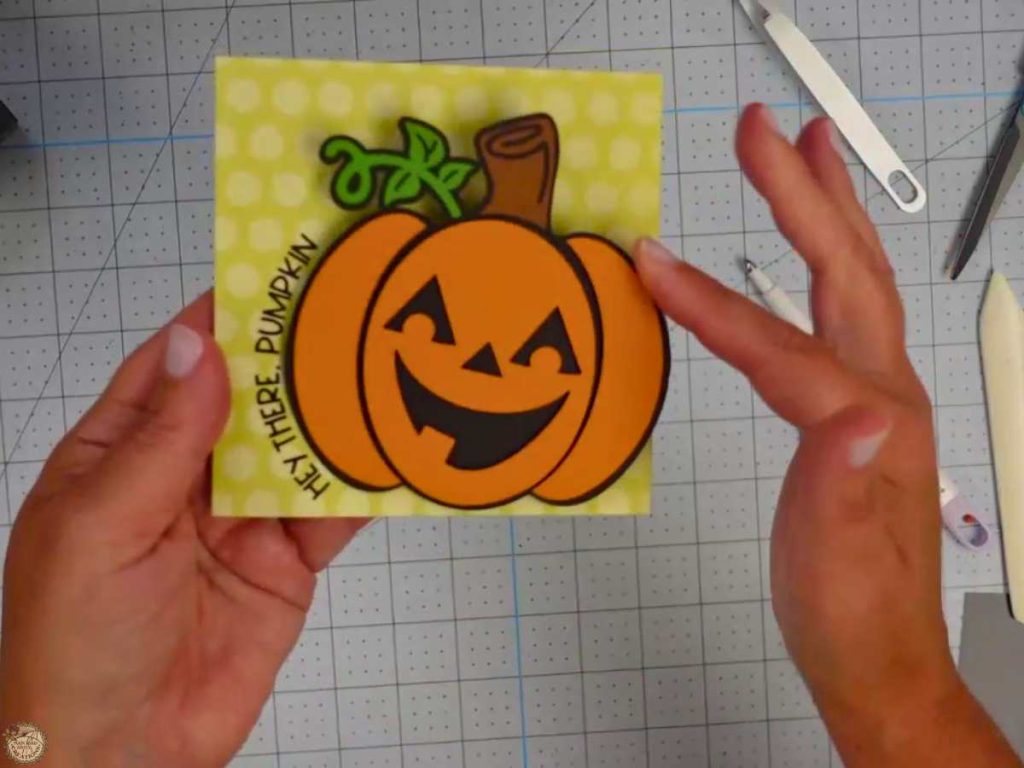
Test to ensure the wiggle works. Your card is done and ready to make someone’s day!
Customizing Your Halloween Pumpkin Card
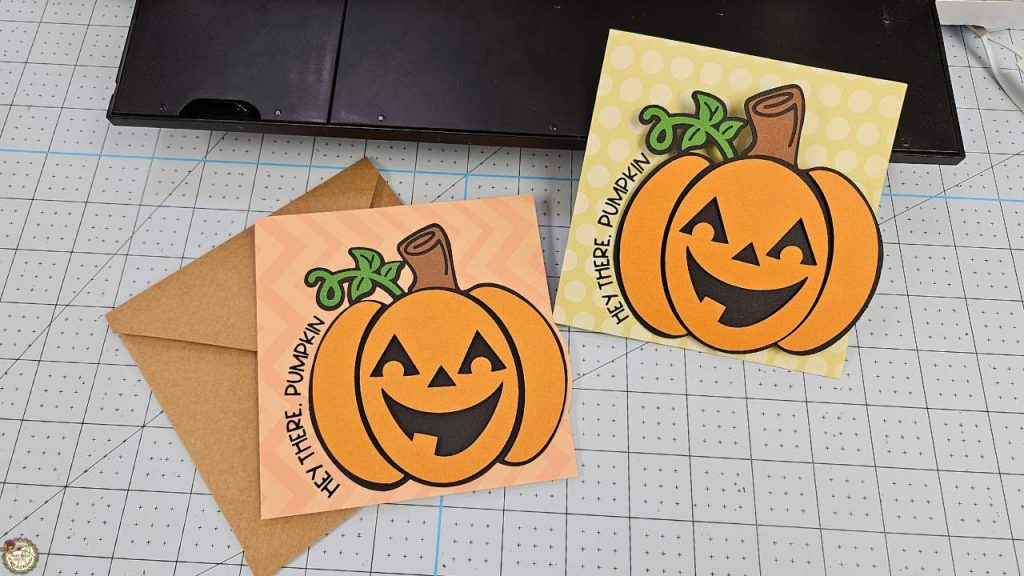
You can easily change the colors of your card using different shades of cardstock, patterned cardstock, or printing digital papers! Change the text to fit your special Halloween lover! I used this font, but feel free to customize your pumpkin card and make it your own!
Video Tutorial – How to Make a Halloween Wobble Card
Check out the full step-by-step video tutorial below to see how to create your own Halloween wobble card. It’s a fun and easy project you can whip up quickly! Whether you’re making these cards for Halloween parties, fall happy mail, or classroom treats, this video will guide you through every step of the process.
Share your Creations
I can’t wait to see how you use this design in your projects! Be sure to share your creations in our Facebook group.

I’m excited to see what you’ll make with this week’s Free SVG! I’d be thrilled if you joined our Facebook group to share your projects. Come be a part of our crafting community, where you can showcase your work, connect with fellow crafters, and find even more inspiration. Let’s celebrate the joy of crafting together!
All of the Free Files on my website are for Personal and Commercial use. Check out my Terms of Use (TOU) here.
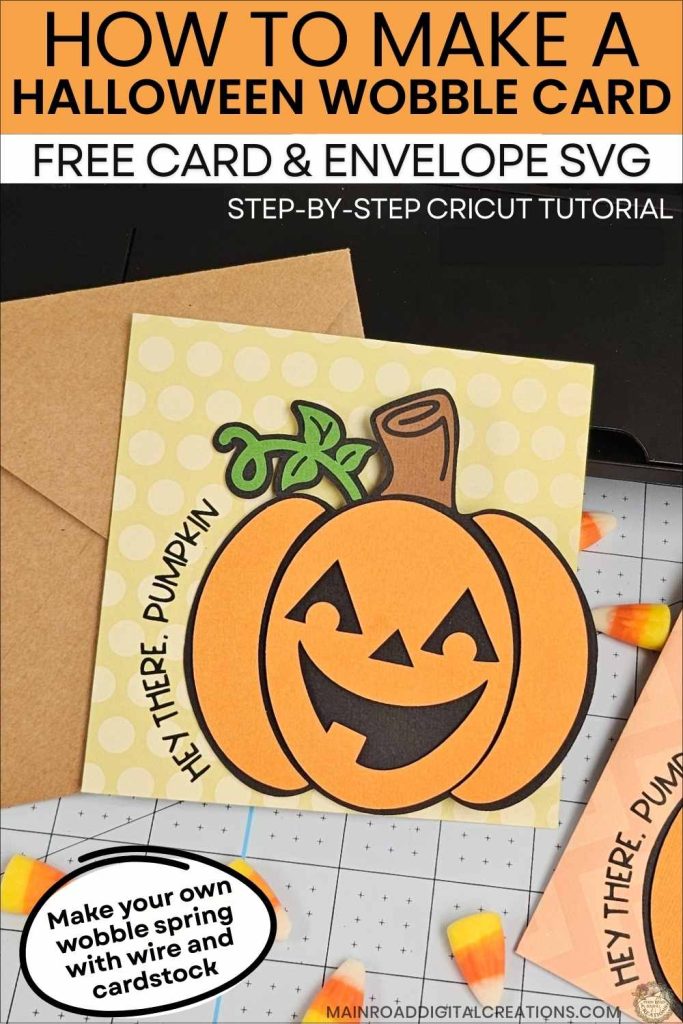
I’d love it if you could take a moment to pin the Free SVG image above to Pinterest. By sharing, you’re helping my business grow, which allows me to keep bringing you the free SVG files you adore. Thanks a bunch for your support. It means the world to me!
Here’s where you can find your Free SVG download!
Design #259— Hey There, Pumpkin SVG is available in my freebie library. To get the Password, click the button below and Join our Freebie Club!
If you enjoyed this week’s Free Halloween SVG & Cricut Tutorial, here’s another you will love!

Check out my shop for fun and creative designs!
Join the Creative Fabrica Membership

Fonts, designs, and so much crafty goodness! Over 16 million digital files are waiting! In partnership with Main Road Digital Creations, your first 10 downloads are totally free. After that? It’s just $47 a year (yep, that’s $3.99/month) with full commercial and POD use included. Sign up for Free!