
Free Cardstock Photo Ornament SVG | Easy Cricut Tutorial
How to Make a Cardstock Photo Ornament with Your Cricut
This post may contain affiliate links. As an Amazon Associate, I earn from qualifying purchases. Please see my privacy policy for full details.
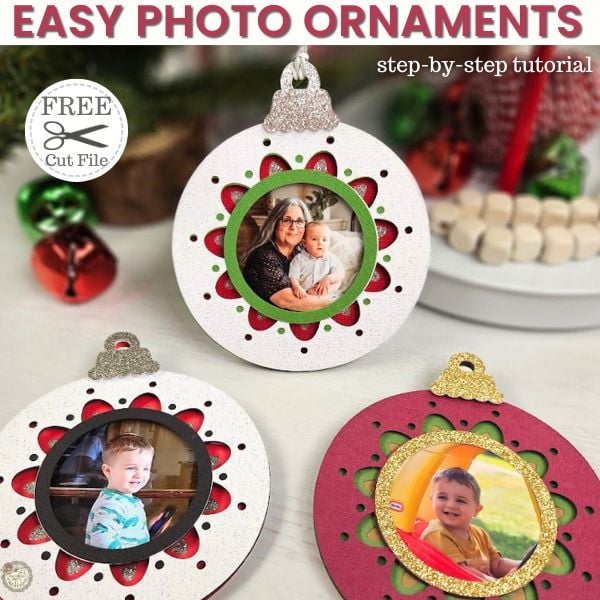
There’s something so magical about making personalized ornaments for the holidays. This Free Cardstock Photo Ornament SVG is perfect for creating a keepsake you can cherish for years. For this project, I used a picture of my grandson and me, and let me tell you—it’s already one of my favorites!
In this step-by-step tutorial, I’ll show you exactly how to make your own cardstock photo ornament using your Cricut machine. Whether you’re making these for your Christmas tree, as gifts, or even as gift tags, this project is quick, easy, and fun to customize. You can add a name, the year, or any personal touch that makes it extra special.
Layered Cardstock Photo Ornament Supplies

- Cricut Machine -I used my Explore Air 2
- Light Grip Mat
- Cardstock
- Cactus, All-American Red, White Gloves, Silver Glitter, Extra scrap piece
- Brayer
- Weeding Tools
- Glue
- Foam Squares
- Baker’s Twine
- Wire Hanger
- Painter’s Tape if needed
- Photo
How to Assemble the Cardstock Photo Ornament
Ready to make your own cardstock photo ornament? Here’s how:

- Upload the Free SVG into Cricut Design Space. Upload the free ornament SVG into Cricut Design Space, ungroup, and customize the colors.


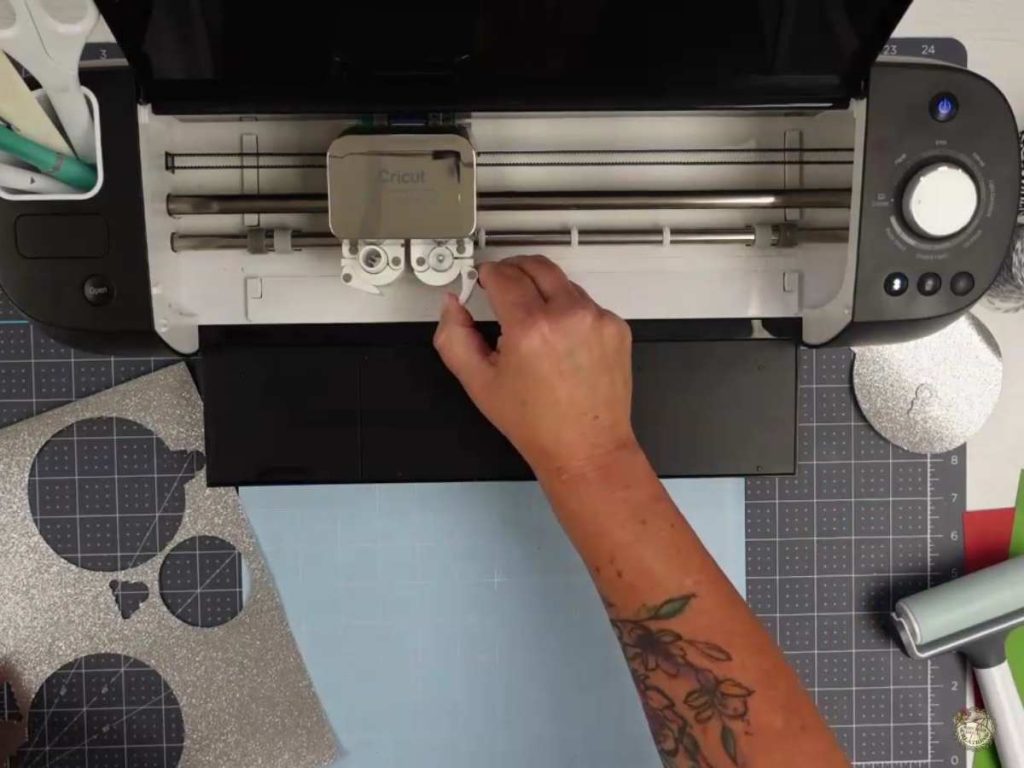
2. Cut the Ornament Pieces. Load your chosen cardstock onto the mat and let your Cricut work its magic. Adjust your settings for thicker materials like glitter cardstock.


3. Remove the Cardstock from the Mat. Once your cuts are finished, flip the mat over and gently peel the mat away from the cardstock. This helps avoid curling or damaging the material, especially with intricate designs.
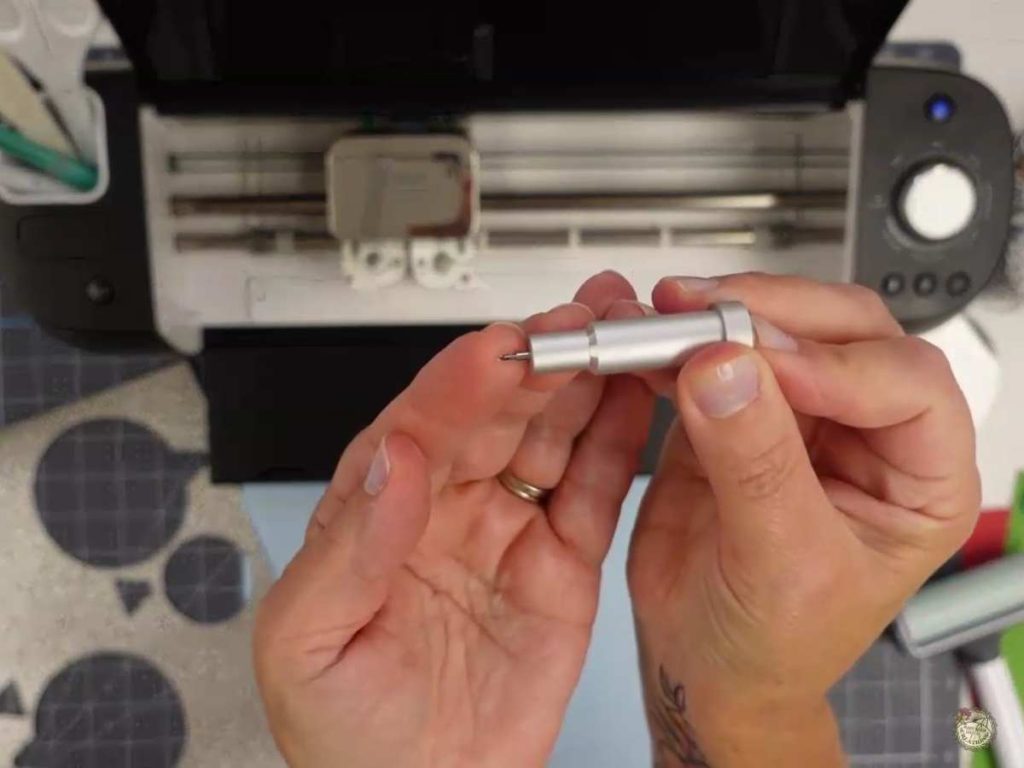
4. Clean Your Blade After Cutting Glitter Cardstock. After cutting glitter cardstock, check your blade for stuck bits. Press the plunger to pop the blade out and clear any debris to keep your cuts clean.
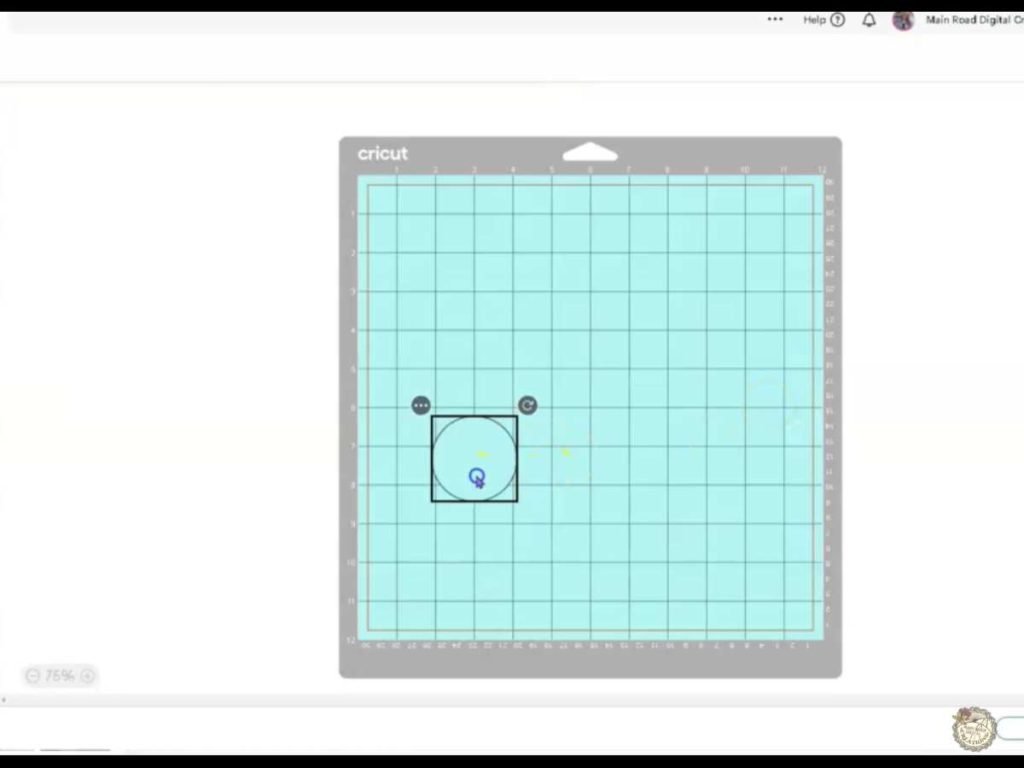
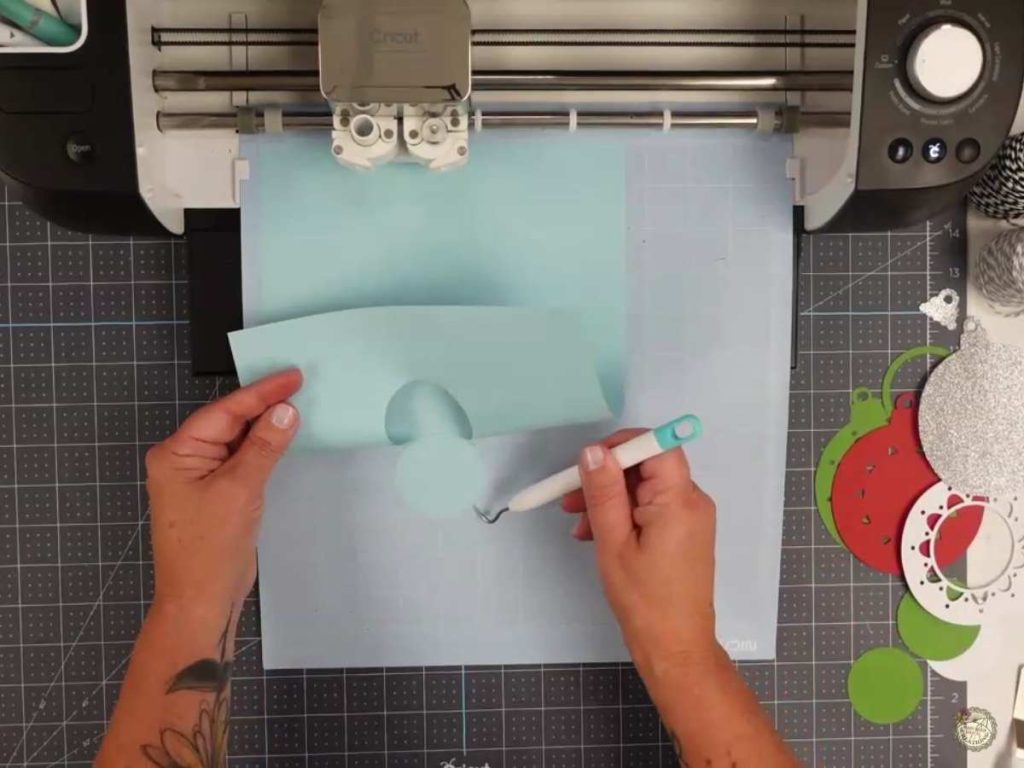
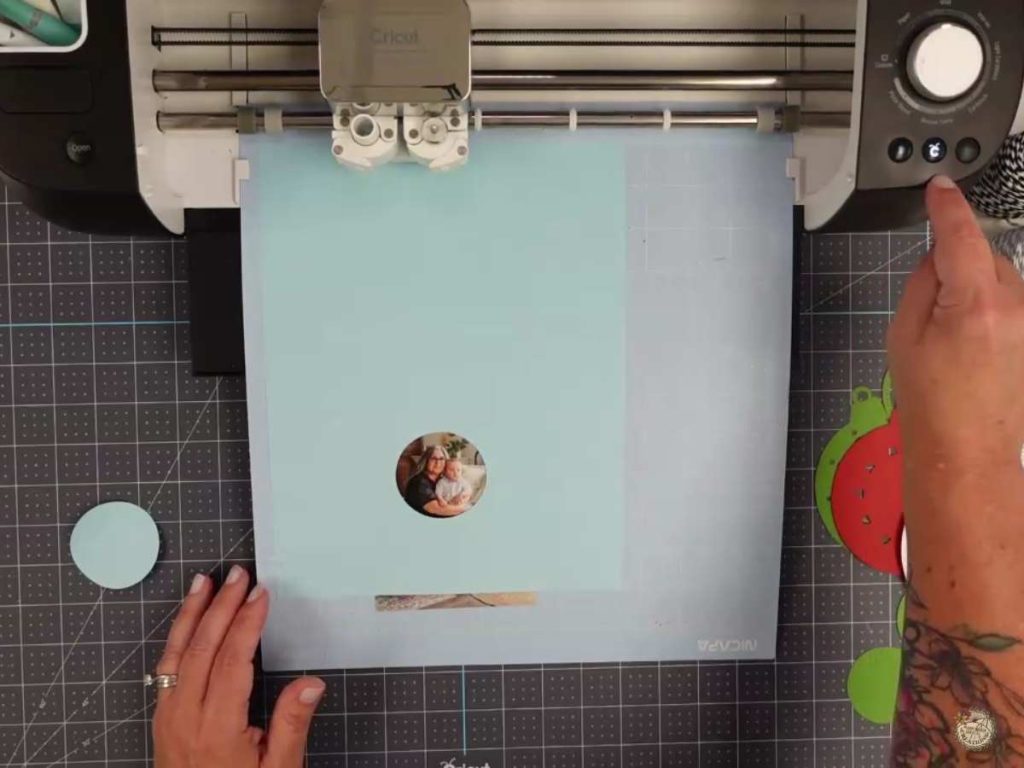
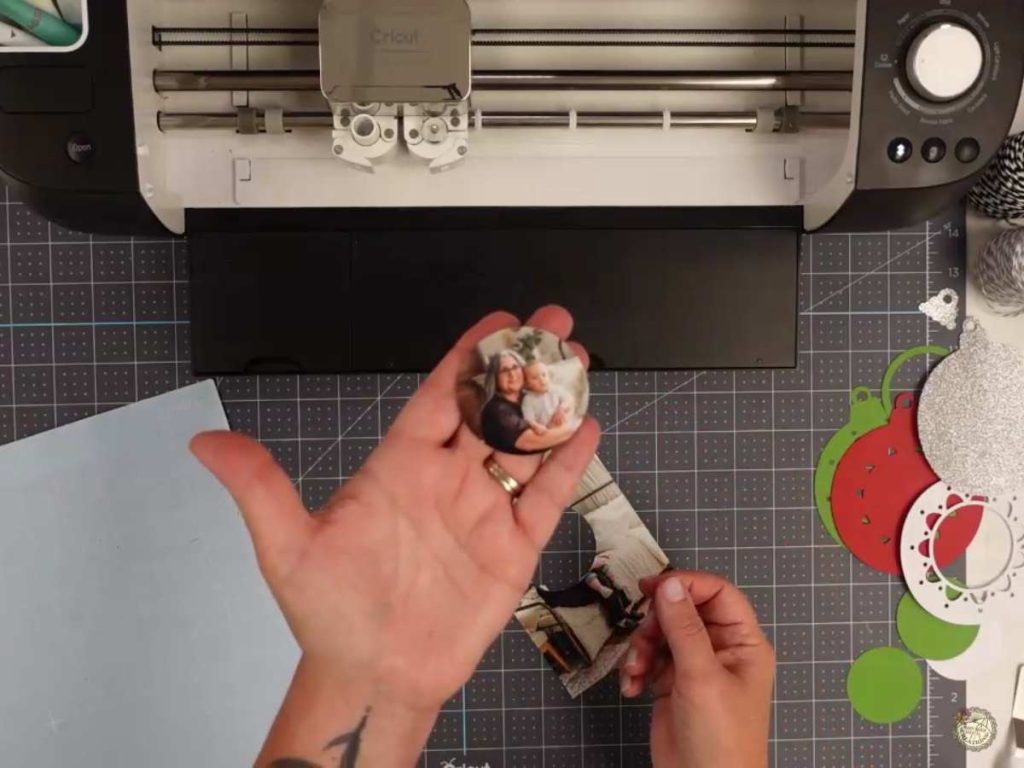
5. Cut the Photo Using This Technique. After cutting the template, align your photo under the cut-out on your mat. Use your Cricut to slice the image so it fits perfectly inside the ornament. If you’d like to see this technique in action, check out the video tutorial!
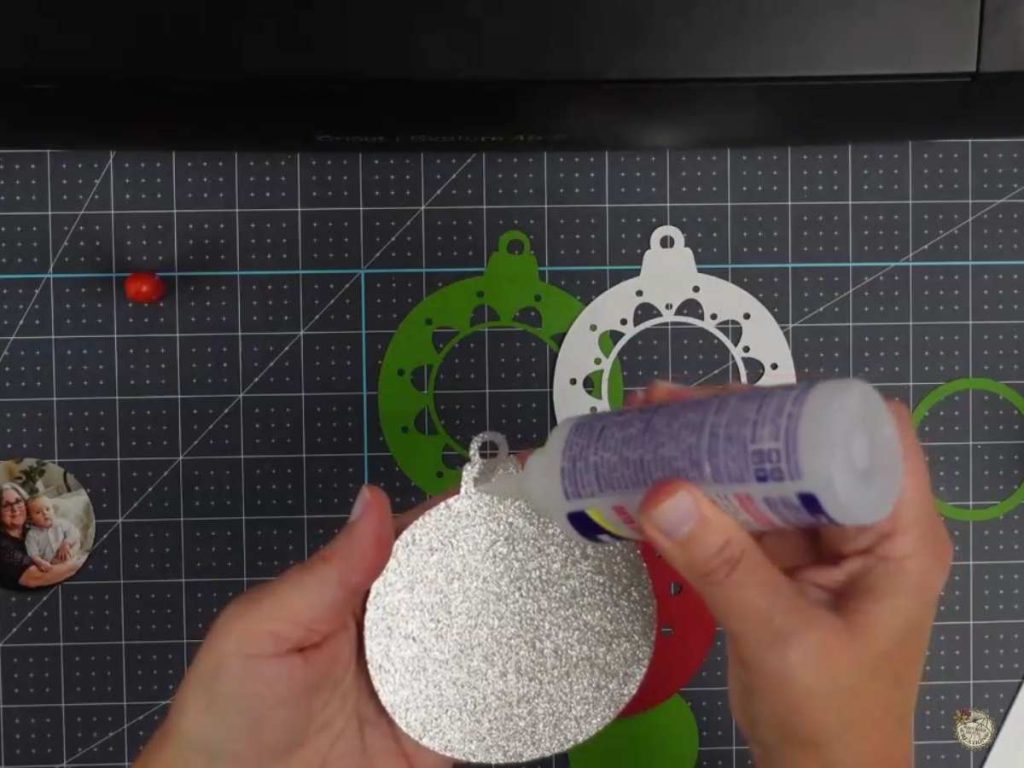
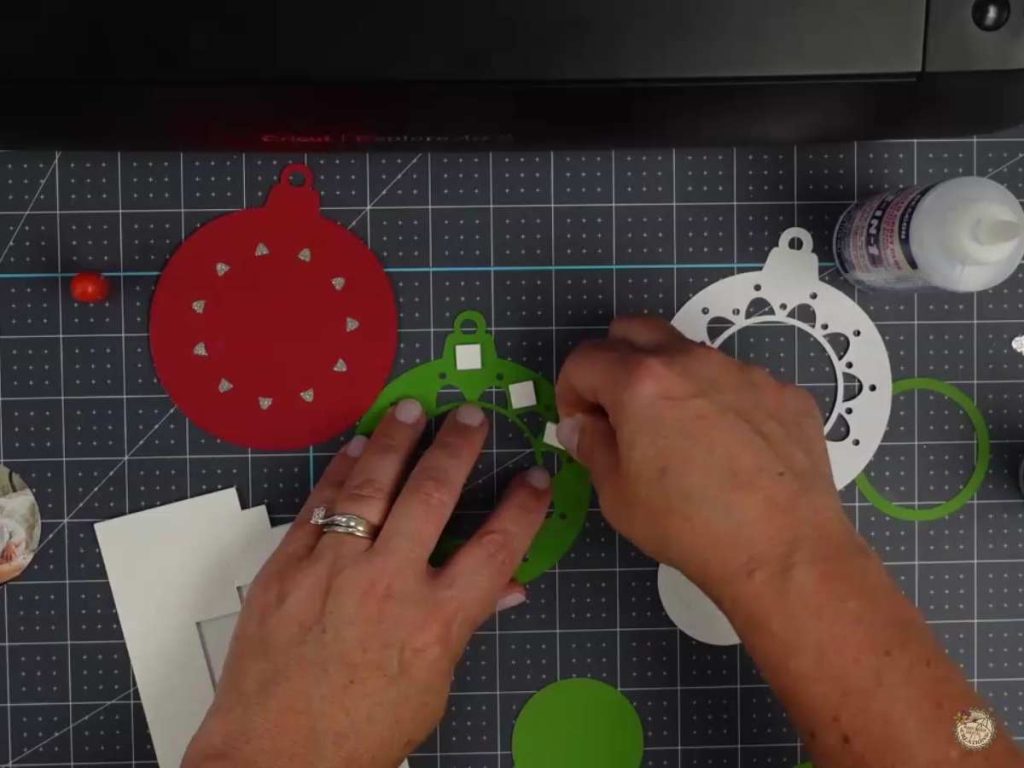
6. Assemble the Ornament Layers. Start by gluing the first layers together, and then use foam squares to add dimension between the next layer. This adds depth and makes the ornament stand out beautifully.
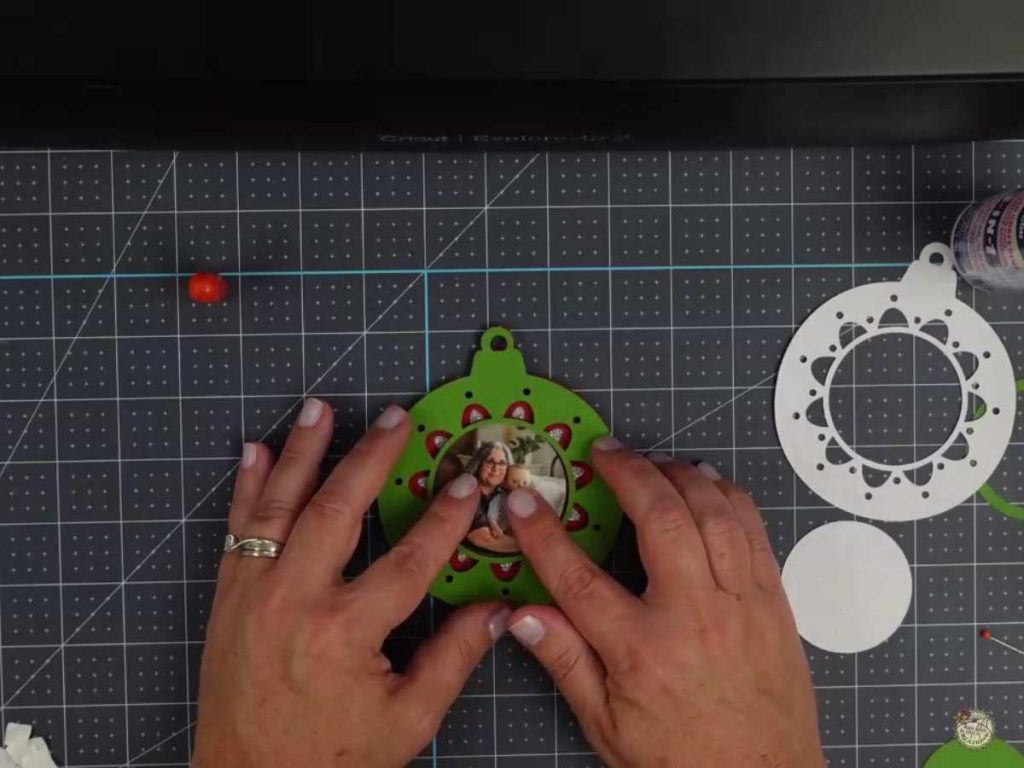
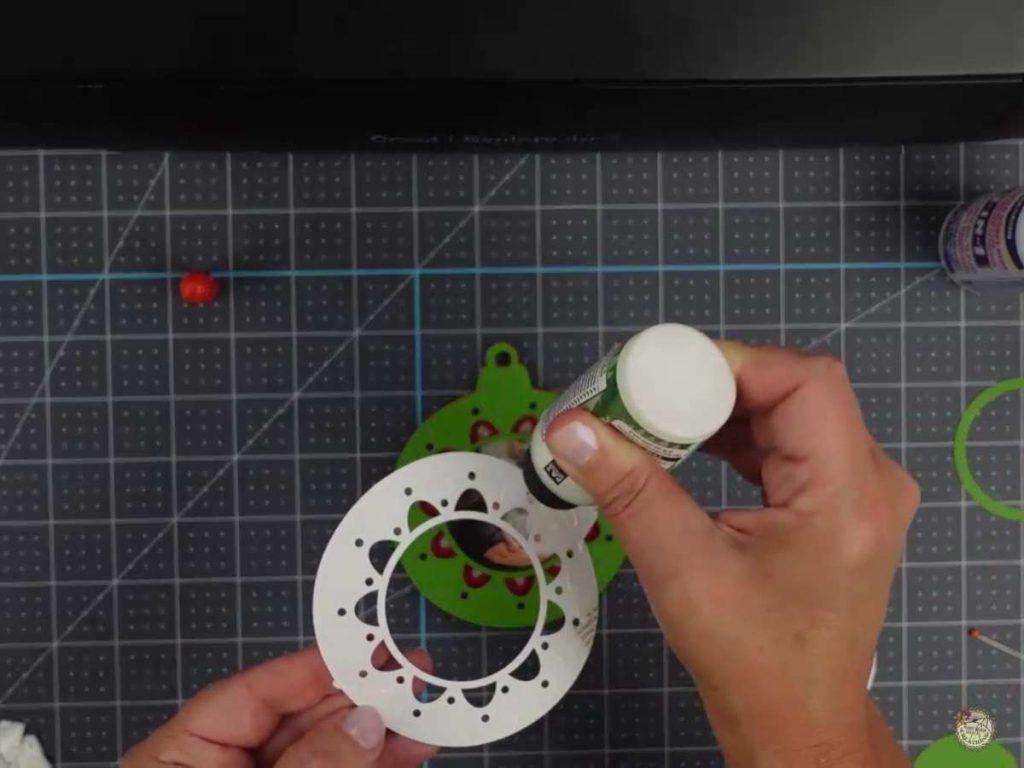
7. Add the Photo to the Ornament. Glue your photo inside the frame and ensure it’s centered. Add the top layer with glue and glue down the cardstock ring.
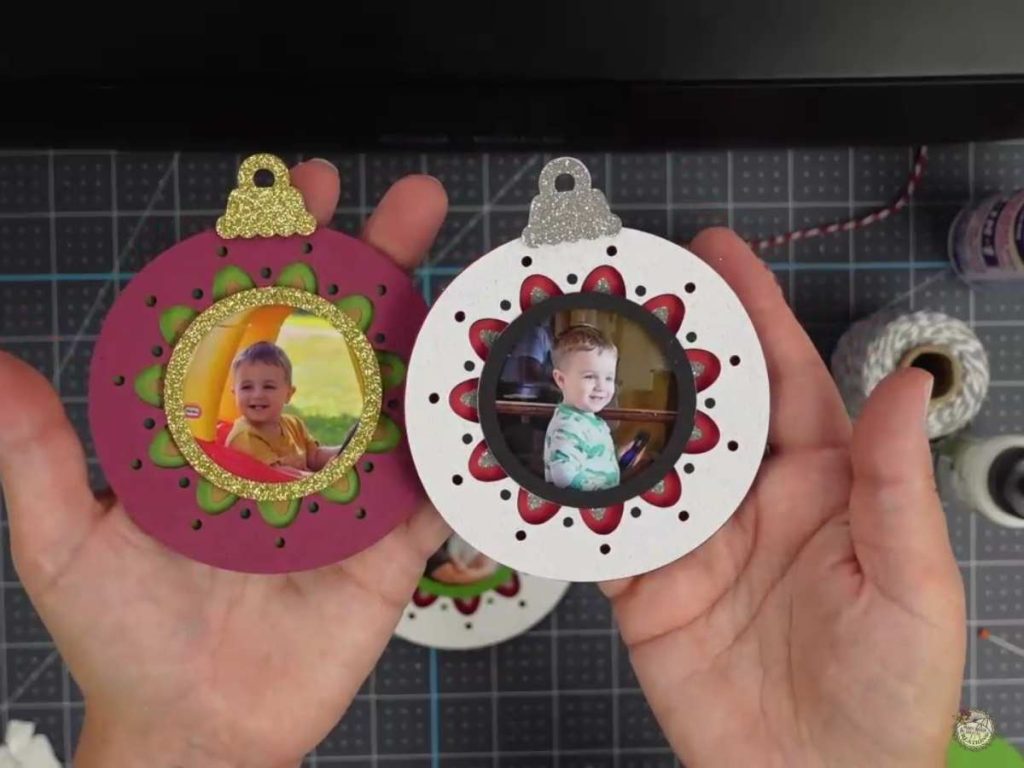
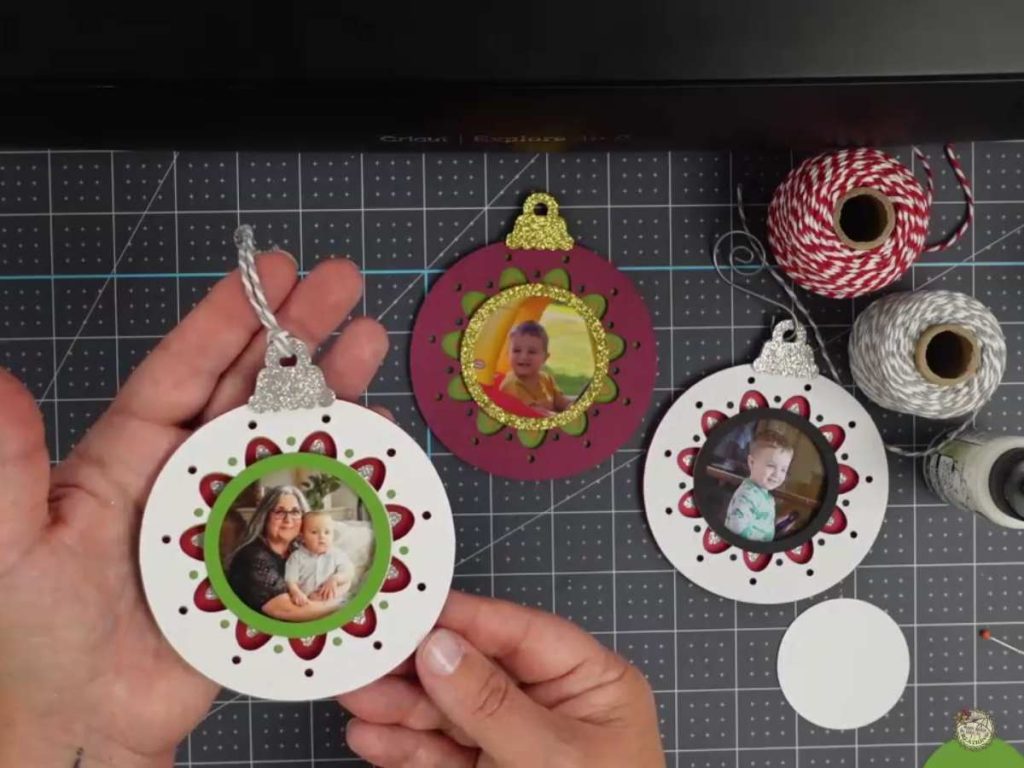
8. Finishing Touches. Finish your ornament by adding a ribbon, baker’s twine, or even a wire hanger. You can also customize it with a name or the year!
Free Cardstock Photo Ornament SVG Video Tutorial
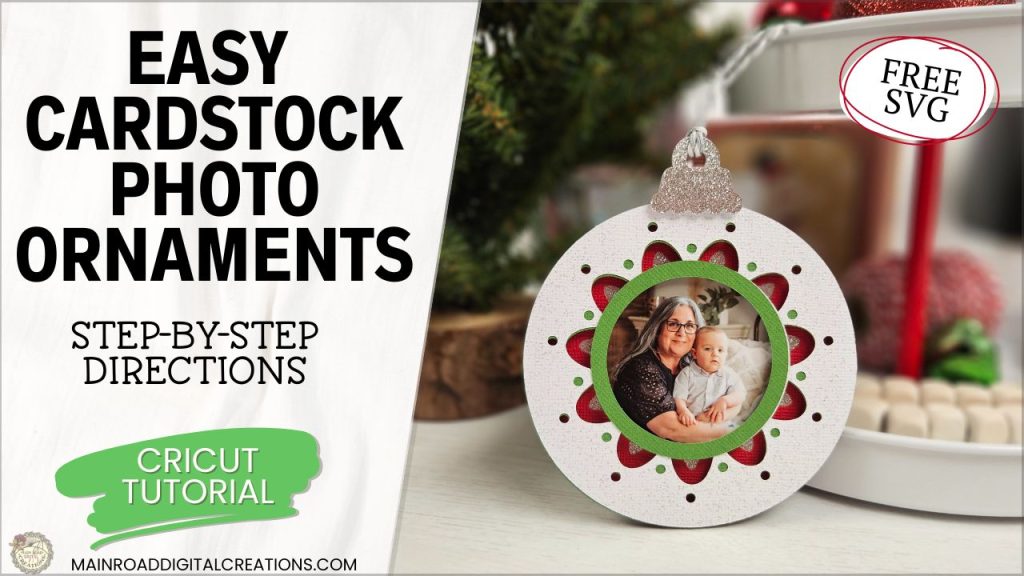
Want to see the step-by-step process? Watch my full video tutorial on how to make these cardstock photo ornaments using the free SVG file. I’ll walk you through all the tips and tricks, including how to cut your photo perfectly with your Cricut!
Layered Cardstock Ornaments with a Photo!
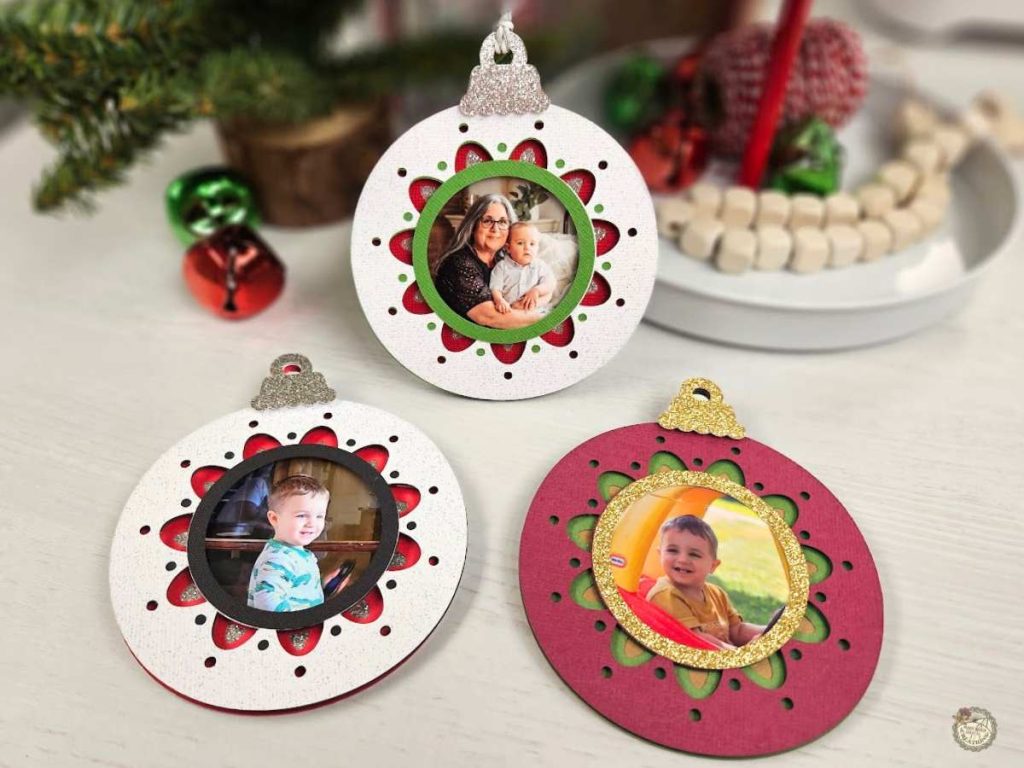
Look how beautiful this cardstock photo ornament turned out! I love how easy it was to make! The photo adds such a special touch. Whether it’s for your tree or as a gift tag, it’s sure to stand out. I’d love to see what you create, so be sure to join my Facebook Group and share your finished ornaments with our crafting community!
All of the Free Files on my website are for Personal and Commercial use. Check out my Terms of Use (TOU) here.
I’d love it if you could take a moment to pin the Free SVG image above to Pinterest. By sharing, you’re helping my business grow, which allows me to keep bringing you the free SVG files you adore. Thanks a bunch for your support. It means the world to me!
Here’s where you can find your Free SVG download!
Design #224— Photo Ornament Bulb SVG is available in my freebie library. To get the Password, click the button below and Join our Freebie Club!
If you enjoyed this week’s Free SVG & Cricut tutorial, here’s another you will love!

Check out my shop for fun and creative designs!
Join the Creative Fabrica Membership

Fonts, designs, and so much crafty goodness! Over 16 million digital files are waiting! In partnership with Main Road Digital Creations, your first 10 downloads are totally free. After that? It’s just $47 a year (yep, that’s $3.99/month) with full commercial and POD use included. Sign up for Free!