
Free Christmas Bell Ornament SVG – DIY Cricut Tutorial
Make Custom Gifts with Your Free Christmas Bell Ornament SVG
This post may contain affiliate links. As an Amazon Associate, I earn from qualifying purchases. Please see my privacy policy for full details.
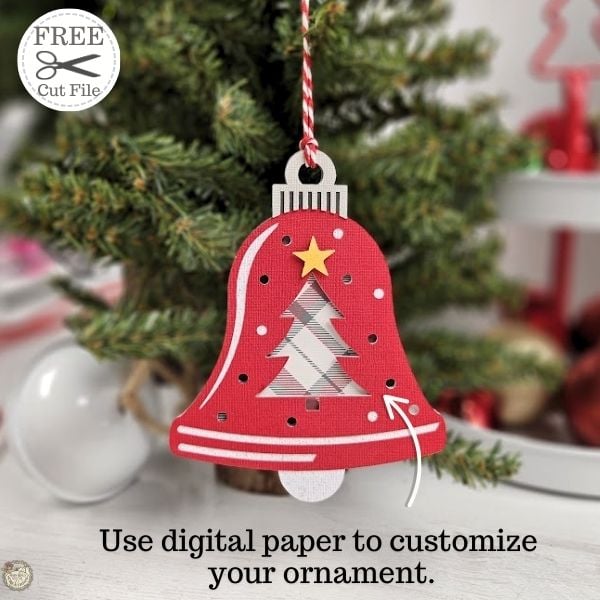
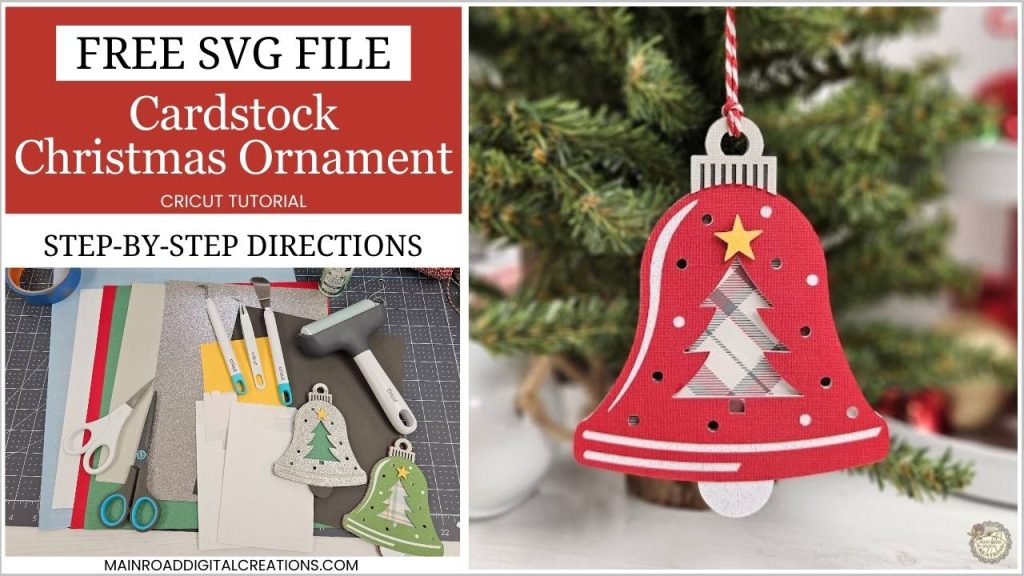
Get into the holiday spirit with this free Christmas bell ornament SVG! Whether you’re looking to decorate your tree or make handmade gifts, this tutorial will show you how to create a beautiful layered ornament using cardstock and digital paper. I’ll walk you through every step, from cutting the pieces with your Cricut to printing digital paper designs at home.
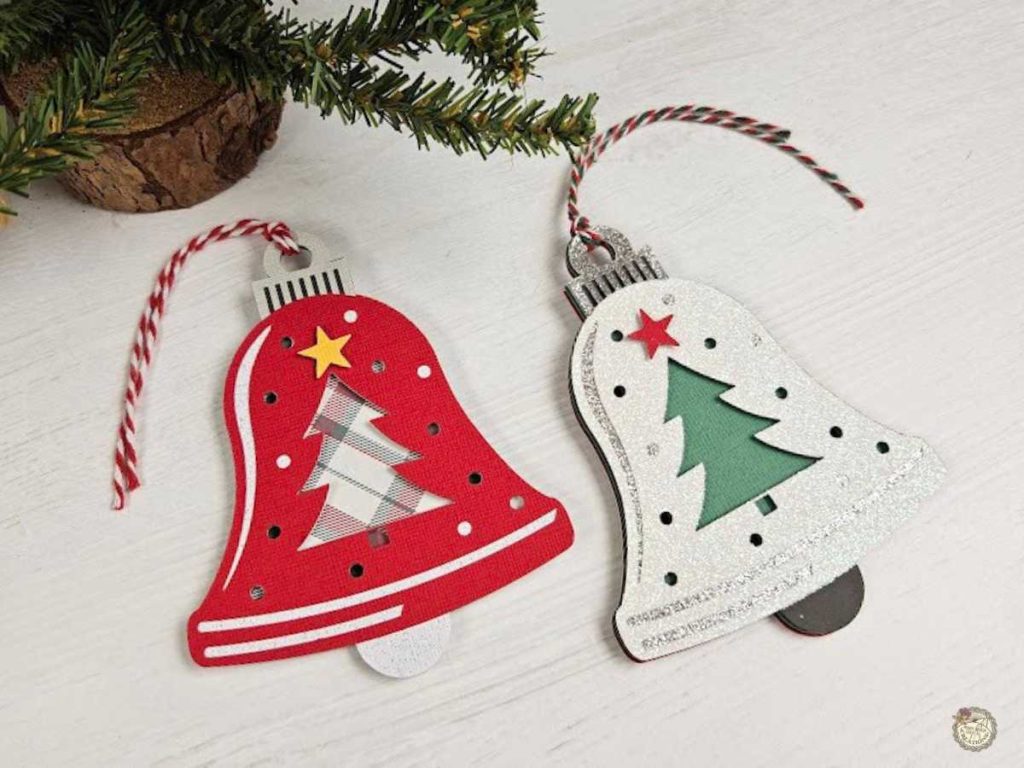
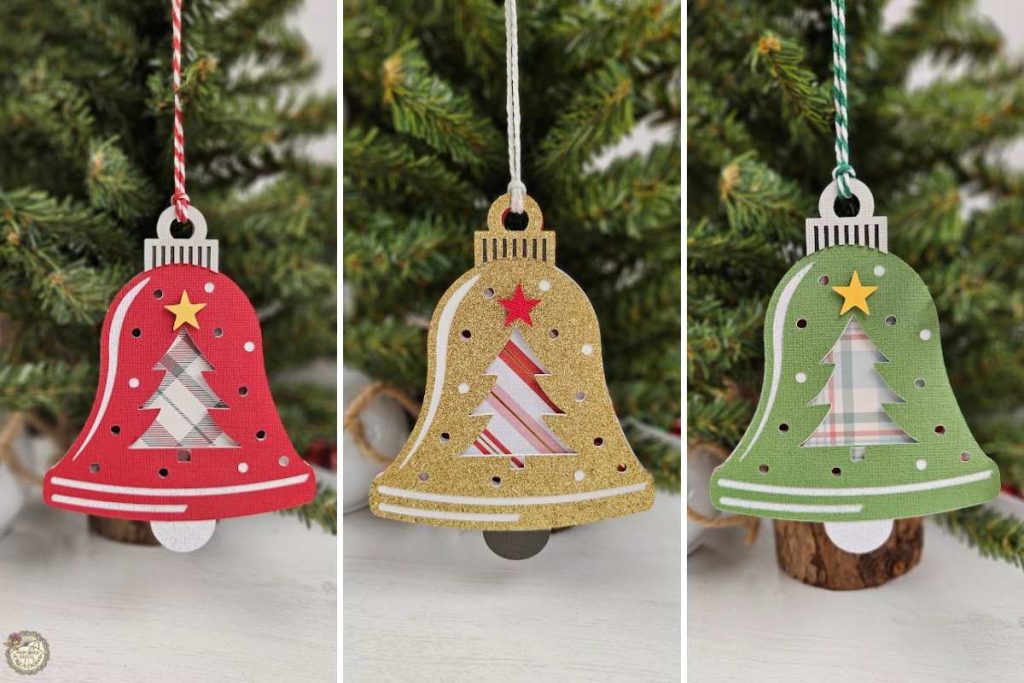
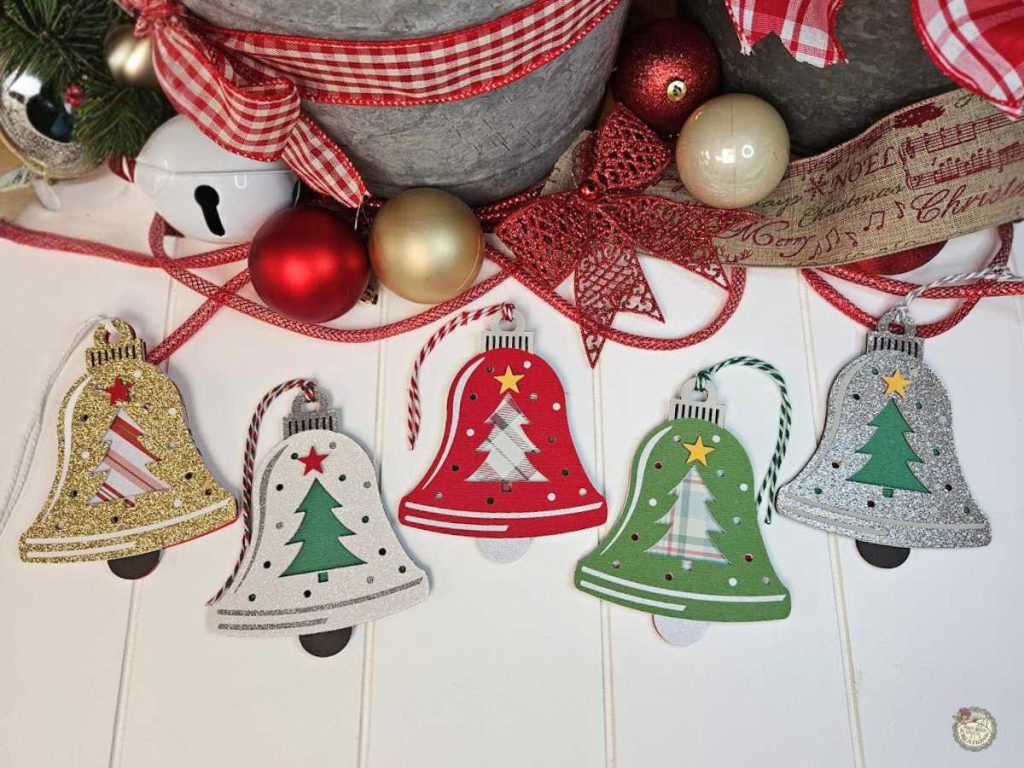
This free Christmas bell ornament SVG is easy to customize with digital paper, glitter cardstock, or solid colors. Try experimenting with traditional reds and greens, or mix it up with non-traditional colors like pinks and blues for a more personalized look. Whether you’re creating ornaments to match your tree’s theme or gifting them, the possibilities are endless!
Supplies for Your Christmas Bell Ornament
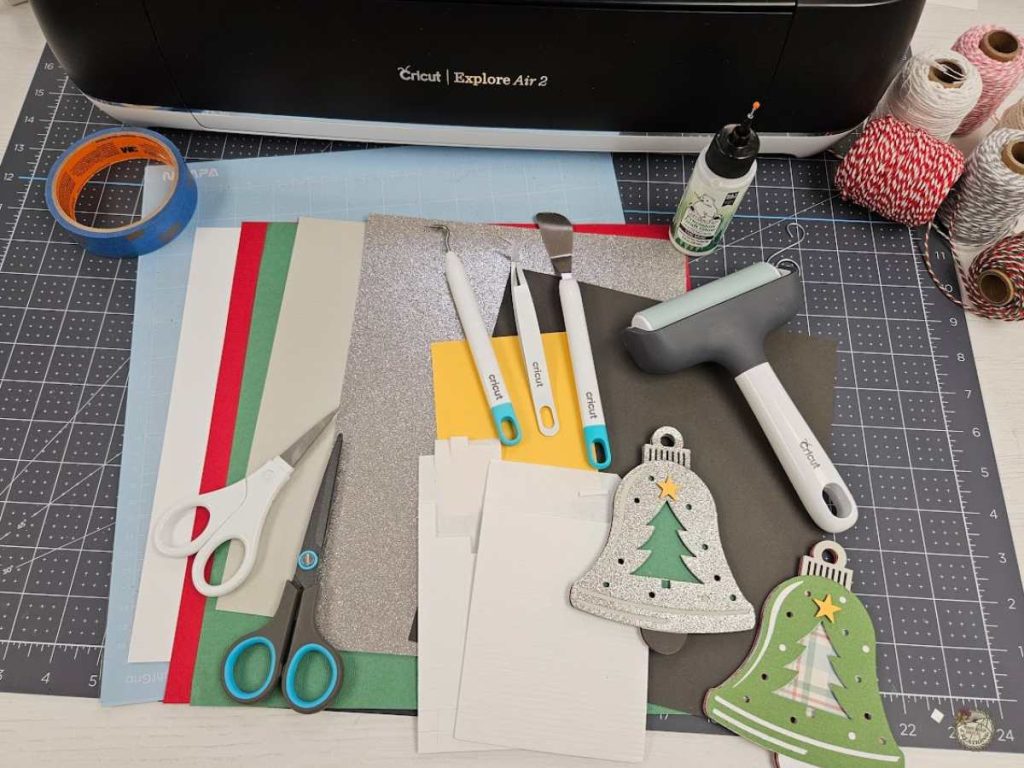
For this project, you’ll need basic crafting tools like cardstock in various colors, glue, and foam squares for layering. Printing digital paper adds a custom touch without needing to buy patterned cardstock. Check out the supplies I used below to bring this ornament to life.
- Cricut -I used my Explore Air 2
- Light Grip Mat
- Cardstock in Various Colors
What’s Digital Paper? Here’s How to Use It
Have you ever come across digital paper packs and wondered what to do with them? The good news is you can print them right from your computer!
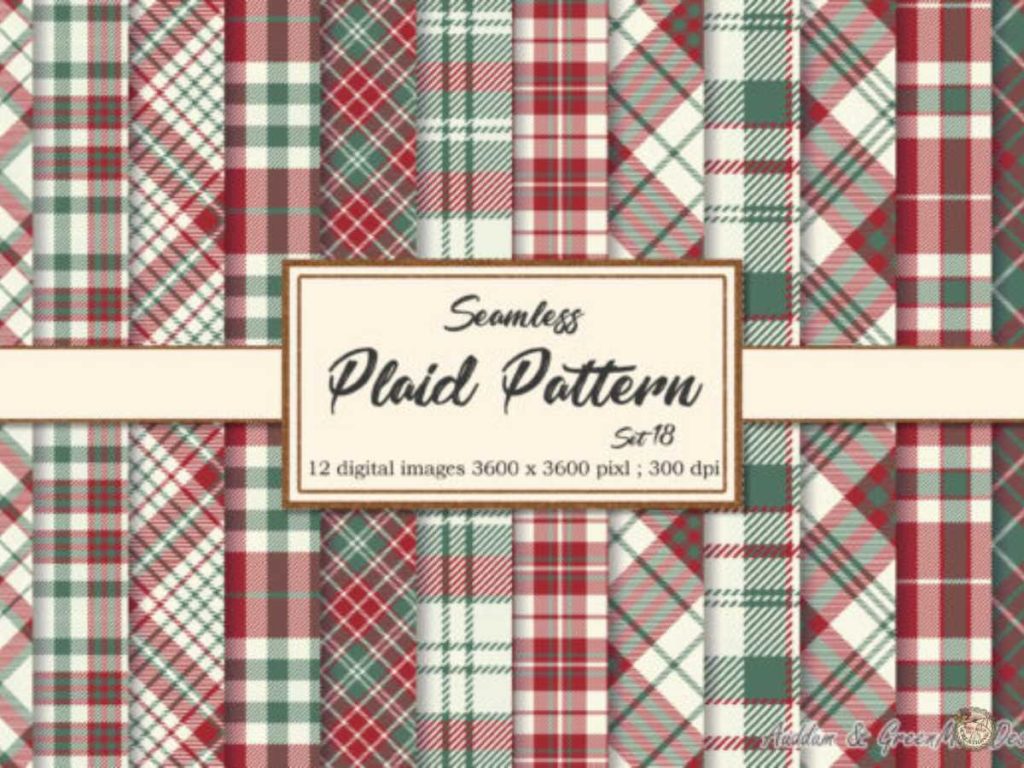
For this bell ornament, I downloaded a Christmas-themed digital paper from Creative Fabrica, printed it on white cardstock, and used it to fill in the tree inside the ornament. This is a fantastic alternative to buying patterned cardstock, especially when you’re searching for a specific design.
In the video tutorial, I’ll show you how to print digital paper and align it perfectly in the ornament’s design. There is no need to purchase extra supplies—just print what you need and craft away!
Christmas Bell Ornament Step-by-Step Tutorial
Ready to make your own cardstock Christmas ornament? Here’s how:
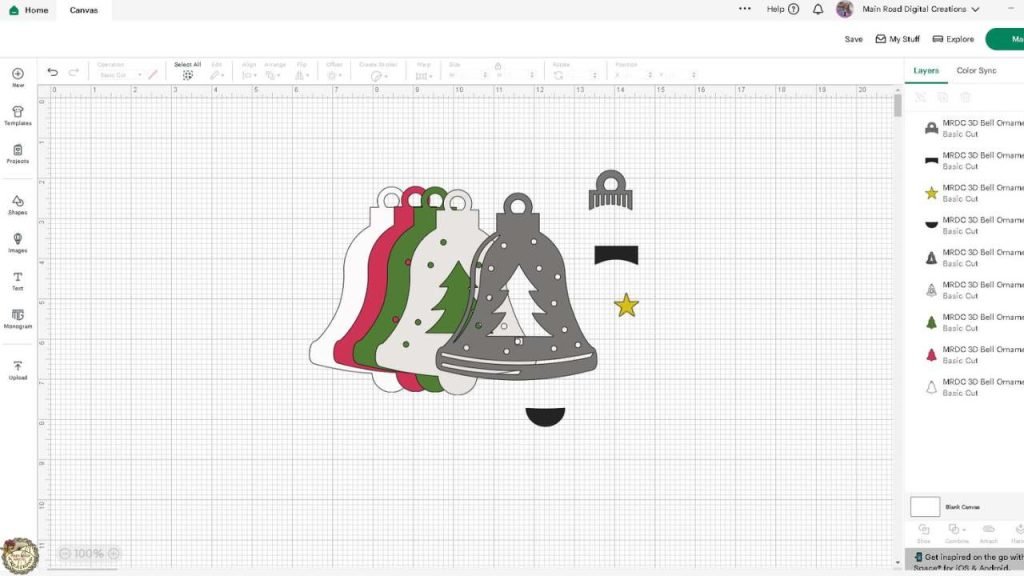
- Upload the SVG in Design Space: Ungroup the layers to view all the elements.
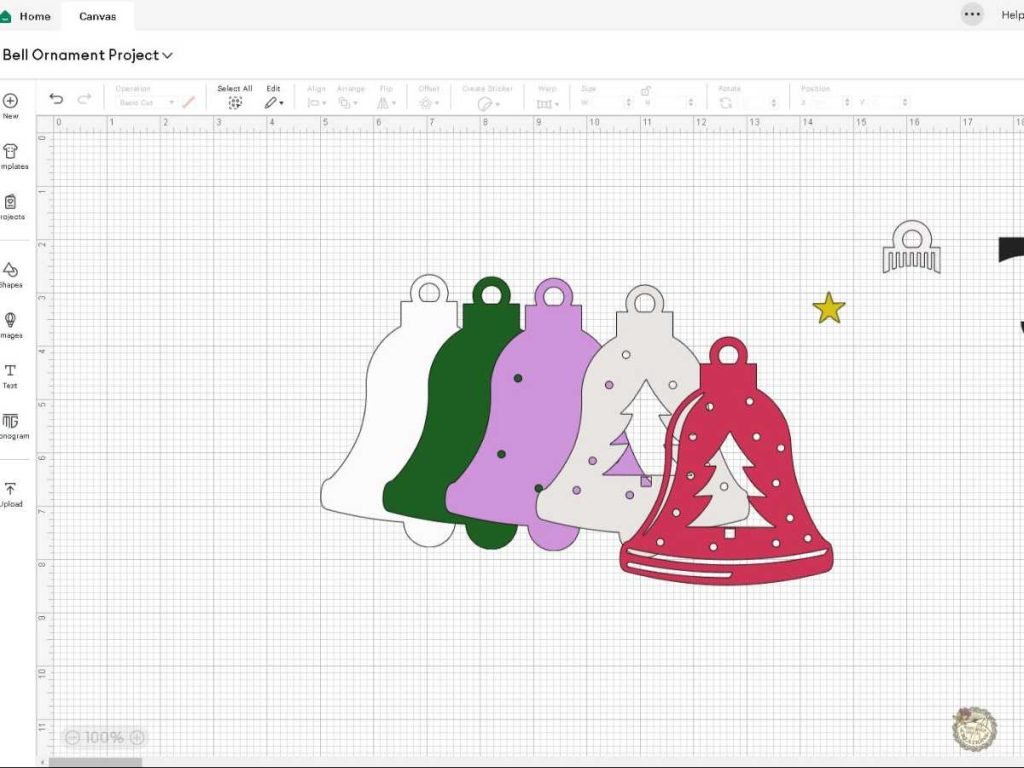
2. Adjust and Organize in Design Space: Customize the layout- assign colors to each layer to match your cardstock to help organize your project. I changed the layer for the digital paper to purple as a reminder during cutting.
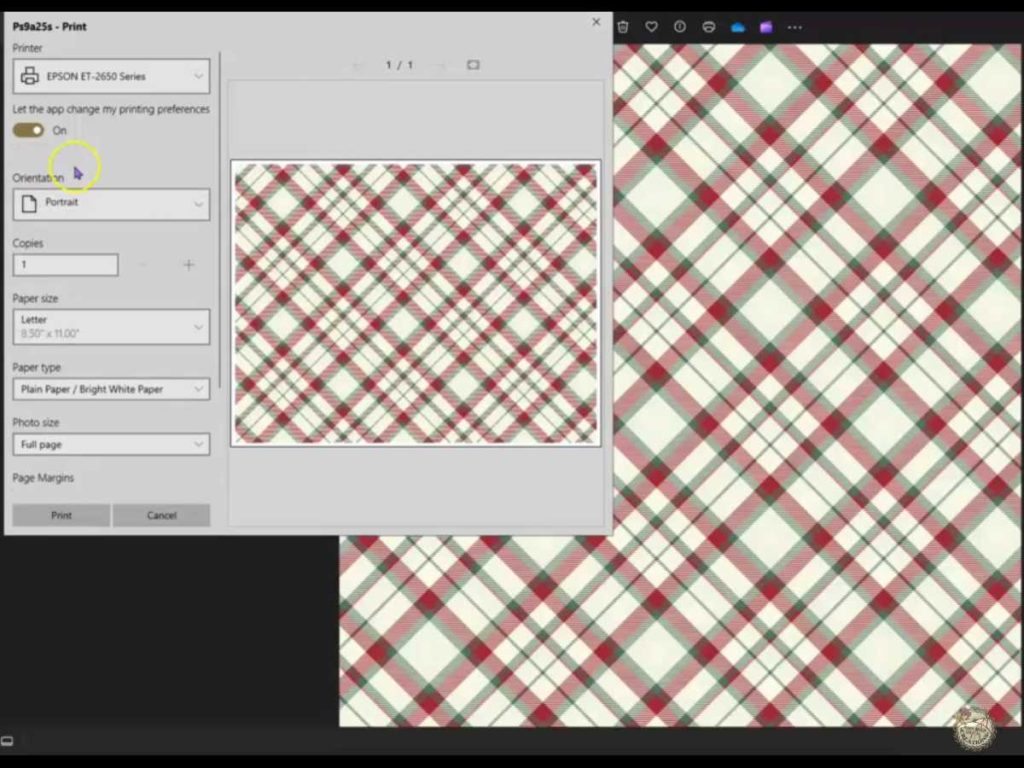
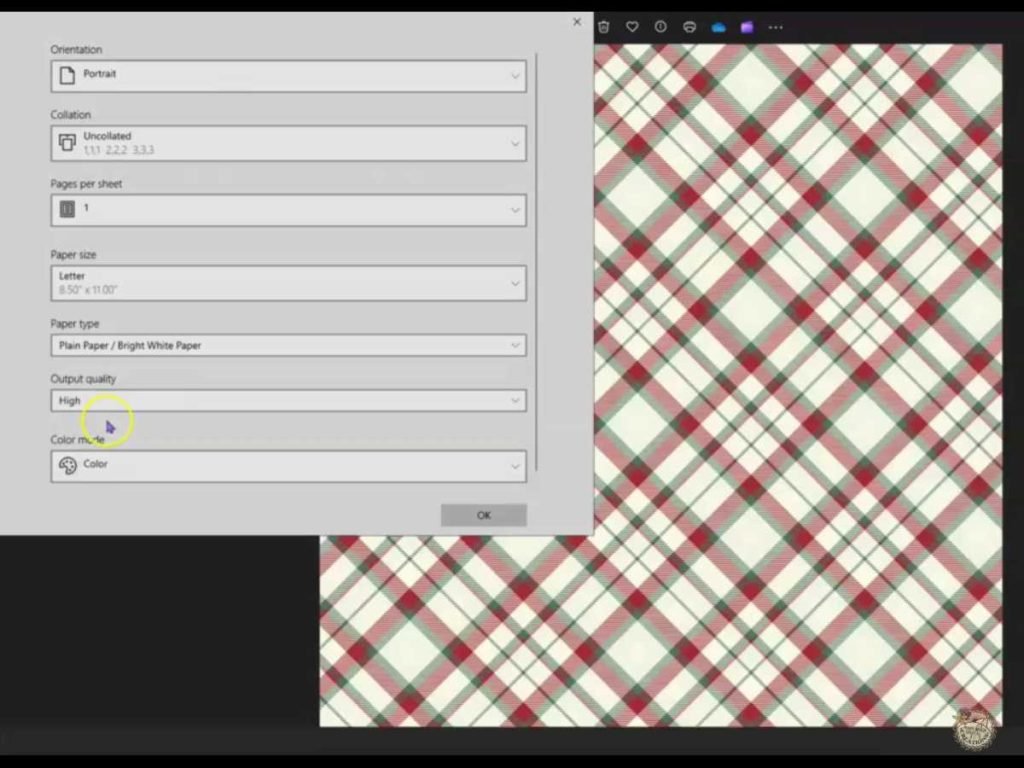
3. Print Your Digital Paper: I set my printer to high-quality printing for the best results. I printed the digital paper on this white cardstock.
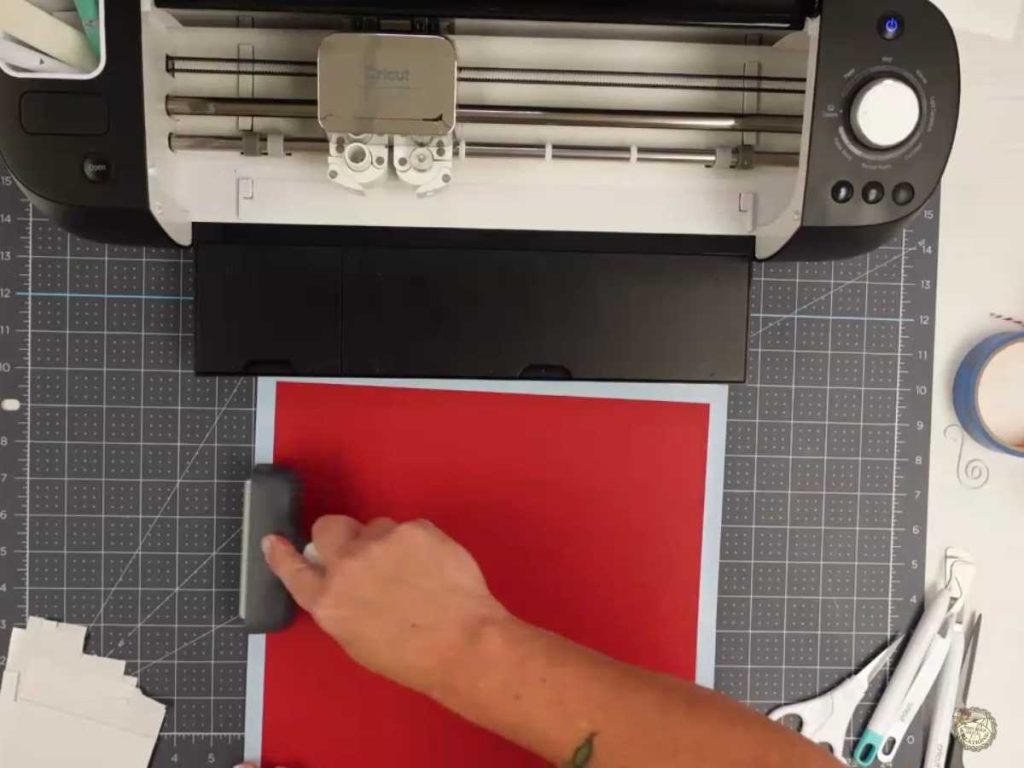
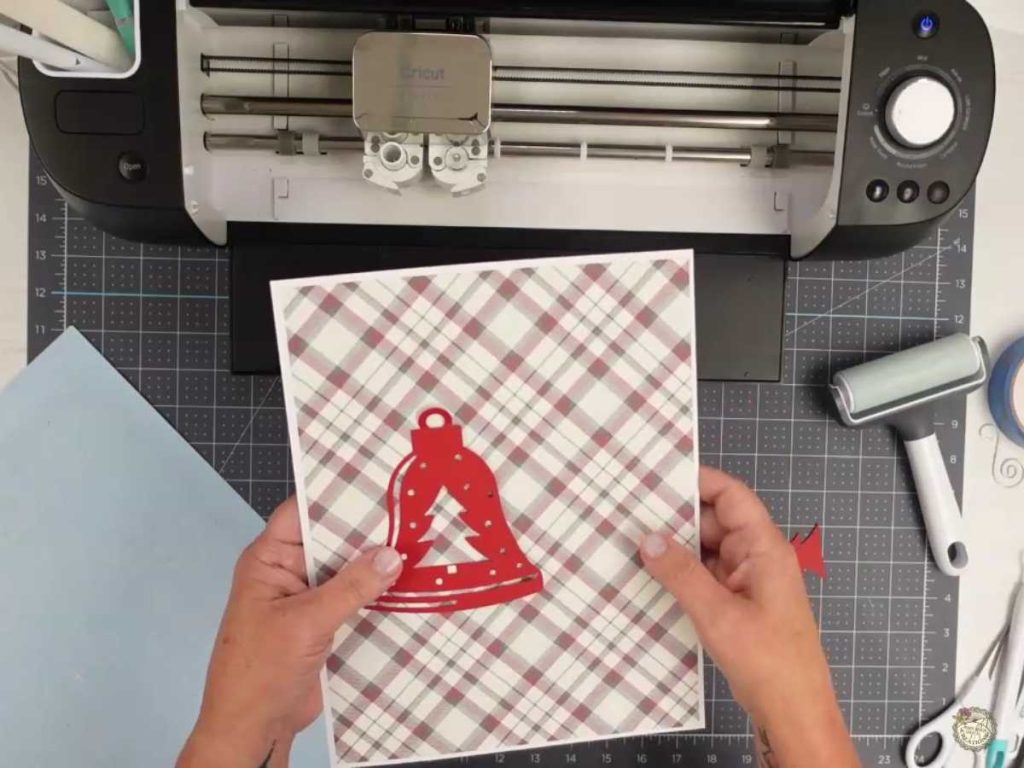
4. Cut Each Layer with Your Cricut: Use your Cricut to cut the pieces. Flip the mat when removing the paper to prevent curling. Check for Tree Alignment: Place the red cardstock cutout over the digital paper to preview how the tree will appear once cut. Align the layer (this is the purple layer for me) on your cut screen. This step helps you ensure the pattern is positioned precisely where you want it within the tree shape.
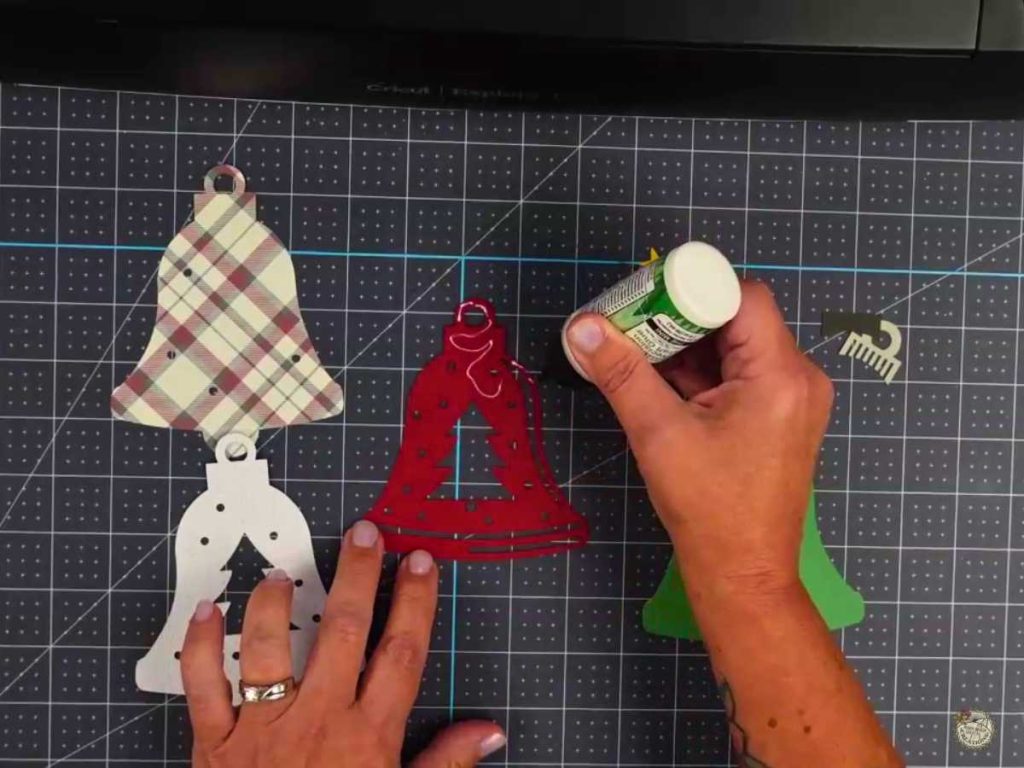
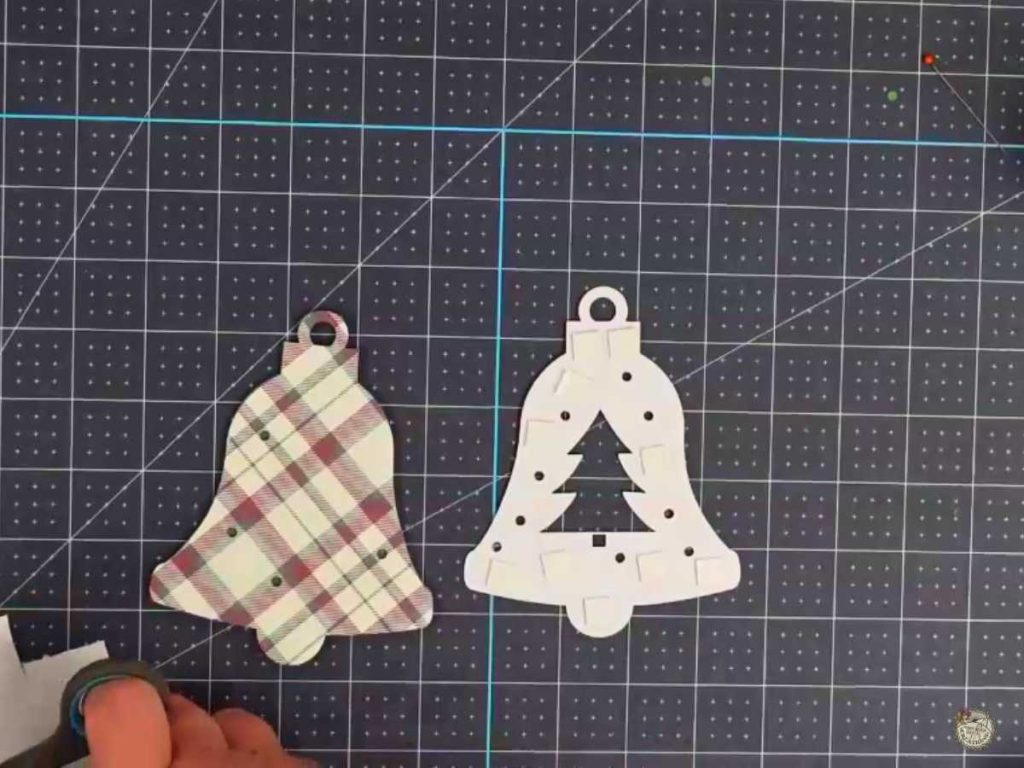
5. Assemble the Ornament: Glue the layers together and use foam squares to add dimension.
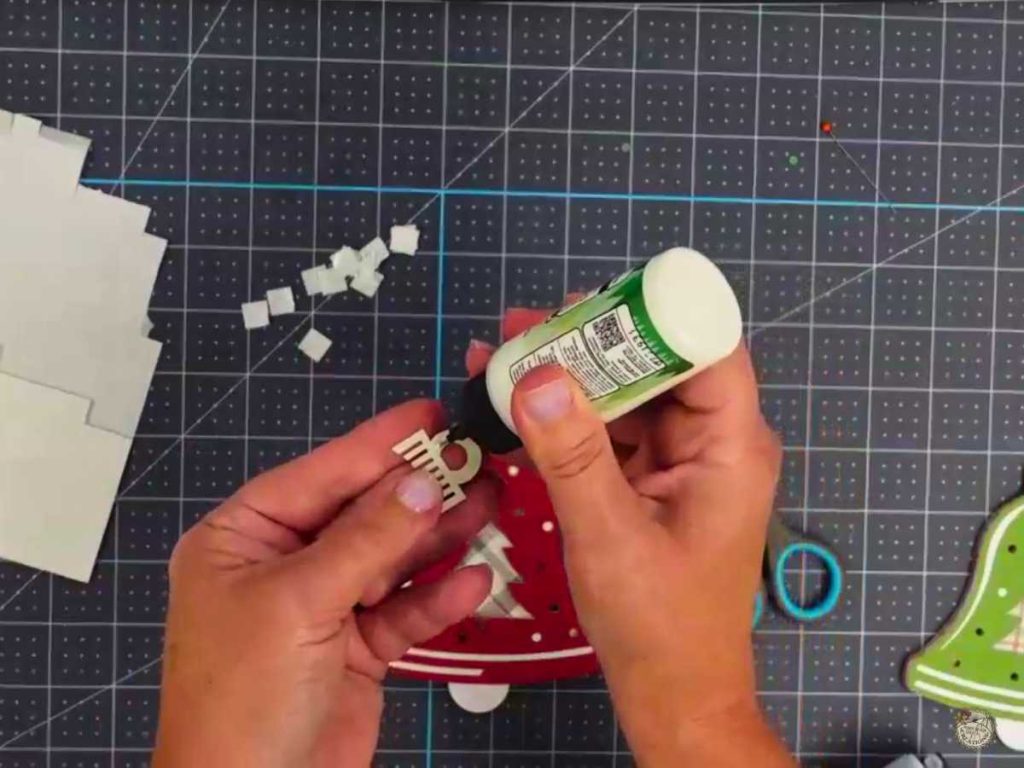
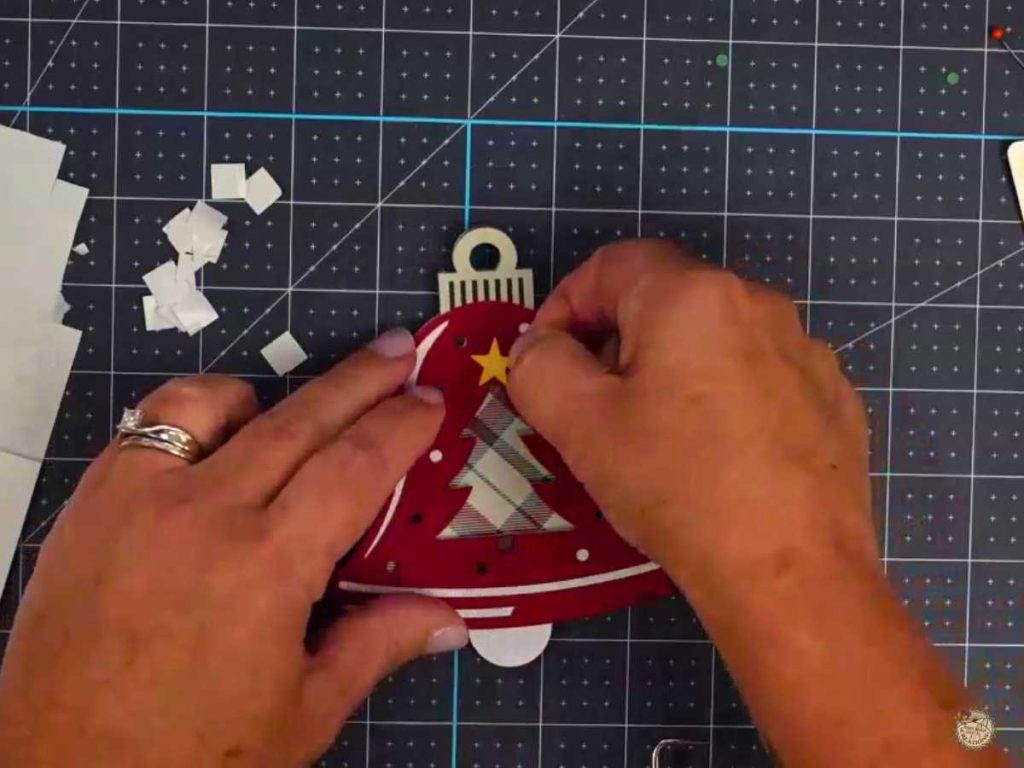
6. Attach the Topper and Star: Glue the final elements in place to finish the ornament.
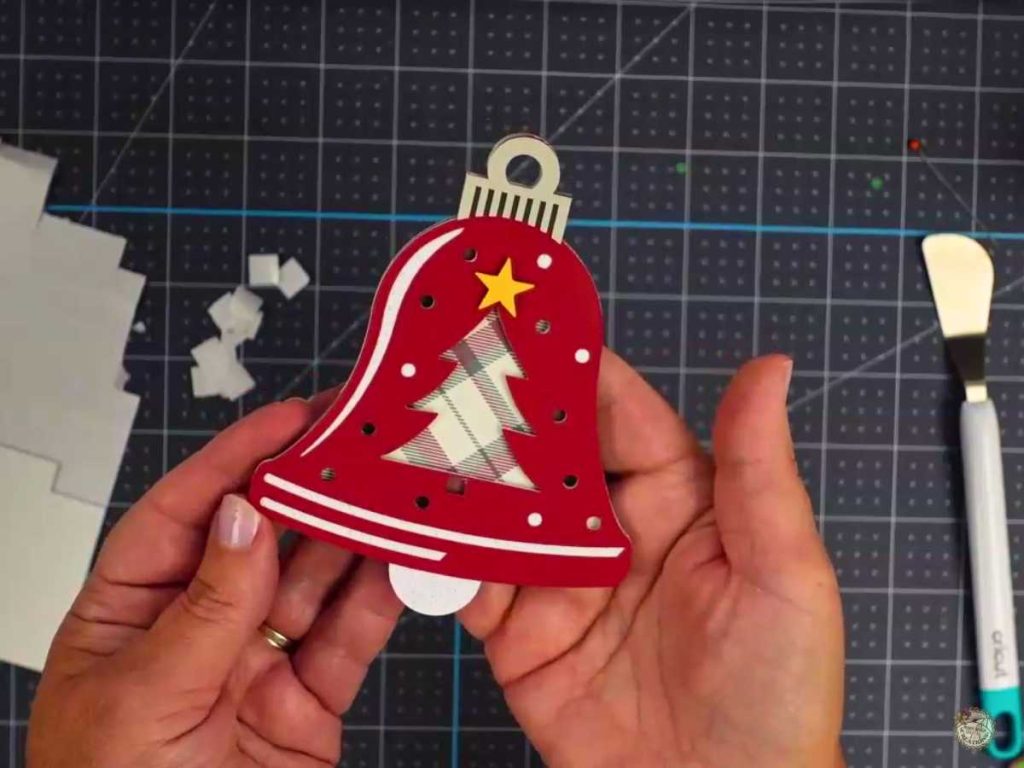
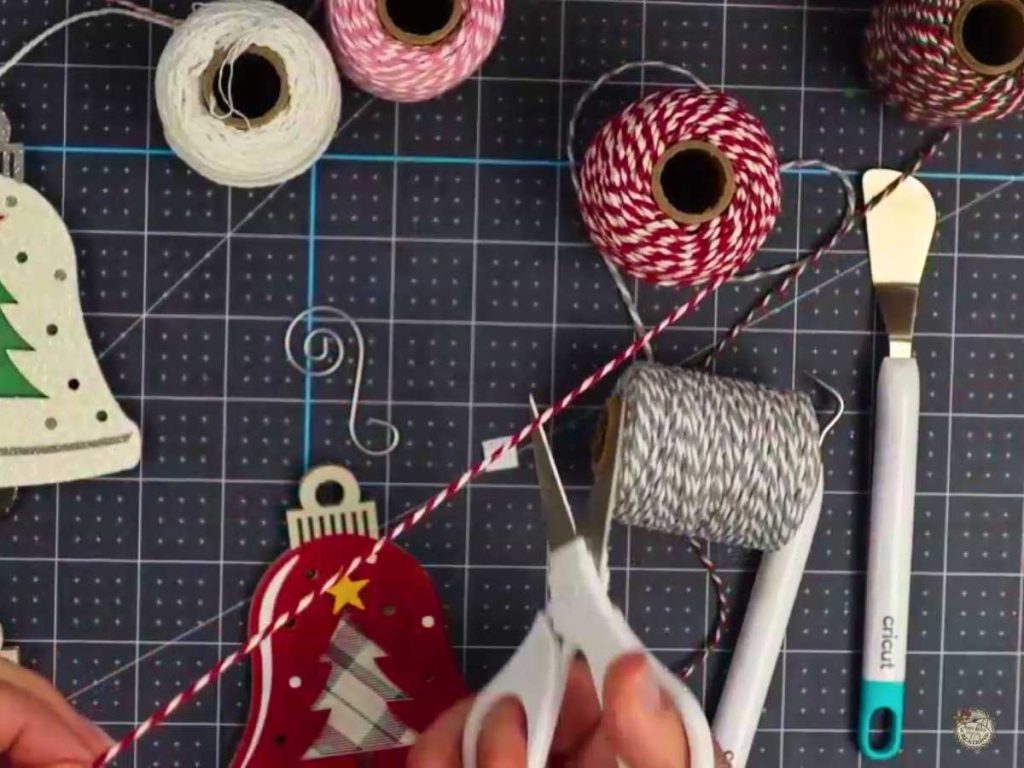
7. Add the Hanger: Thread twine or wire through the hole to turn it into an ornament or gift tag.
Cardstock Christmas Ornament SVG Video Tutorial
Watch the full step-by-step video tutorial below to see exactly how to create your own bell ornament. It’s an easy project that you can make in no time, and I’ll guide you through each part, from printing the digital paper to assembling the layers.
Make Custom Gifts with Your Bell Ornament SVG
These ornaments make perfect handmade gifts for teachers, friends, or craft fairs. Add a piece of twine to hang them, and you’re ready to decorate! With just one design, you can create multiple looks by experimenting with different colors, patterns, and materials—making each ornament unique.

I made one in *pink for my daughter-in-law—because holiday colors can be whatever you want! Whether you go with glitter, printed digital paper, or classic cardstock, each ornament takes on its own personality. This project is beginner-friendly, but the layering adds dimension and gives it a professional finish that will look amazing on any tree.
*You can find the digital paper pack I used for the pink ornament here.
Share Your Christmas Ornament Projects with Me!
I’d love to see what you create with this free Christmas bell ornament SVG file! Join my Facebook group and share your projects there—it always makes my day to see how you customize my designs.

Are you on Facebook?
Join our group!
We’d love to have you!
All of the Free Files on my website are for Personal and Commercial use. Check out my Terms of Use (TOU) here.
I’d love it if you could take a moment to pin the Free SVG image above to Pinterest. By sharing, you’re helping my business grow, which allows me to keep bringing you the free SVG files you adore. Thanks a bunch for your support. It means the world to me!
Here’s where you can find your Free SVG download!
Design #225— Bell Ornament SVG is available in my freebie library. To get the Password, click the button below and Join our Freebie Club!
If you enjoyed this week’s Free SVG, here’s another you will love!

Check out My Shop
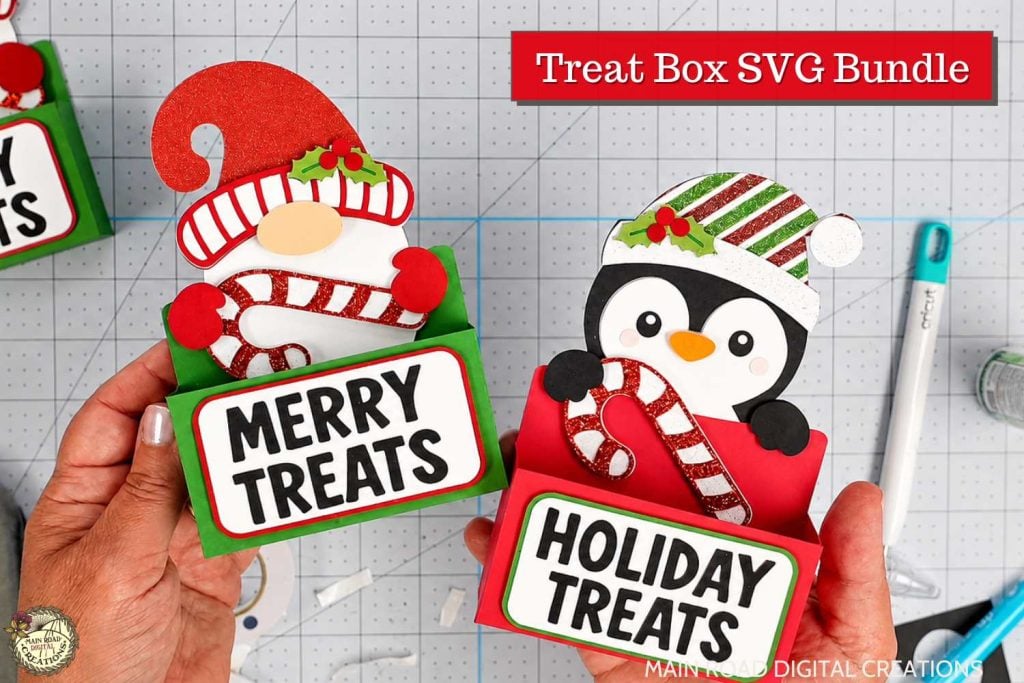
If my freebies have sparked your creativity, head over to my shop for even more SVGs to craft with. These are just a few of the designs waiting for you. Thank you for supporting my small business!



Join the Creative Fabrica Membership

Fonts, designs, and so much crafty goodness! Over 16 million digital files are waiting! In partnership with Main Road Digital Creations, your first 10 downloads are totally free. After that? It’s just $47 a year (yep, that’s $3.99/month) with full commercial and POD use included. Sign up for Free!
I Love these and they will make Beautiful gifts and ornaments for my tree. Thanks so much.
You’re welcome. Thank you for your comment! I’m so happy to hear you love them! Happy crafting 😊
haven’t used the cricut or maker in AGES– since i started card making with ink & dies… IDK how to use digital paper though… Love your designs!
Hi Alicia! Thank you for your comment! I’m so glad you love the designs. Is the IDK I don’t know, or I do know? haha. I wasn’t sure if you needed help. Happy crafting! 😊
I feel dumb as a stump. I’ve signed up, gotten into the free files and found one I love (the Christmas Bell Ornament.) However, I don’t see al link on the page to let me download it> I’m sure I am missing the obvious, but can you point me in the right direction to get this?
Thanks for your lovely patterns! I look forward to some happy crafting withthem.
Hi Abi! You made me giggle. Dumb as a stump- hahaha. I know it can be confusing to use a new site. All of my downloads are in my freebie library. Instead of me typing out everything, this page might help.
https://mainroaddigitalcreations.com/how-to-download-free-svg-files/
If you still need help after checking out that page, please feel free to reach out!
Thank you for your kind words. I truly appreciate it! 😊
Thanks so much for the quick reply. We crafters are an impatient bunch! Looking forward to making several of these.
Haha. You’re welcome! 😁