
Christmas Gift Card Holder and Free SVG
Season of Giving: DIY Christmas Gift Card Holder SVG Cricut Tutorial!
This post may contain affiliate links. As an Amazon Associate, I earn from qualifying purchases. Please see my privacy policy for full details.

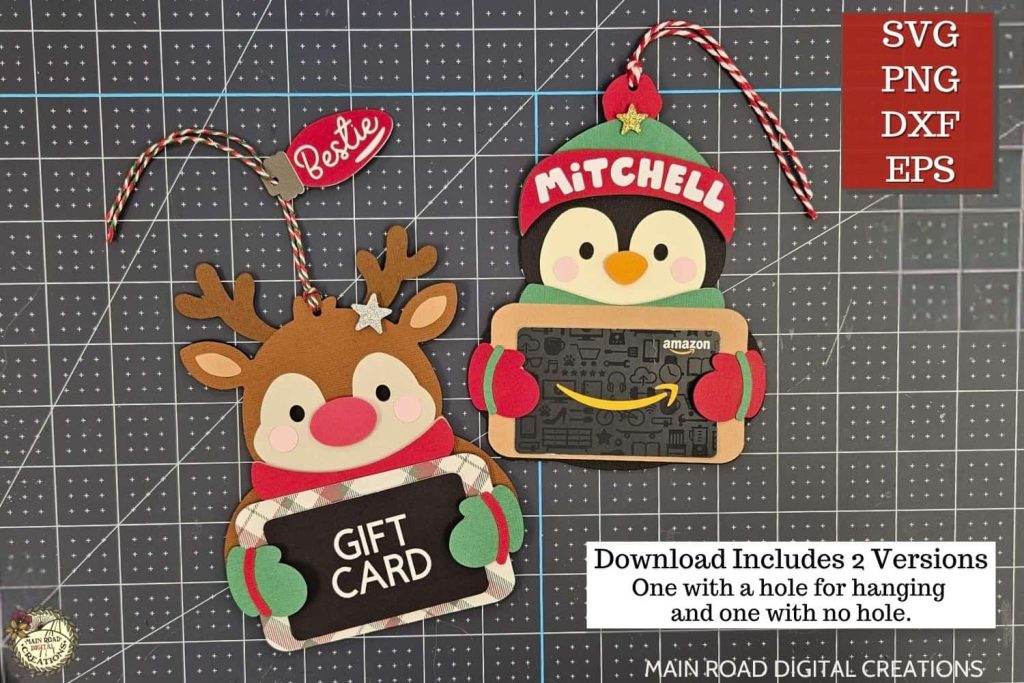
The holiday crafting season is in full swing, and I couldn’t be more excited! This week, I have something truly special for you: a unique gift card holder SVG, tailor-made for that tricky-to-shop-for family member, that one-of-a-kind teacher, or your dear friend who insists they don’t need anything (but we all know a little surprise brings the biggest smiles). And here’s the best part – these holders aren’t just gifts; they’re heartfelt gestures, personalized with care. I’ve even put together a tutorial demonstrating exactly how to create them with your trusty Cricut machine. Let’s add a sprinkle of creativity to this holiday season!

Customize with Ease: Changing Colors in the Free SVG
One of the best things about this project is how easily you can customize it. The free SVG file I provide allows you to change the colors effortlessly. Want a green mug instead of a red one? No problem! You can tailor the design to match your style and preferences. Change the saying and add a name. The flexibility ensures that each gift card holder you make is as unique as the person receiving it.
What’s that font?
The font I used on the free gift card holder SVG is called Pretty Summer.

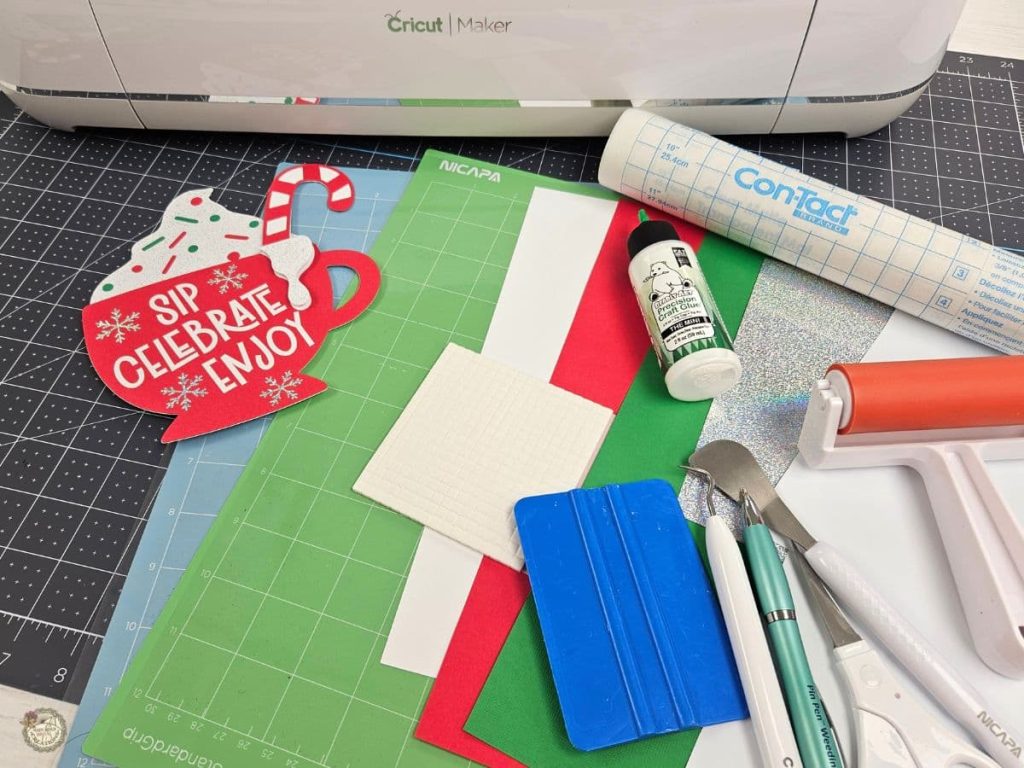
What Do I Need to Make a Gift Card Holder with My Cricut?
Wondering what supplies you need for this fun holiday project? Here’s a quick list to get you started:
- I used my Cricut Maker. I don’t believe this would work with the Cricut Joy because the card is too wide.
- Cardstock
- Adhesive Vinyl
- White and Silver Glitter
- Light Grip and Standard Grip mats
- Brayer
- Weeding Tools
- Pin Pen
- Squeegee
- Contact Paper
- Glue- these are my two favorites:
- Foam Dots

From SVG to Gift: Cricut Design Space Gift Card Holder Tutorial
I’ve prepared a step-by-step tutorial in Cricut Design Space that’s going to make your holiday crafting even merrier! In this video, titled “How to Make a Gift Card Holder,” I guide you through every detail. From cutting the cardstock to assembling the holder, you’ll find it all. Creating your own gift card holders has never been this easy and fun. Let’s dive in and craft some holiday magic!

I’m excited to see what you’ll make with this week’s Free SVG! I’d be thrilled if you joined our Facebook group to share your projects. Come be a part of our crafting community, where you can showcase your work, connect with fellow crafters, and find even more inspiration. Let’s celebrate the joy of crafting together!
All of the Free Files on my website are for Personal and Commercial use. Check out my Terms of Use (TOU) here.

I’d love it if you could take a moment to pin the Free SVG image above to Pinterest. By sharing, you’re helping my business grow, which allows me to keep bringing you the free SVG files you adore. Thanks a bunch for your support. It means the world to me!
Here’s where you can find your Free SVG Download
Design #179- Christmas Gift Card Holder SVG is available in my freebie library. Get the Password by clicking the button below and Joining our Freebie Club!
If you enjoyed this week’s Free SVG & Cricut tutorial, here’s another you will love!

Check out my shop for fun and creative designs!

Join the Creative Fabrica Membership

Fonts, designs, and so much crafty goodness! Over 16 million digital files are waiting! In partnership with Main Road Digital Creations, your first 10 downloads are totally free. After that? It’s just $47 a year (yep, that’s $3.99/month) with full commercial and POD use included. Sign up for Free!
I have gotten the password but can not Seem to find the spot to download the Christmas gift card holder svg.
Hi Teresa!
You can find the free download in the freebie library.
https://mainroaddigitalcreations.com/free-library/
Look for design number 179. Under the image in the freebie library you will see two buttons. One says Download and the other says Blog Post. Click on the download button and the folder will automatically download to your device. I hope that helps.😊