
Free 3D Halloween Pumpkin SVG | Cricut Tutorial
How to Make a 3D Halloween Pumpkin
This post may contain affiliate links. As an Amazon Associate, I earn from qualifying purchases. Please see my privacy policy for full details.
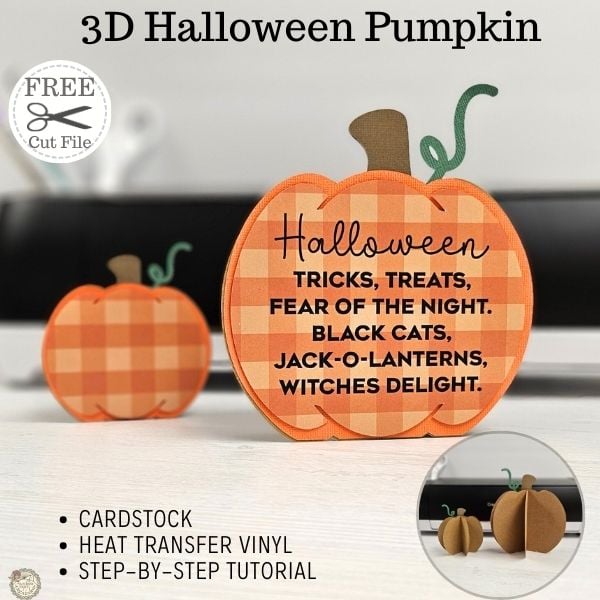
I’m so excited to share this adorable Free 3D Halloween pumpkin SVG with all of you! Fall is my favorite time of year, and I couldn’t wait to start crafting for it. This week’s project is incredibly easy to put together and perfect for adding to your fall home decor.
Supplies Needed to Make 3D Pumpkin
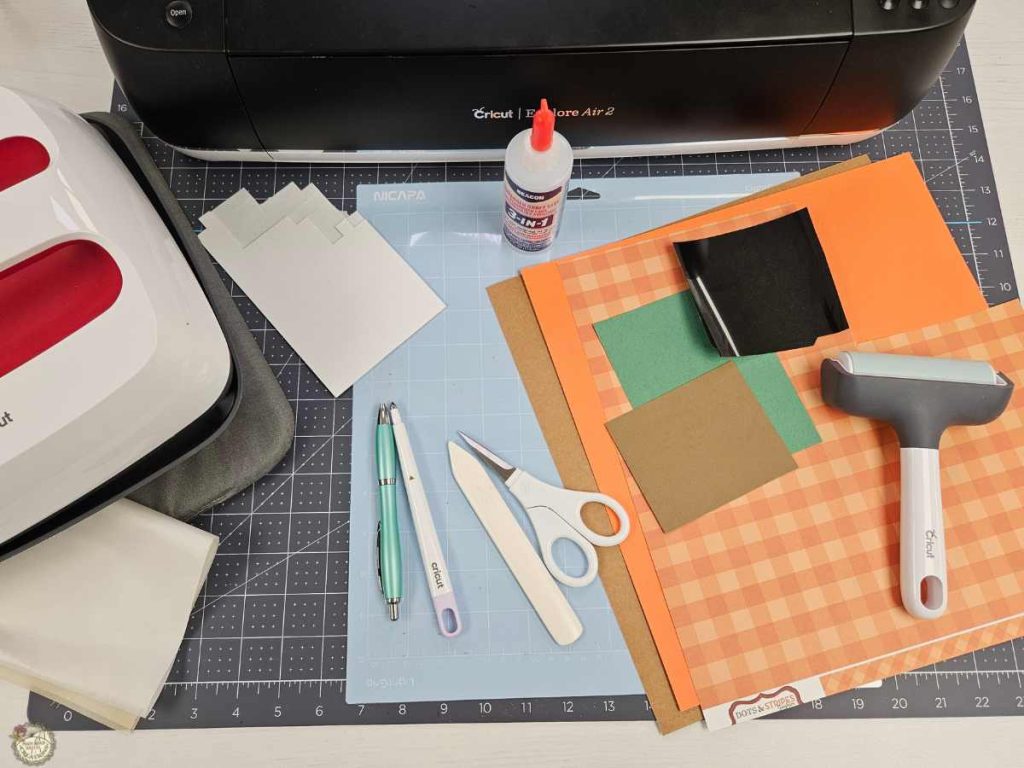
- Cricut – I used my Explore Air 2
- Scoring Stylus (optional)
- Light Grip Mat
- Cardstock -I used 80 lb
- Orange Gingham
- Orange
- Kraft, Brown, Green
- Black HTV (heat transfer vinyl)
- Brayer
- Weeding Tools, Pin Pen
- Bone Folder
- Foam Squares
- Glue
- Heat Source -I used my EasyPress
- Heat Resistant Mat
- Teflon Sheet
Cricut Design Space 3D Halloween Pumpkin Tutorial
In the video tutorial, I’ll show you how to add score lines to the free pumpkin SVG and set up your design in Cricut Design Space. We’ll ungroup the SVG file, prepare everything for cutting, and ensure your pumpkin pieces are ready for assembly.
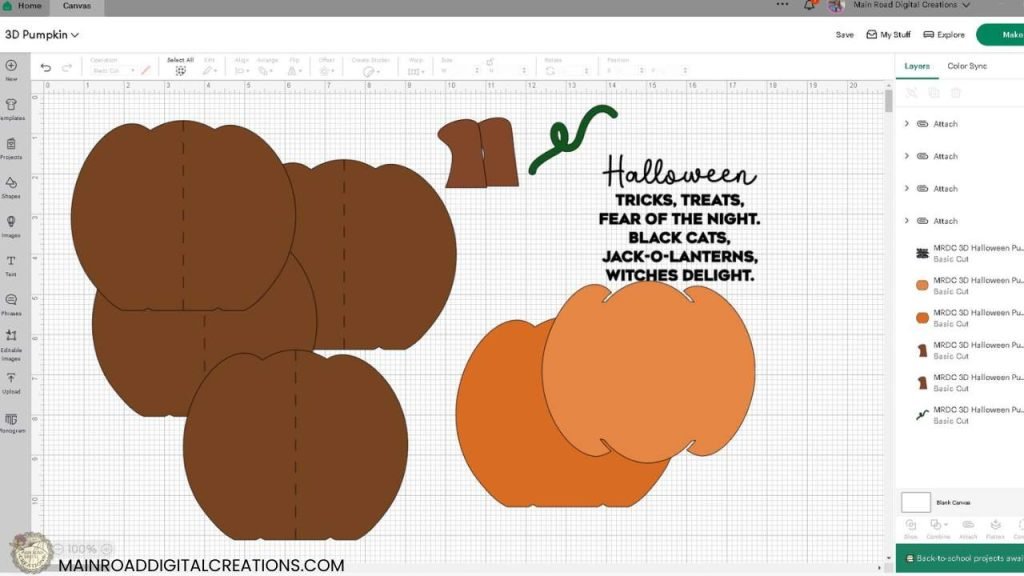
What’s that font?
Halloween- Halloween Ghost
Quote – Geometos Neue

Cutting & Assembling Your Halloween 3D Pumpkin
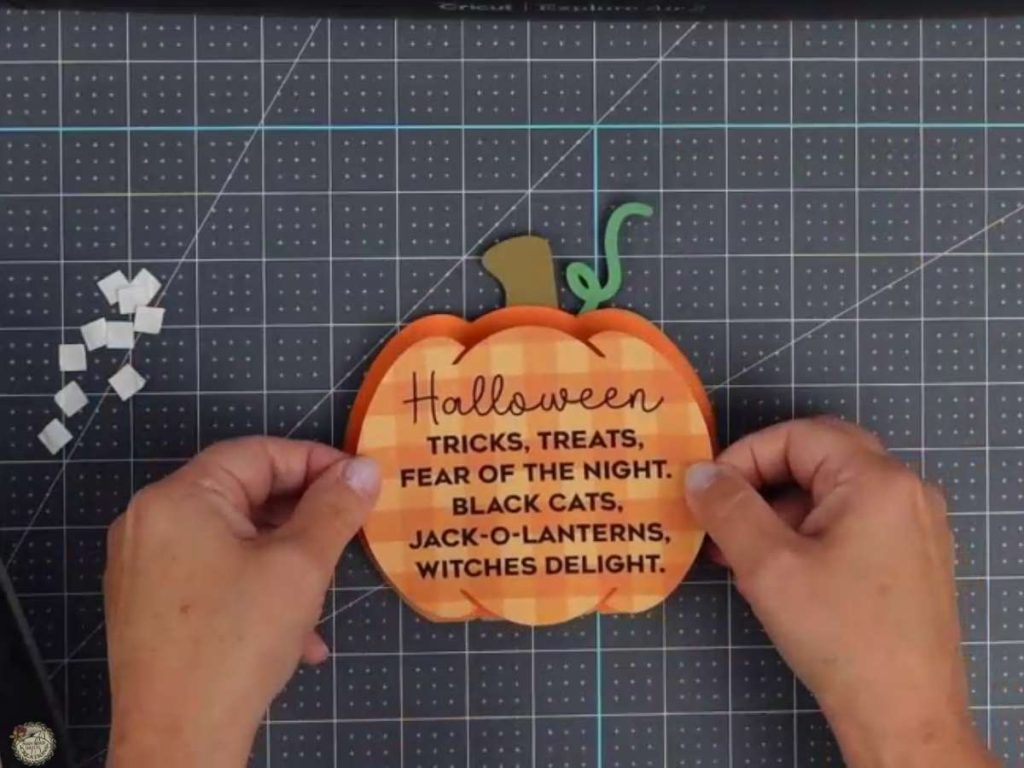
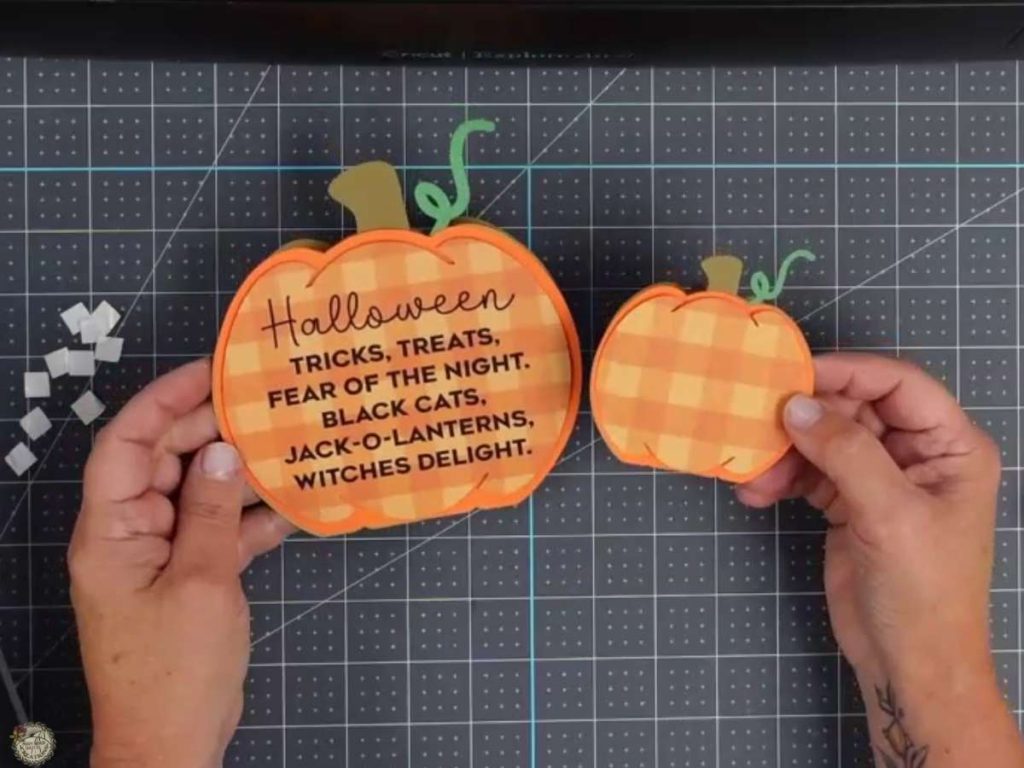
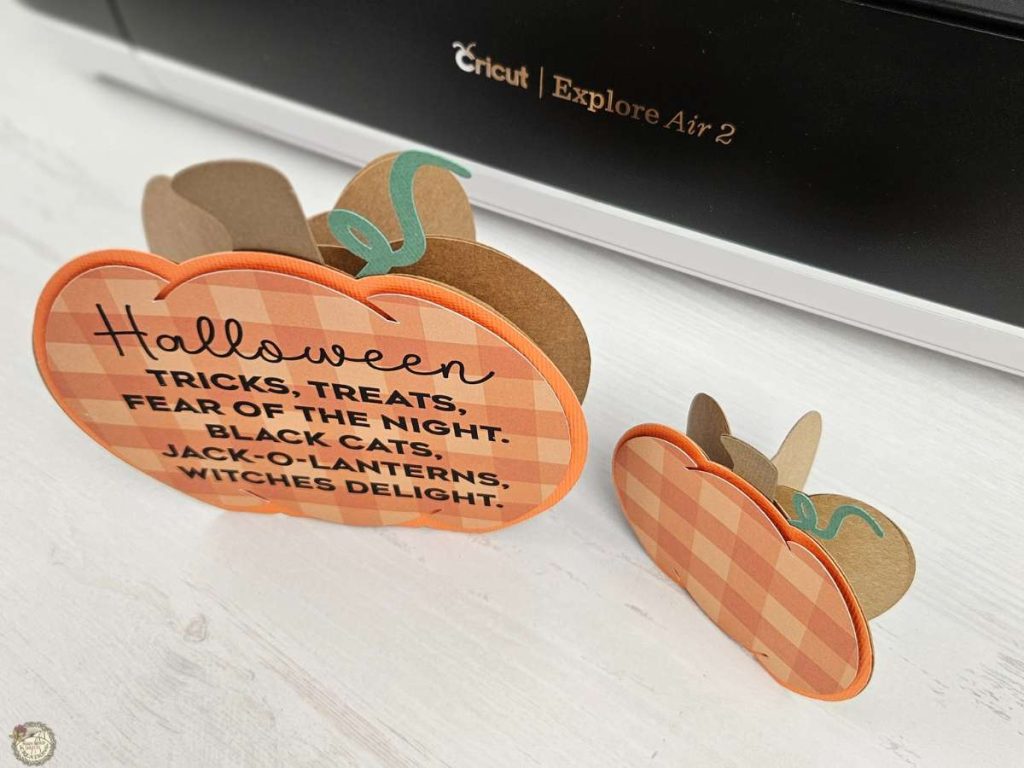
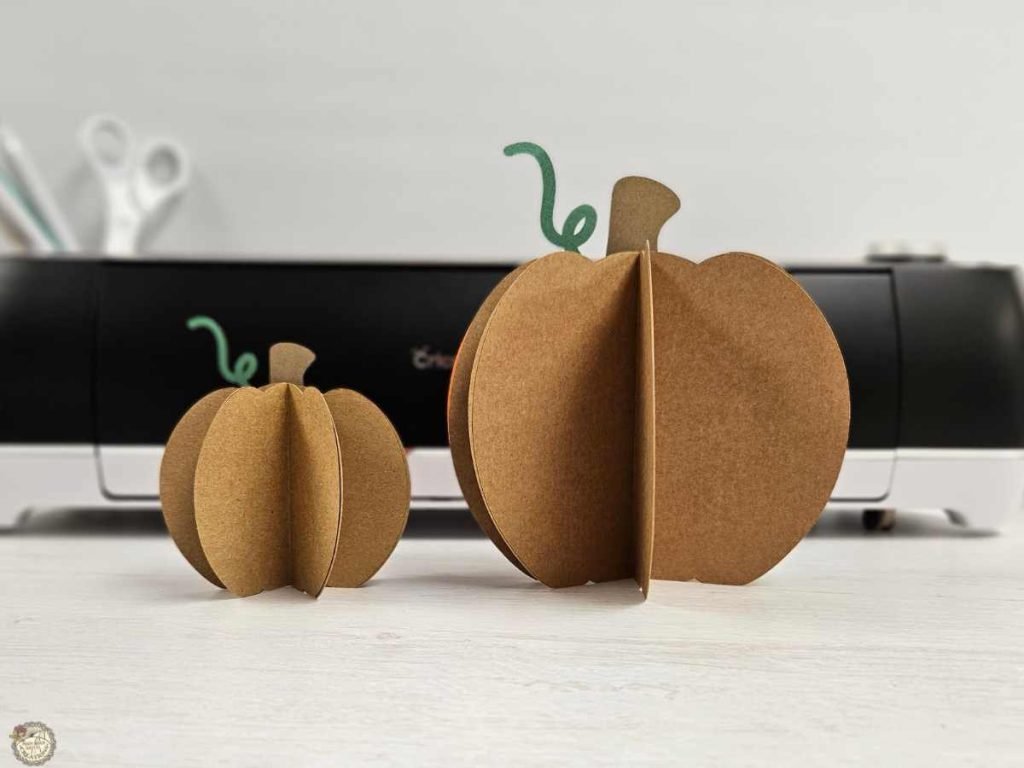
Check out these images to see how the pumpkin comes together. Scroll down for the step-by-step video tutorial to follow along!
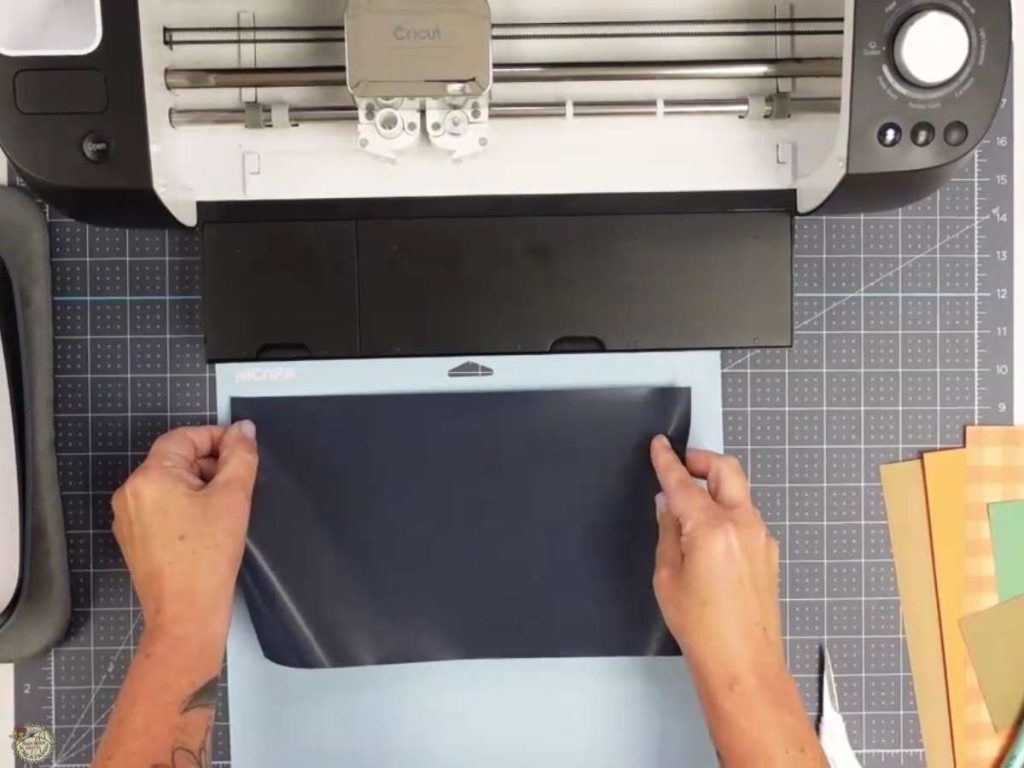
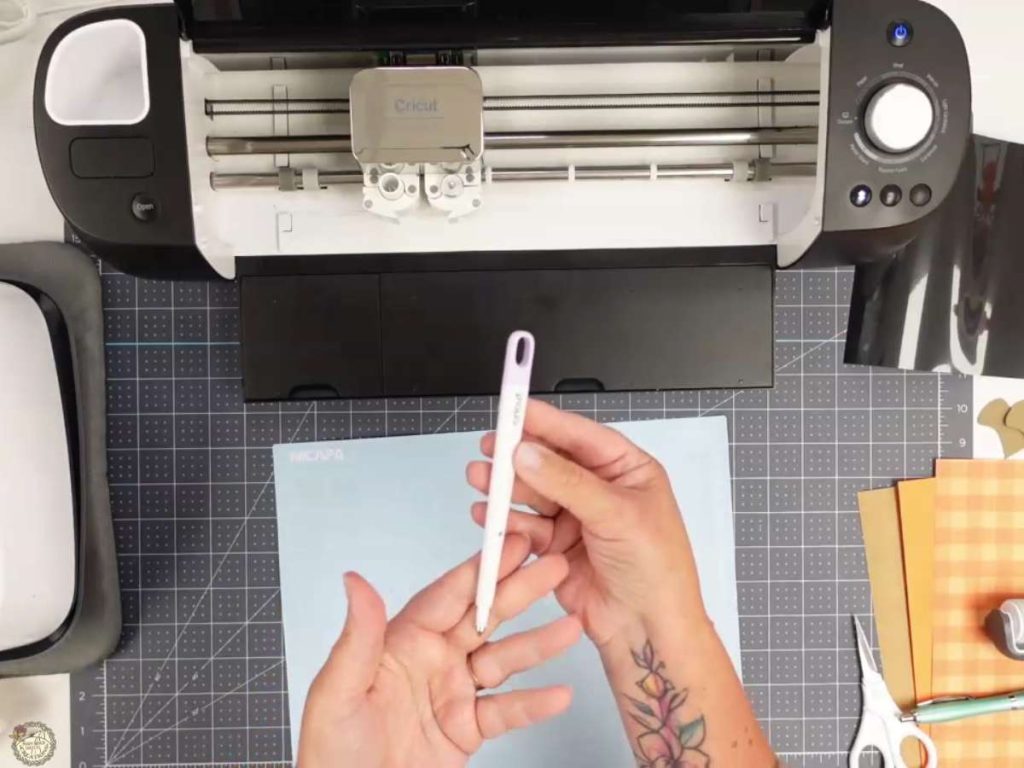
Once everything is set up in Design Space, it’s time to cut out our pieces and assemble the pumpkin. I’ll guide you through using the scoring stylus, cutting HTV and cardstock, and then putting it all together. I’ll use my bone folder to help fold the pumpkin to achieve crisp creases. Then, we’ll glue the pieces to get a 3D effect for a sturdy, stand-alone pumpkin.
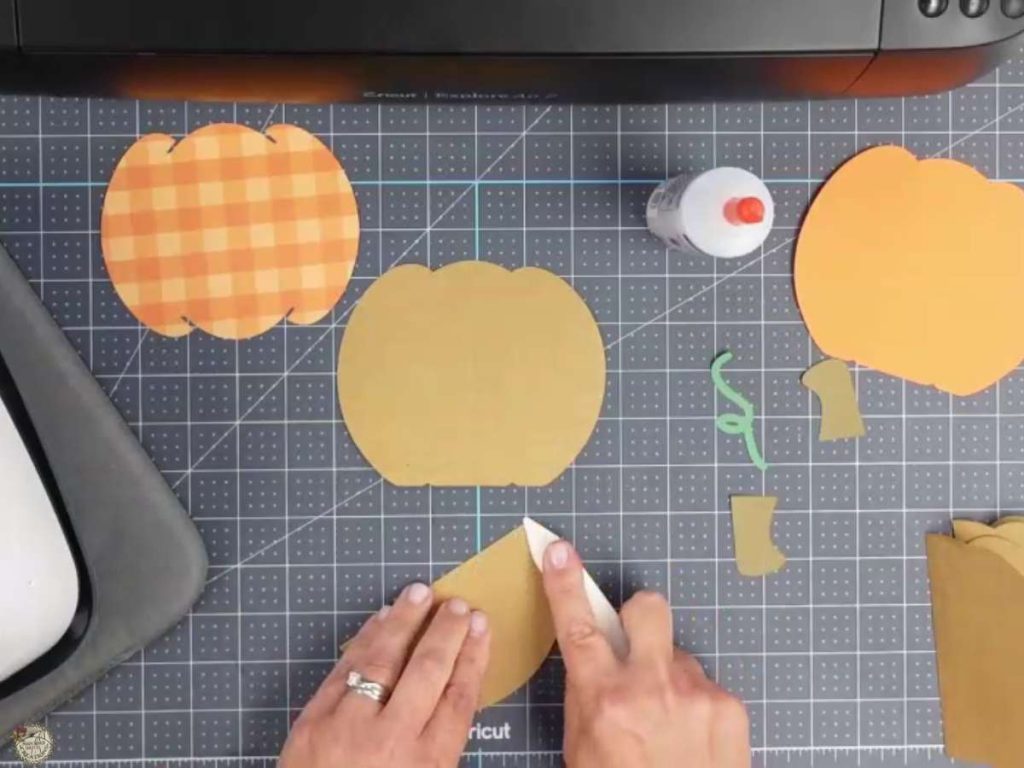
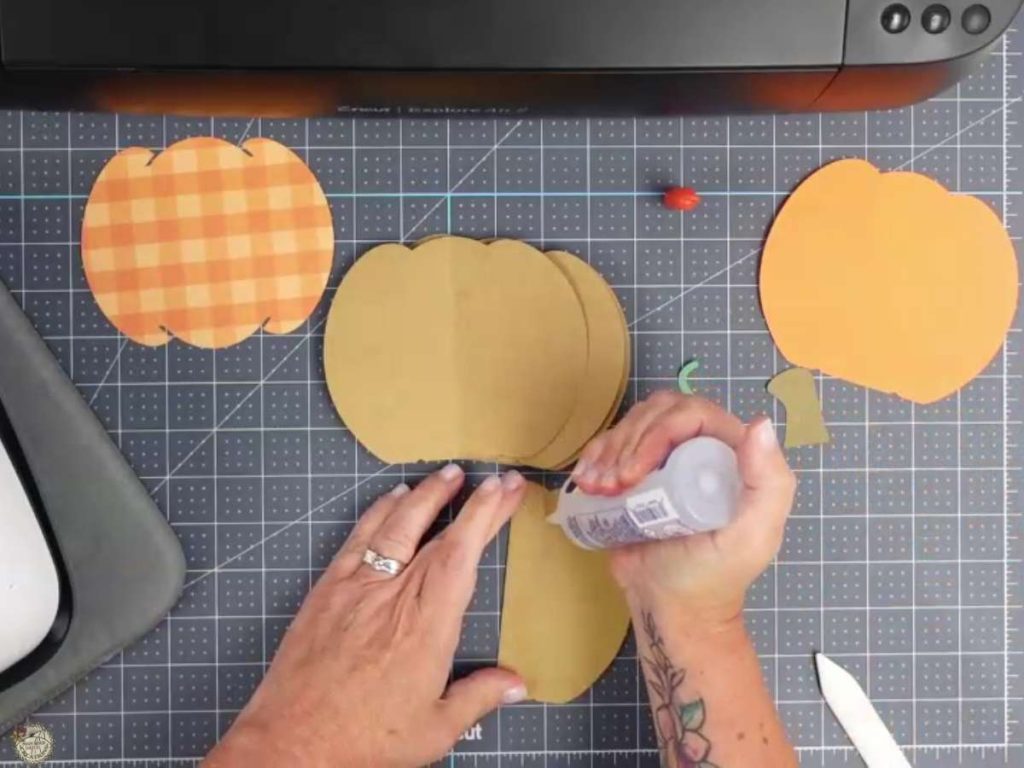
Bringing your 3D Pumpkin to Life
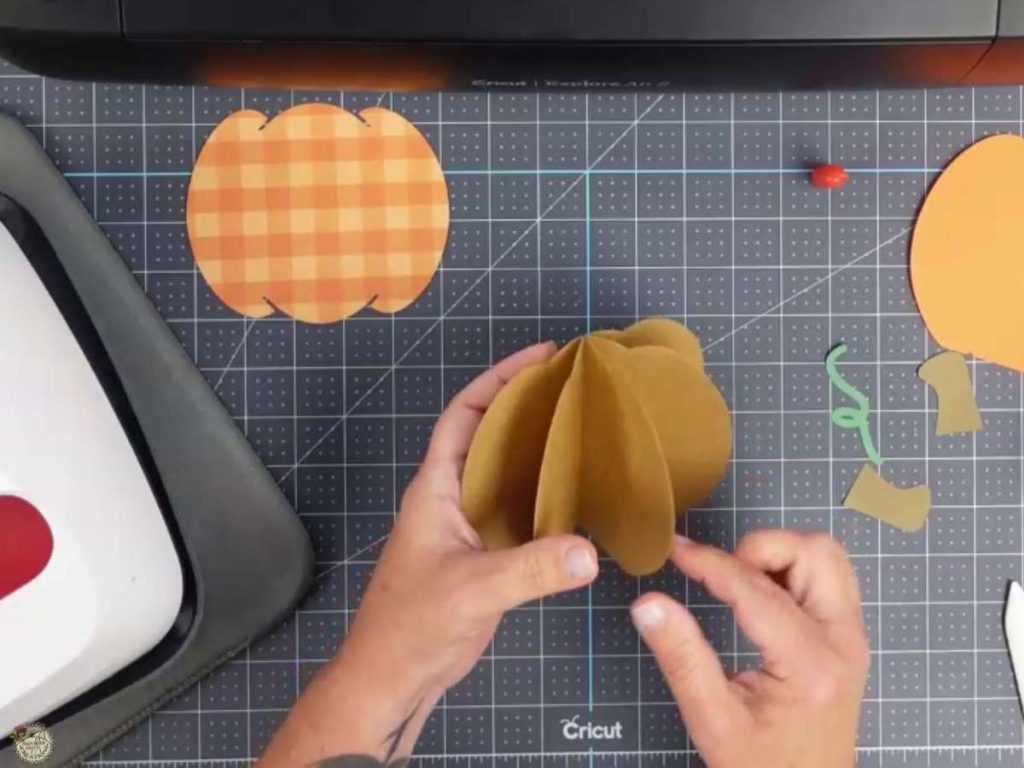
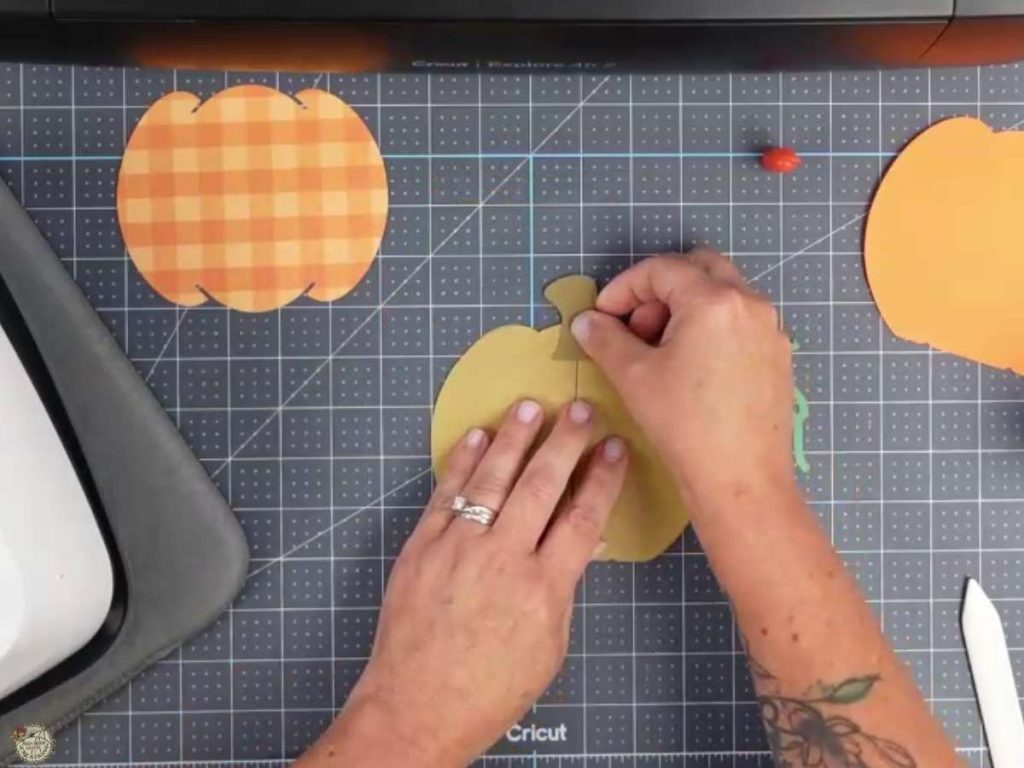
In this section, I’ll show you how to fan out the back of the pumpkin and glue on the stem. These steps help give your pumpkin its 3D shape and ensure it stands up nicely.
I’ll show you how to apply the HTV using your EasyPress. This step adds that extra bit of charm to your pumpkin.
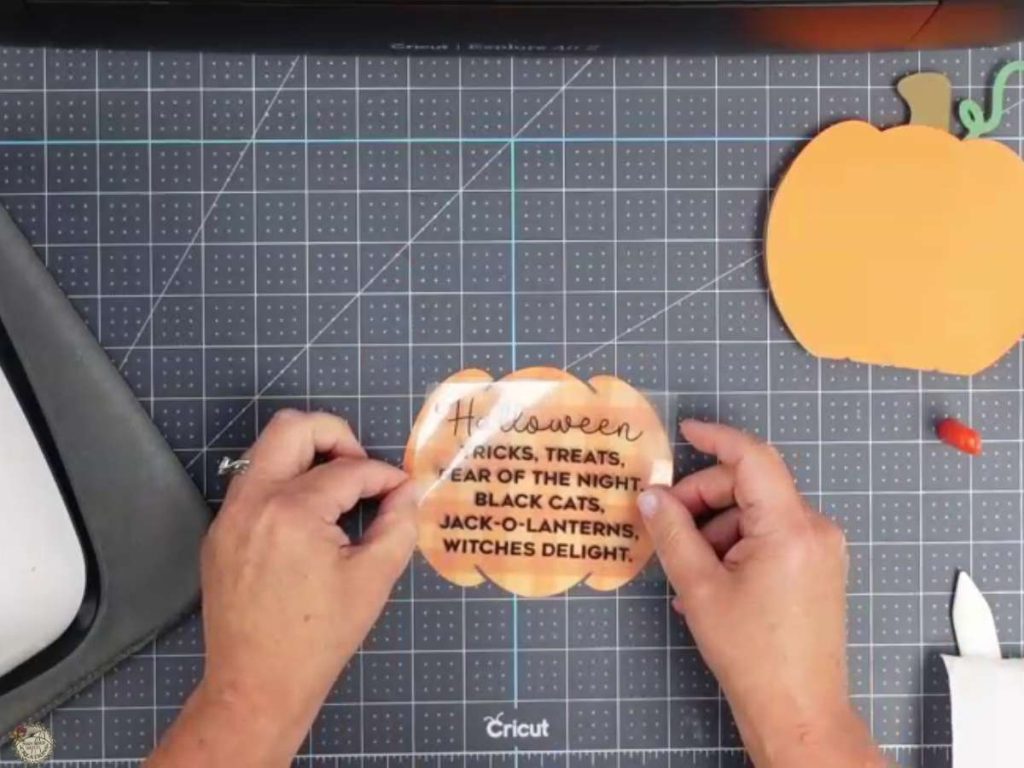
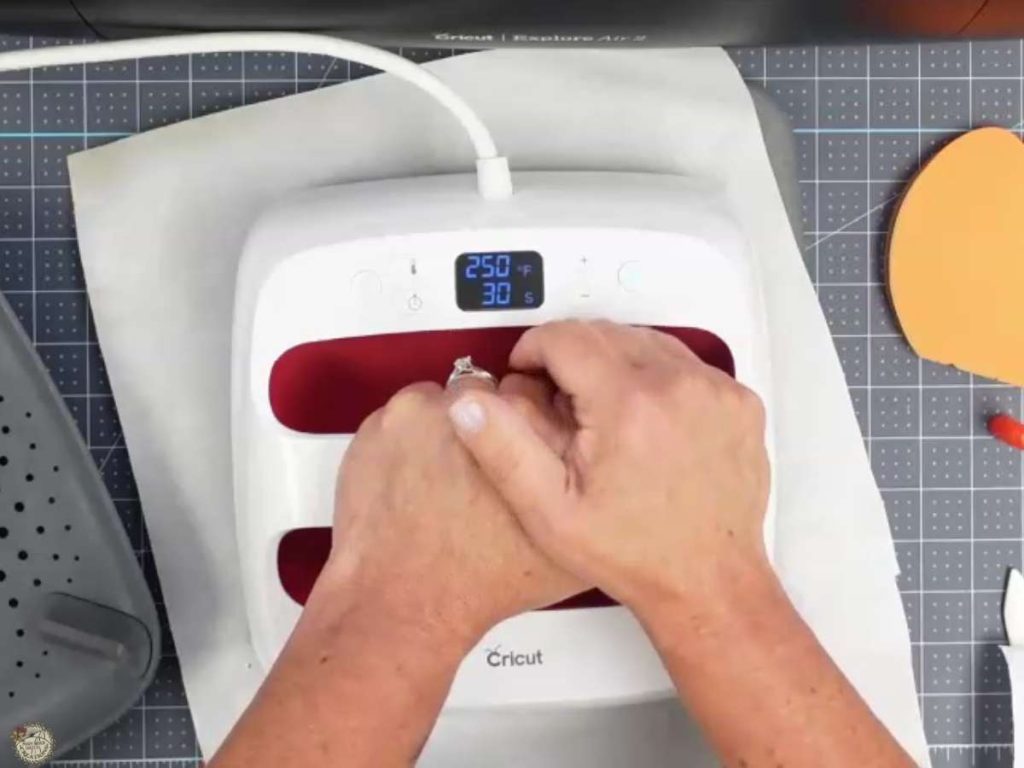
Completing the 3D Pumpkin with Foam Squares
In this final section, I’ll attach the foam squares to the back of the pumpkin and lay it on top to complete the project. This gives your pumpkin a fun, dimensional look that’s perfect for your Halloween or fall decor.
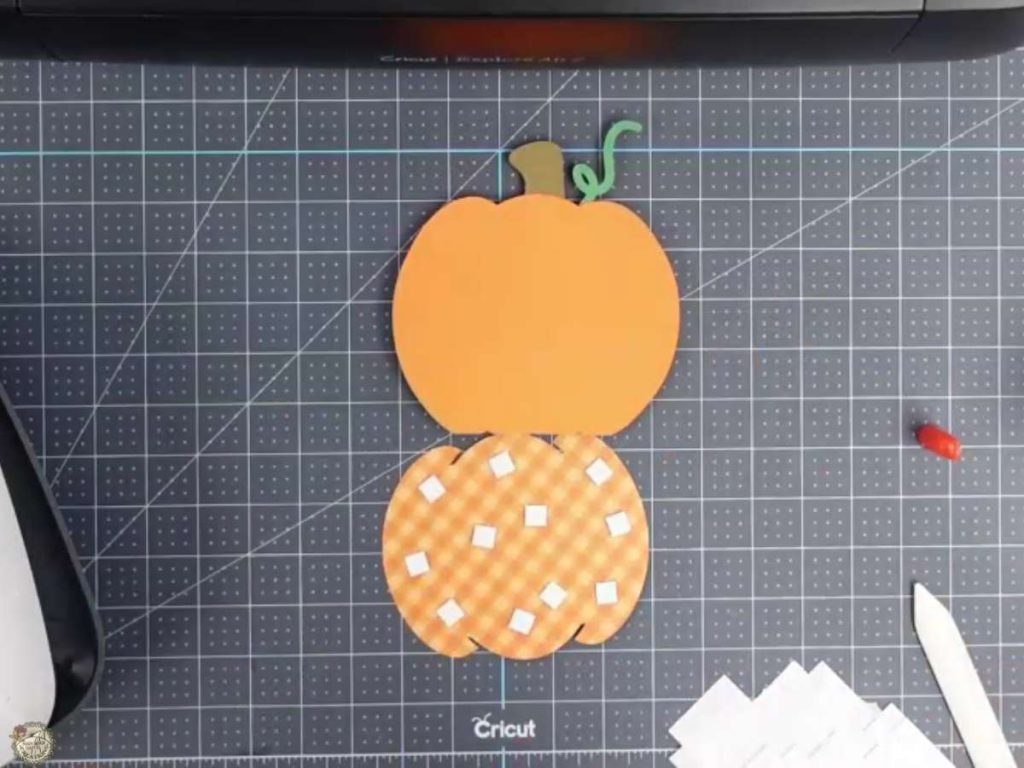
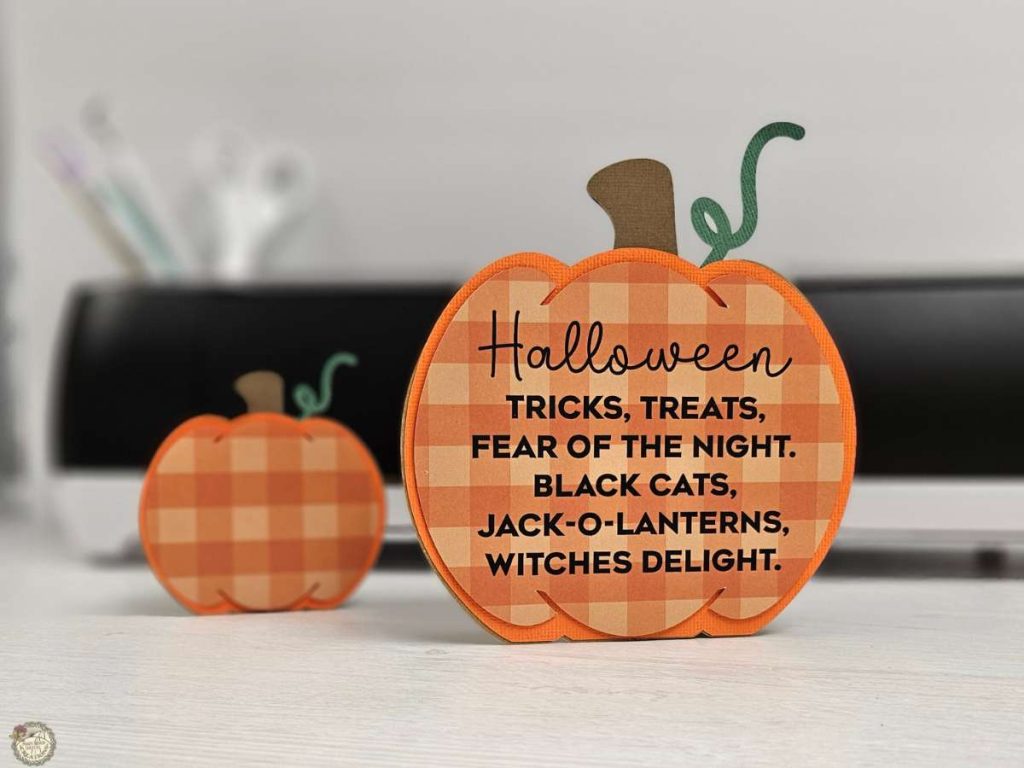
There you go! You made the cutest 3D pumpkins! Have fun with this week’s free design! Resize them and change the colors of your cardstock! Don’t forget to come over to our group and show them off. I can’t wait to see what you make. Happy crafting!
3D Pumpkins Perfect for Place Settings
These pumpkins would be adorable for place settings at a fun Halloween or Thanksgiving get-together! Personalize them with HTV for a special touch.
Video Tutorial on How to Make a 3D Halloween Pumpkin

Check out the full step-by-step video tutorial below to see how to create your own 3D Halloween pumpkin. It’s a quick and easy project that you can whip up in no time!

I’m excited to see what you’ll make with this week’s Free SVG! I’d be thrilled if you joined our Facebook group to share your projects. Come be a part of our crafting community, where you can showcase your work, connect with fellow crafters, and find even more inspiration. Let’s celebrate the joy of crafting together!
All of the Free Files on my website are for Personal and Commercial use. Check out my Terms of Use (TOU) here.
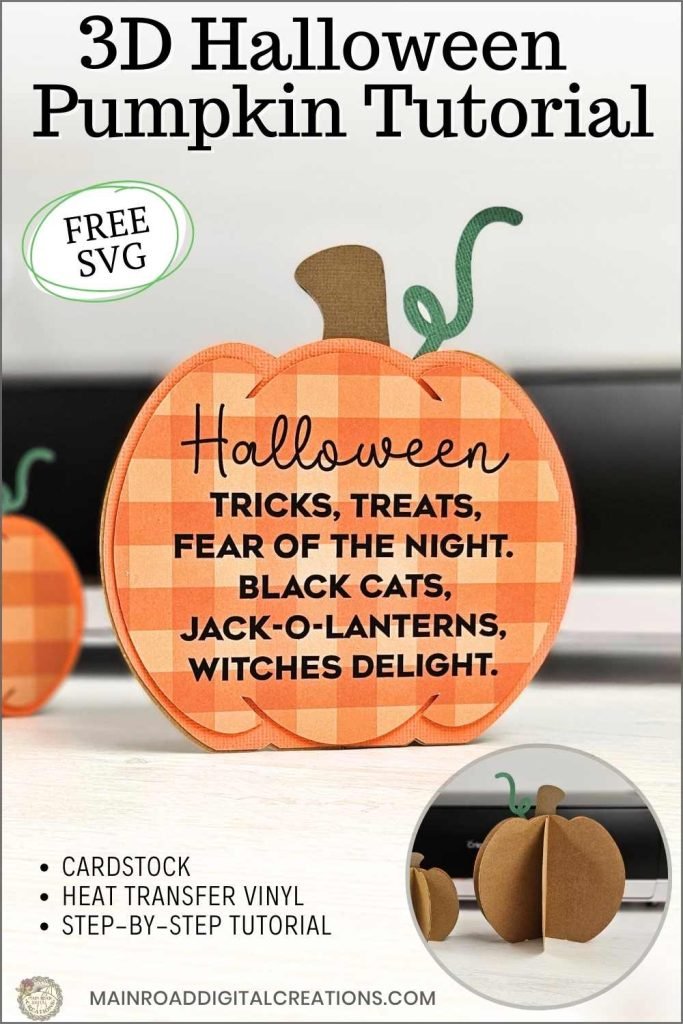
I’d love it if you could take a moment to pin the Free SVG image above to Pinterest. By sharing, you’re helping my business grow, which allows me to keep bringing you the free SVG files you adore. Thanks a bunch for your support. It means the world to me!
Here’s where you can find your Free SVG Download!
Design #215— 3D Halloween Pumpkin SVG is available in my freebie library. To get the Password, click the button below and Join our Freebie Club!
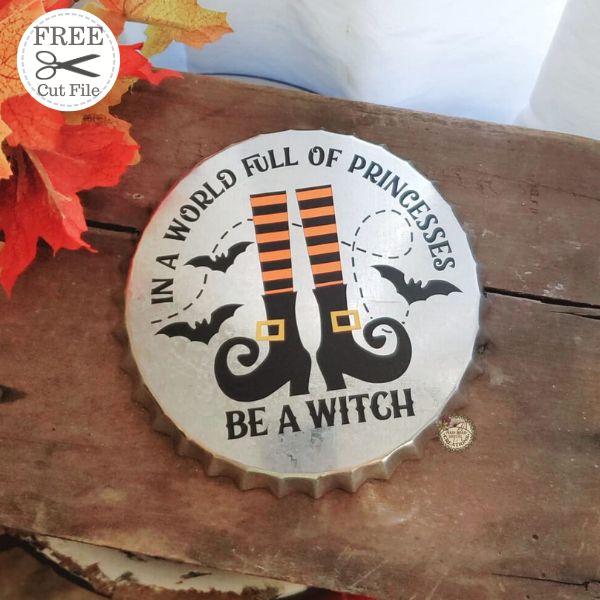
If you enjoyed this week’s Free SVG & Cricut Tutorial, here’s another you will love!
Check out my shop for fun and creative designs!
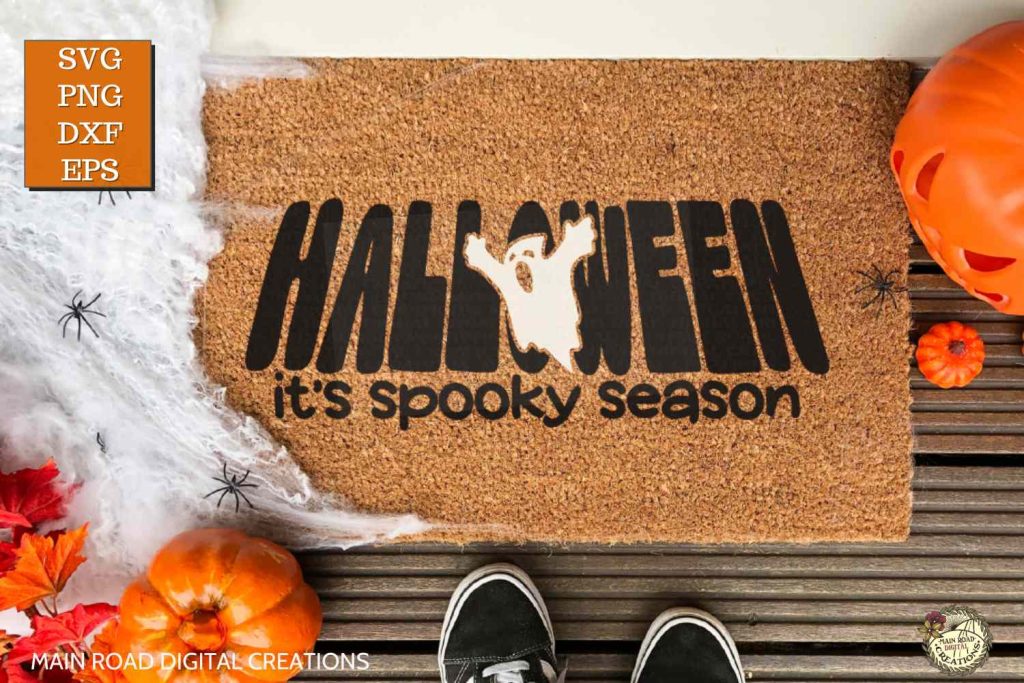

Discover My Designs in Cricut Design Space
Are you a Cricut Access member? If so, you’re in for a treat! I’ve got a range of designs available in my Cricut Design Space profile that you might not have seen yet. Perfect for vinyl cutting, sublimation, and more, these designs are ready to add that extra flair to your projects. Take a look and find your next inspiration!


Follow My Cricut Design Space Profile

Join the Creative Fabrica Membership

Fonts, designs, and so much crafty goodness! Over 16 million digital files are waiting! In partnership with Main Road Digital Creations, your first 10 downloads are totally free. After that? It’s just $47 a year (yep, that’s $3.99/month) with full commercial and POD use included. Sign up for Free!
This will be a great project for Jr Church except I’ll change the message.
Thank you for your comment! Yes, I love that you can add your own message! Happy crafting, Debbie! 😊