Free Gnome Card SVG for Cricut
Make a Summer Gnome Card with Free SVG and Envelope
This post may contain affiliate links. As an Amazon Associate, I earn from qualifying purchases. Please see my privacy policy for full details.
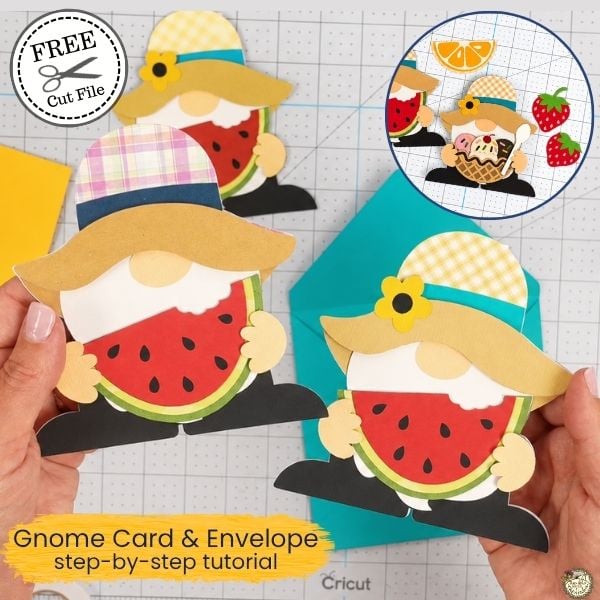
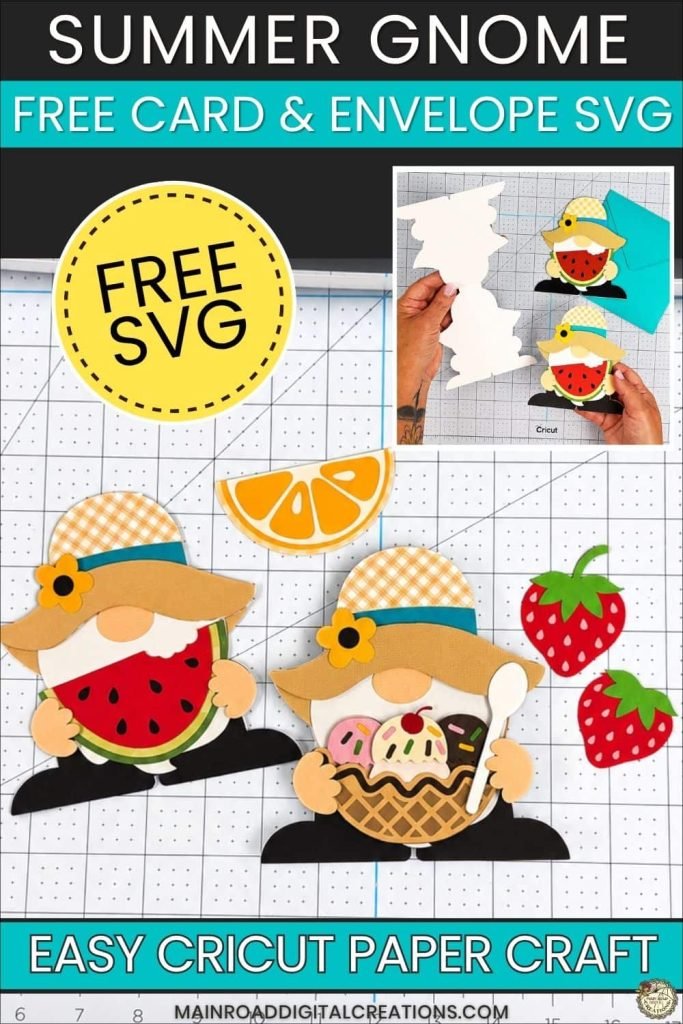
This Free Gnome Card SVG is such a fun summer Cricut project, and it comes with a matching envelope too! The little gnome is holding a watermelon slice, making it perfect for summer birthdays, thank-you cards, party invites, or happy mail. I made mine with cardstock, foam tape, and my Cricut Explore Air 2, but you can change the colors and make it your own.
A Peek at the Gnome Card and Envelope
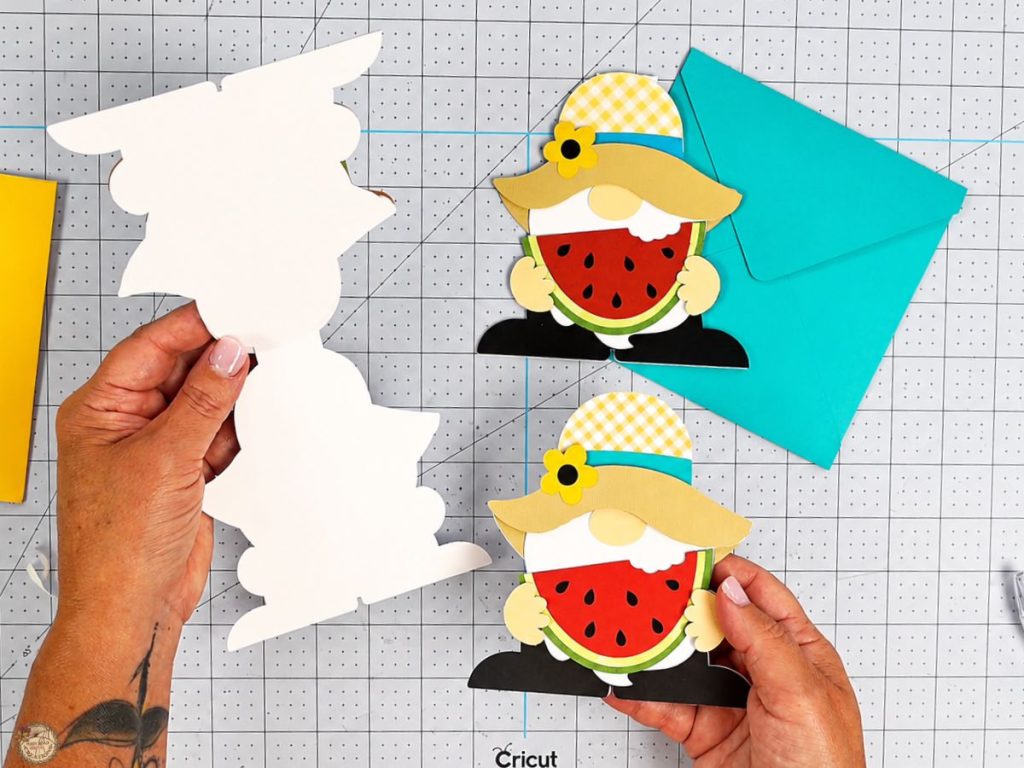
This little summer gnome card opens just like a regular card, so you can write a message inside and tuck it into the matching envelope. I love that the front looks like a cute layered paper craft, but it still works as a real card for birthdays, thank-you notes, summer party invites, or happy mail. The watermelon gives it that fun summer feel without needing a whole fruit salad situation happening on your craft table.
New Summer Add-Ons Added!
Choose Your Gnome’s Summer Treat
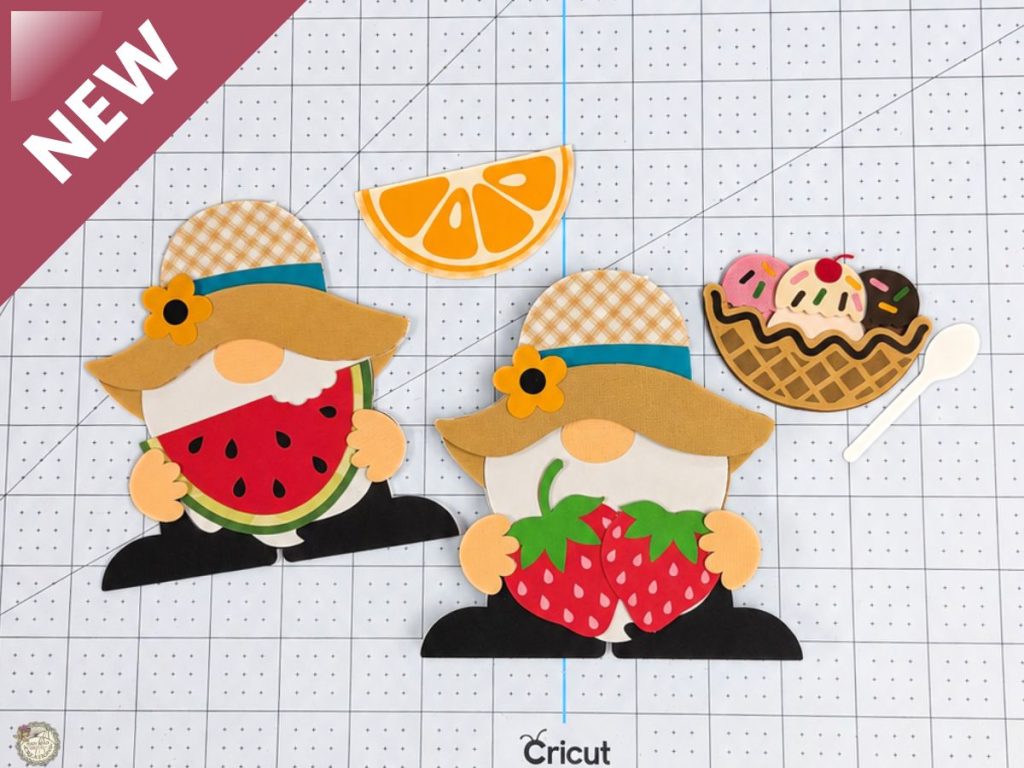
I gave this little gnome a few more summer treats to hold because apparently one snack was not enough. Along with the original watermelon slice, you can now make him with strawberries, a lemon slice, or a bowl of ice cream with a spoon. Pick your favorite, or make them all!
Gnome Card with Strawberries
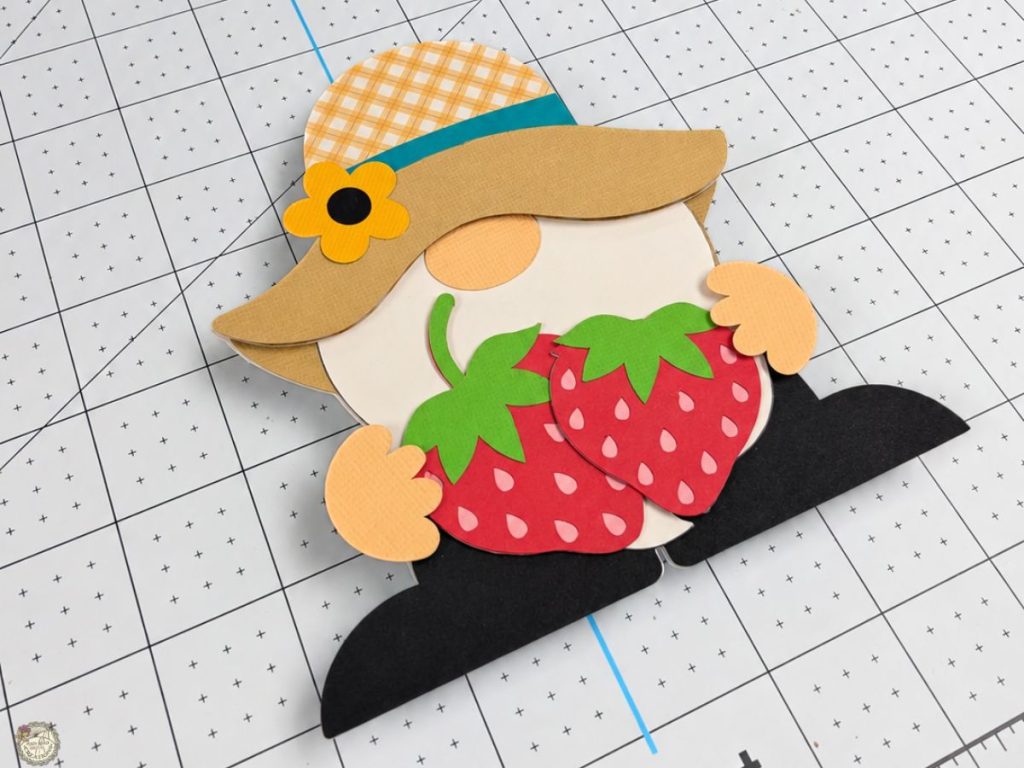
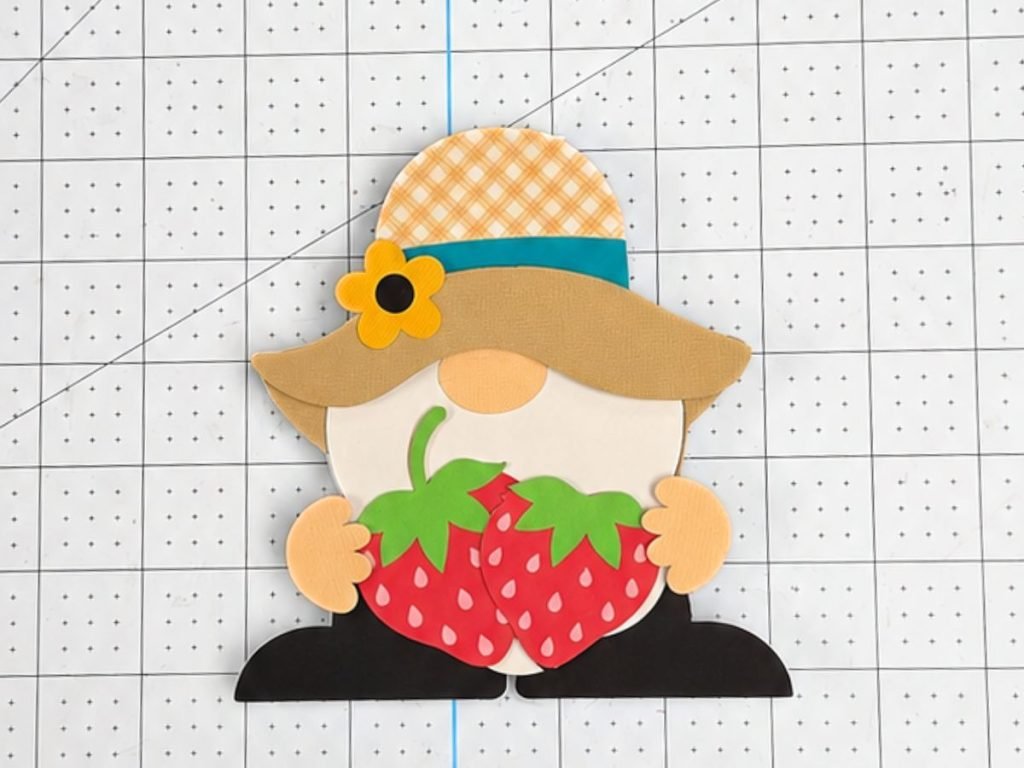
The strawberries give this gnome such a cute summer feel. I love this one for birthdays, thank-you cards, or happy mail.
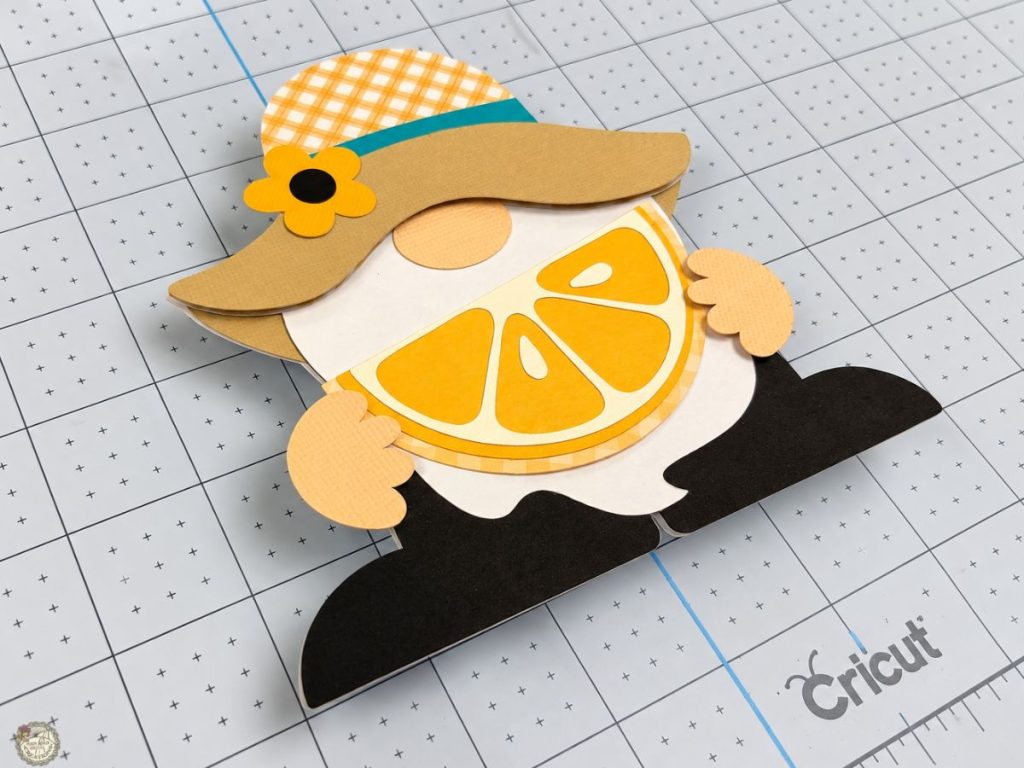
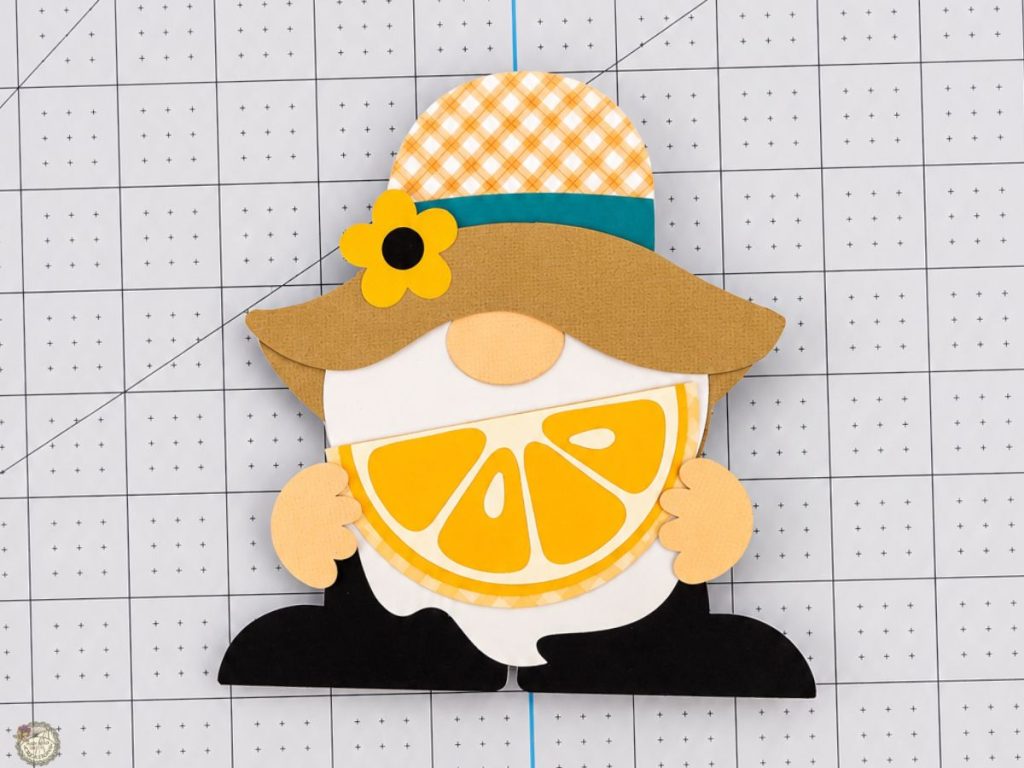
Gnome Card with Lemon Slice
This lemon slice version feels bright and fresh for summer. It would be so cute for a lemonade party, summer note card, or just a cheerful handmade card.
Gnome Card with Ice Cream Bowl
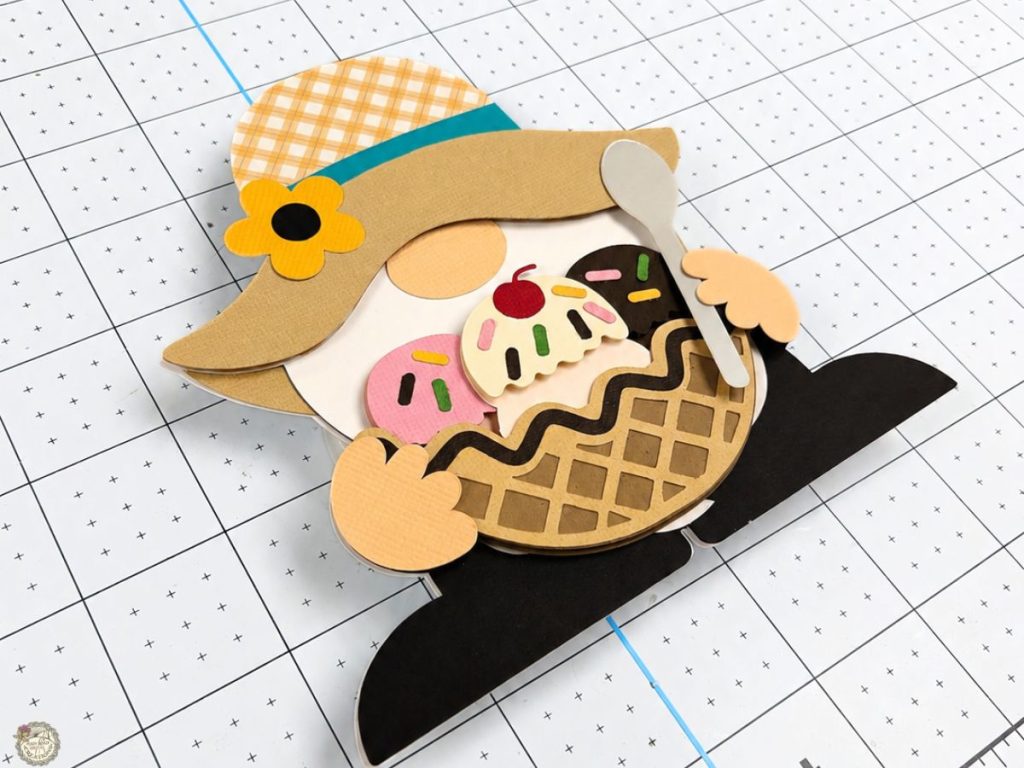
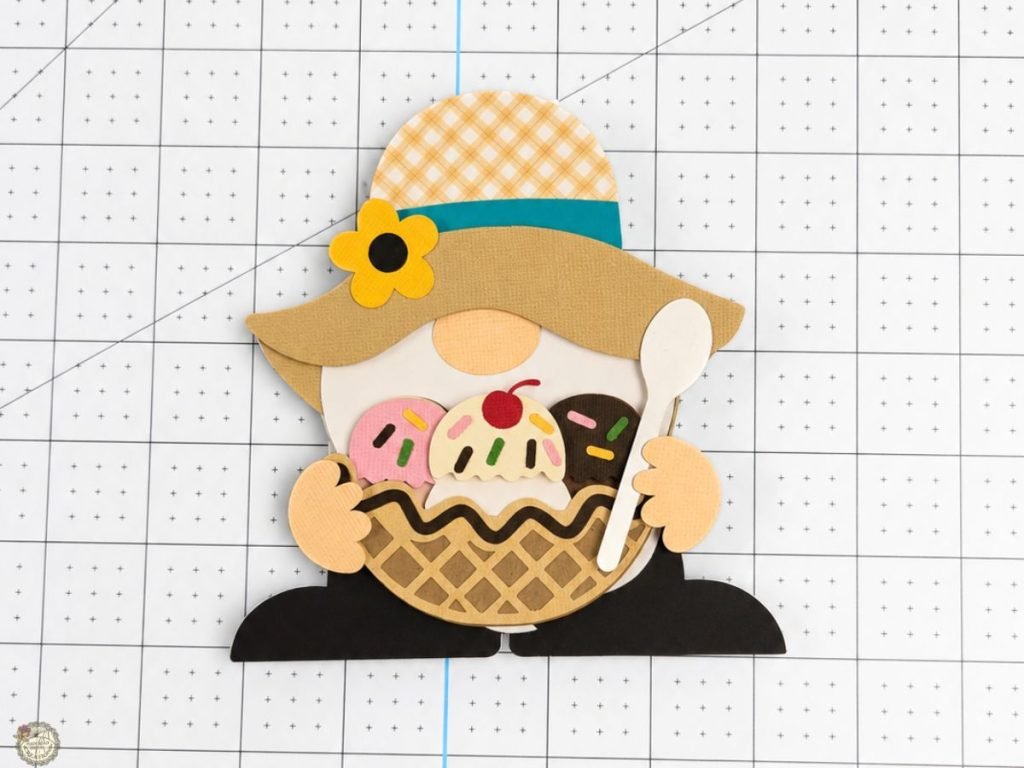
The ice cream bowl may be my favorite because it has so many cute little details. The spoon, sprinkles, and cherry make this one feel extra fun!
Want the new add-ons?
The new pieces are included in the free download!
I added the strawberries, lemon slice, and ice cream bowl to the same gnome card SVG file in my Freebie Library. If you already grabbed the gnome card SVG, you can go back and download the newest version.
Supplies for the Gnome Card & Envelope
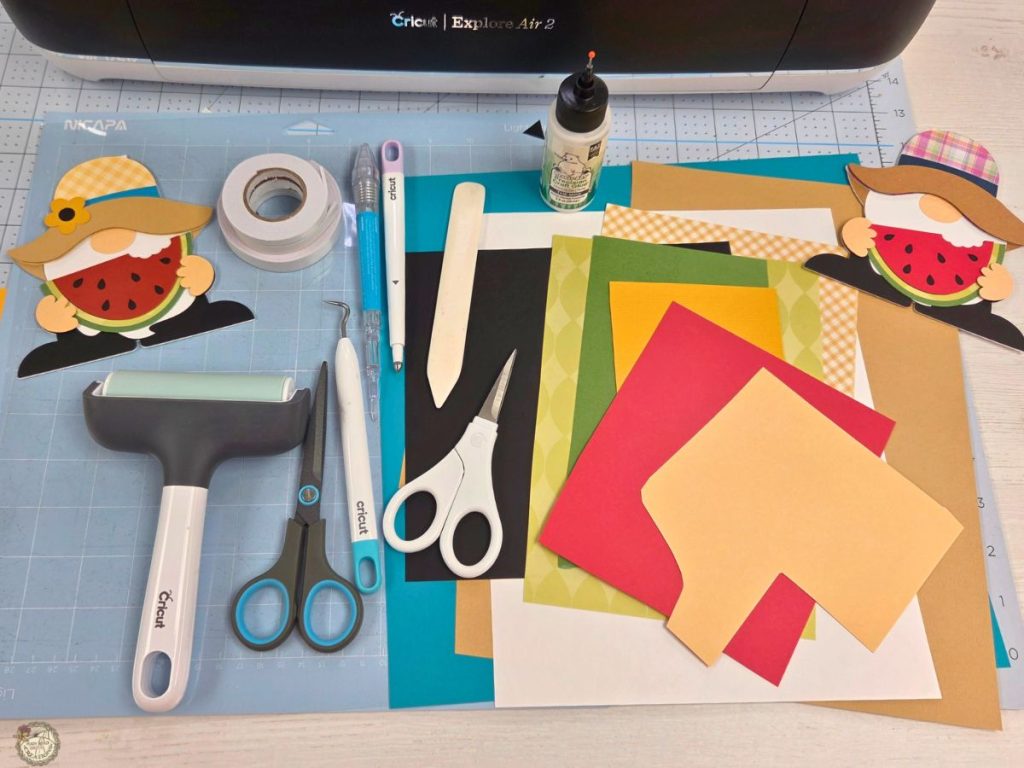
- Cricut – I used my Explore Air 2
- Light Grip or Standard Grip Mat
- Brayer
- Cardstock
- Favorite White
- Encore
- Patterned Papers
Set Up the Gnome Card SVG in Cricut Design Space
Add the gnome card and envelope SVG files to your Cricut Design Space canvas. Before cutting, there are a few quick things to check to make sure everything is ready to go.
Check the Envelope Size
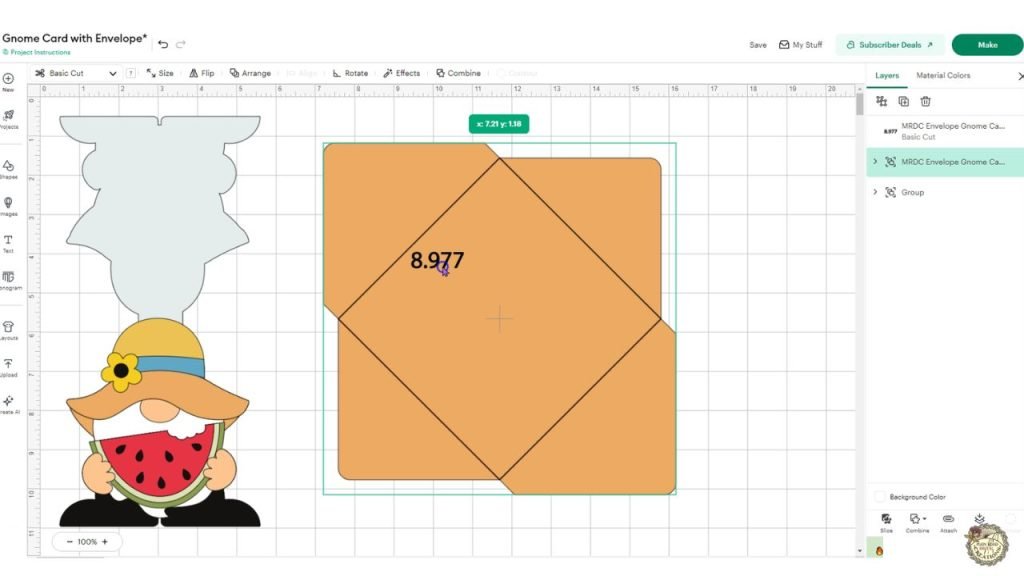
The envelope file includes a size note when you upload it to Cricut Design Space. If the envelope file comes in too large, adjust the size to match the number before cutting. This is where you will need to change the box in the envelope to score lines and then attach it to the envelope.
Change the Envelope Lines to Score
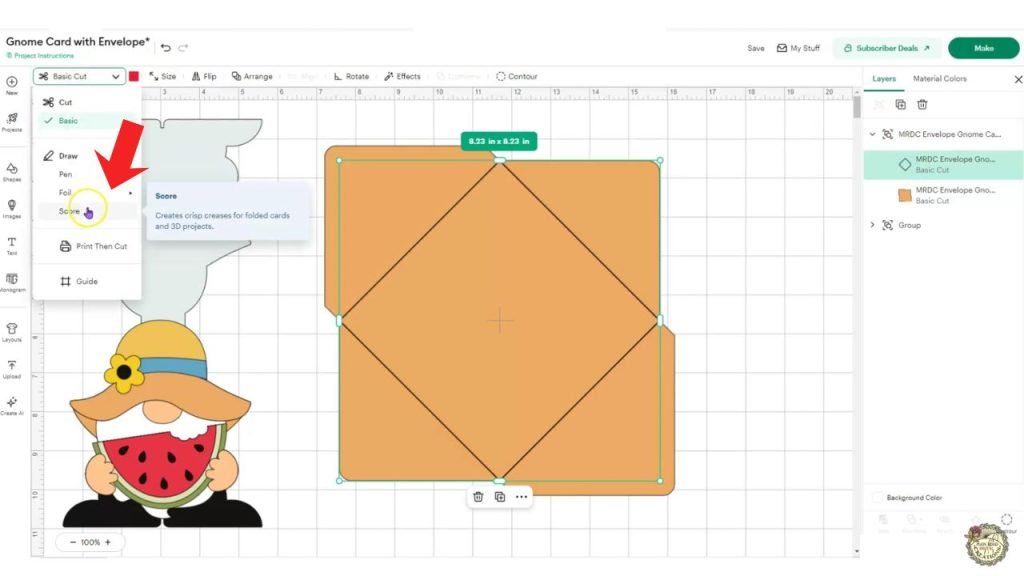
Before cutting the envelope, change the fold lines from Basic Cut to Score. This tells your Cricut to score the fold lines instead of cutting them.
Attach the Score Lines to the Envelope
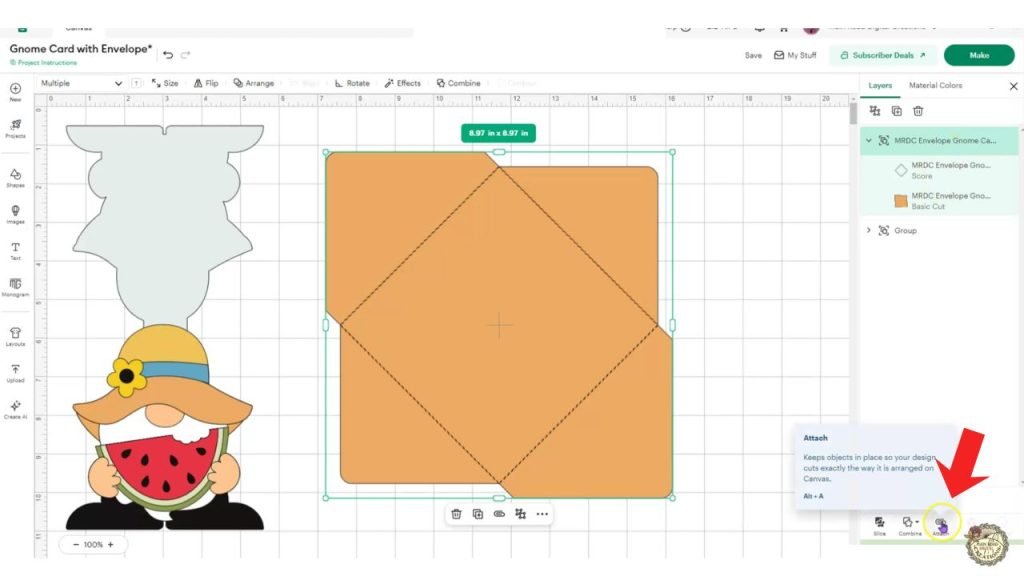
After changing the fold lines to score, select the score lines and the envelope piece, then click Attach. This keeps the score lines in the right place when the envelope cuts.
Ungroup the Gnome Card SVG
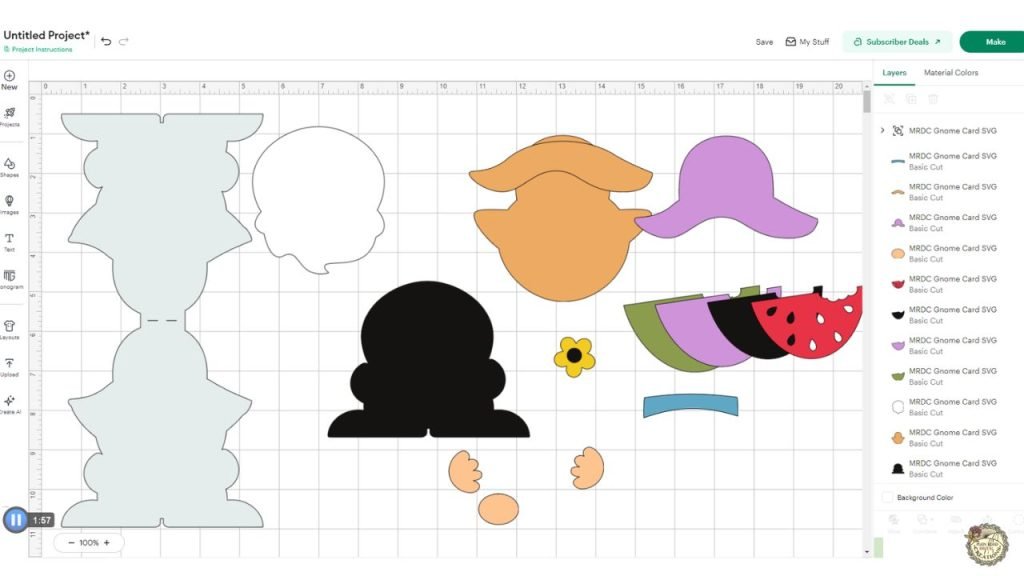
Ungroup the gnome card to see the separate layers. This makes it easy to change colors before continuing to the ‘Make’ screen. Be sure to click the grouped card design, then hit the attach button to ensure the dashed lines cut in the correct place.
Add Scoring Stylus Before Cutting
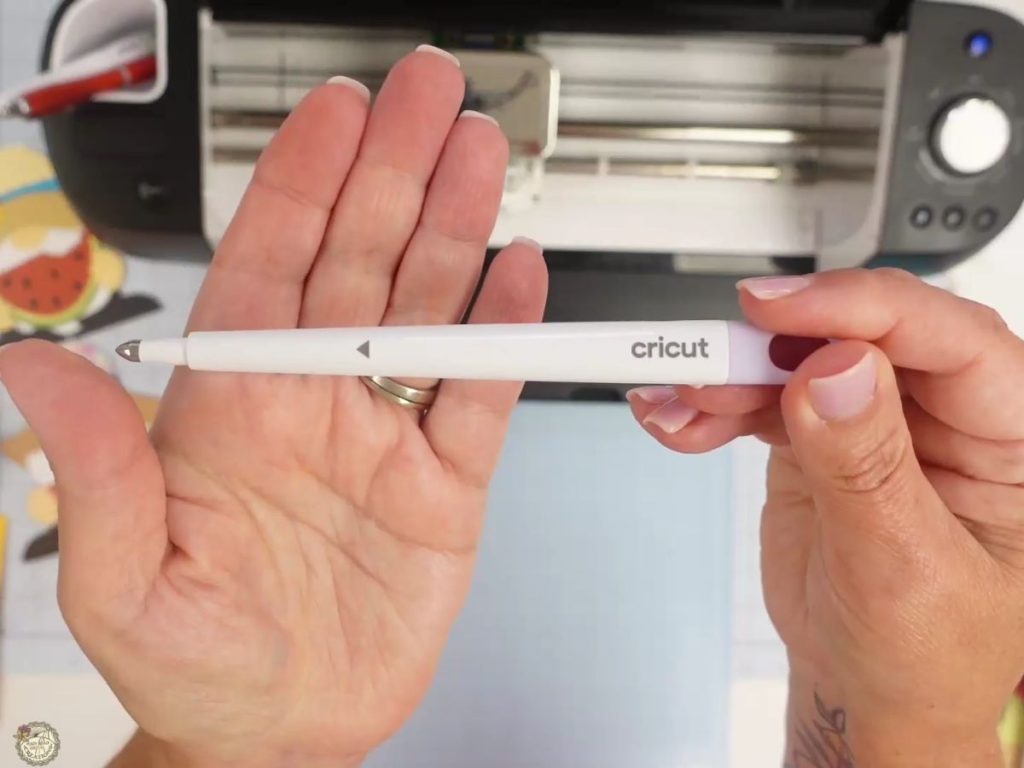
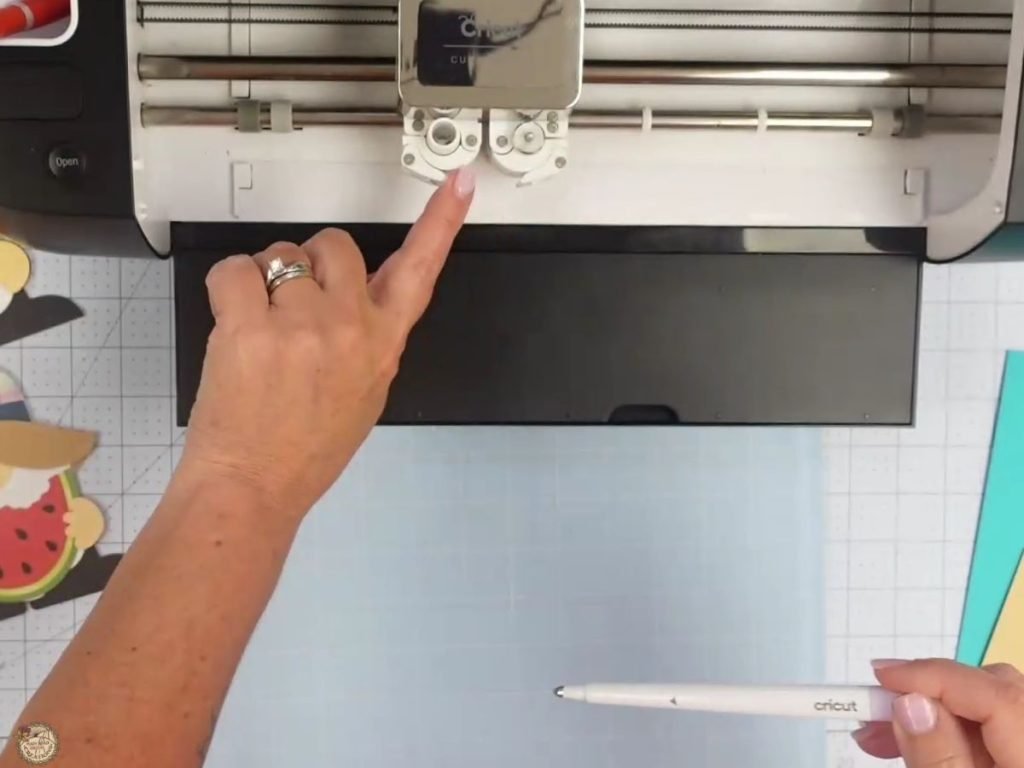
I like to put the scoring stylus in before I start cutting so I don’t forget it when the envelope mat is ready. Insert the scoring stylus into Clamp A. Open the clamp, place the stylus inside, then close it to hold it in place.
Use a Brayer and Start the Cut
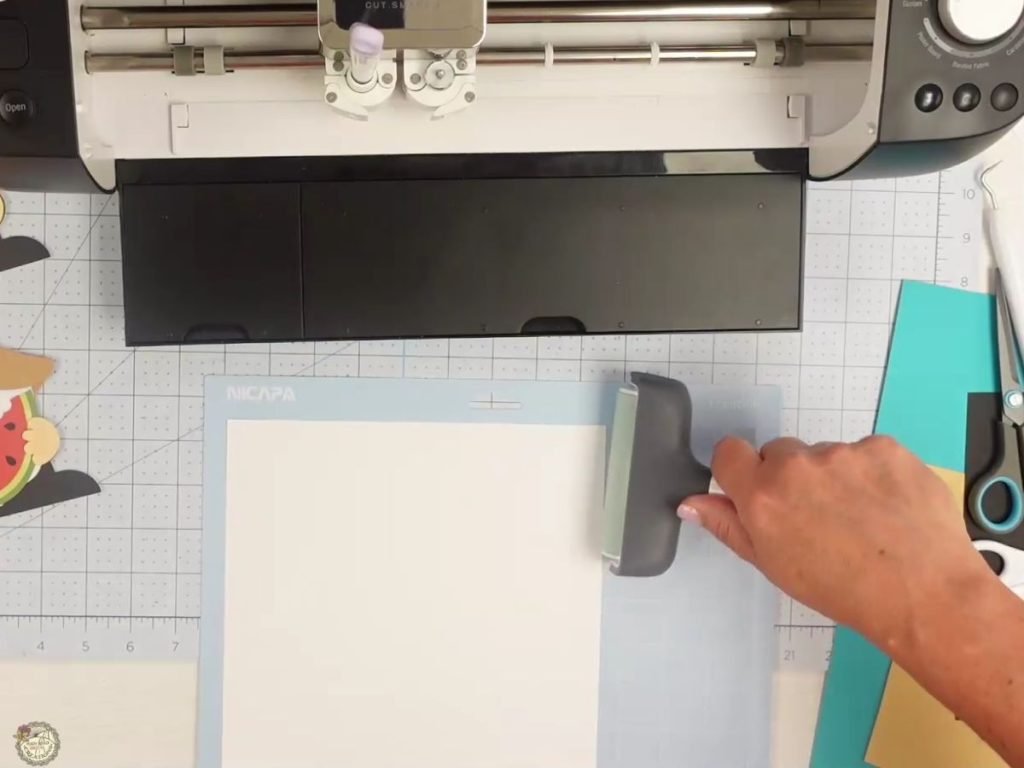
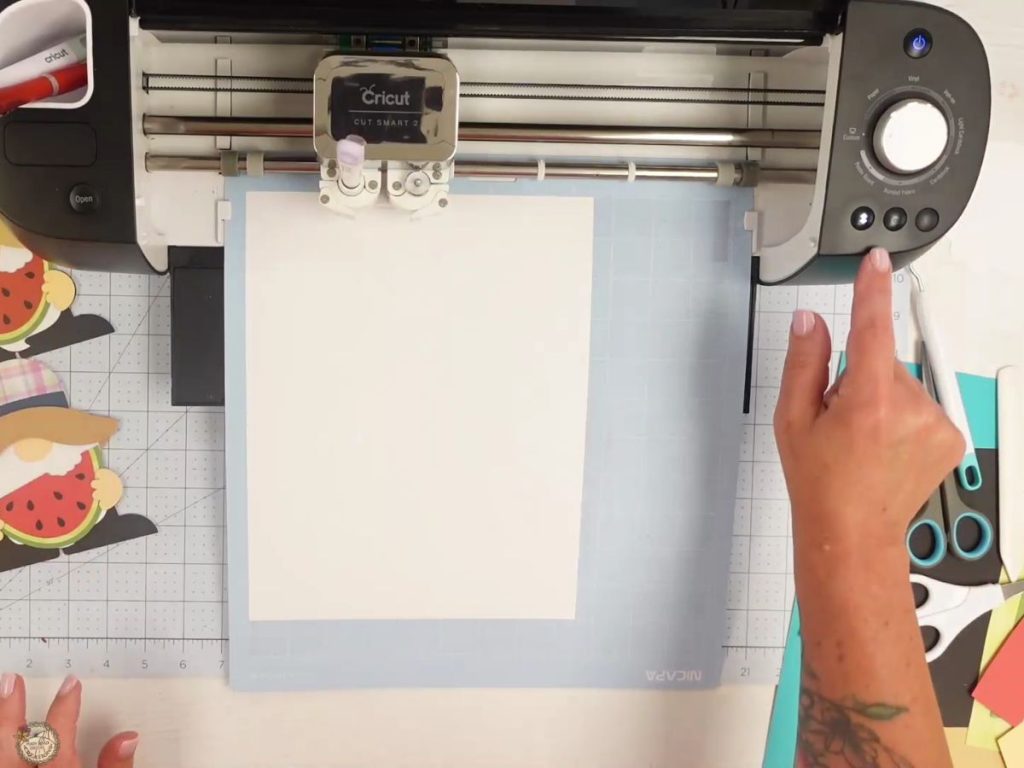
I like to use a brayer to press the cardstock firmly onto the cutting mat. This helps to keep your cardstock from moving while cutting. Once the mat is loaded and the correct material setting is selected, press the flashing go button, and let the Cricut do its thing.
Fold and Glue the Envelope
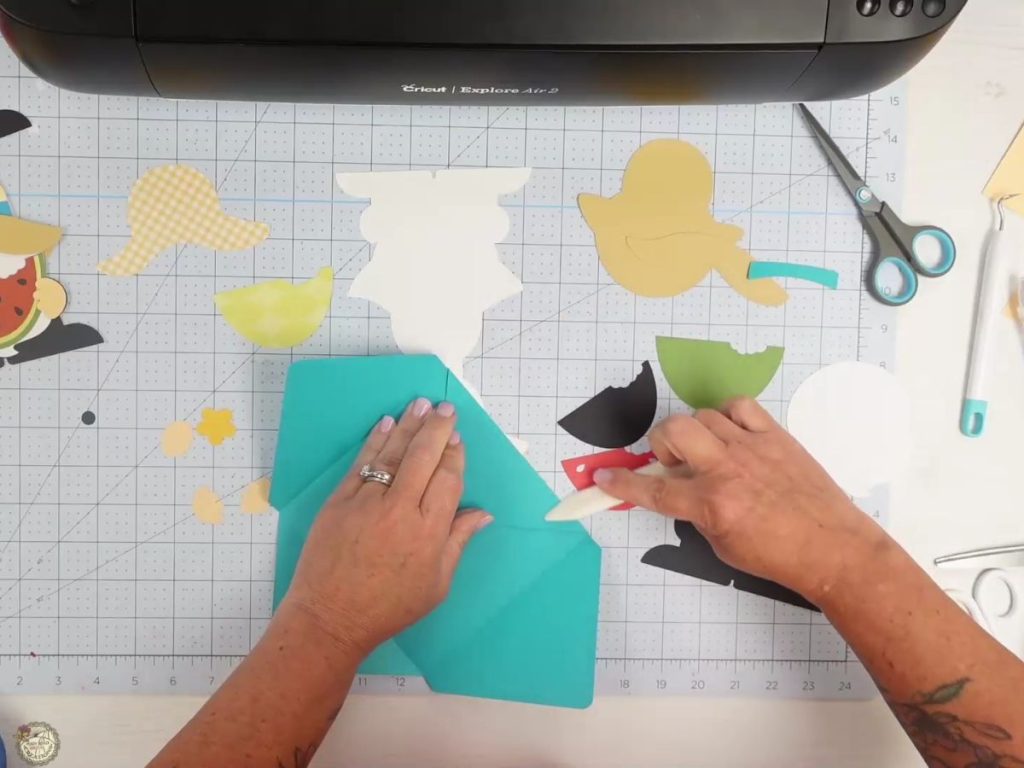
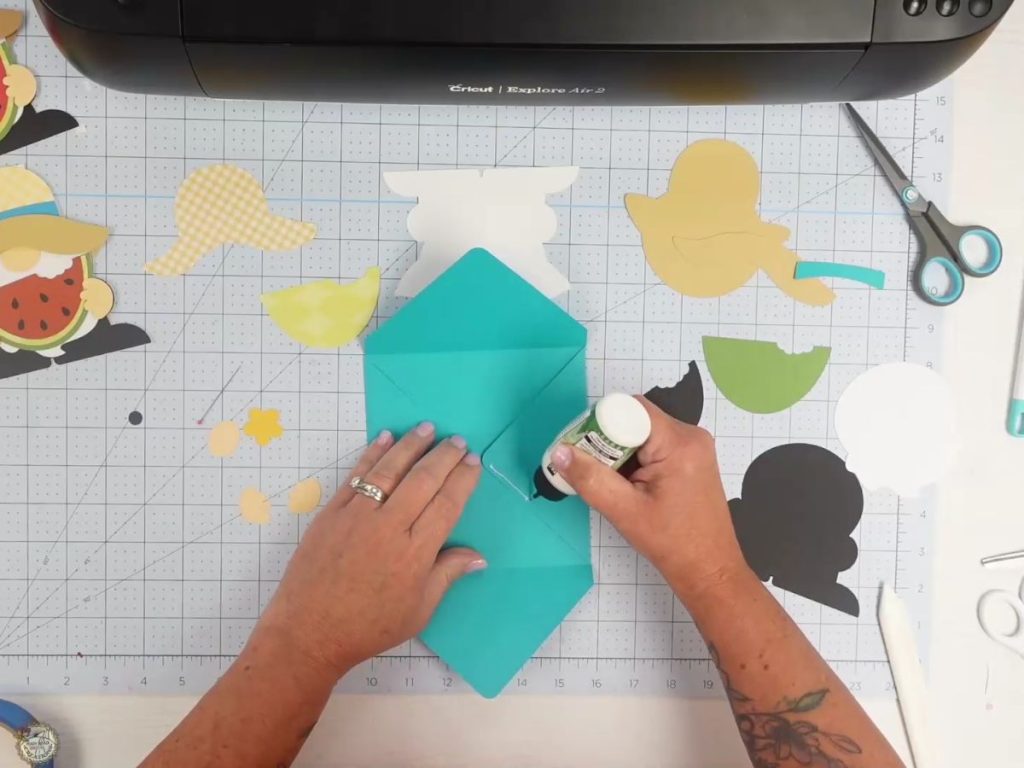
After everything is cut, I like to start with the envelope so the glue has time to dry. Fold the envelope along the score lines, then use a bone folder to make the creases crisp. Add glue to the side flaps and fold.
Assemble the Gnome Card Pieces
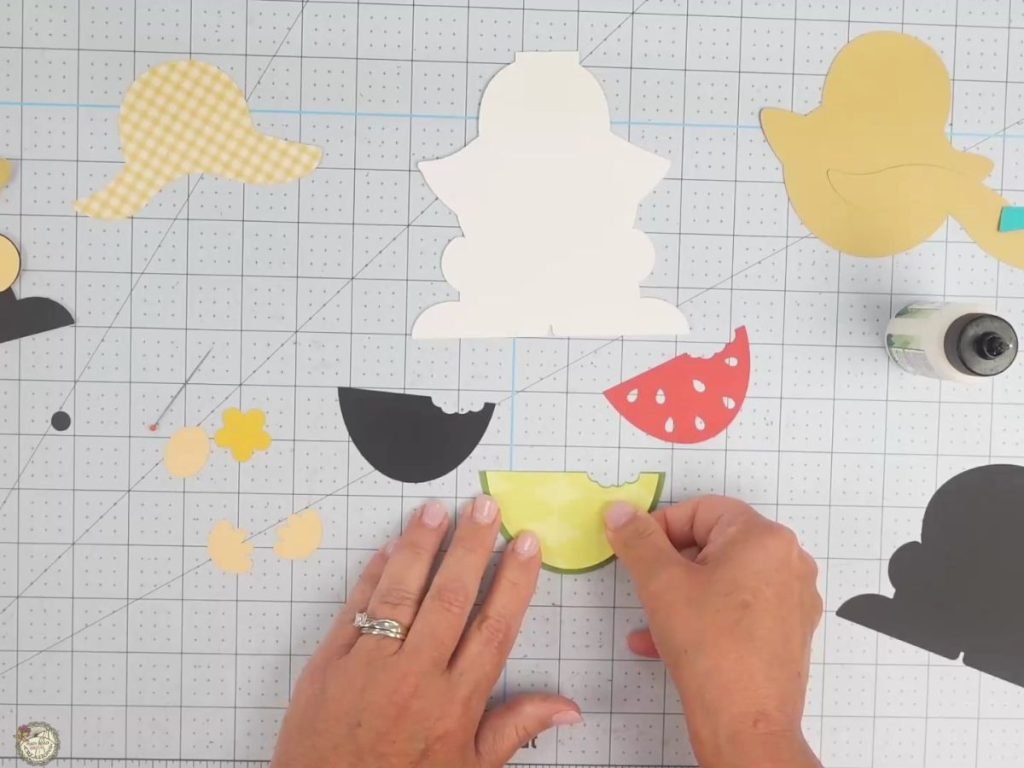
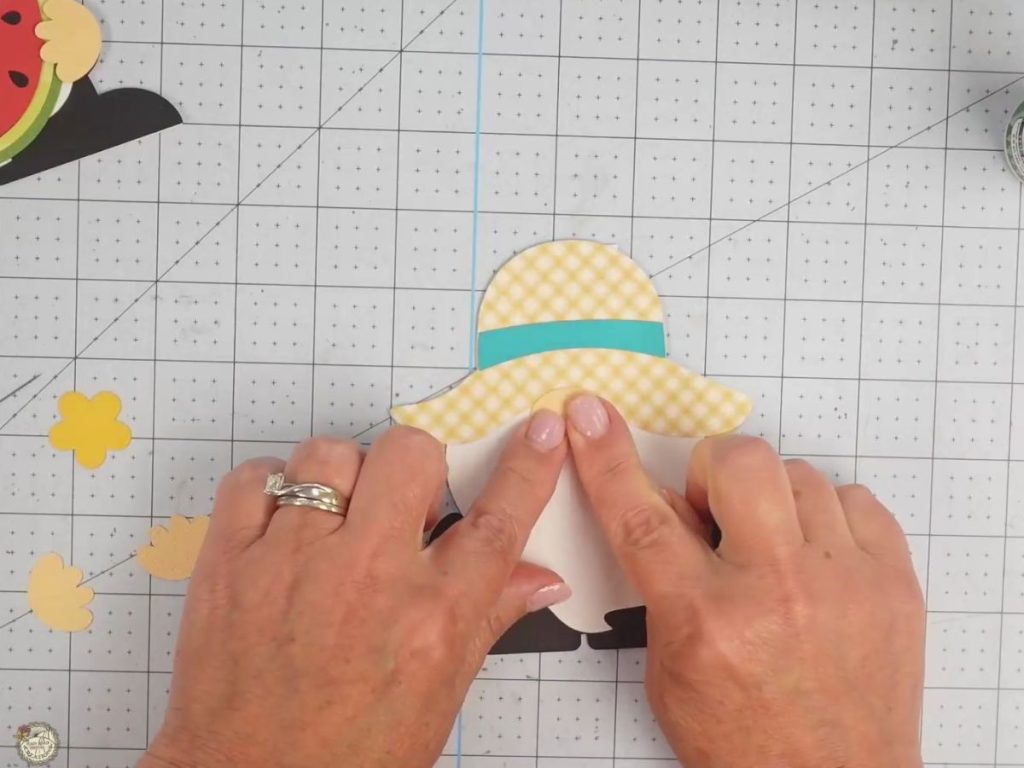
Start by layering the watermelon pieces together, then set that aside while you line up the gnome pieces. I like to place everything where it belongs before gluing so I can ensure the hat, beard, body, and watermelon are all facing the right way.
Add Foam Tape for Dimension
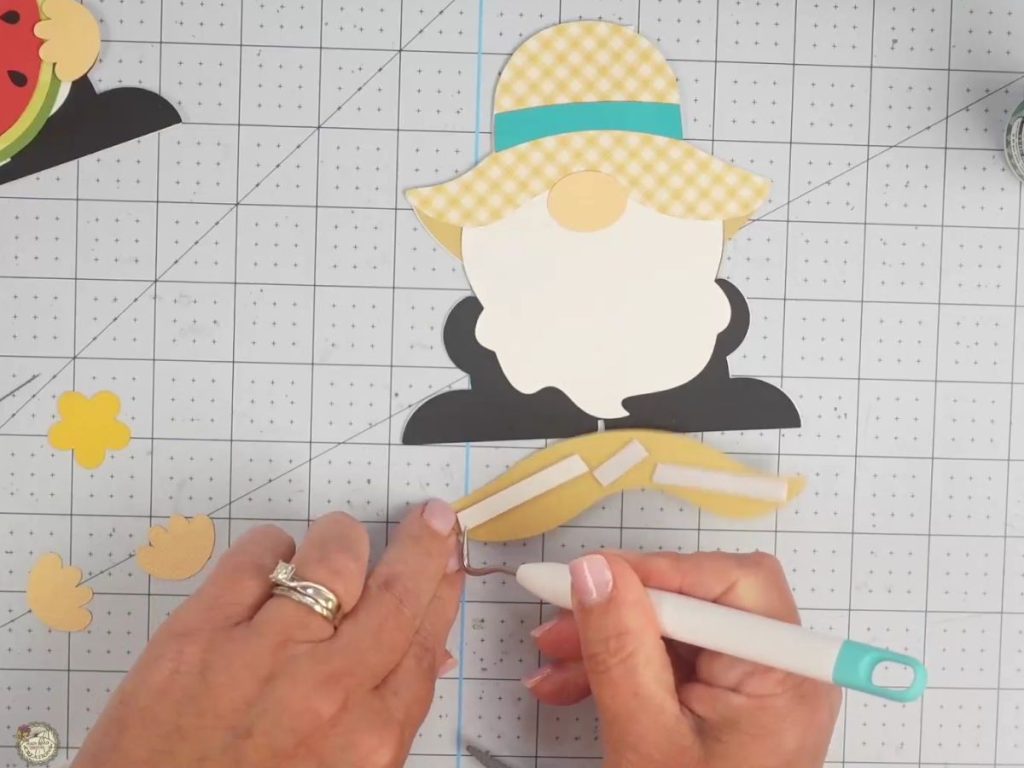
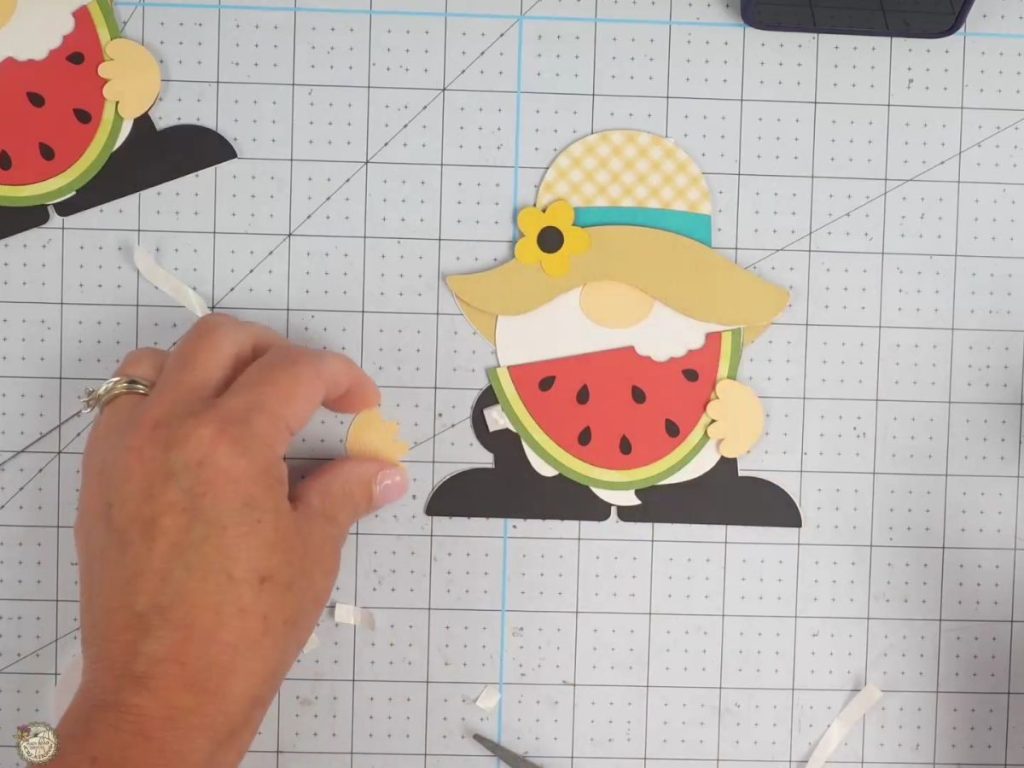
I used foam tape on the back of the hat brim to add a little dimension to the card. I also added it behind the hands so they sit on top of the watermelon slice.
The Finished Summer Gnome Card
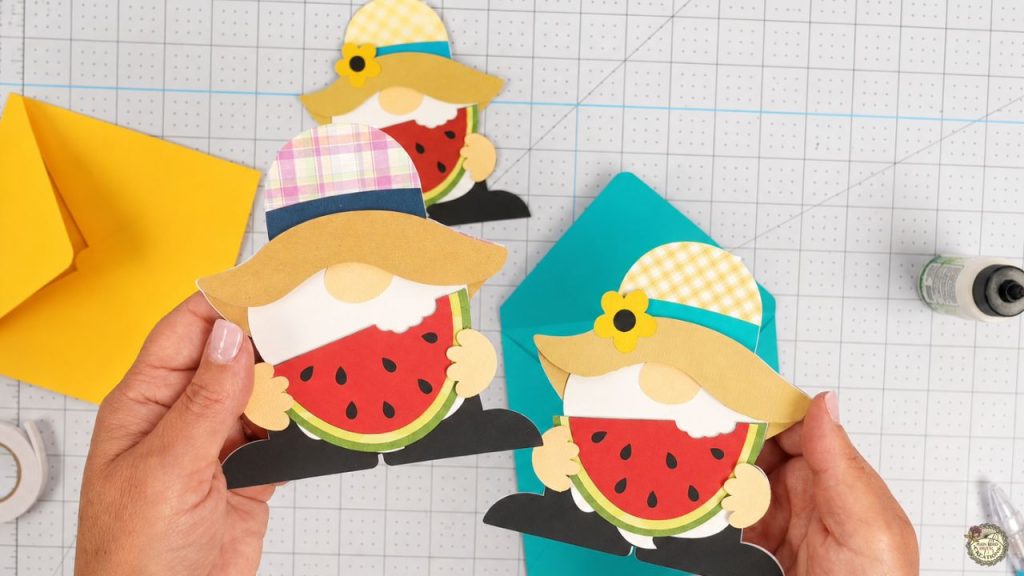
Here’s the finished gnome card all put together! I love how the different hat patterns and cardstock colors give each one its own personality. The watermelon makes it perfect for summer, and the matching envelope turns it into a cute handmade card you can actually give!
Free Gnome Card SVG Video Tutorial
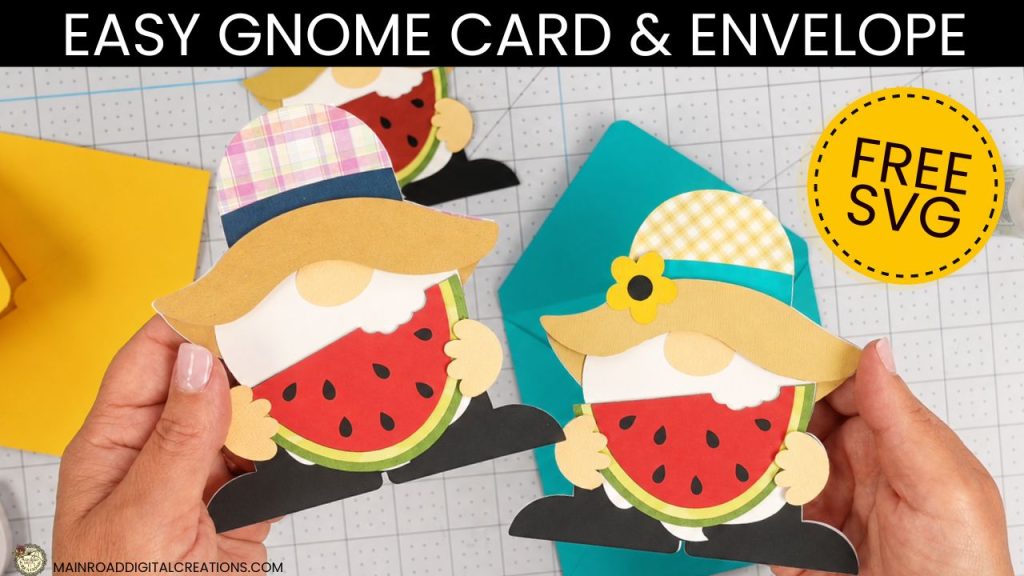
Check out the full step-by-step video tutorial below to see how to make your own gnome card and matching envelope. I’ll show you how to set up the SVG file in Cricut Design Space, attach the score lines for the envelope, cut the cardstock pieces, and assemble the card from start to finish.
Share your Creations
I can’t wait to see how you use this design in your projects! Be sure to share your creations in our Facebook group.

Are you on Facebook?
Join our group!
We’d love to have you!
All of the Free Files on my website are for Personal and Commercial use. Check out my Terms of Use (TOU) here.
I’d love it if you could take a moment to pin the Free SVG image above to Pinterest. By sharing, you’re helping my business grow, which allows me to keep bringing you the free SVG files you adore. Thanks a bunch for your support. It means the world to me!
Here’s where to find your Free SVG download!
Design #278 – the Gnome Card + Envelope and Bonus Snack Add-ons SVG are available in my freebie library. To get the Password, click the button below and Join our Freebie Club!
Love this week’s Free SVG? Try another Fun Cricut Project!

Check out my shop for fun and creative designs you can use in your projects!
Join the Creative Fabrica Membership

Fonts, designs, and so much crafty goodness! Over 16 million digital files are waiting! In partnership with Main Road Digital Creations, your first 10 downloads are totally free. After that? It’s just $47 a year (yep, that’s $3.99/month) with full commercial and POD use included. Sign up for Free!
Check out My Shop
If my freebies have sparked your creativity, head over to my shop for even more SVGs to craft with. These are just a few of the designs waiting for you. Thank you for supporting my small business!