
Free Travel Subway Art SVG-Infusible Ink Tutorial
How to Create a Custom Tote Bag with Infusible Ink and HTV
This post may contain affiliate links. As an Amazon Associate, I earn from qualifying purchases. Please see my privacy policy for full details.
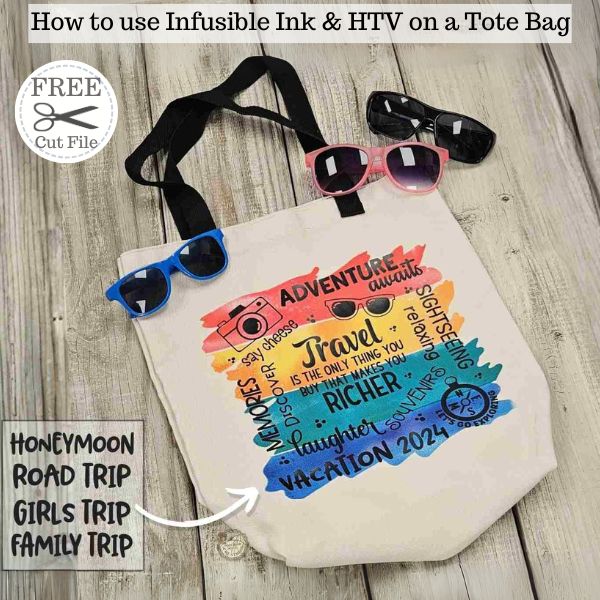
This free Travel Subway Art SVG is perfect for anyone who loves to explore! Whether you’re crafting a tote bag for a girls’ trip, celebrating a honeymoon, or gearing up for an exciting vacation, this design offers flexibility with five interchangeable phrases. Plus, you can customize it with your favorite fonts. I’ll guide you through every step in the accompanying video tutorial!
Supplies for Infusible Ink Tote Bag Project
📌Before you start crafting, it’s important to choose the right tote bag for this project. Since infusible ink is essentially a sublimation product, you’ll need a tote bag with a high polyester count to ensure vibrant and long-lasting colors. This material type is essential for the ink to transfer effectively and look stunning. Make sure your tote is compatible with infusible ink for the best results!
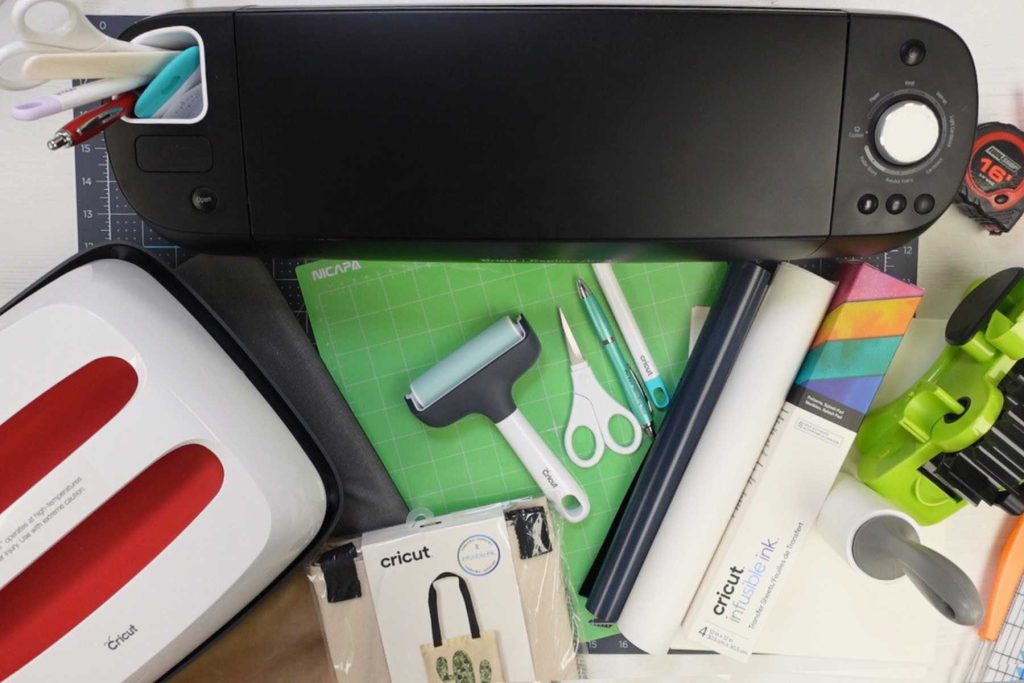
- Tote Bag
- Infusible Ink (this is the one I used for the tote bag that I sliced the 4 colors; it has 4 colors in the box)
- Full Color Infusible Ink Sheet (this is the option for a full-color design without having to slice)
- Black HTV
- Standard grip mat
- Explore Air 2
- Fine cut blade
- Lint Roller
- Butcher paper
What’s that font?
- Adventure – Uncle Grump
- Awaits – Millyard
- Say Cheese – Barn Dance
- Travel – Stealdream
- Richer – Okra
- Memories – Pink Sugar
- Sightseeing – Valineta
- Laughter – Highbright
- Vacation/Year, Honeymoon, Road Trip, Girls Trip, and Family Trip- Blorp
- Souvenirs – Pipsqueak
- Relaxing – Peanut Butter

Step-by-Step Infusible Ink & HTV Tote Bag Tutorial
Here’s a step-by-step guide on how to make your custom tote bag. For the complete video tutorial, check out the link below to see these steps in action!
Travel Subway Art SVG Design Preparation:
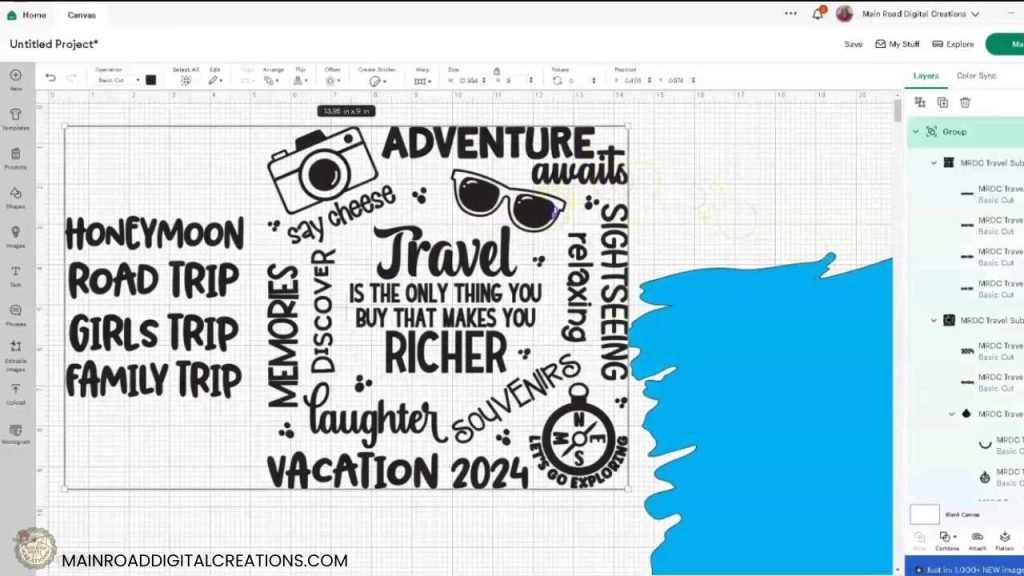
- Resize and Ungroup: First, upload and ungroup in Cricut Design Space to allow for customization.
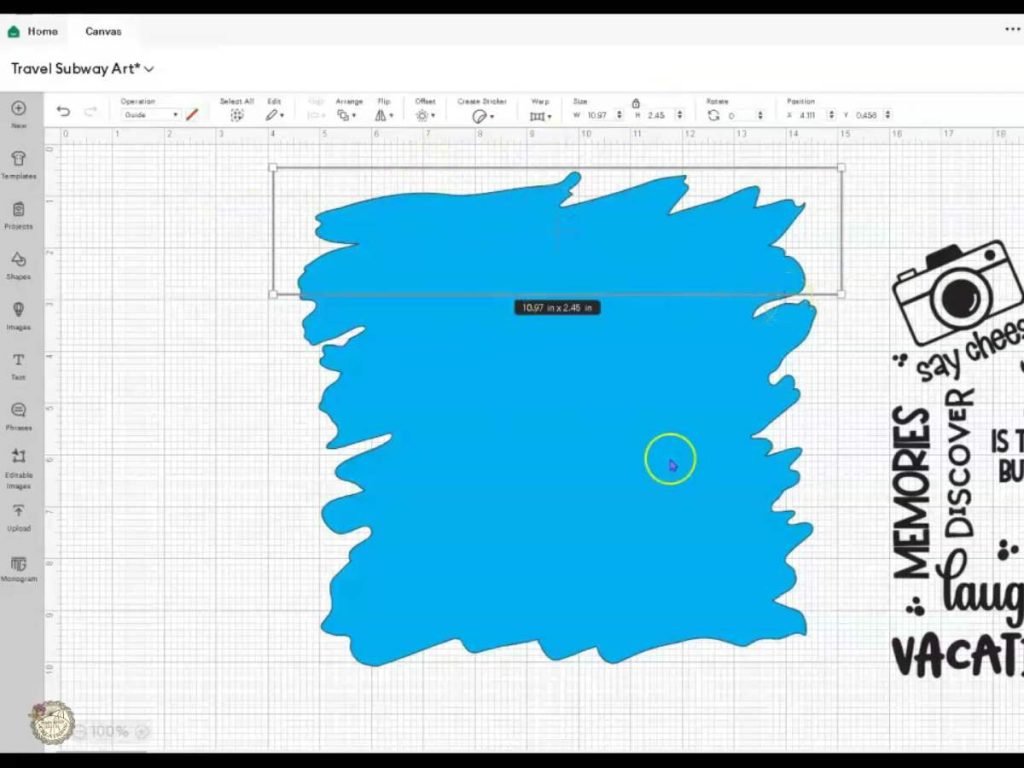
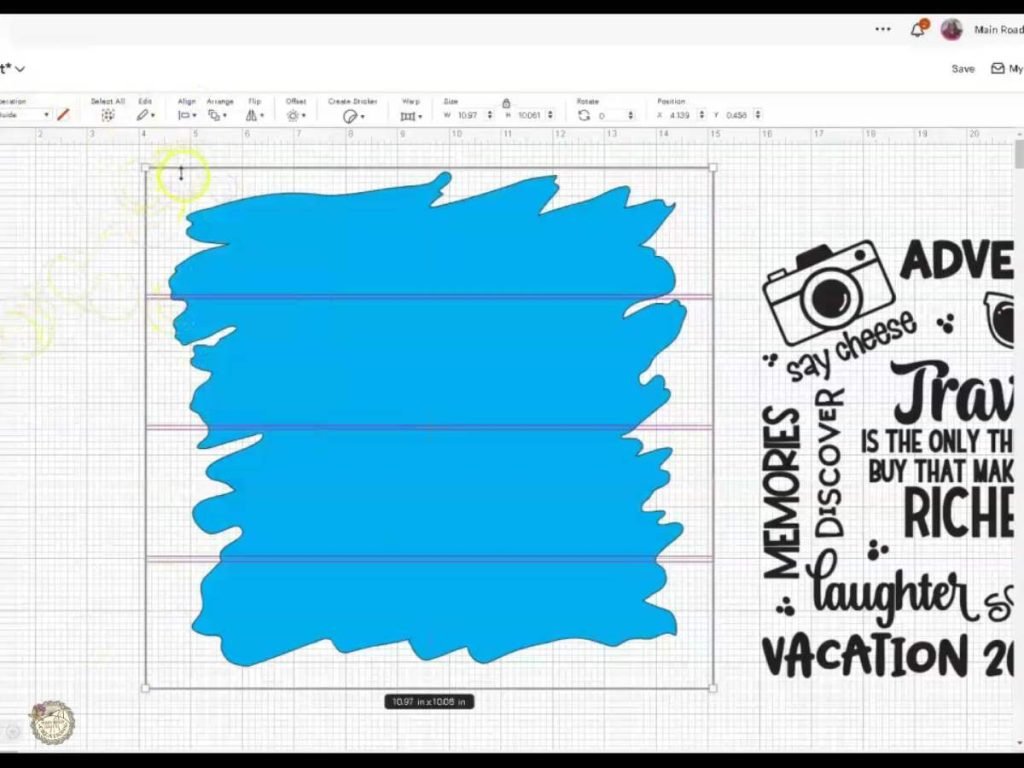
2. Slicing the Background: If you wish to use multiple infusible ink colors, slice the background into four sections, ensuring the design aligns well on the tote. I did this by adding a shape and resizing it to fit the background.
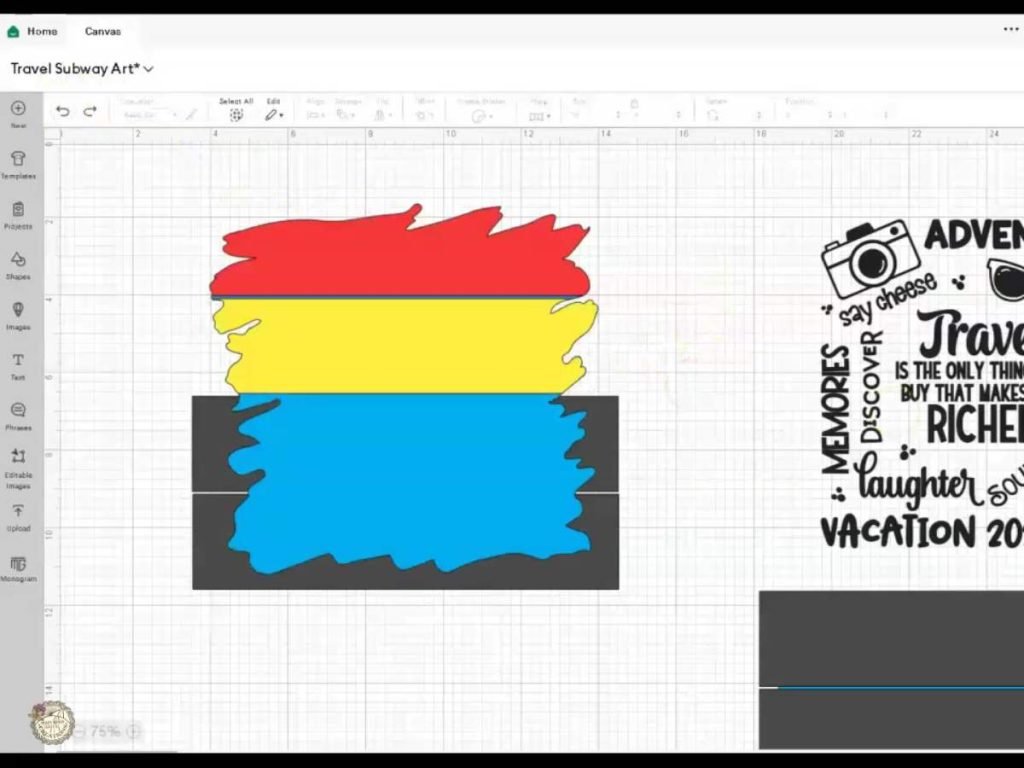
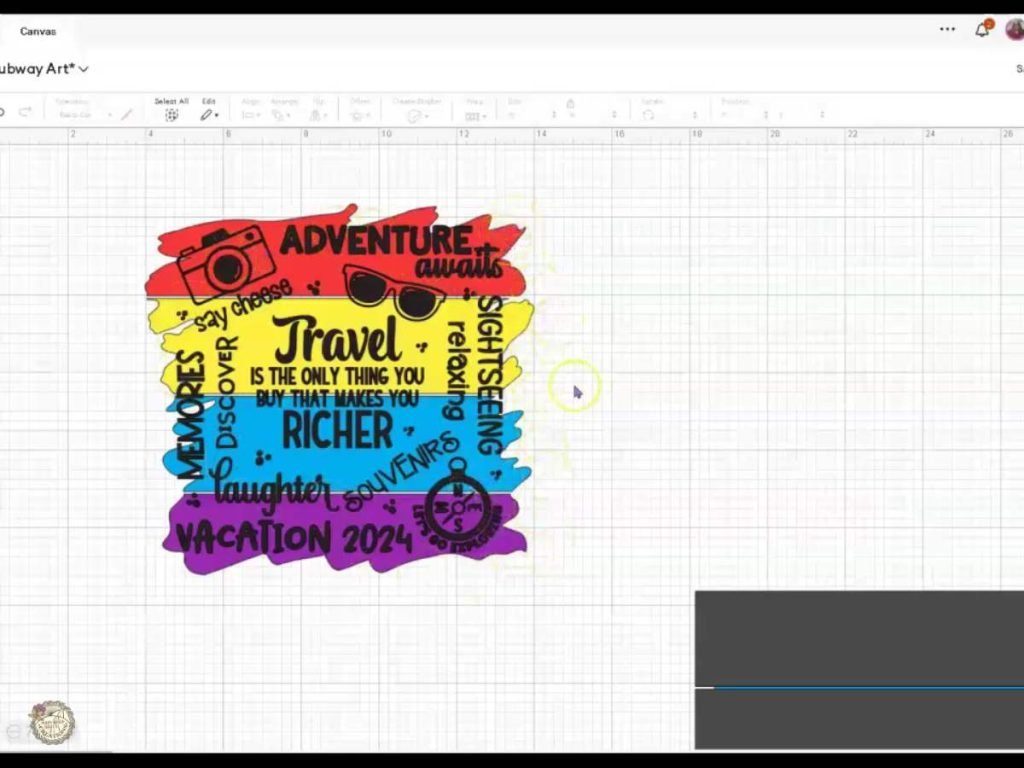
3. Customizing Colors and Resizing: Change the colors of the sliced sections to match your chosen infusible ink sheets. Then, place the design on top of the background in Design Space. Resize the entire design to ensure it fits perfectly on your tote bag, making adjustments as necessary to accommodate the proportions of the tote.
Cutting and Preparing Infusible Ink and HTV
Cutting the Materials:
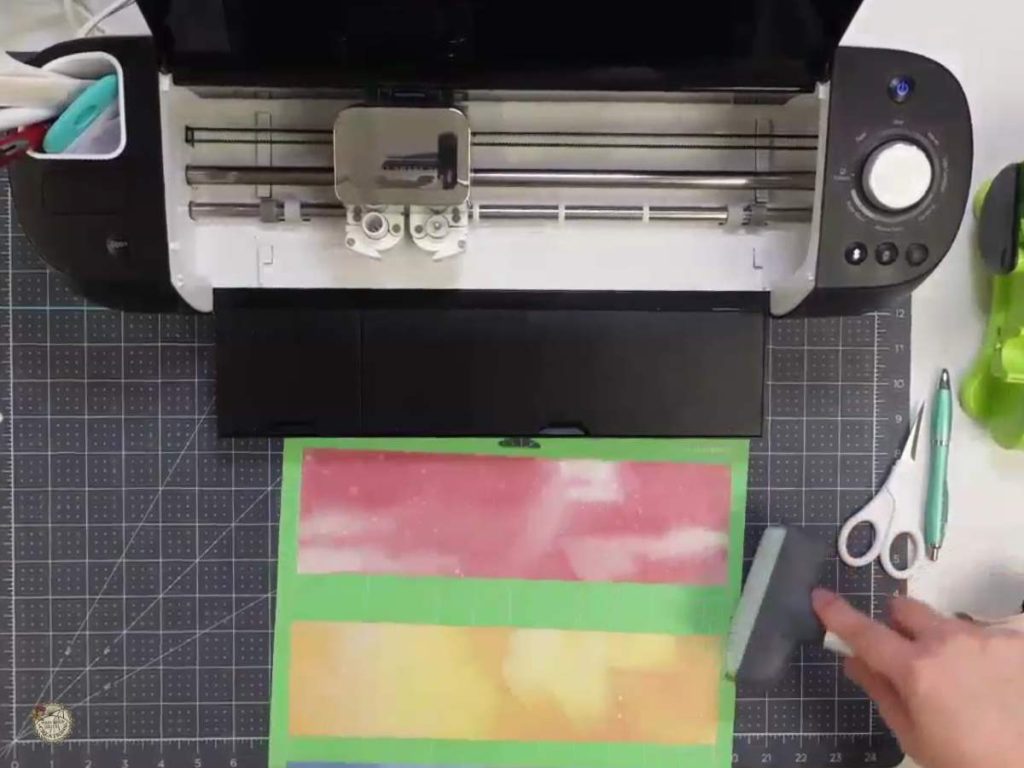
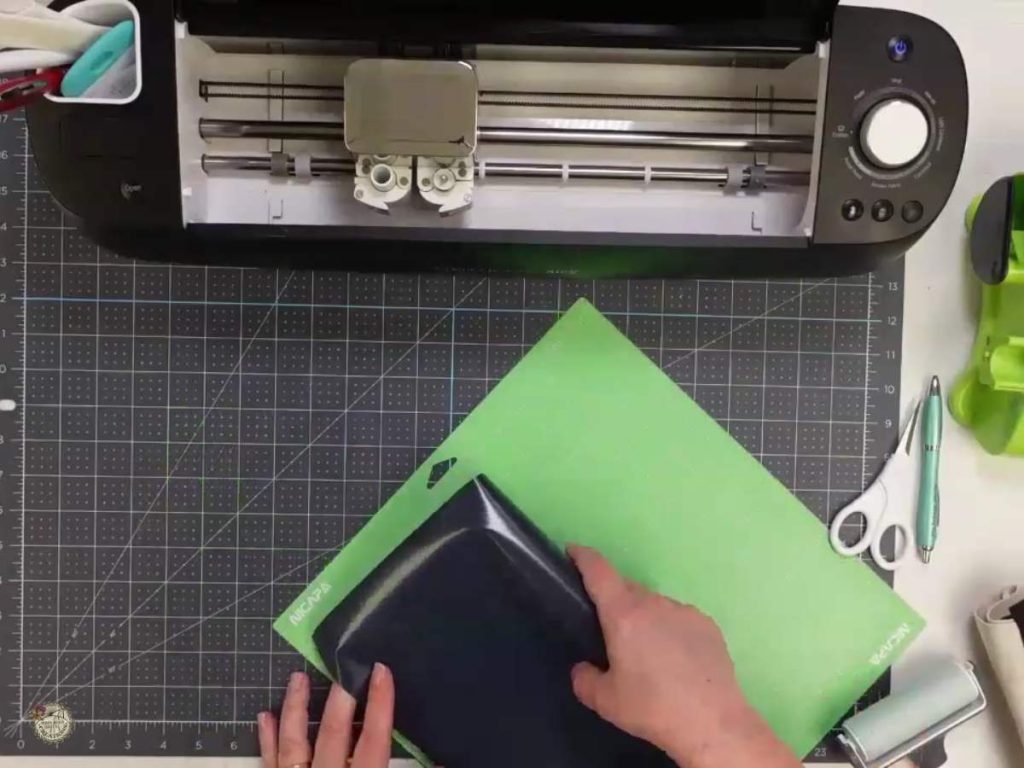
- Infusible Ink: Place the infusible ink sheet on your Cricut mat with the color side up and the shiny side down. Ensure that your design is mirrored in Design Space before cutting. Use the “Infusible Ink Transfer Sheet” setting on your Cricut machine to ensure the proper cut depth and pressure.
- Heat Transfer Vinyl (HTV): Place the HTV on your mat with the shiny side down. Like with infusible ink, ensure your design is mirrored in Design Space. Select the HTV setting on your machine.
Weeding the Designs:
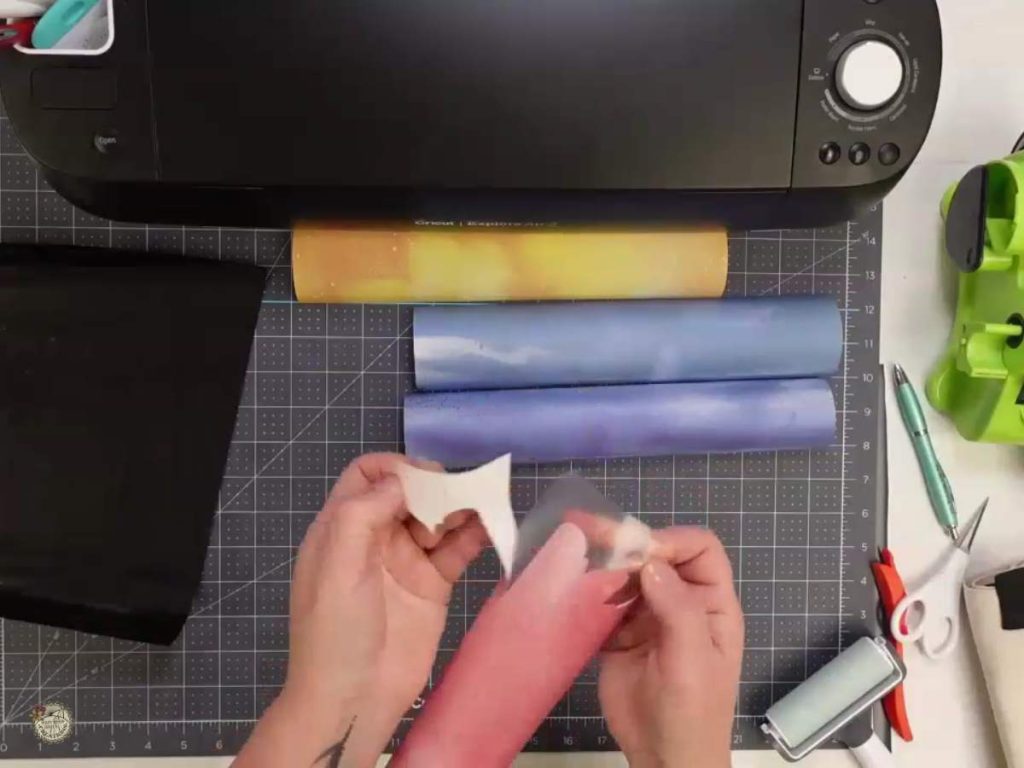
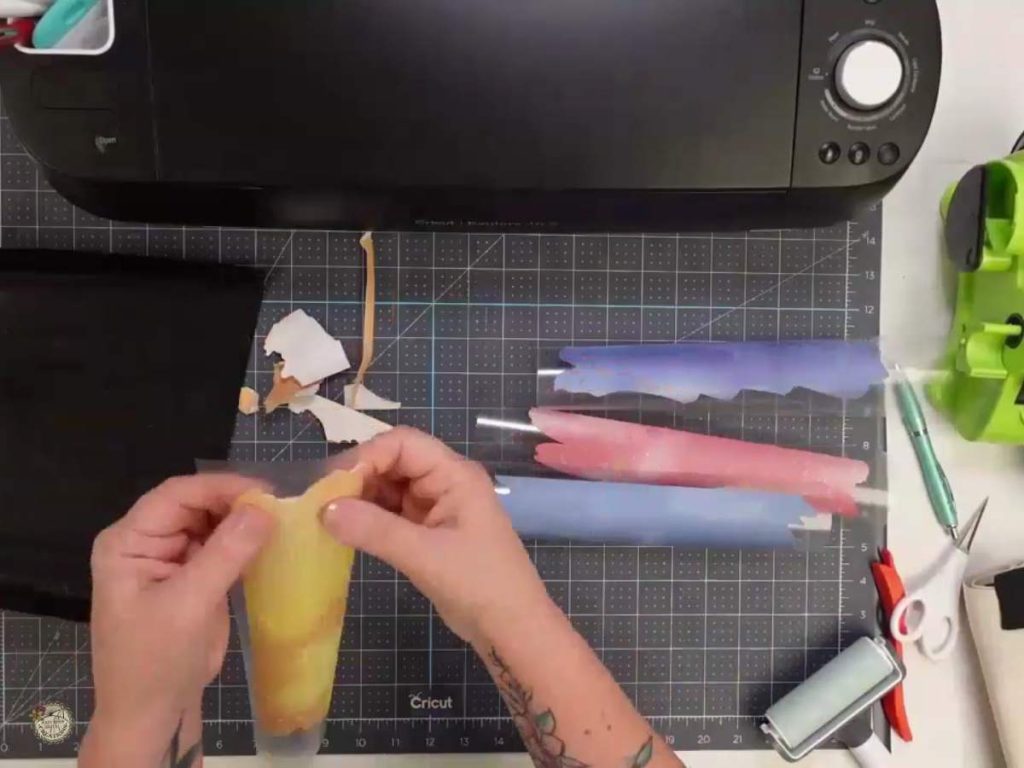
- Infusible Ink: Begin the weeding process by gently “cracking” the infusible ink—bend the sheet slightly to loosen the cuts. Carefully remove excess paper around your design.
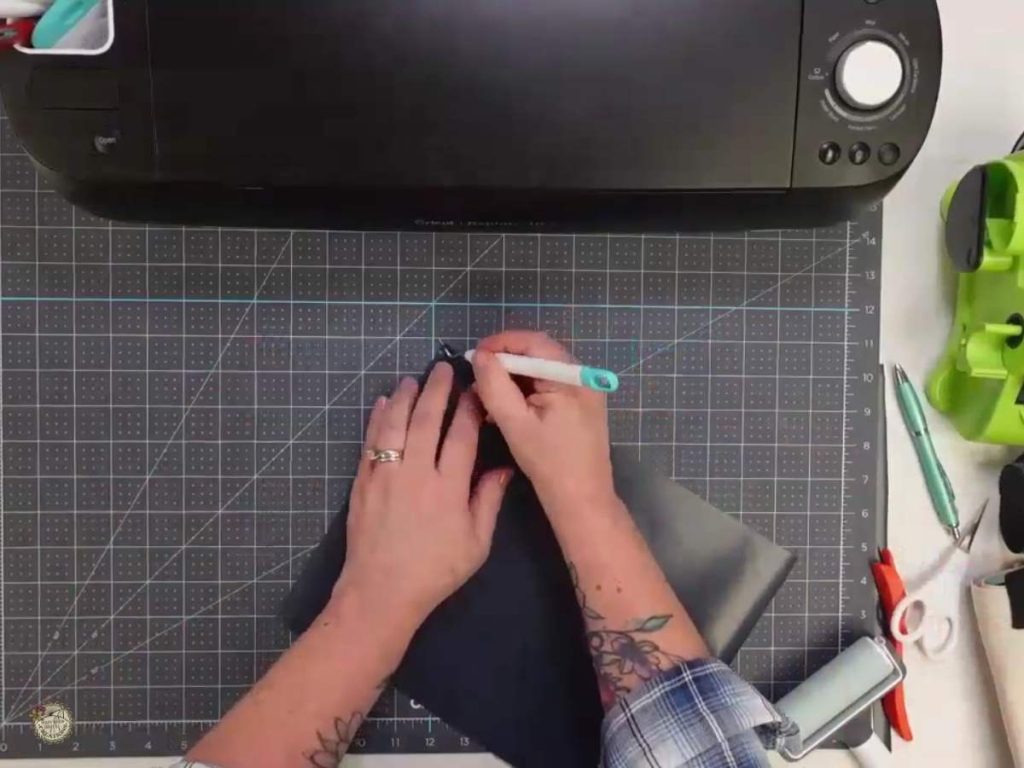
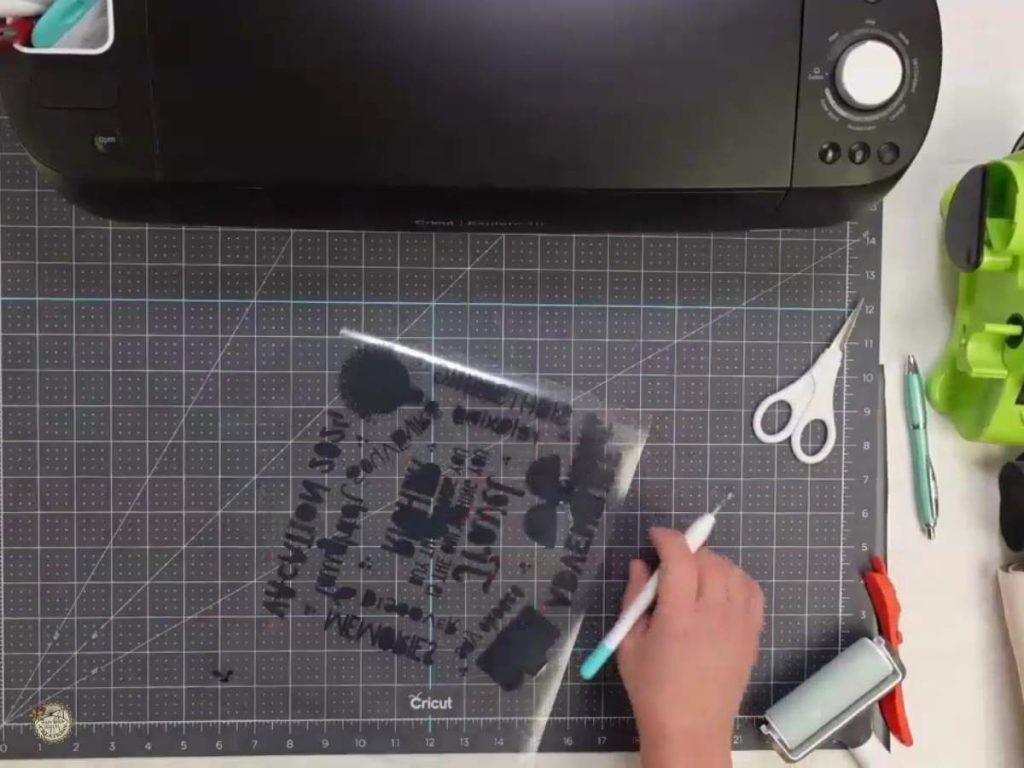
2. HTV: Use a weeding tool to peel away the excess vinyl from around and inside your design. HTV usually weeds more smoothly than adhesive vinyl, but it is important to go slow to ensure the sheet and vinyl do not rip.
Heat Press Application:
Applying Infusible Ink
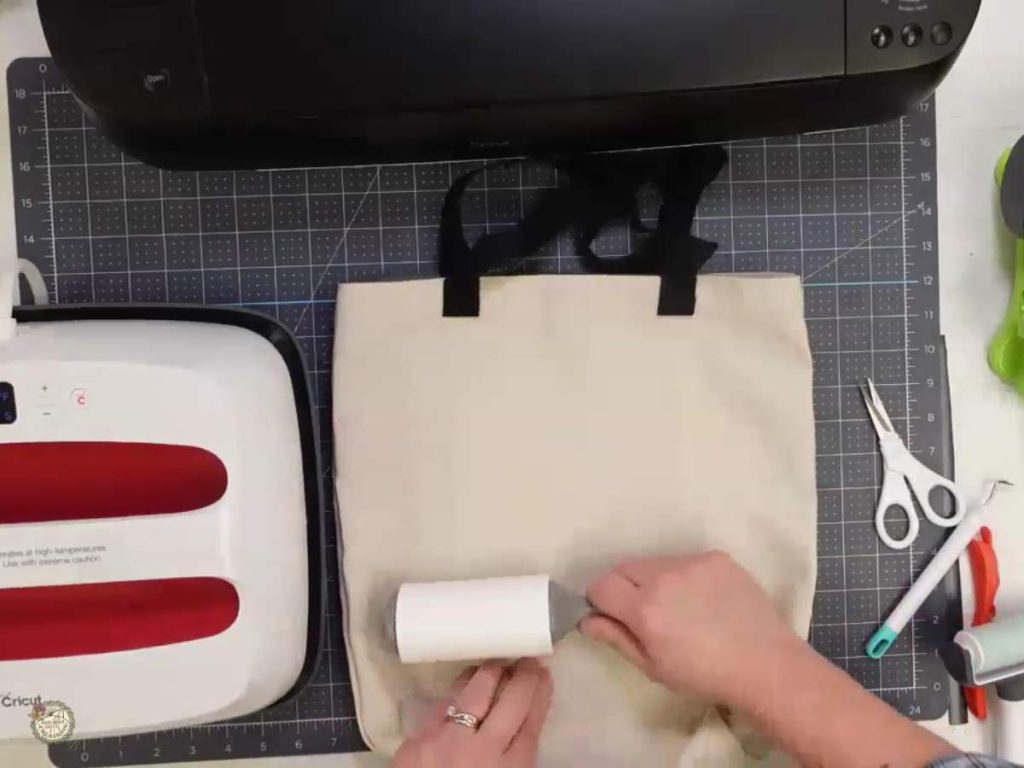
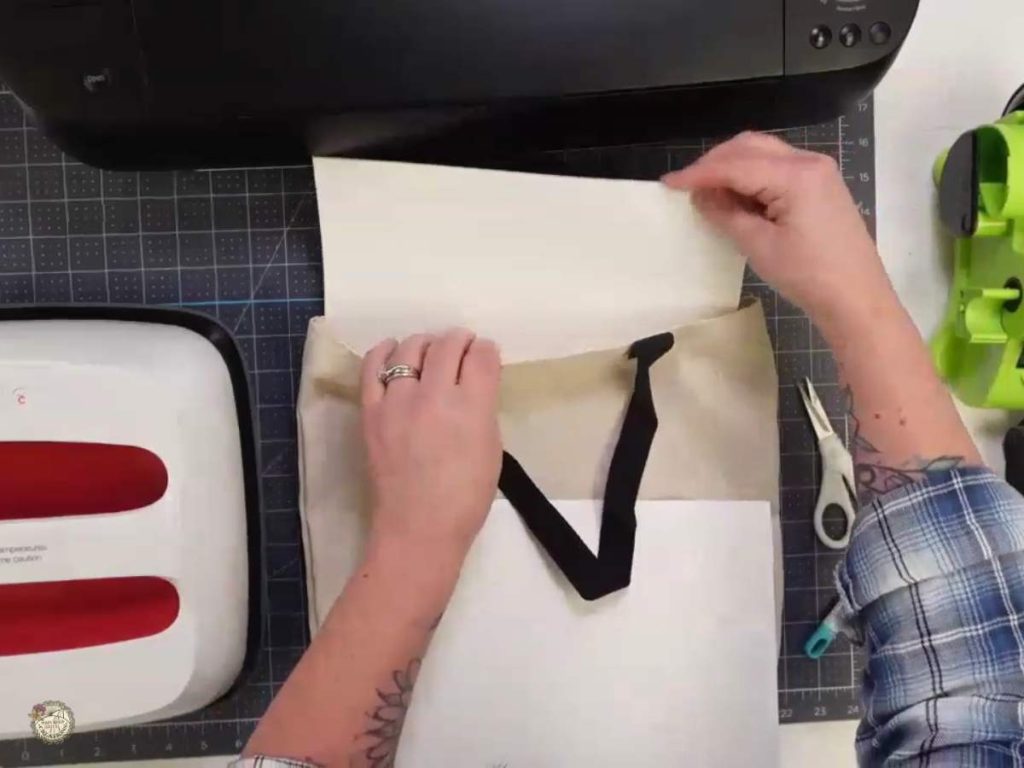
- Preparing the Tote Bag: Clean the tote bag with a lint roller and insert cardstock inside to prevent ink bleed-through. Pre-press at 385°F for 5 seconds to remove moisture and wrinkles.
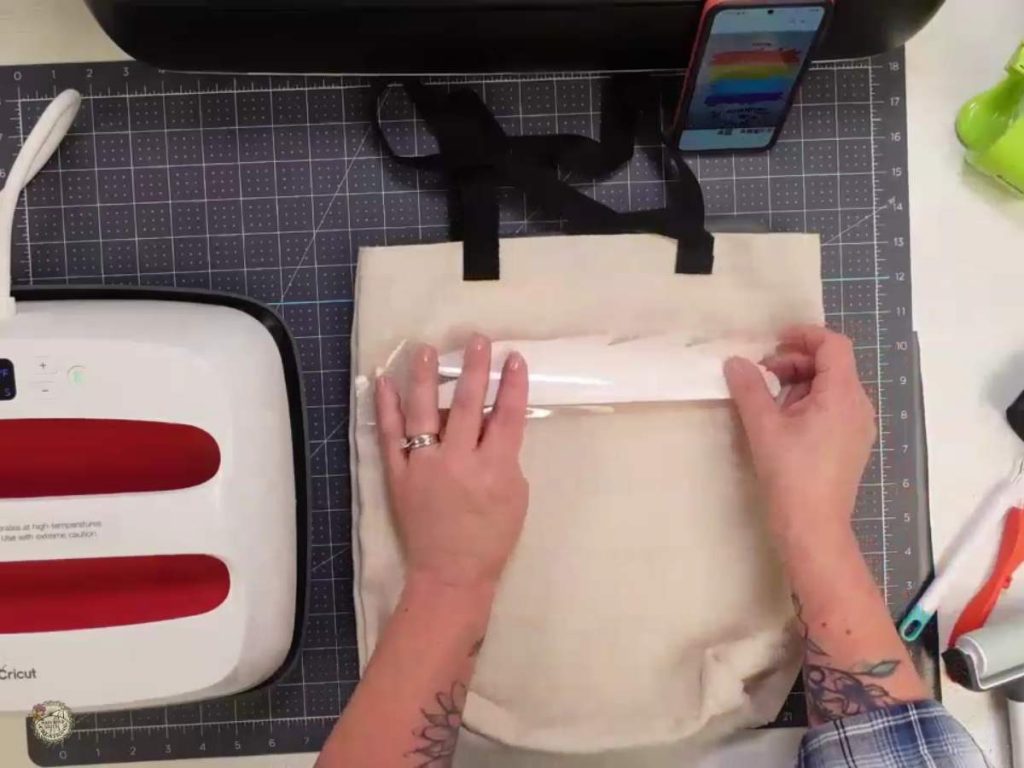
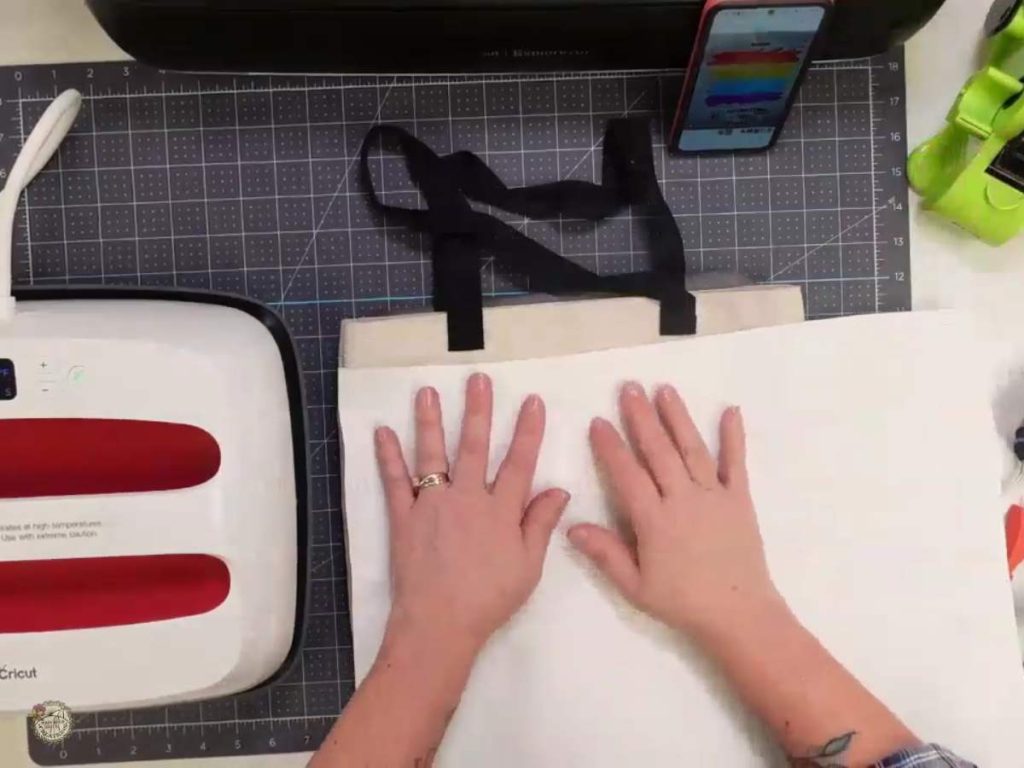
2. Applying Infusible Ink: Place each color cutout on the tote bag one at a time, covering each with butcher paper. Press at 385°F for 40 seconds for each color.
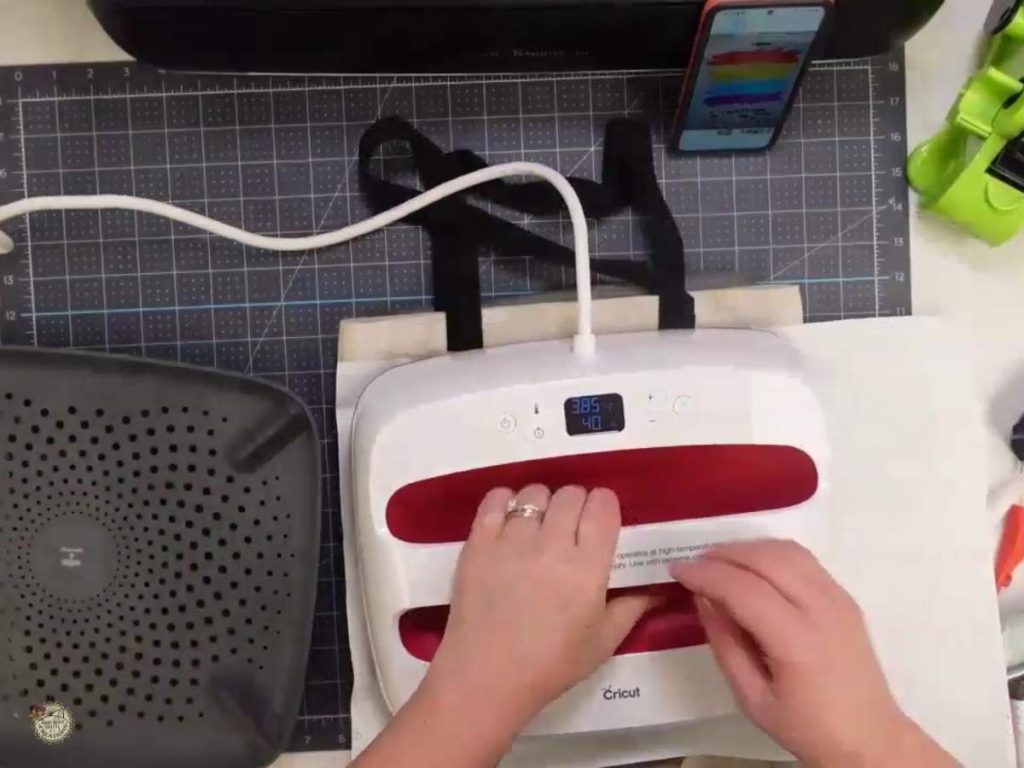
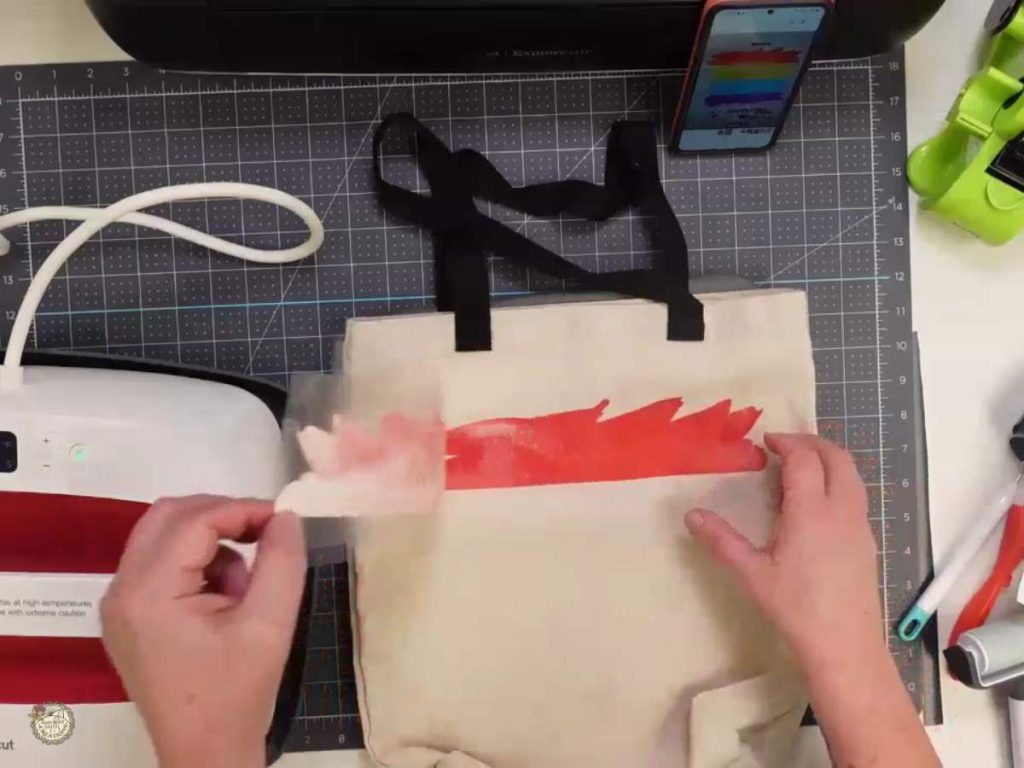
3. Carefully align and press each subsequent color layer, ensuring proper placement before applying heat.
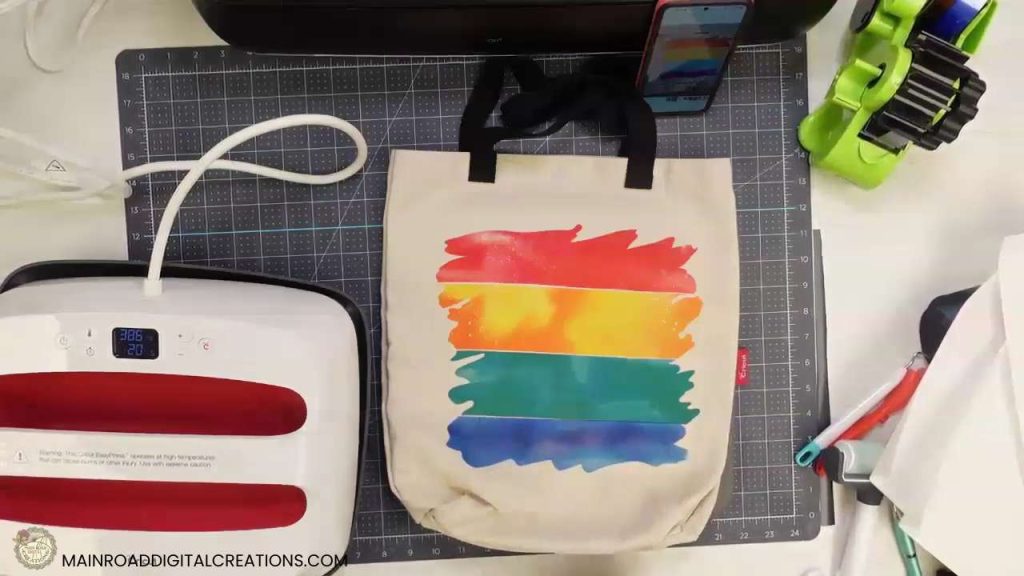
Applying the Heat Transfer Vinyl (HTV)
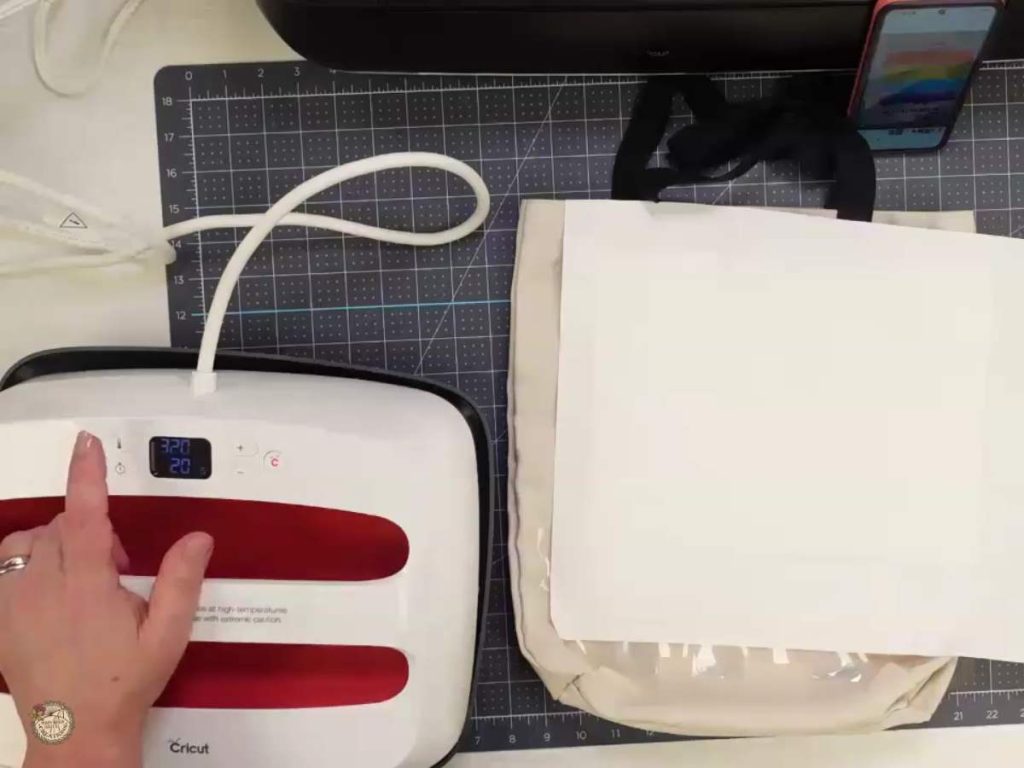
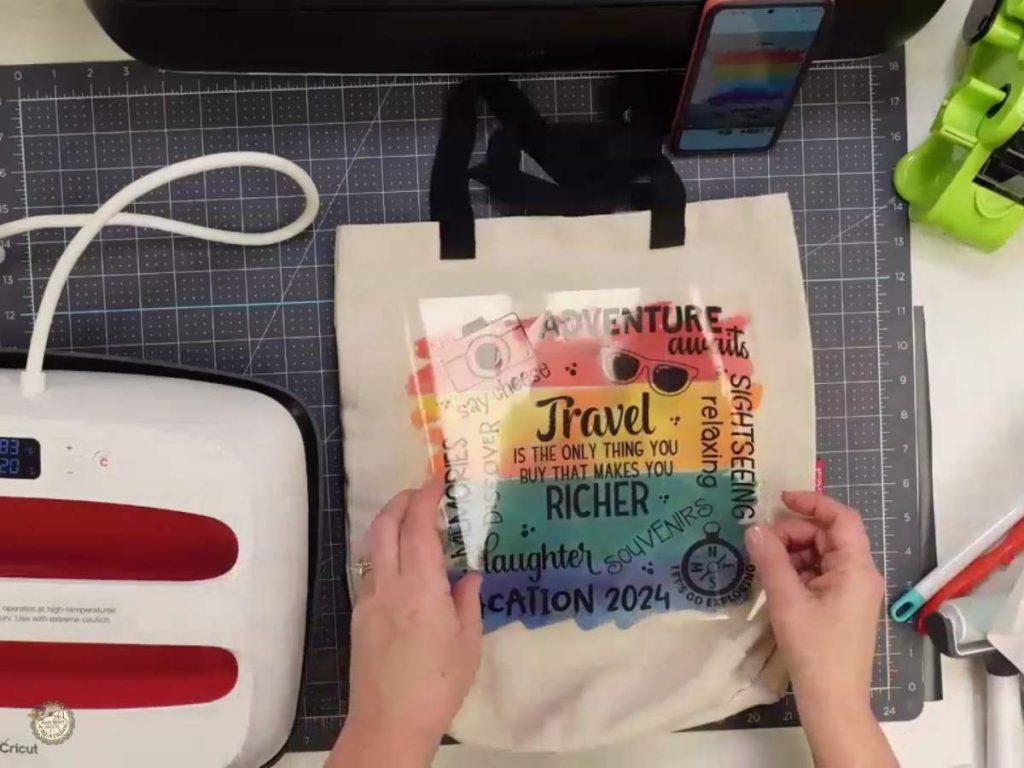
- Adjusting the Heat Press: After all infusible ink layers have been applied and cooled, lower the temperature of your heat press to the recommended setting of your HTV manufacturer.
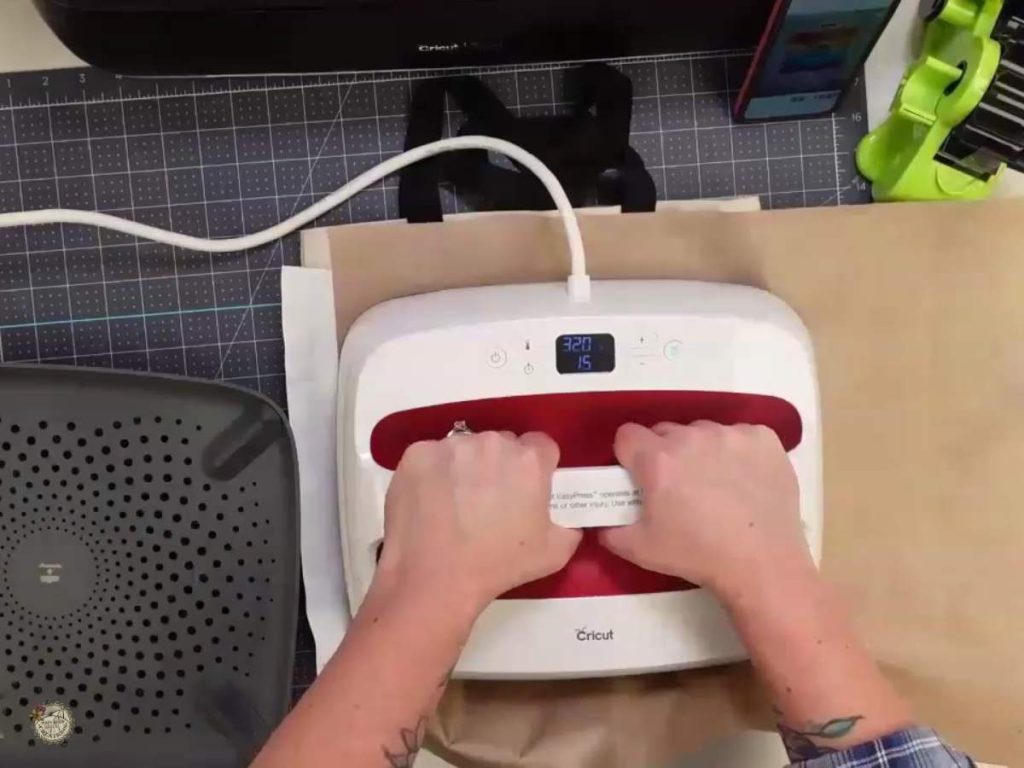
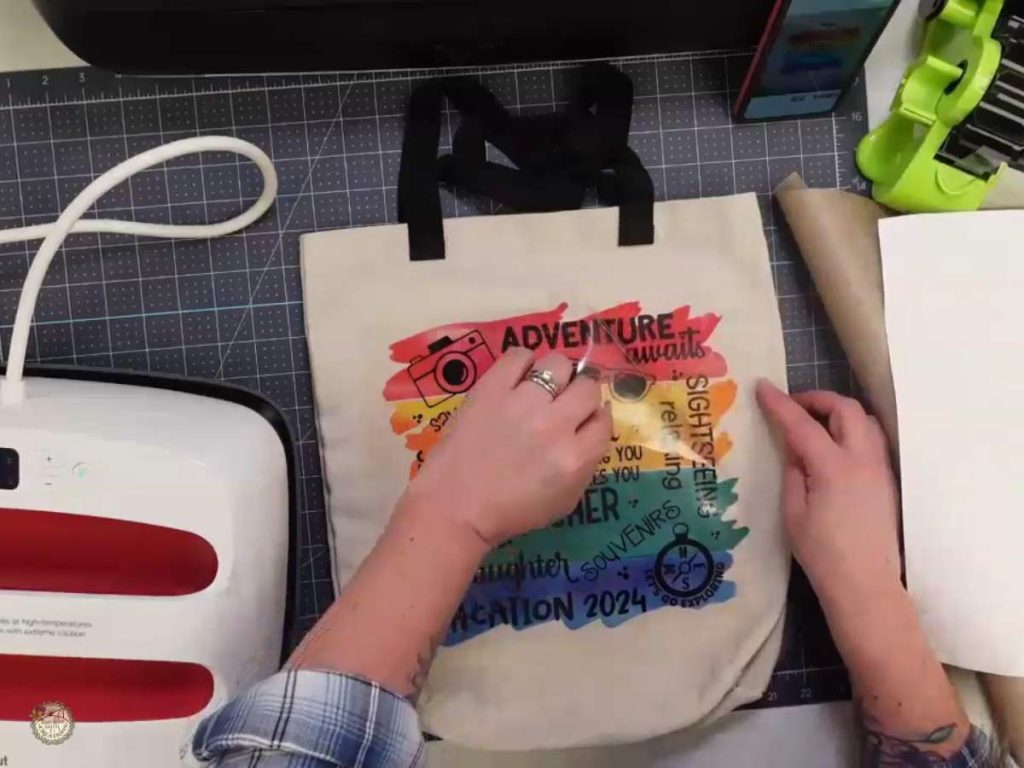
2. Positioning and Pressing the HTV: Carefully line up the HTV over the infusible ink design on your tote bag. Once positioned, cover the HTV with butcher paper first and then a Teflon sheet and press the HTV with firm pressure.
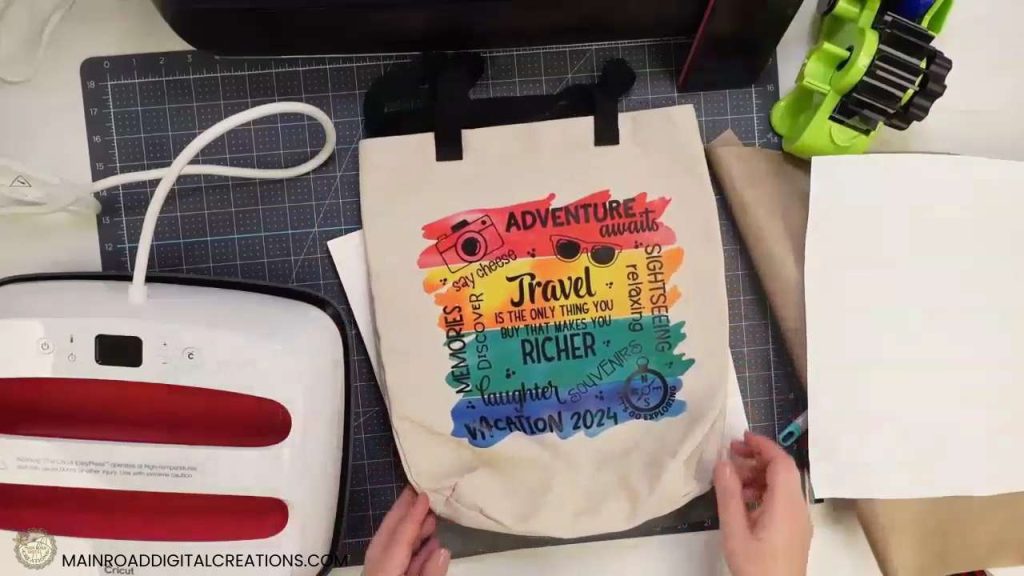
There you have it! You now own a colorful, custom tote bag perfect for any adventure or daily outing. I’d love to see how yours turned out! Please share your projects in our Facebook group and inspire other crafters with your creativity.
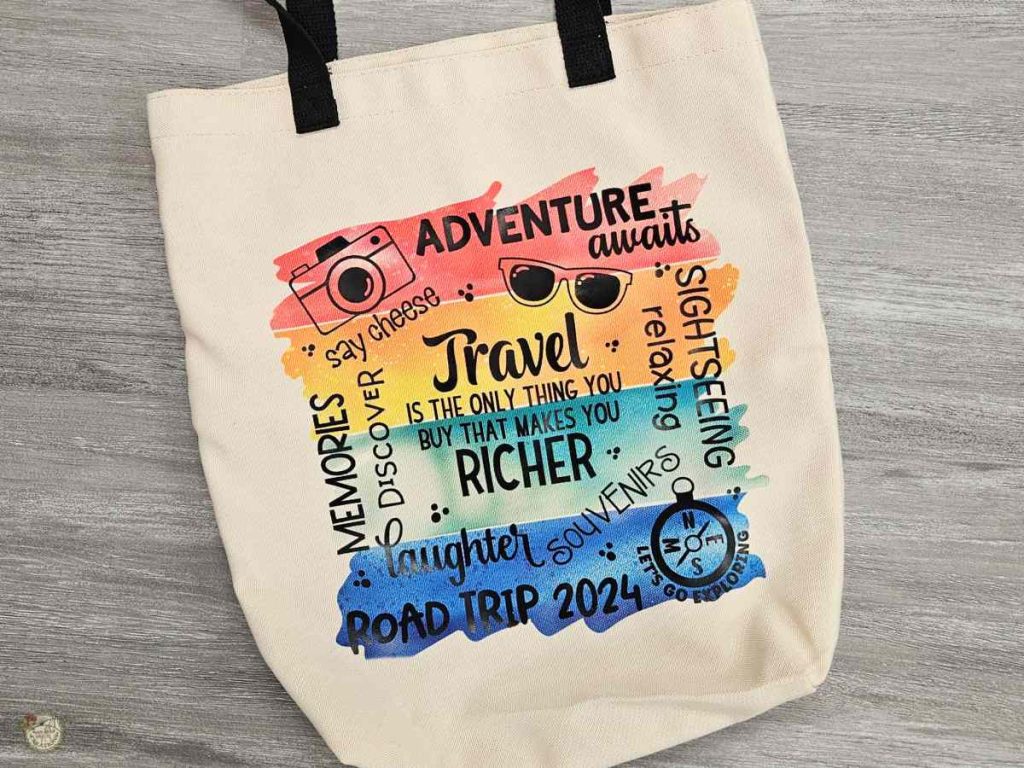
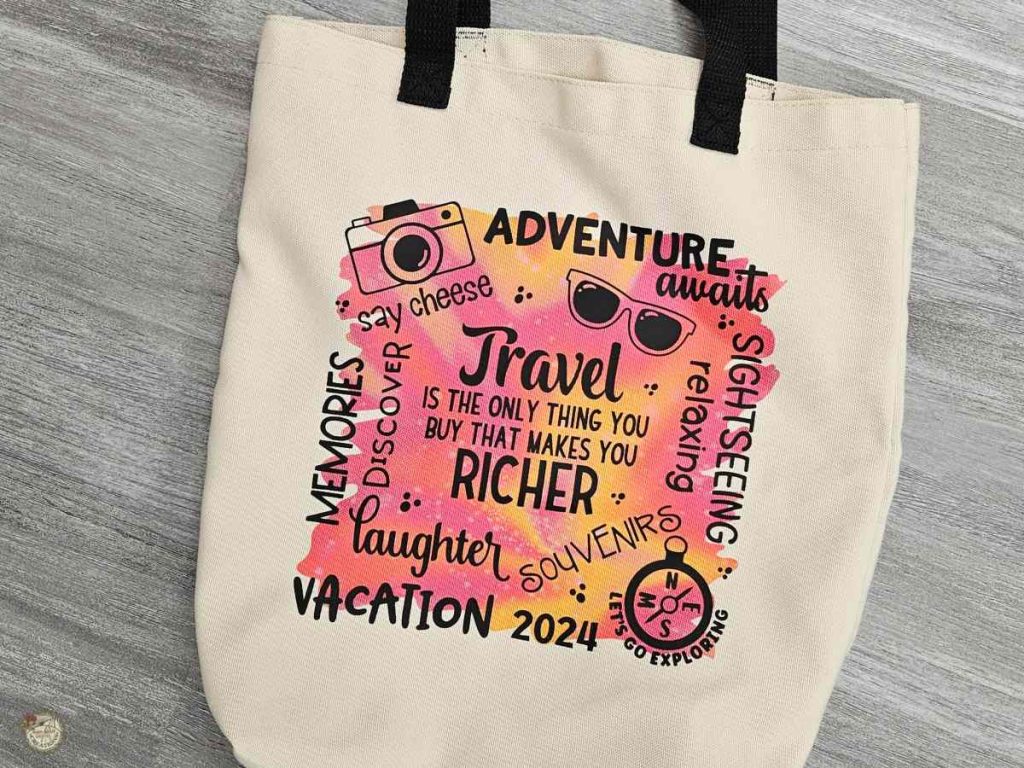
Video Tutorial: How to Make a Tote Bag with Infusible Ink, HTV & the Free Travel Subway Art SVG
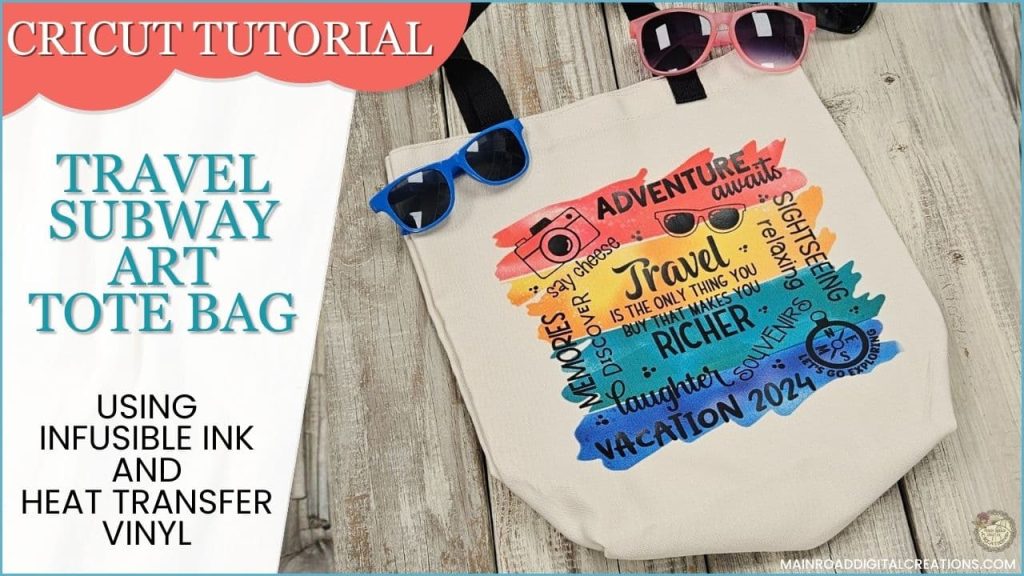
Check out the full step-by-step video tutorial below to see how to create your own travel tote bag with Infusible Ink and HTV. It’s a fun and straightforward project you can whip up quickly! Whether you’re preparing for a weekend getaway or want a unique tote for daily use, this video will guide you through every step of the process. Watch now and start crafting your stylish accessory today!
Create Fun Bags for Your Travel Goodies
Heading out on a trip soon? Why not craft some custom bags to take along? I’ve added a bundle of SVG designs to my shop that’s perfect for creating matching smaller bags to tuck inside your travel tote. With whimsical phrases like “Watts in the Bag” and “Might Be Makeup, Might Be Snacks,” these bags are not just practical—they’re guaranteed to inject a bit of humor into your travel routine!
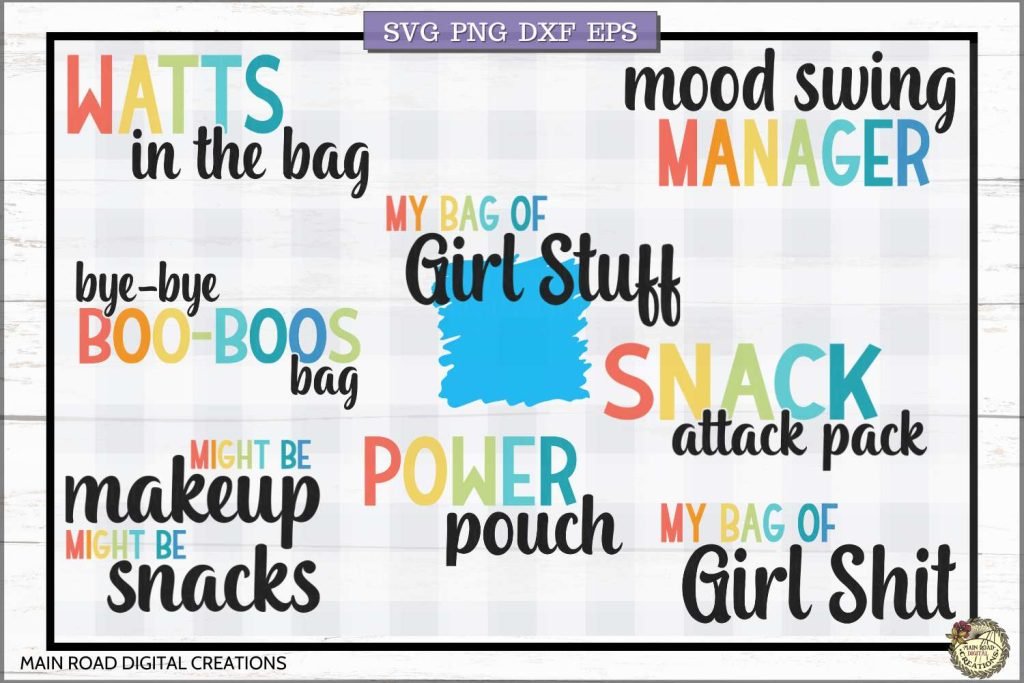
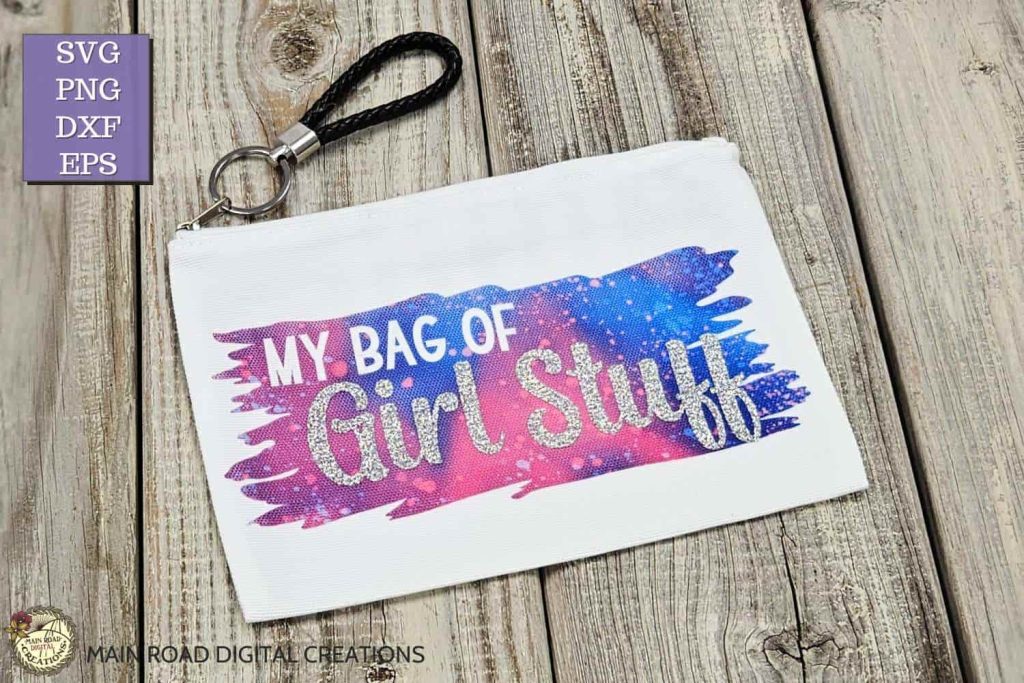
Want to see how to make these yourself? Check out my video tutorial, where I demonstrate how to apply these designs using both infusible ink and HTV. I also show you how to achieve a fantastic look using only HTV, making it versatile for any style you choose. It’s super simple and a perfect way to make your cosmetic bags as unique as your adventures. Grab these designs from my shop and start crafting today!
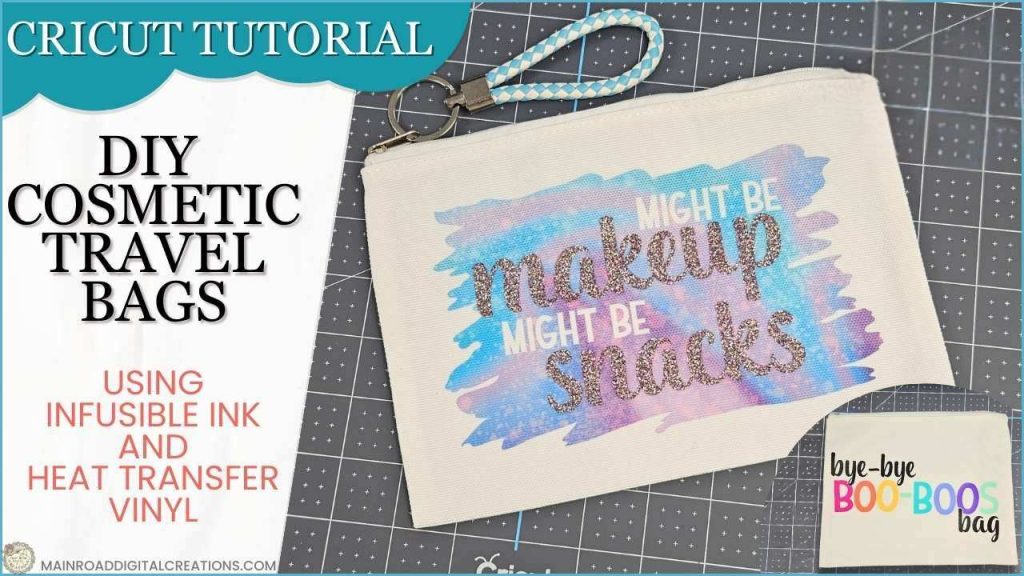
Find the braided keychains here.

Are you on Facebook?
Join our group!
We’d love to have you!
All of the Free Files on my website are for Personal and Commercial use. Check out my Terms of Use (TOU) here.
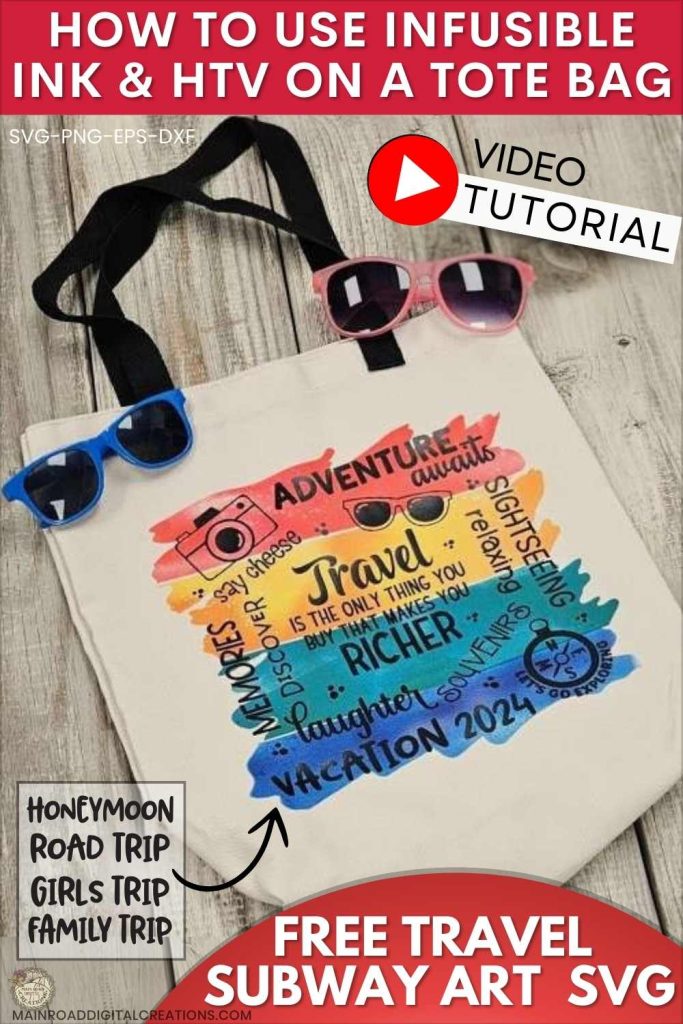
I’d love it if you could take a moment to pin the Free SVG image above to Pinterest. By sharing, you’re helping my business grow, which allows me to keep bringing you the free SVG files you adore. Thanks a bunch for your support. It means the world to me!
Here’s where you can find your Free SVG download!
Design #237— Travel Subway Art SVG file is available in my freebie library. To get the Password, click the button below and Join our Freebie Club!
If you enjoyed this week’s Free SVG & Cricut tutorial, here’s another you will love!

Check out my shop for fun and creative designs you can use in your projects!

Join the Creative Fabrica Membership

Fonts, designs, and so much crafty goodness! Over 16 million digital files are waiting! In partnership with Main Road Digital Creations, your first 10 downloads are totally free. After that? It’s just $47 a year (yep, that’s $3.99/month) with full commercial and POD use included. Sign up for Free!