Tote Bag Mockup Tutorial: Add Designs Easily in Photopea | No Photoshop
How to Make a Tote Bag Mockup without Photoshop
This post may contain affiliate links. As an Amazon Associate, I earn from qualifying purchases. Please see my privacy policy for full details.

Easy Tote Bag Mockup Tutorial in Photopea
Hey everyone! Ever snagged a mockup file, thinking it was perfect for your project, only to realize it’s a PSD or AI file and Photoshop is a no-show in your toolbox? Well, I’ve got some fantastic news for you—you don’t need Photoshop to bring those designs to life on tote bag mockups. You’re in the right place! This tutorial dives into how you can use Photopea, a completely free website, to seamlessly add your unique designs to tote bag mockups. And here’s a little extra tip: you can find tons of amazing mockup designs over at Creative Fabrica, ready to elevate your work. Let’s get started and show you the simple steps to making those mockup files work for you, no Photoshop required!
Creating a Tote Bag Mockup: Step-by-Step Video Tutorial

Alright, let’s get down to business. I’ve whipped up a step-by-step tutorial to guide you through the whole process of turning a plain old PSD or AI file into a dazzling mockup, all without touching Photoshop. I’m walking you through this using Photopea – trust me, it’s easier than it sounds. We’re starting with downloading the perfect mockup from Creative Fabrica (don’t worry, I’ll drop the link below), dragging it into Photopea, and then making it our own with one of this week’s free SVG files. Yes, you heard that right, it’s free!
Creating beautiful mockups of your designs in Photopea is easier than ever. With the video tutorial above, you now have the power to make your own mockups, bringing your designs to life!
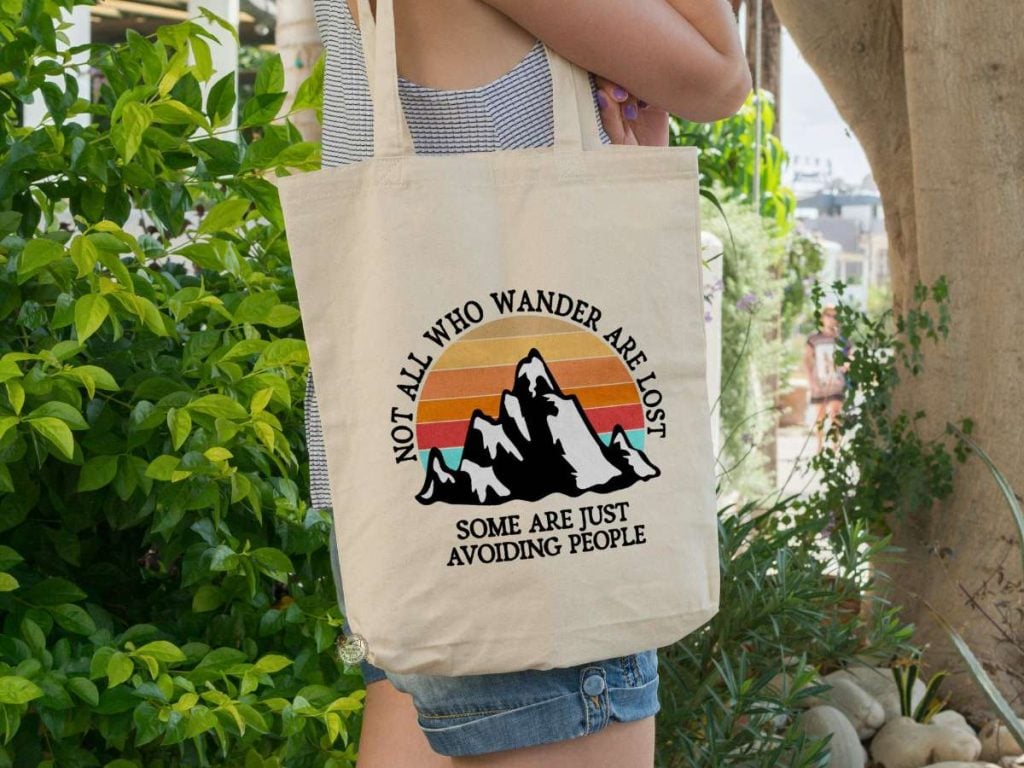
Resources Used in the Video: A Handy List for Your Convenience
- Tote Bag Mockup from Creative Fabrica
- Not All Who Wander Are Lost Free SVG
- Photopea
Find Free Mockup Designs on Creative Fabrica!
Join the Creative Fabrica Membership

Fonts, designs, and so much crafty goodness! Over 16 million digital files are waiting! In partnership with Main Road Digital Creations, your first 10 downloads are totally free. After that? It’s just $47 a year (yep, that’s $3.99/month) with full commercial and POD use included. Sign up for Free!
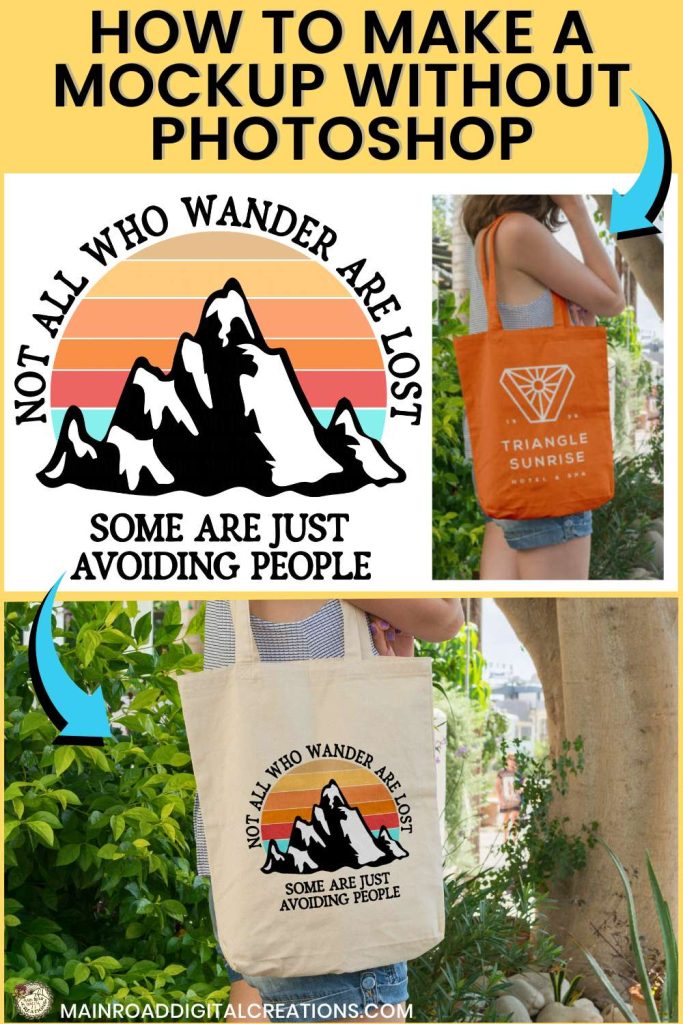
I’d love it if you could take a moment to pin the image above to Pinterest. By sharing, you’re helping my business grow, which allows me to keep bringing you the free SVG files and tutorials you adore. Thanks a bunch for your support. It means the world to me!
If you enjoyed this mockup tutorial, here’s another one you will love!

Designs in my Design Bundles Shop
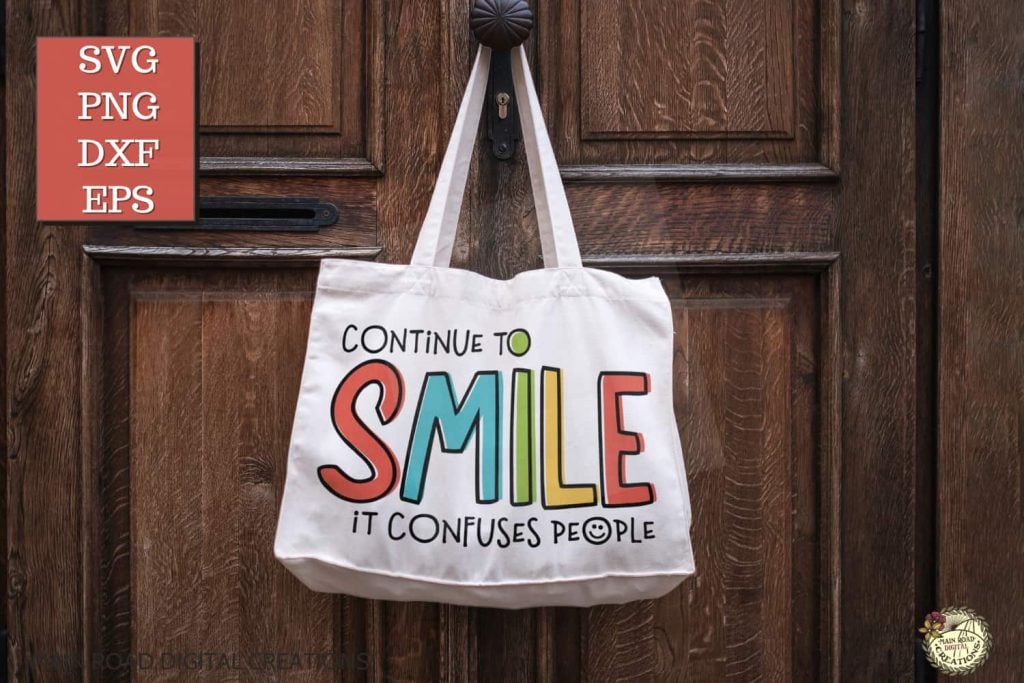

Discover My Designs in Cricut Design Space
Are you a Cricut Access member? If so, you’re in for a treat! I’ve got a range of designs available in my Cricut Design Space profile that you might not have seen yet. Perfect for vinyl cutting, sublimation, and more, these designs are ready to add that extra flair to your projects. Take a look and find your next inspiration!


Follow My Cricut Design Space Profile