
Free Christmas Penguin SVG
DIY Christmas Penguin Ornament or Standing Cardstock Craft
This post may contain affiliate links. As an Amazon Associate, I earn from qualifying purchases. Please see my privacy policy for full details.
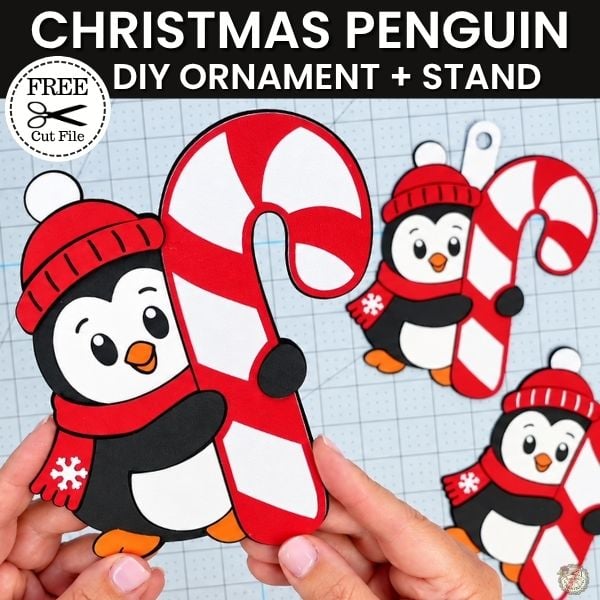
I’m already in Christmas mode! I know it’s only September, but I couldn’t wait! This little penguin was too cute not to make. With this Free Christmas Penguin SVG, you can create a layered cardstock penguin that stands on its own with the optional stand, or turn it into a Christmas ornament with the included hanger piece. I’ll show you both ways in this week’s Cricut tutorial.
Make a Christmas Penguin Cardstock Craft with Cricut
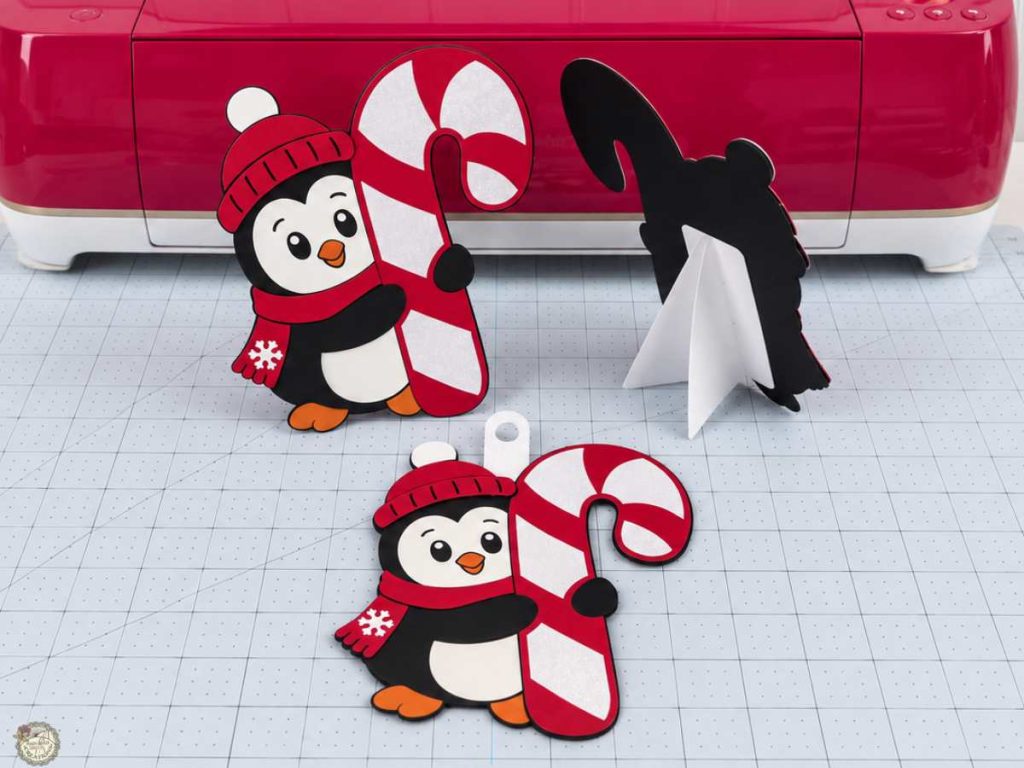
I used cardstock, glue, a little foam tape for dimension, and my Cricut to make this cute penguin. You can keep the classic red, black and white colors like I did or switch things up with patterned cardstock, printed digital papers, or even glitter cardstock.
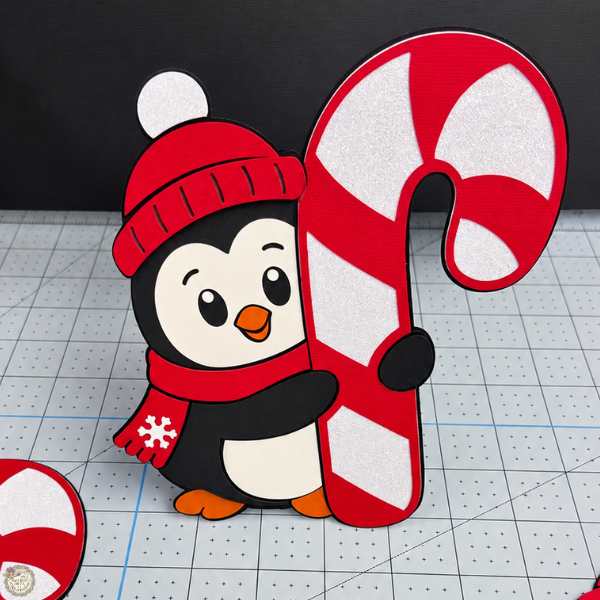
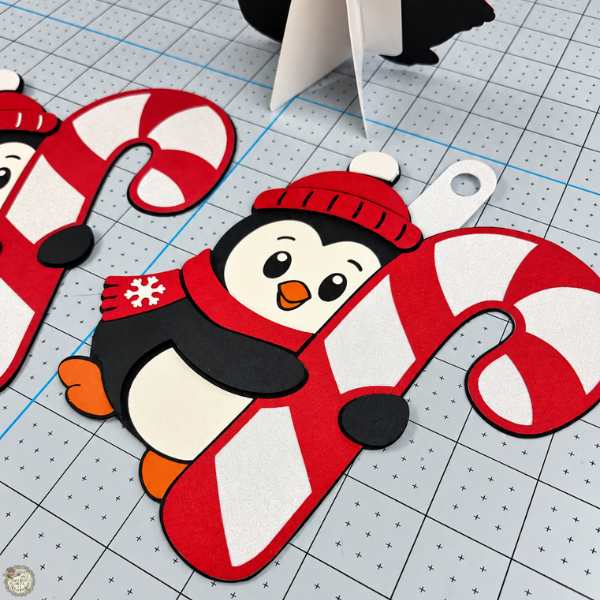
If you are making the ornament version, this would be such a cute one to personalize with a name or year. I didn’t add any personalization to mine this time, but I’m sharing some of my favorite fonts below in case you want to add your own.
Fonts to Personalize Christmas Ornaments
I love sharing the fonts I use for my projects! I didn’t personalize this penguin, but I wanted to share some of my favorite fonts for adding names and dates to Christmas ornaments.
And yes, there are a lot of them. You all know I’m a font hoarder.
Do you need help downloading and adding a font to Cricut Design Space? Check out this quick tutorial!

Supplies for the Christmas Penguin Cardstock Craft
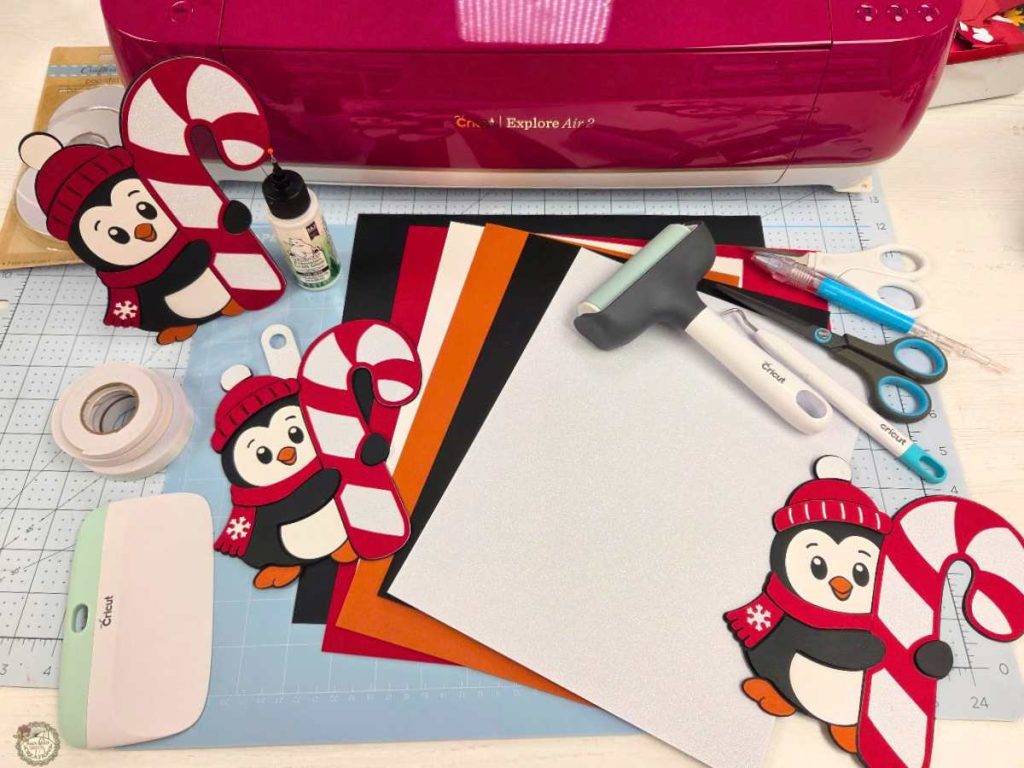
- Cricut – I used my Explore Air 2
- Light Grip Mat
- Cardstock
- Encore– Jet Black, All American Red & Apricot Jam
- White
- White Glitter
How to Make the Christmas Penguin with Cricut
I’m keeping this part simple and just covering the main steps so you can see how the project comes together. If you want to follow along from start to finish, be sure to watch the full video tutorial below.
Set up the Christmas Penguin SVG in Cricut Design Space
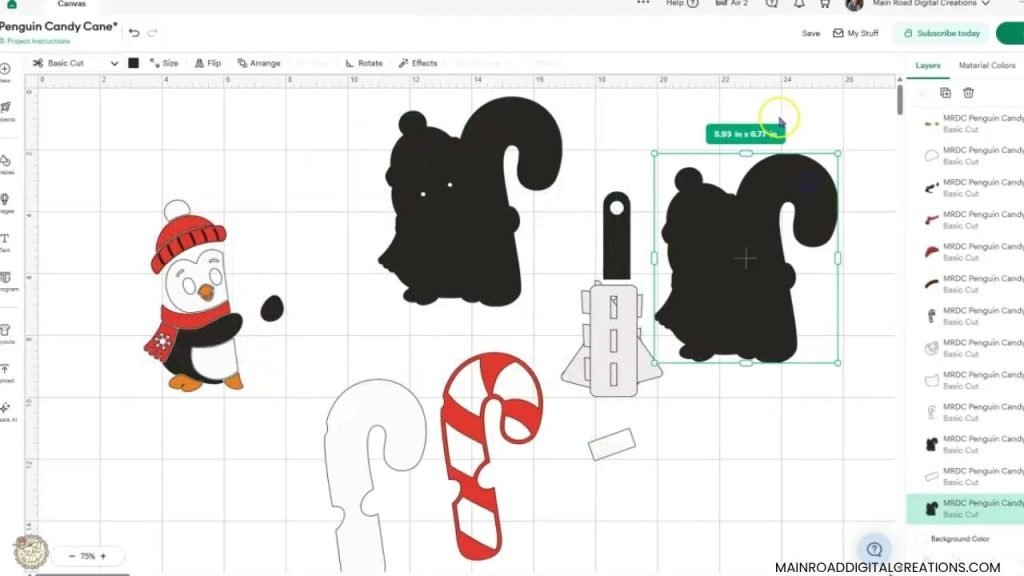
Upload the SVG into Cricut Design Space and ungroup the design so you can see all the individual pieces. The file includes the layered penguin, candy cane, optional ornament hanger, and the cardstock stand for the back. You can use the hanger and stand pieces as they are, or leave either one off depending on how you want to make your penguin.
Cut the Pieces and Get Ready to Assemble
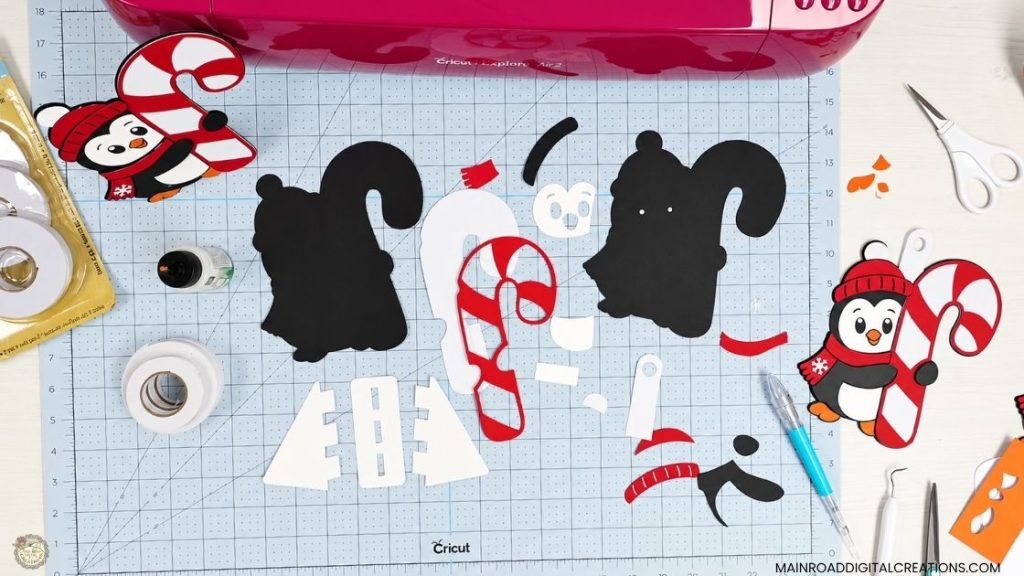
Once all the cardstock pieces are cut, it’s time to start putting everything together. I like to lay all my pieces out first so I can easily see what goes where. You’ll also want to keep the stand and ornament pieces nearby so you can finish your penguin, whichever way you choose.
Add Foam Tape for Dimension
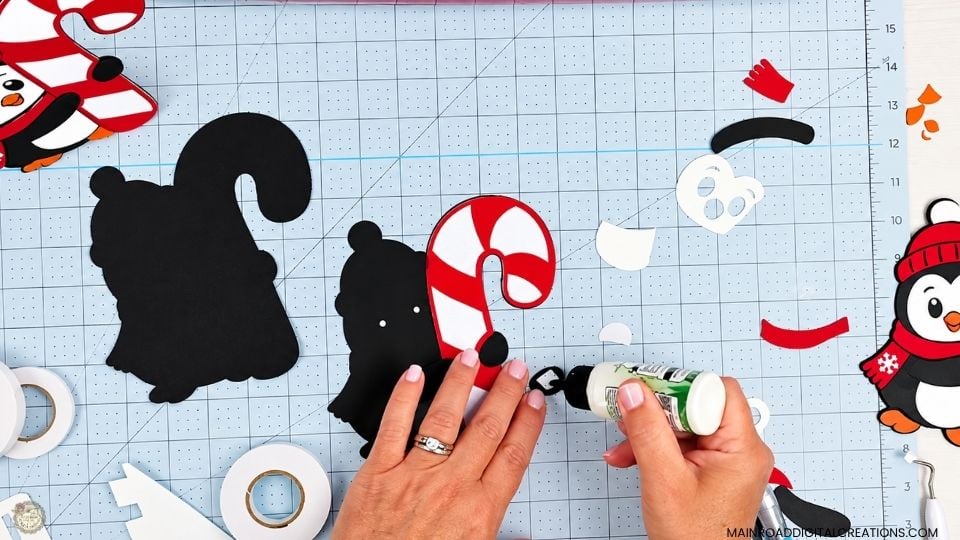
I used a little foam tape on a few of the layers to give the penguin some extra dimension, then added a small amount of glue before placing each piece. The glue gives me a little wiggle room if I need to adjust anything before it sets.
Assemble the Cardstock Stand
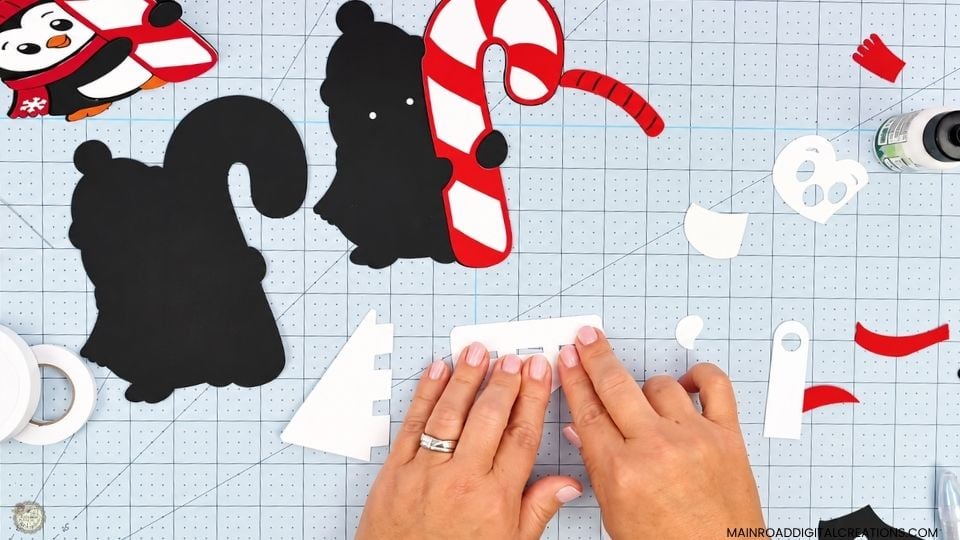
For the standing version, slide one stand piece into the center slot, fold the tabs over, and glue it in place. Once that side is secure, add the second stand piece the same way and let everything dry before attaching it to the penguin.
Add the Penguin Face and Details
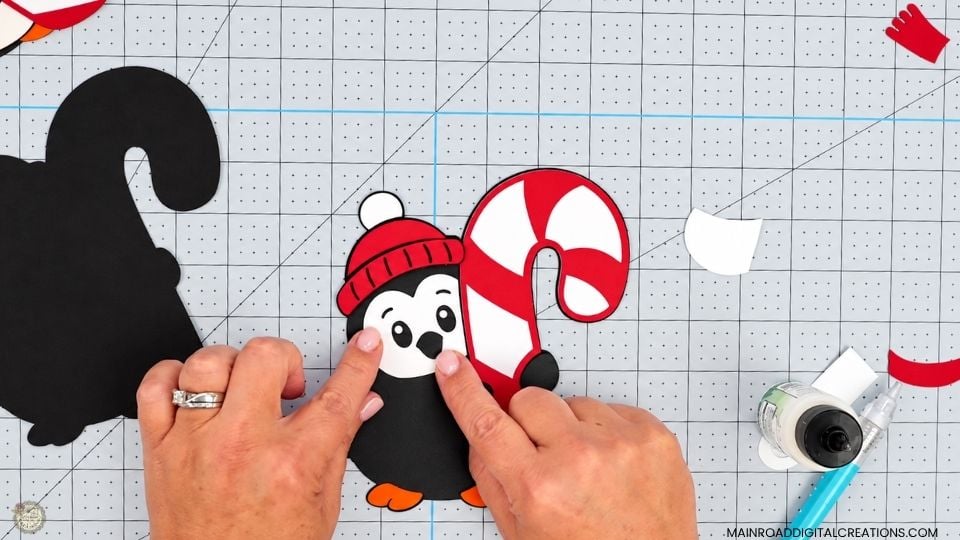
Glue the face in place, using the cut edges and eye openings as a quick guide to line it up.
The smaller details are what really bring him to life. I used my pick-up tool to handle the tiny snowflake and other small pieces, then glued them into place.
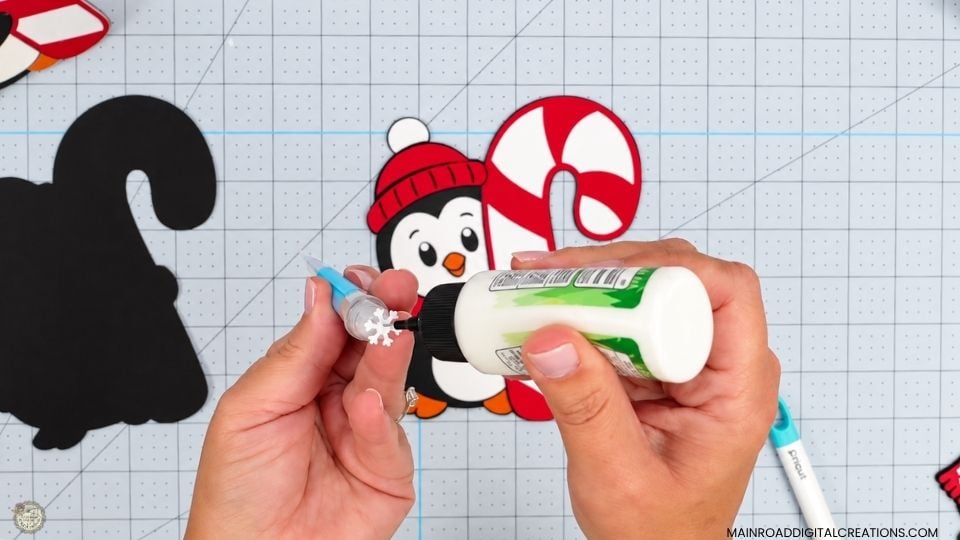
Optional Ornament Hanger
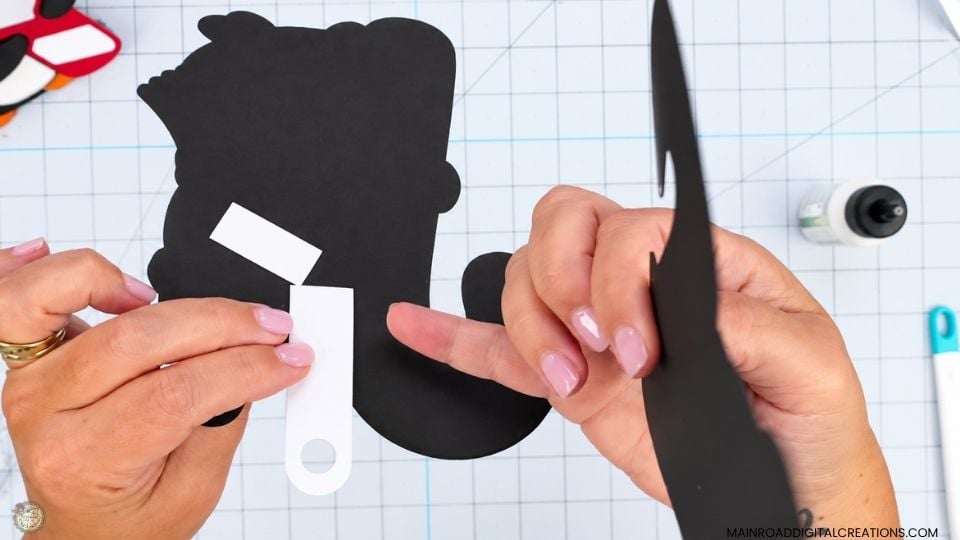
If you decide to make this cute penguin into an ornament and don’t add the hanger in Design Space using the Unite feature, as I showed in the video tutorial, you can glue the separate hanger piece to the back instead. Sandwich it between the two back layers so the end is hidden and only the loop shows above the penguin.
Add the Optional Stand
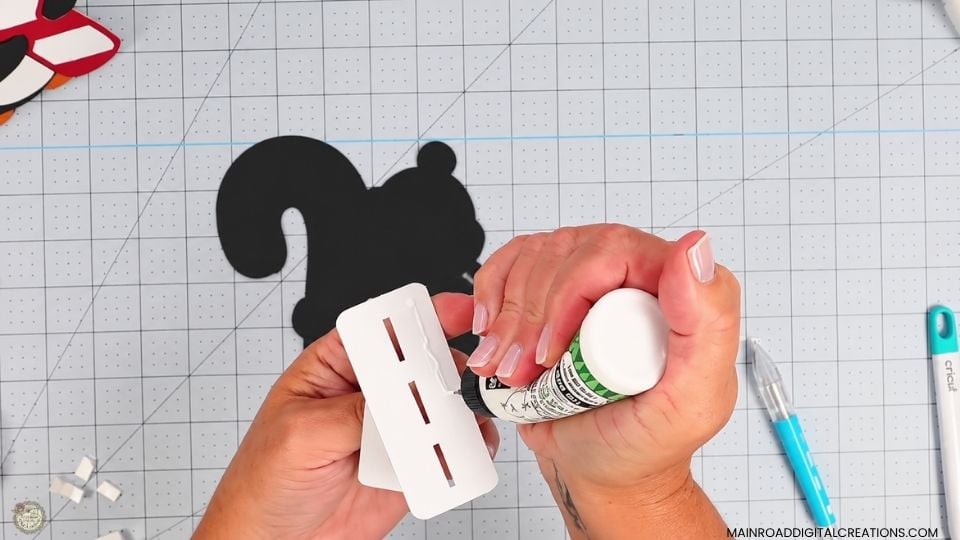
If you decide to make your penguin a free-standing Christmas decoration, add glue to the flat section of the stand, then position it on the back of the penguin. I like to check the front before pressing it down completely to make sure everything is straight and that the penguin stands the way it should.
Finished Christmas Penguin Decorations
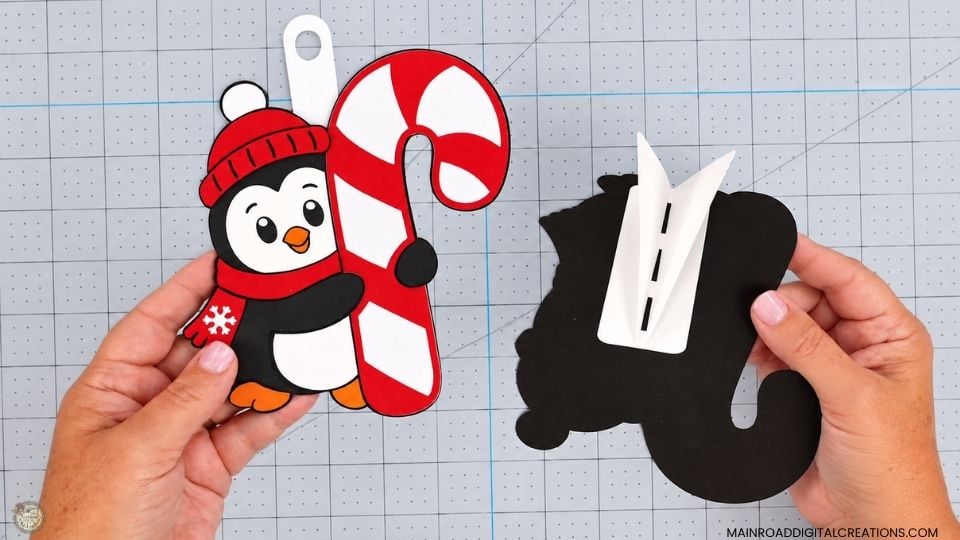
And here he is, all finished! I love how the layered cardstock and foam tape give this little penguin so much dimension. Whether you make yours as an ornament or add the stand, it’s a simple Christmas Cricut project once you see how all the pieces come together. Be sure to watch teh full video tutorial below if you want ot follow along from start to finish.
Watch the Christmas Penguin Video Tutorial
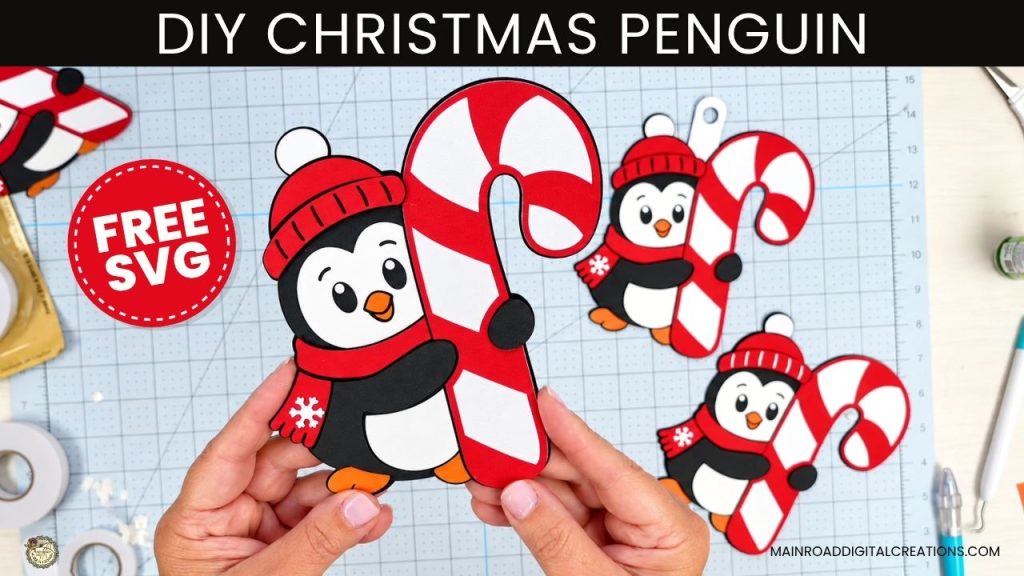
Want to see exactly how this cute little penguin comes together? Watch the full video tutorial below, and I’ll show you how I set up the SVG in Cricut Design Space, cut the cardstock, layer the pieces, add the foam tape, and make either an adorable penguin ornament or a fun freestanding Christmas craft using the optional stand.
Share your Creations
I can’t wait to see how you use this design in your projects! Be sure to share your creations in our Facebook group.

Are you on Facebook?
Join our group!
We’d love to have you!
All of the Free Files on my website are for Personal and Commercial use. Check out my Terms of Use (TOU) here.
I’d love it if you could take a moment to pin the Free SVG image above to Pinterest. By sharing, you’re helping my business grow, which allows me to keep bringing you the free SVG files you adore. Thanks a bunch for your support. It means the world to me!
Here’s where to find your Free SVG download!
Design #286 – Penguin Candy Cane SVG is available in my freebie library. To get the Password, click the button below and Join our Freebie Club!
Love this week’s Free SVG? Try another Fun Cricut Project!

Check out my shop for fun and creative designs!
Join the Creative Fabrica Membership

Fonts, designs, and so much crafty goodness! Over 16 million digital files are waiting! In partnership with Main Road Digital Creations, your first 10 downloads are totally free. After that? It’s just $47 a year (yep, that’s $3.99/month) with full commercial and POD use included. Sign up for Free!
I’d like to join the free svg club page. Your designs are beautiful
Hi Idabelle! Thank you so much for your comment and kindness. You can join the freebie club by filling out this form.
The password to my Freebie Library will be emailed to you. 😊 Happy crafting! https://mrdc.myflodesk.com/freebieclubpassword