
How to Laser Engrave a Compact Mirror with the xTool F1
Ready to Create Beautiful Compact Mirrors with Your xTool F1?
With the xTool F1, laser engraving compact mirrors is simple and can yield stunning results.
This post may contain affiliate links. As an Amazon Associate, I earn from qualifying purchases. Please see my privacy policy for full details.

Laser engraving a compact mirror is a thoughtful, personalized gift—perfect for a bride on her wedding day, bridesmaids, or even close friends. When I set out to create one for my soon-to-be daughter-in-law, I realized there wasn’t much information available on how to laser engrave a compact mirror using the xTool F1. I had questions like, “Do I need metal laser spray?” or “Can I engrave without it?” So, naturally, I decided to test both methods.
The First Compact -aka The Test Compact

When I showed my future DIL the test compact, she fell in love with it, and I ended up giving it to her before I could even take final pictures (whoops!). So, here are a couple of pictures I snagged from my Snapchat video. I learned a few things along the way, like how the thickness of the font really impacts engraving time—the name took 2.5 hours because I used a thick font that needed to be fully filled in. Keep that in mind when choosing your font!
What’s that font?
For the first compact (the test compact), I used a font called Mimogie for the name, and because of how thick the font was, it took 2.5 hours to engrave. When I engraved the second compact, I switched to a thinner font, Salted Carmel, which significantly reduced the time—it only took 24 minutes to engrave! The font for the back of the compact is also Mimogie, and it took 45 minutes to complete.
I used the Times Roman Numeral font for the date on my compact.

Supplies to Laser Engrave a Compact Mirror

- Laser – I used my xTool F1
- Compact Mirror
- Rubbing Alcohol
- Black Metal Laser Spray
- Cardstock and Blu Tack (optional)
xTool Creative Space Setup
Here’s a snapshot of my xTool Creative Space setup for engraving the compact mirror. In the tutorial video, I go over the settings and text placement to help you get the best results.

How to Laser Engrave a Compact Mirror
Laser engraving a compact mirror with the xTool F1 is straightforward and a great way to create a personalized gift. In this tutorial, I’ll walk you through the entire process step by step, from setting up the design in xTool Creative Space to engraving the compact.

I’ll also share the exact settings I used to achieve the best results. Watch the full video tutorial below to see how it’s done and get started on your own project!

Conclusion: Do You Really Need Laser Spray?

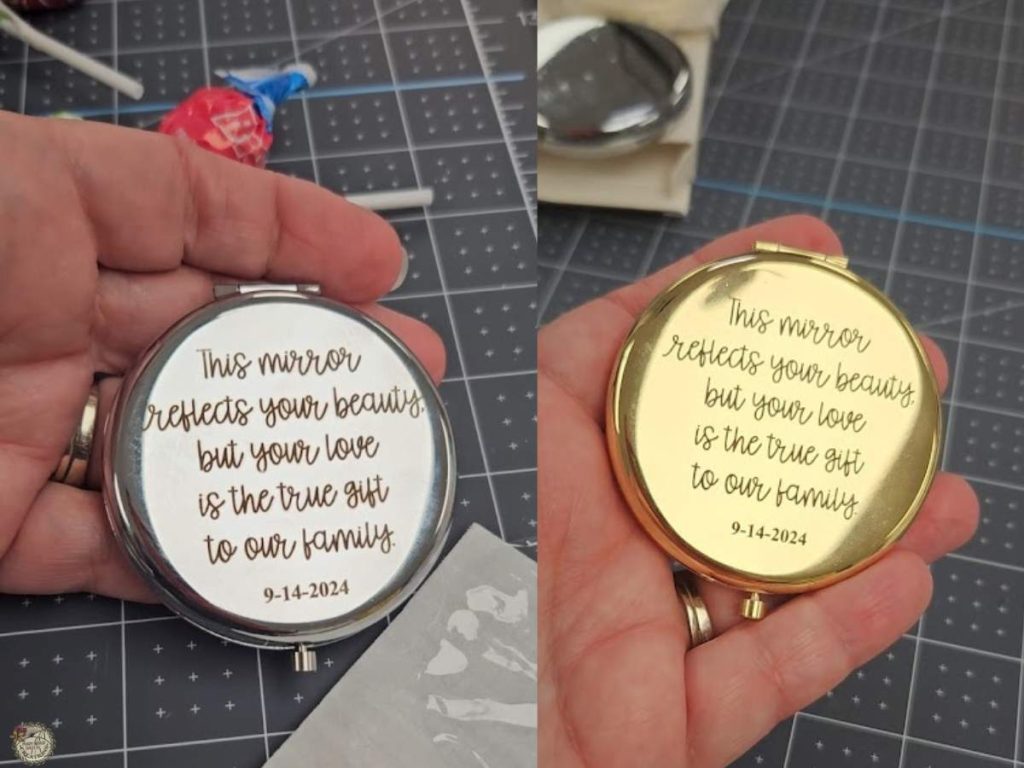
After testing both methods, I found that laser spray makes engraving easier, especially for reflective surfaces like a compact mirror. The spray provided better contrast, which made framing and aligning the design much simpler, and I will definitely continue to use it. However, I can’t say for certain whether the spray affects the longevity of the engraving, as I haven’t had the pieces long enough to test that. That being said, both the sprayed and non-sprayed compacts turned out beautifully.
All of the Free Files on my website are for Personal and Commercial use. Check out my Terms of Use (TOU) here.
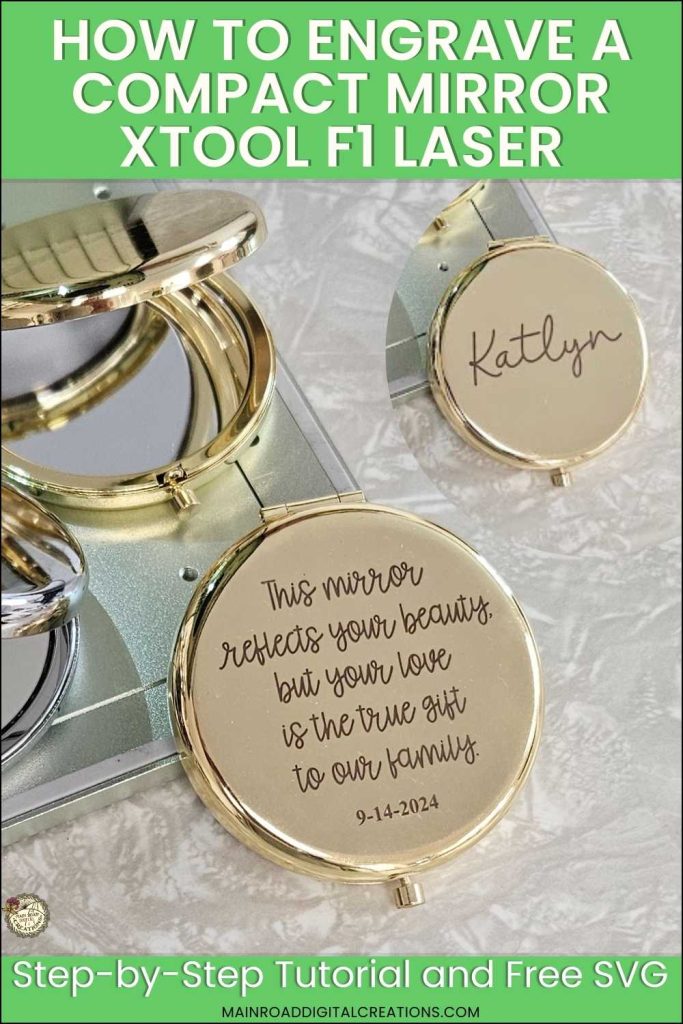
I’d be thrilled if you’d pin the image above showcasing the xTool F1 Compact Mirror Engraving tutorial to Pinterest. Your support helps my blog grow and enables me to continue sharing insights and experiences with innovative tools like the xTool F1 that elevate our crafting projects. Thank you so much for your support. It means the world to me!
Here is where to find your Free SVG download!
Design #220— Mirror Quote SVG is available in my freebie library. To get the Password, click the button below and Join our Freebie Club!
If you enjoyed this xTool F1 Laser Tutorial, here’s another you will love!

xTool F1 Laser
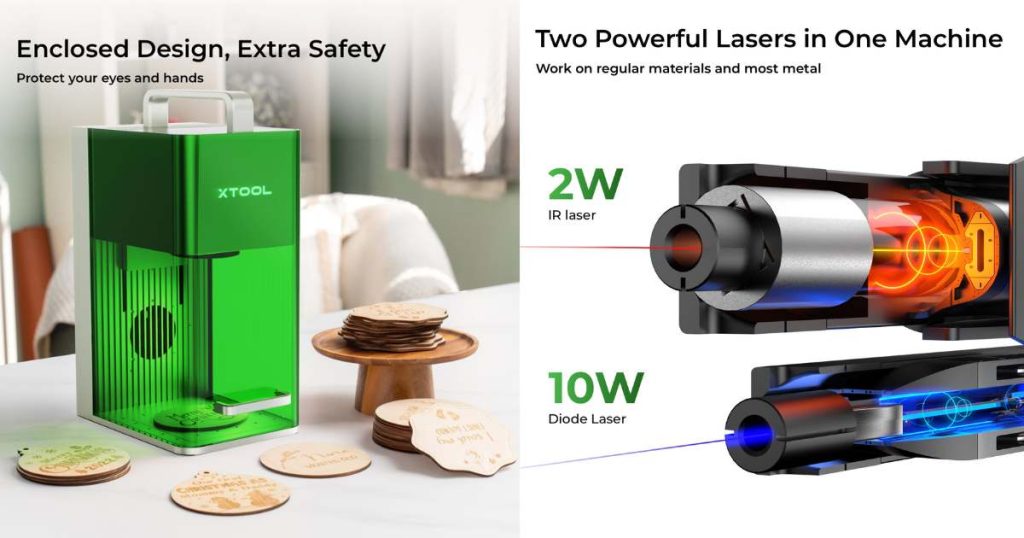
Ready to get your laser game on? Find more information here about xTool F1 laser! Use the code TRACY80 to snag $80 off any purchase of $999.00 or more!

Curious about my first whirl with the xTool F1? Check out this blog post, where I dive into the unboxing experience. It’s all there: the giddy unboxing, easy-peasy setup, and my debut crafting projects, which range from engraving pencils to a charming tote bag and cute charms. Plus, a rundown on the coolest materials to laser with.
Check out My Shop
If my freebies have sparked your creativity, head over to my shop for even more SVGs to craft with. These are just a few of the designs waiting for you. Thank you for supporting my small business!



Join the Creative Fabrica Membership

Fonts, designs, and so much crafty goodness! Over 16 million digital files are waiting! In partnership with Main Road Digital Creations, your first 10 downloads are totally free. After that? It’s just $47 a year (yep, that’s $3.99/month) with full commercial and POD use included. Sign up for Free!