
Free Snowman Treat Box SVG
How to Make a Snowman Treat Box with a Belly Window
This post may contain affiliate links. As an Amazon Associate, I earn from qualifying purchases. Please see my privacy policy for full details.

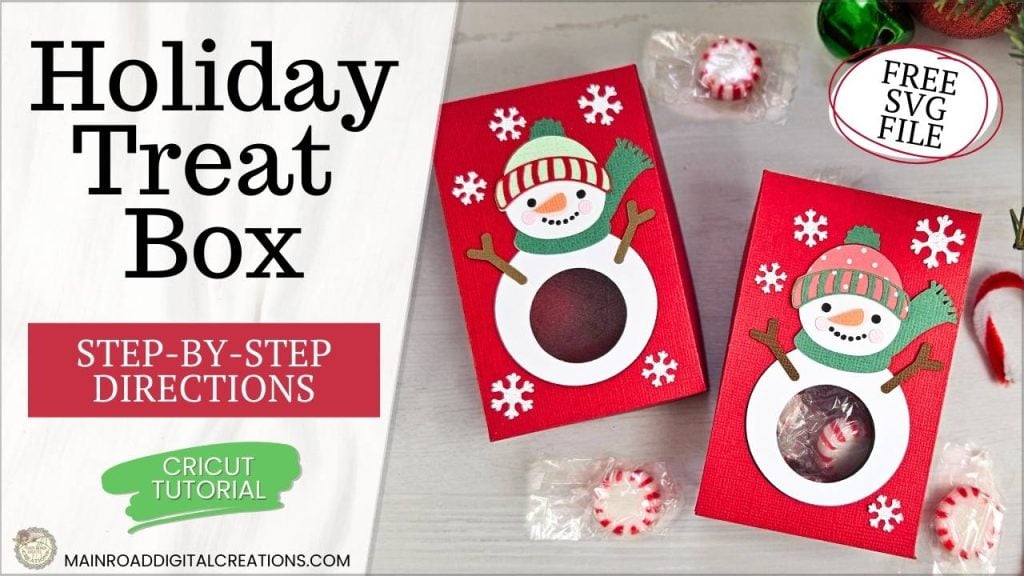
This week, I’m excited to share my Free Snowman Treat Box SVG with you! This cute little box has a fun twist—a see-through belly where treats peek through, making it perfect for small holiday gifts like candy or gift cards. Designed for easy assembly, this project is ideal for Cricut crafters looking to add a touch of holiday cheer to their treat displays. Grab the free SVG and follow the simple steps below to make your own snowman treat box!
Snowman Treat Boxes – Perfect for Gifting
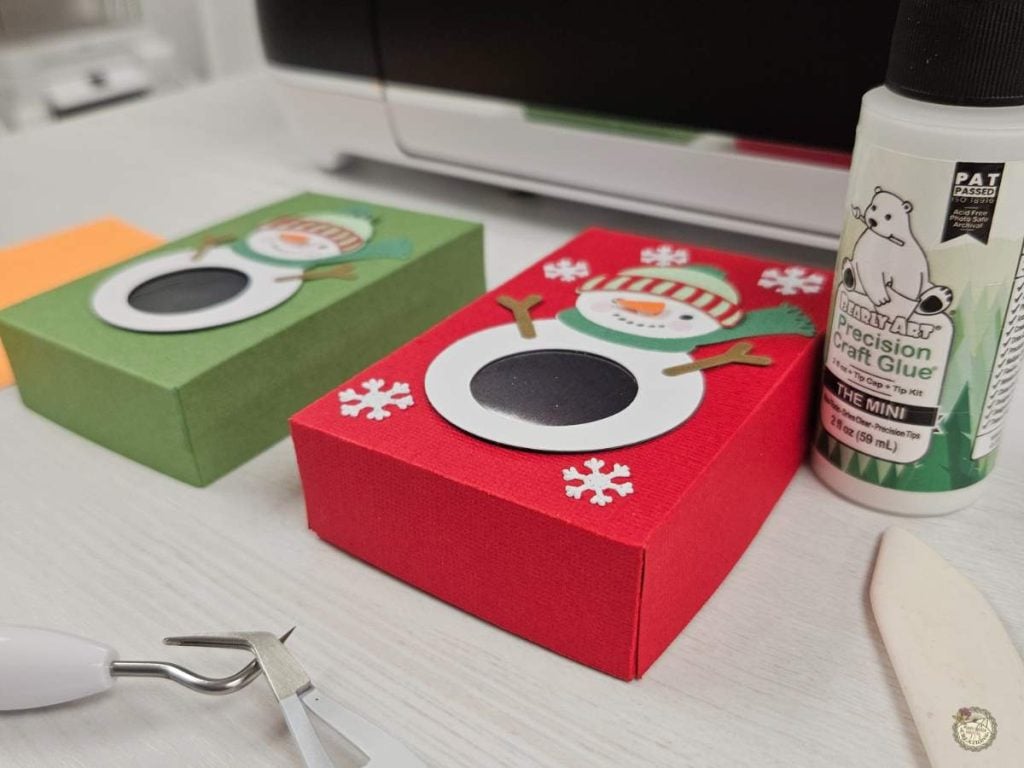
These snowman treat boxes are perfect for gifting! The side view highlights the box’s structure, making it ideal for holding treats, candy, or a small gift card. Great for family, friends, and teachers, these Cricut-made snowman boxes add a charming, handmade touch to any holiday gift.
Supplies You’ll Need to Make Your Snowman Treat Box
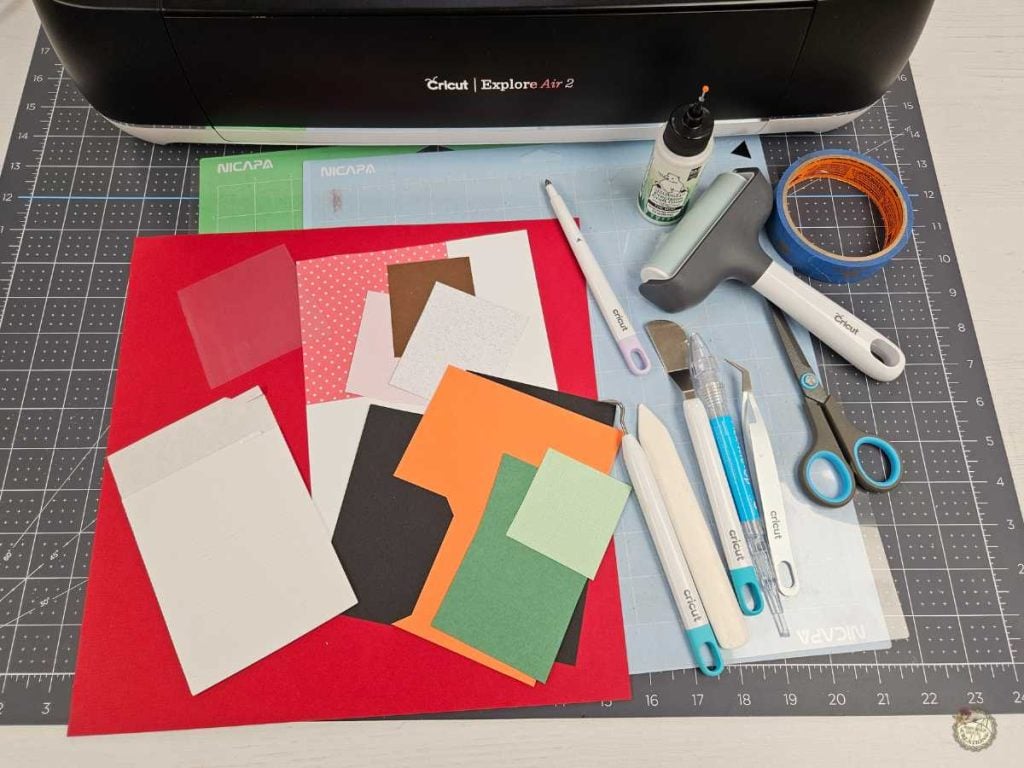
- Cricut – I used my Explore Air 2
- Standard & Light Grip Mats
- Scoring Stylus
- Cardstock -I used 80lb for the box
- Encore brand
- Cricut brand
- White glitter
- White for Snowman and digital paper
- Acetate
- Brayer
- Weeding Tools
- Bearly Art Glue
- Foam Tape
- Bone Folder
- Pick Up Tool
- Teflon Coated Scissors
- Digital Paper-I used the red dots
Get the Complete Holiday Treat Box Bundle!
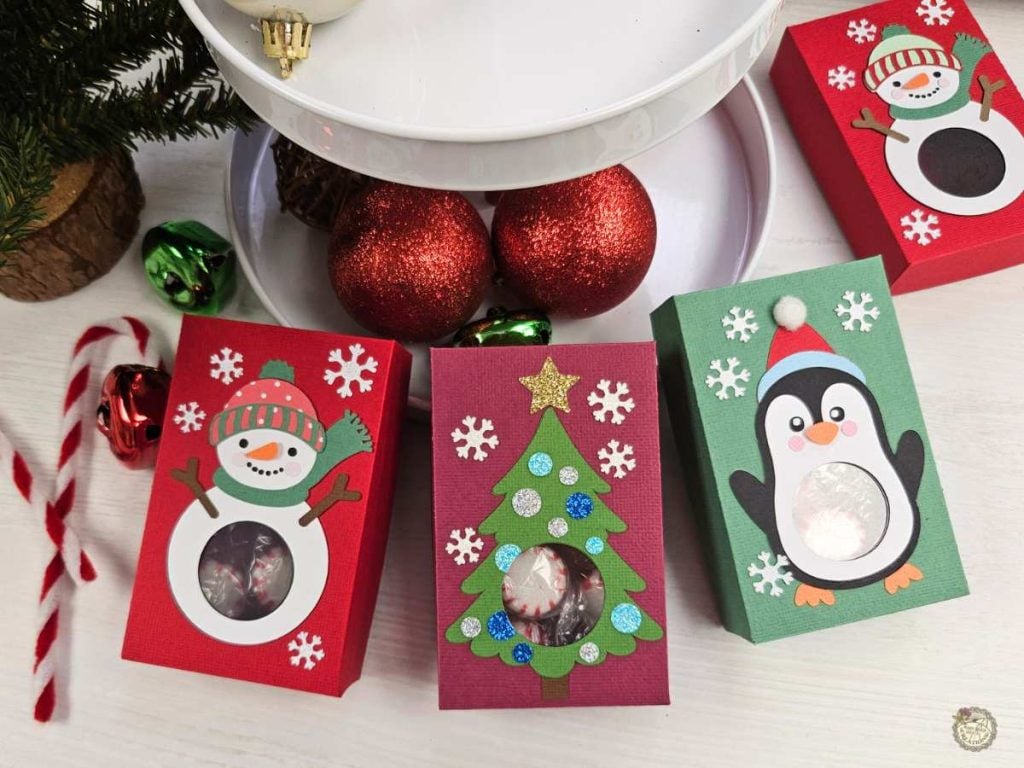
Love the snowman treat box? You can now grab two more adorable designs—a penguin and a Christmas tree—in my Holiday Treat Box Bundle! These designs are perfect for adding even more festive charm to your holiday gifting. Available for purchase, this bundle includes SVG, PNG, DXF, and EPS formats, so you can easily create these fun boxes with your Cricut or other cutting machines.

Step-by-Step Snowman Treat Box Tutorial
Here’s a step-by-step guide on how to make your snowman treat box with a belly window. For the complete video tutorial, check it out below to see these steps in action!
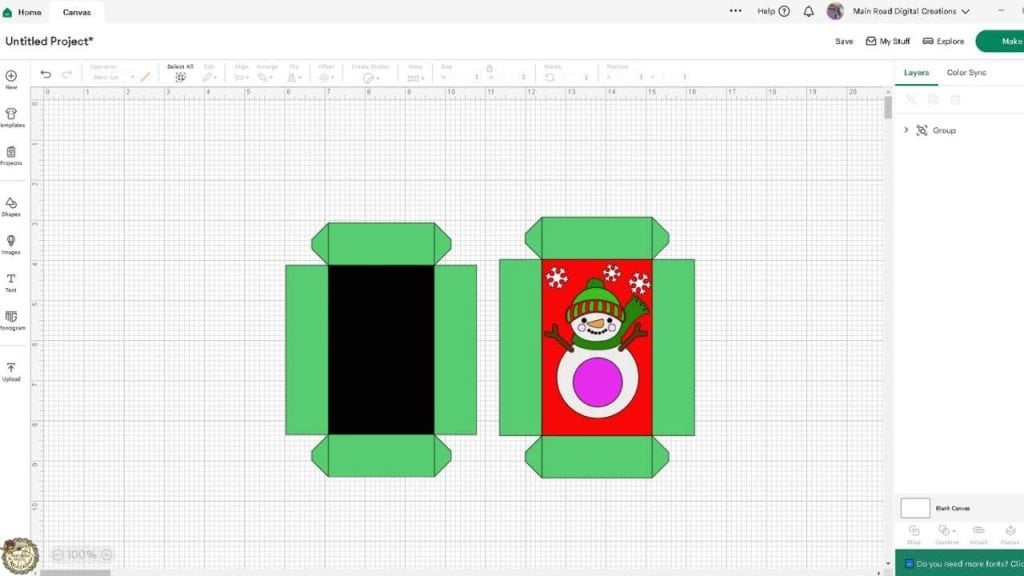
- Set Up the SVG File – Upload the SVG to Cricut Design Space, ungroup layers, and attach scoring lines. Customize colors if desired.
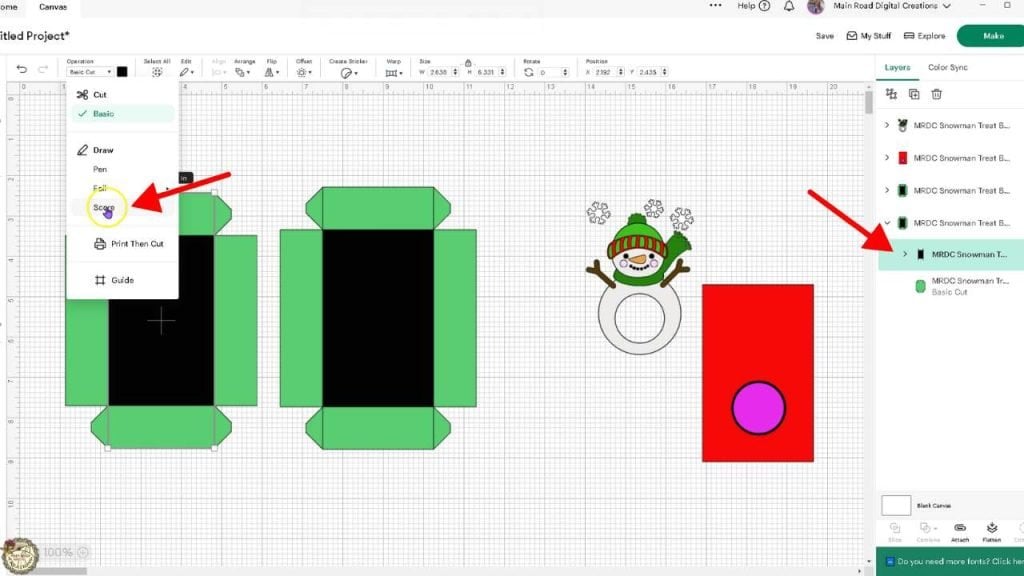
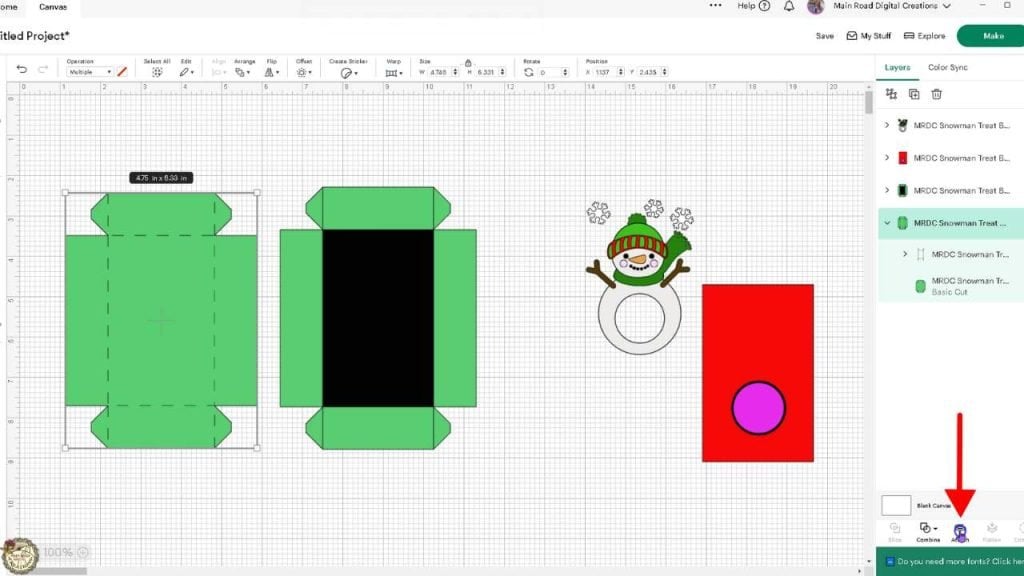
2. Change Lines to Score and Attach – In Cricut Design Space, select the lines you want as score lines, change their operation to “Score,” and then attach them to the box design. This step ensures the Cricut will score your fold lines, making assembly much easier.
Prepare your mat and add the scoring stylus.
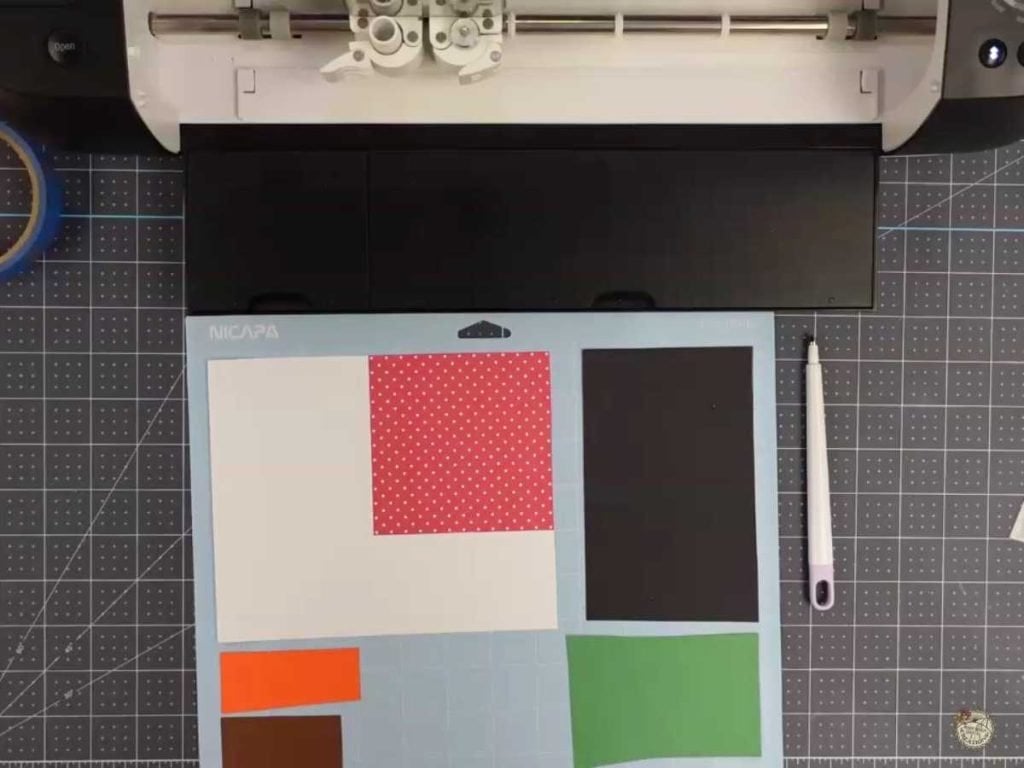
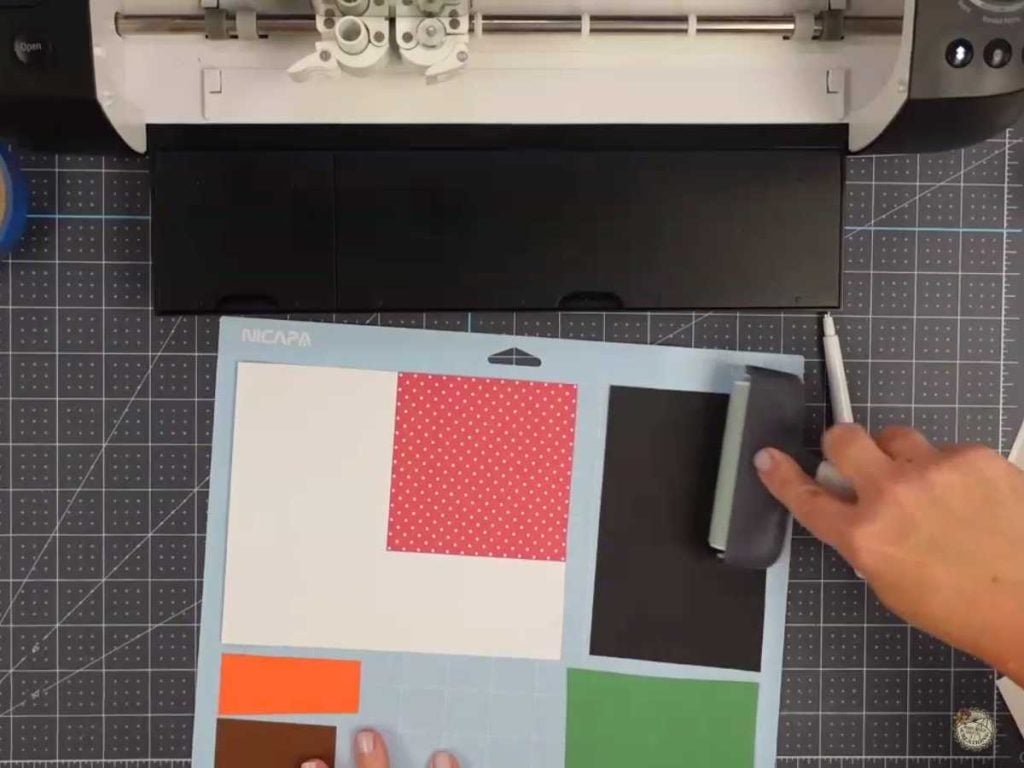
3. Prepare Your Mats and Materials – Place your chosen card stock and acetate on the appropriate mats. Use a brayer to ensure they’re securely adhered.
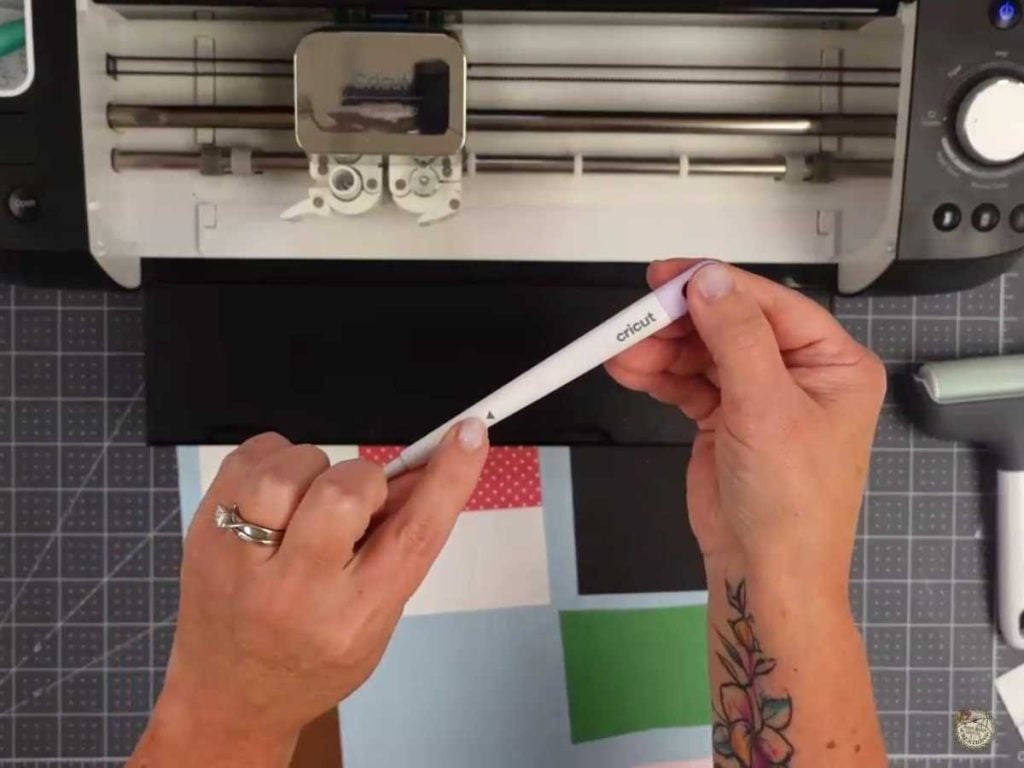
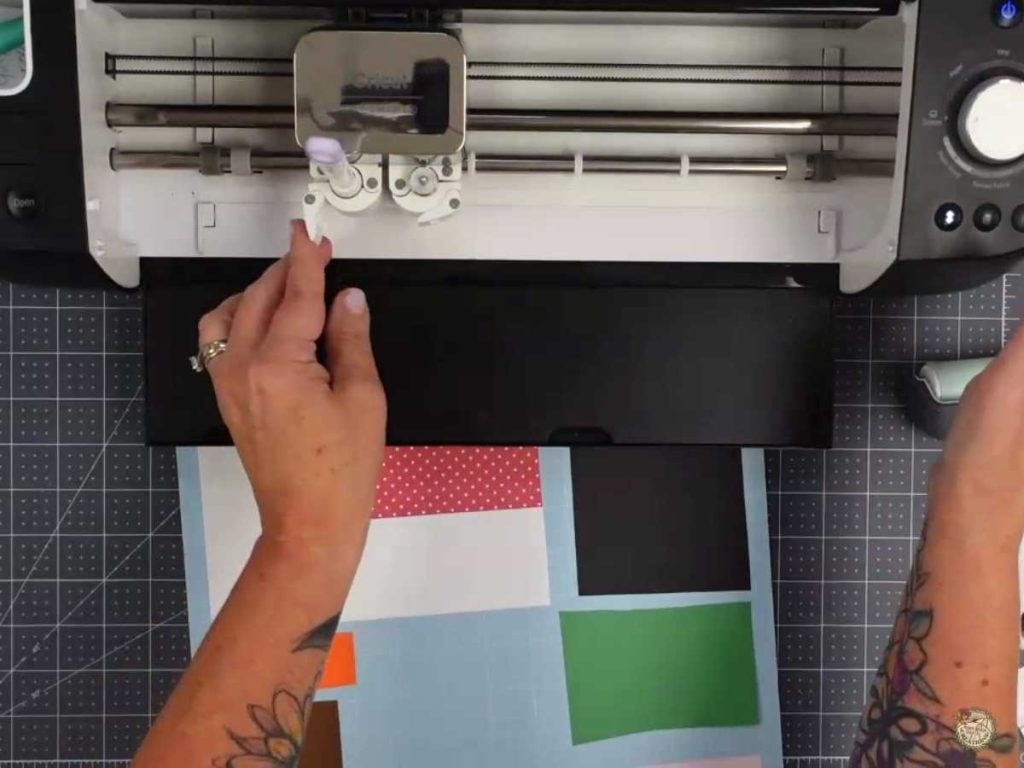
4. Using the Scoring Stylus – Insert the scoring stylus into Clamp A of your Cricut machine by opening the clamp, placing the stylus in, and closing the clamp until it clicks. This will allow the machine to score the lines before it begins cutting.
Assemble the snowman for your treat box.
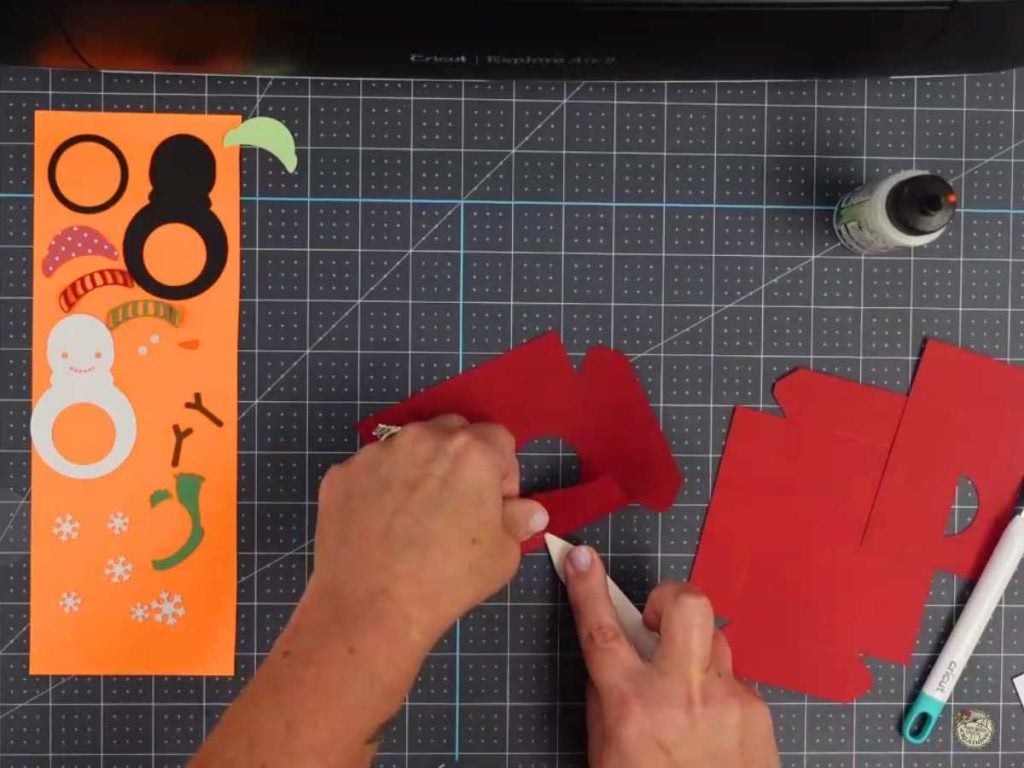
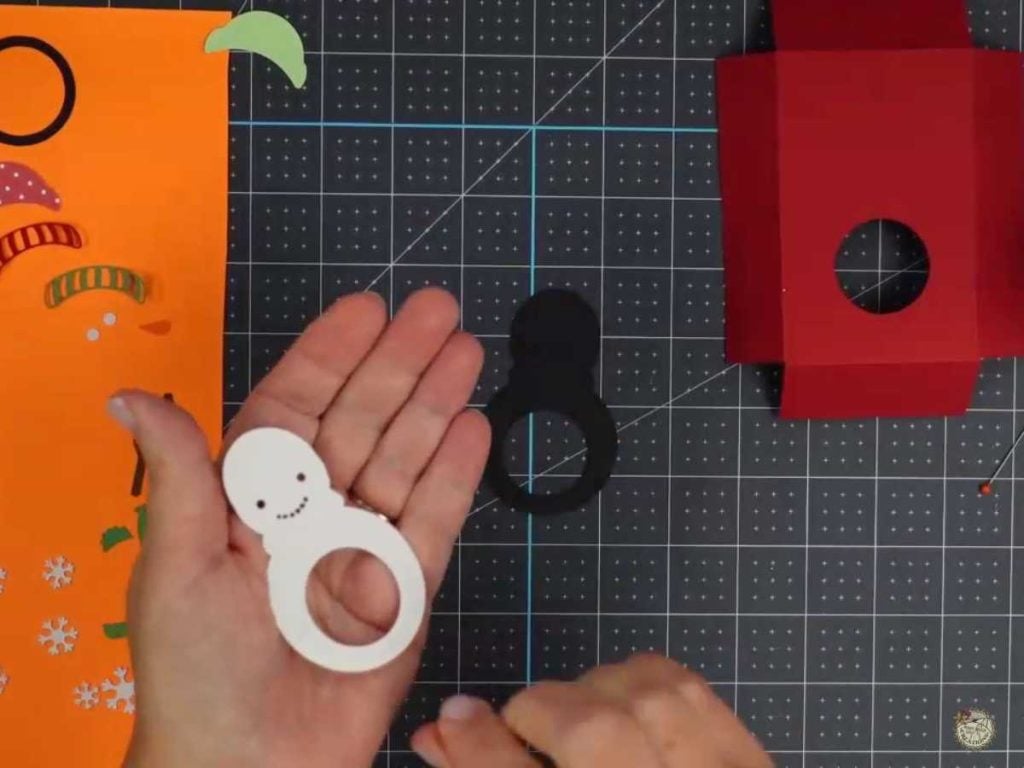
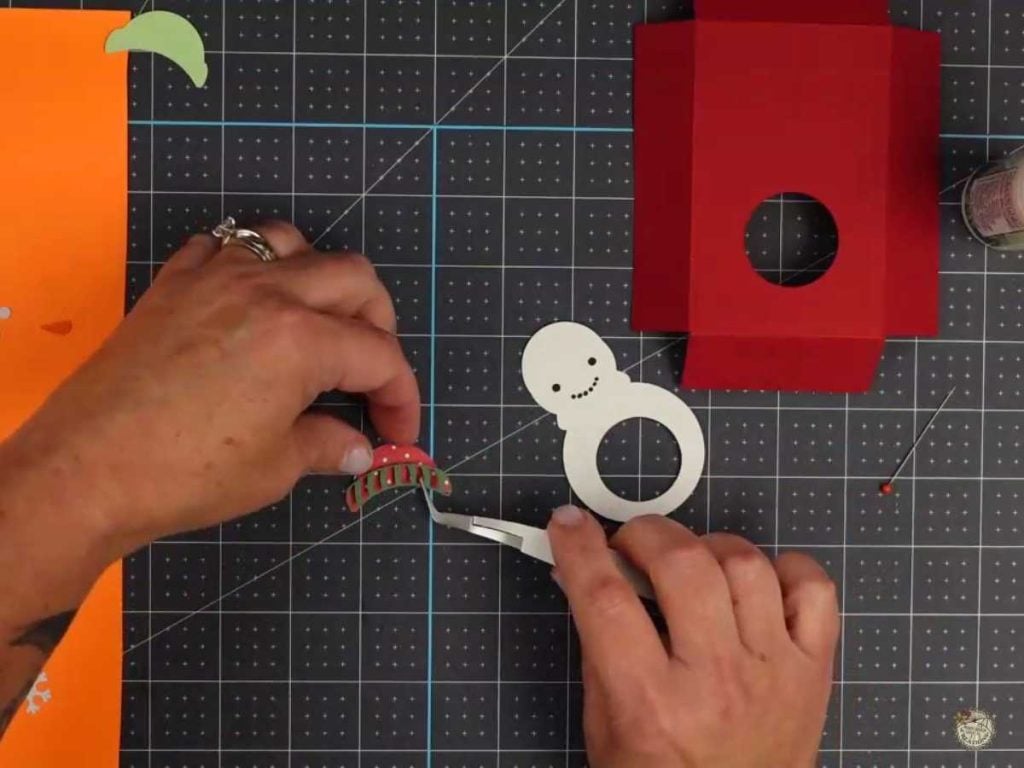
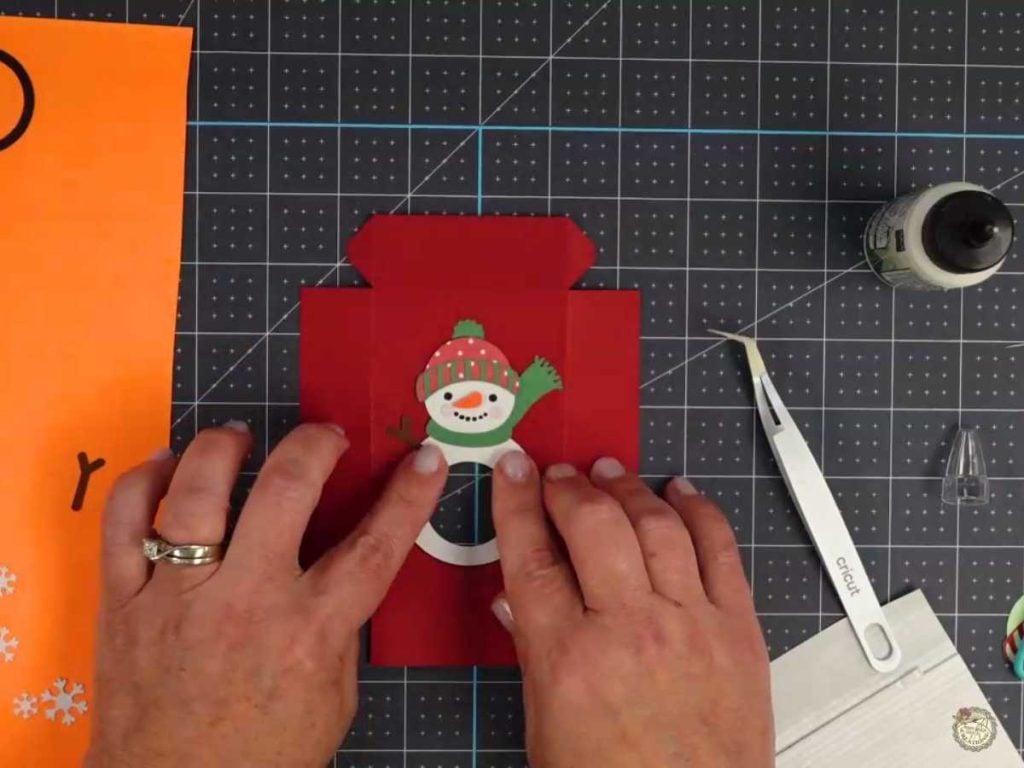
5. Assemble the Snowman—Once your pieces are cut, use a bone folder to make clean folds on the box pieces. Then, layer and glue the snowman pieces together. For extra dimension, add foam tape to elements like his nose for a 3D effect.
Assemble the snowman treat box.
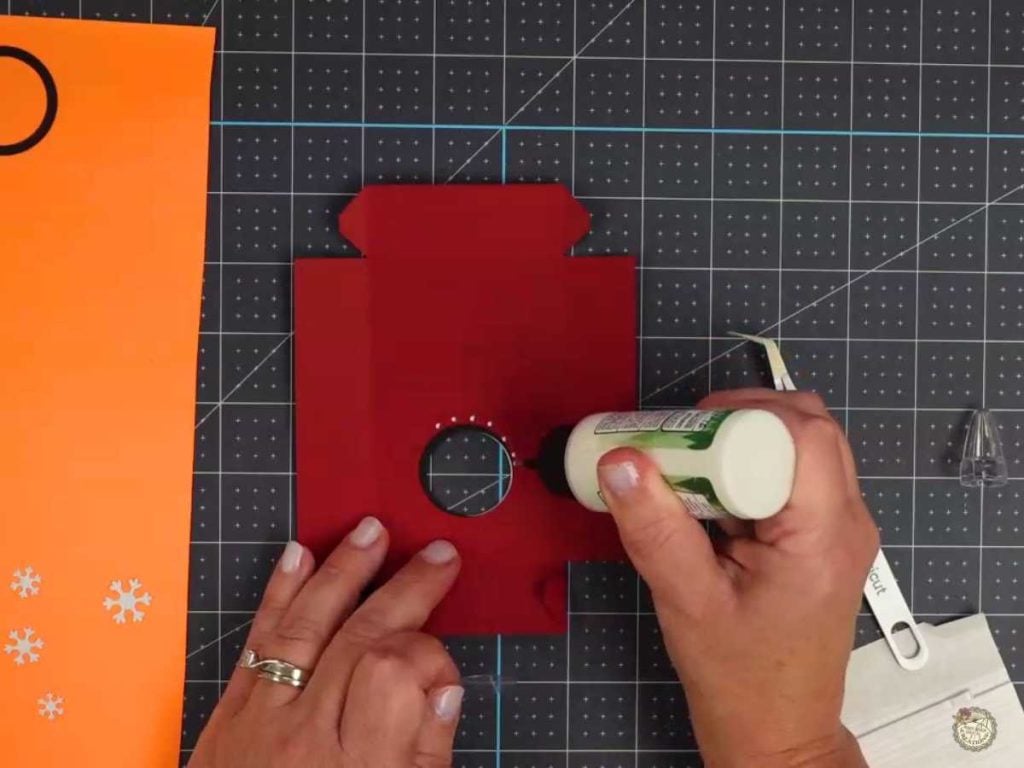
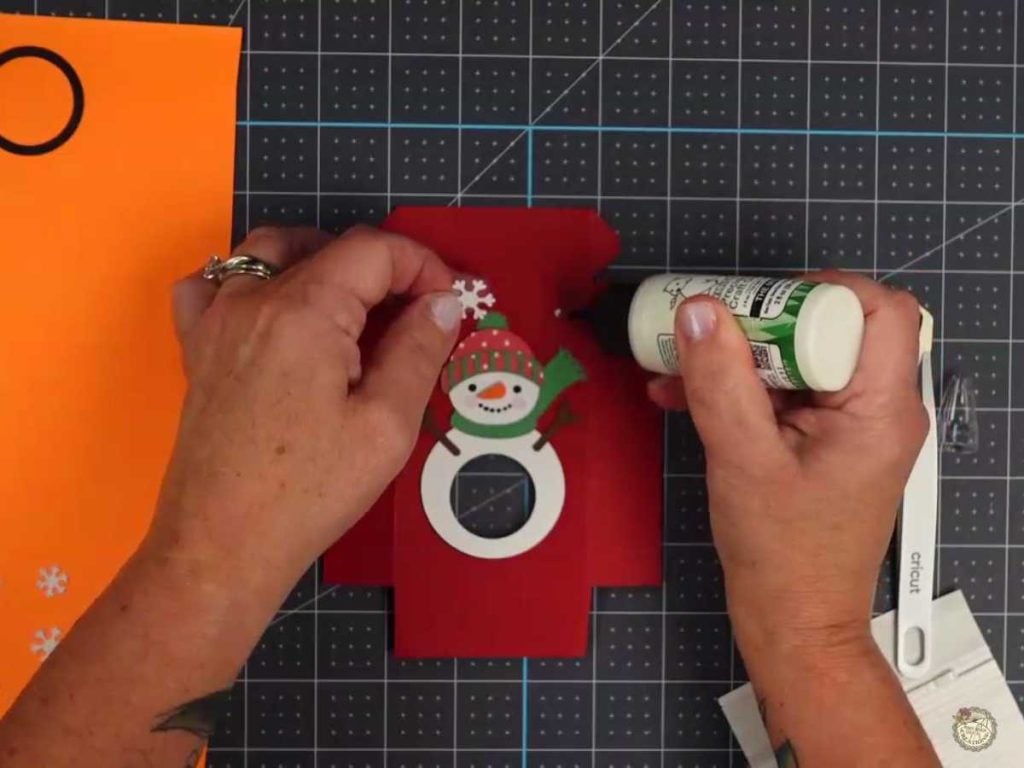
6. Attach the Acetate Belly – On the back of the top box piece, secure a small piece of acetate over the belly window with dots of glue. This creates a fun see-through spot for treats to peek through! Add snowflakes.
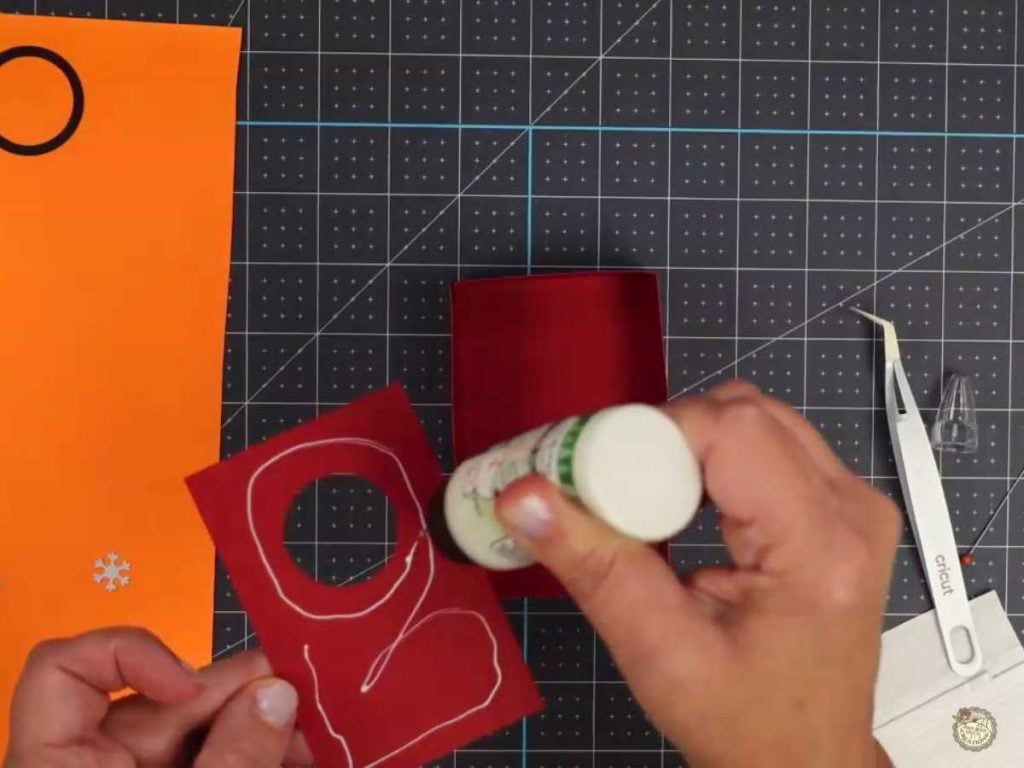
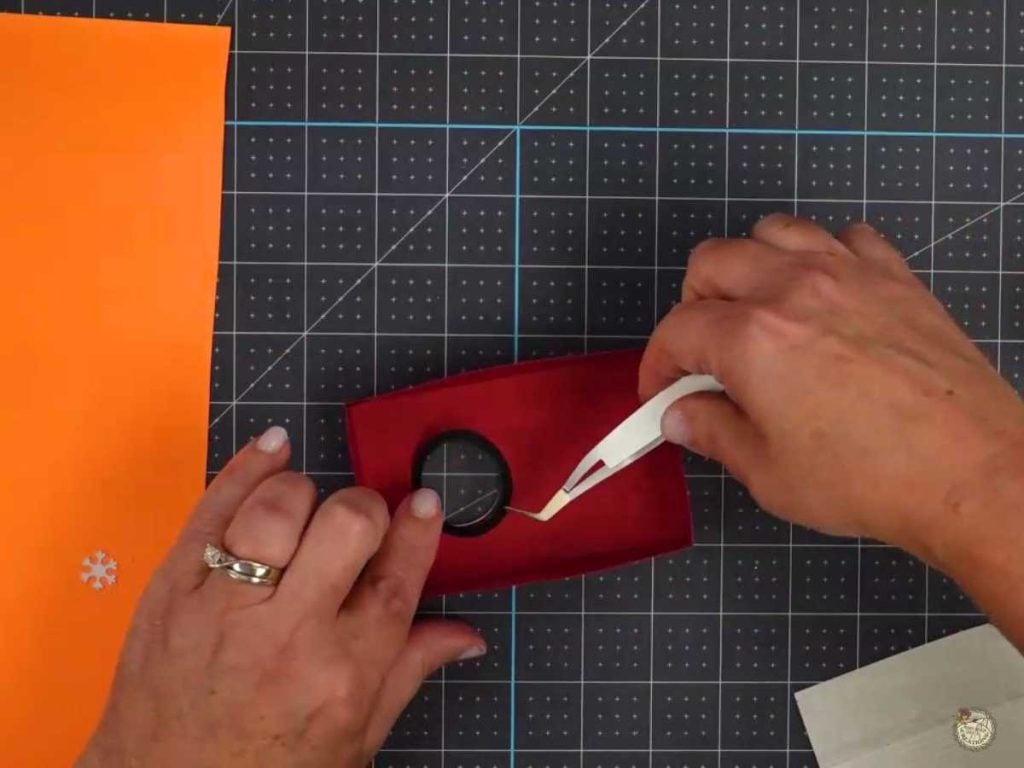
7. Build the Box – Glue the sides of the box together and add the backer. Then, glue the ring over the hole on the back for a cleaner, finished look.
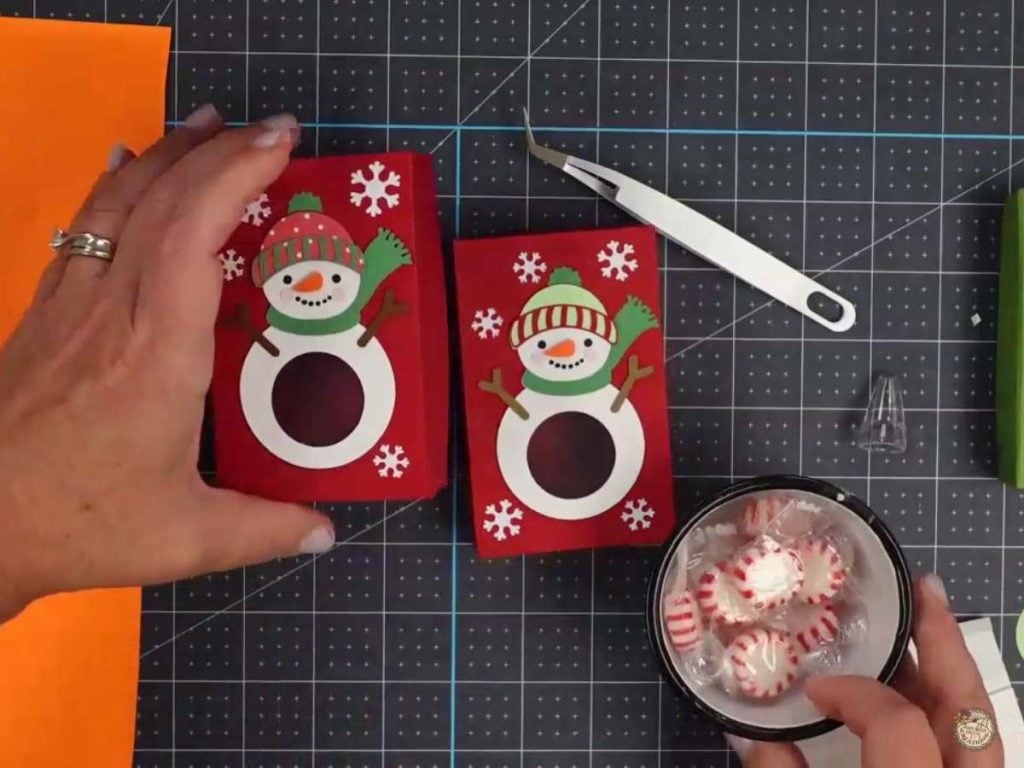
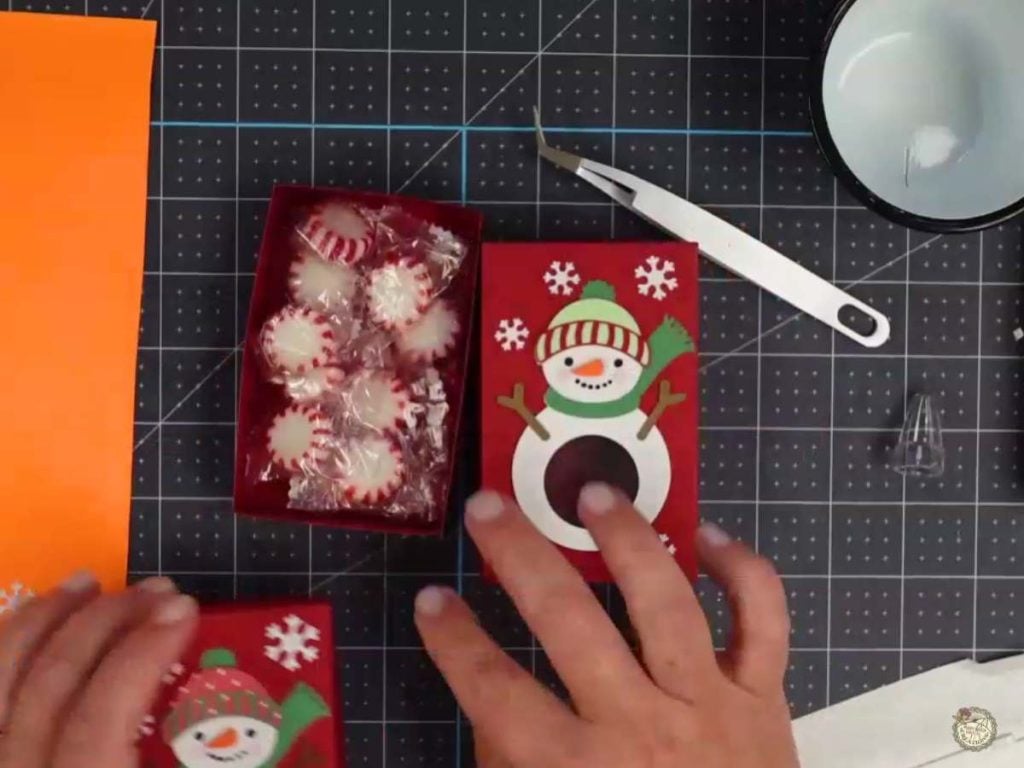
8. Add treats – Add your favorite candy or a gift card, and your snowman treat box is ready to go!
Spread Holiday Cheer with DIY Snowman Treat Boxes
These treat boxes are the perfect way to bring a bit of winter magic to your holiday season. Whether you’re making them for craft fairs, gifting to friends, or just adding a cute touch to your treat table, these snowman boxes are sure to spread some holiday cheer.
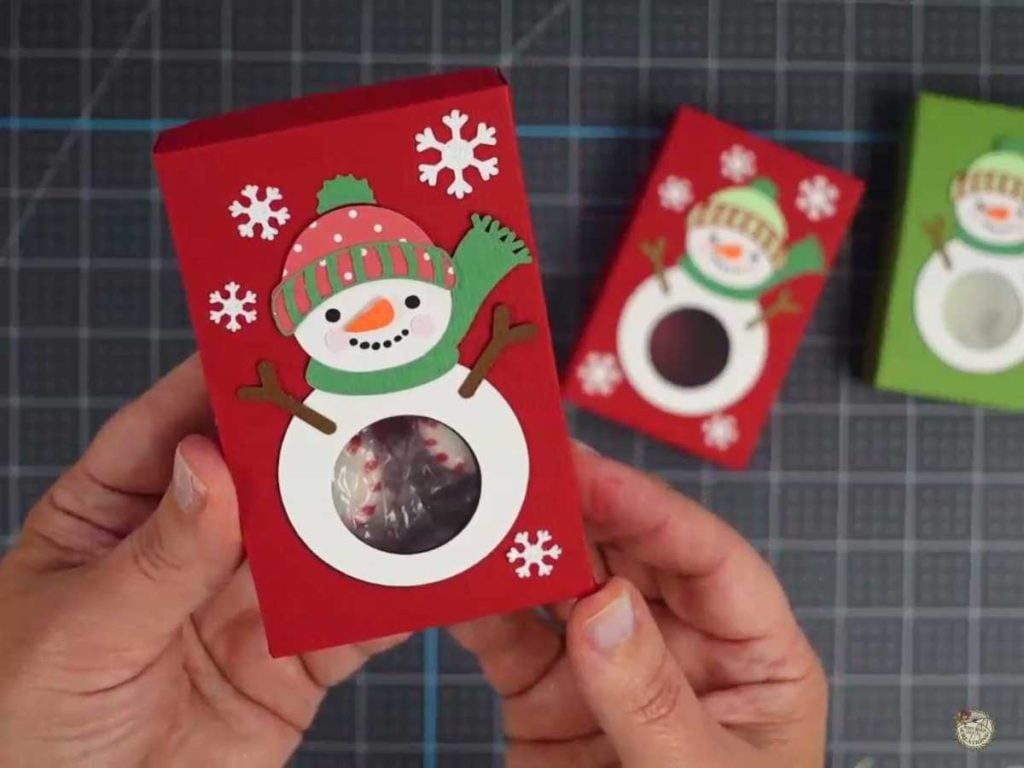
Customize your colors to match your style. Don’t forget to show off your finished treat boxes in our Facebook group. I’d love to see your creations!

I’m excited to see what you’ll make with this week’s Free SVG! I’d be thrilled if you joined our Facebook group to share your projects. Come be a part of our crafting community, where you can showcase your work, connect with fellow crafters, and find even more inspiration. Let’s celebrate the joy of crafting together!
Video Tutorial: How to Make Your Snowman Treat Box
Check out the full step-by-step video tutorial below to see how to create your own snowman treat box with a belly window.
All of the Free Files on my website are for Personal and Commercial use. Check out my Terms of Use (TOU) here.
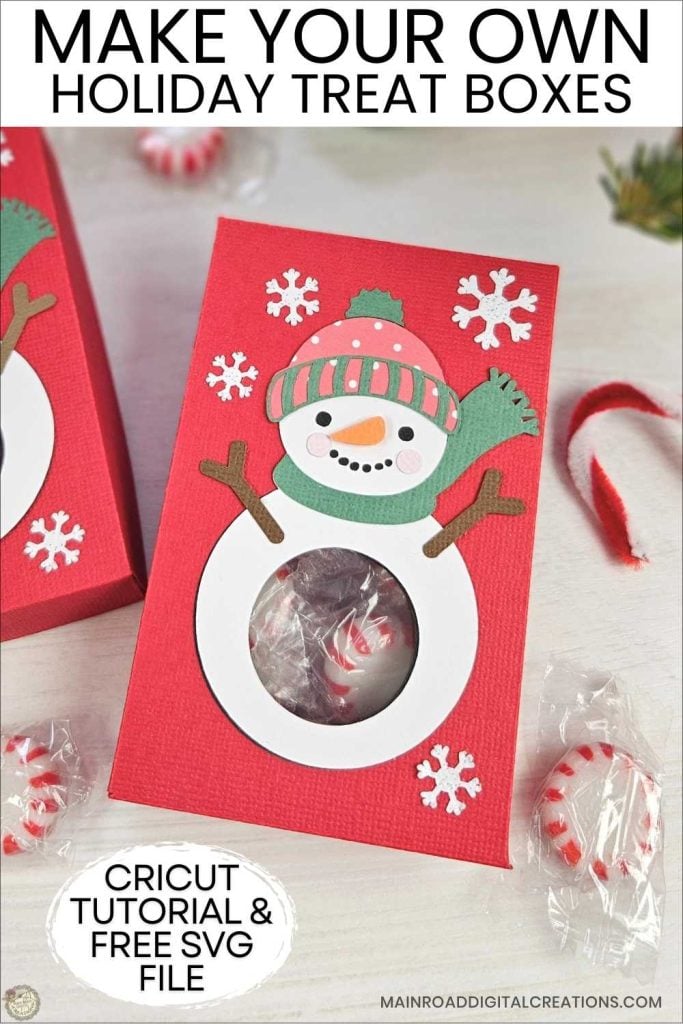
I’d love it if you could take a moment to pin the Free SVG image above to Pinterest. By sharing, you’re helping my business grow, which allows me to keep bringing you the free SVG files you adore. Thanks a bunch for your support. It means the world to me!
Here’s where you can find your Free SVG download!
Design #228— Snowman Treat Box SVG files are available in my freebie library. To get the Password, click the button below and Join our Freebie Club!
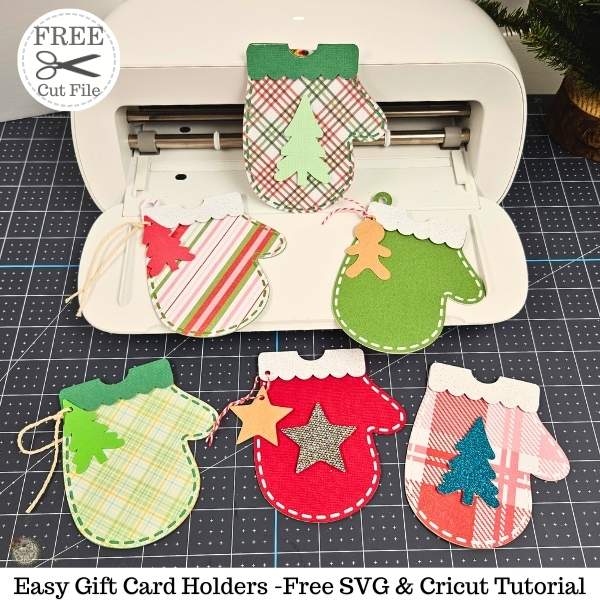
If you enjoyed this week’s Free SVG & Cricut tutorial, here’s another you will love!
Check out my shop for fun and creative designs!

Join the Creative Fabrica Membership

Fonts, designs, and so much crafty goodness! Over 16 million digital files are waiting! In partnership with Main Road Digital Creations, your first 10 downloads are totally free. After that? It’s just $47 a year (yep, that’s $3.99/month) with full commercial and POD use included. Sign up for Free!
Thank you so much! I made these for my grandkids last year, and they LOVED them!
I tucked their Christmas money under the sweet treats! You should have seen their faces! It was priceless! Thank you Tracy for such an awesome and so easy project. I love your crafts👍. And the videos are always welcomed, too. Keep designing. 💕
Oh, yeah!! This makes me so happy to hear. Thank you for sharing this with me. 🥰 I’m so happy you enjoyed the design. I appreciate your comment and kindness Candie! ❤