
How to Laser Engrave PU Leather Key Fobs with the xTool F1
Ready to Create Stunning Keychains with Your xTool F1 Laser?
This post may contain affiliate links. As an Amazon Associate, I earn from qualifying purchases. Please see my privacy policy for full details.

Hey there, my crafty friends! Today, I’m super excited to share a fun and easy tutorial on how to laser engrave PU leather key fobs using the xTool F1. These key fobs come in fabulous colors, and I’ll show you how to personalize them with different designs and fonts. Let’s get those creative juices flowing!
Getting Started with Laser Engraving PU Leather


So, here’s the plan: we’ll start by bringing the SVG into xTool Creative Space, and I’ll guide you through engraving three different designs. Plus, I’m giving you a free SVG with an outline to help you size your key fob designs perfectly. Ready to get started?
Laser Engraving PU Leather

First things first, you’ll need your key fobs. I found these on Amazon. They come in a 60-piece pack that also includes hat patches.
Materials You’ll Need
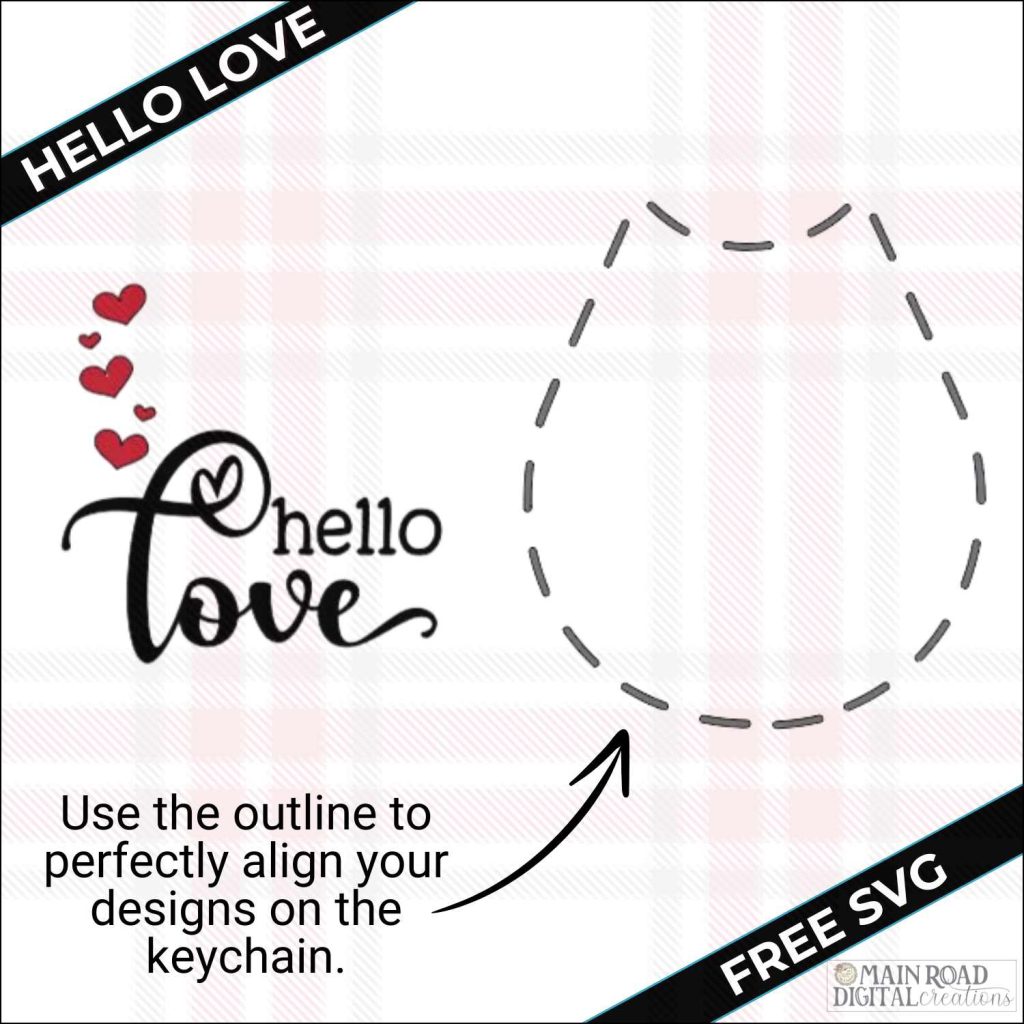
⭐Note- after you enter your email address, your free download will pop up on your screen- it may take a few seconds, so don’t click out of the window too soon!
Make Personalized Keychains with Your xTool F1 Laser

Now that you know how to engrave these keychains, you can easily create personalized gifts for friends, family, or even customers! This is a fantastic way to make extra income during the holidays. Each keychain takes less than 2 minutes to engrave, making them quick and easy projects that everyone will love. Get creative and start crafting unique, custom keychains today!
Engrave PU Leather Keychains with the xTool F1

In this video, I’ll show you how to laser engrave PU leather key fobs using the xTool F1. These keychains are perfect for personalizing and make great gifts. I’ll walk you through the entire process, from importing SVG files into xTool Creative Space to aligning and engraving your designs.
You’ll see three different design techniques:
- Using a free SVG with an outline for precise sizing.
- Creating a custom “Best Dad Ever” design with Creative Fabrica fonts, including tips on adding glyphs using the character map.
- Engraving a fun beach-themed SVG from Creative Fabrica.

I’m excited to see what you’ll make with this week’s Free SVG! I’d be thrilled if you joined our Facebook group to share your projects. Come be a part of our crafting community, where you can showcase your work, connect with fellow crafters, and find even more inspiration. Let’s celebrate the joy of crafting together!

I’d be thrilled if you’d pin the image above showcasing the xTool F1 Laser Keychain Engraving tutorial to Pinterest. Your support helps my blog grow and enables me to continue sharing insights and experiences with innovative tools like the xTool F1 that elevate our crafting projects. Thank you so much for your support. It means the world to me!
If you enjoyed this xTool F1 Tutorial, here’s another one you’ll love!


Curious about my first whirl with the xTool F1? Check out this blog post, where I dive into the unboxing experience. It’s all there: the giddy unboxing, easy-peasy setup, and my debut crafting projects, which range from engraving pencils to a charming tote bag and cute charms. Plus, a rundown on the coolest materials to laser with.
Join the Creative Fabrica Membership

Fonts, designs, and so much crafty goodness! Over 16 million digital files are waiting! In partnership with Main Road Digital Creations, your first 10 downloads are totally free. After that? It’s just $47 a year (yep, that’s $3.99/month) with full commercial and POD use included. Sign up for Free!
xTool F1 Laser
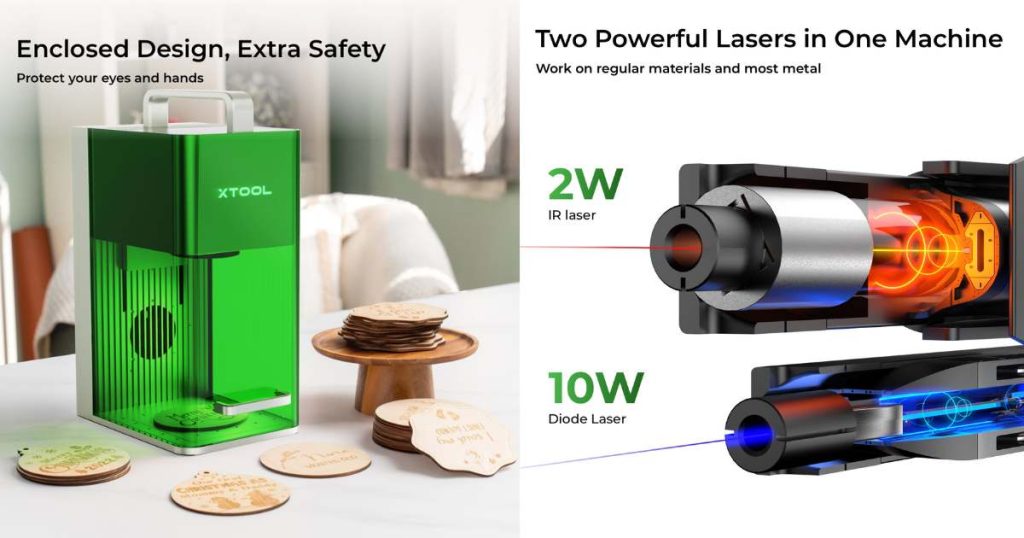
Ready to get your laser game on? Find more information here about xTool F1 laser! Use the code TRACY80 to snag $80 off any purchase of $999.00 or more!