
5 Easy xTool M2 Christmas Gifts to Make or Sell at Craft Fairs
This post may contain affiliate links. As an Amazon Associate, I earn from qualifying purchases. Please see my privacy policy for full details.
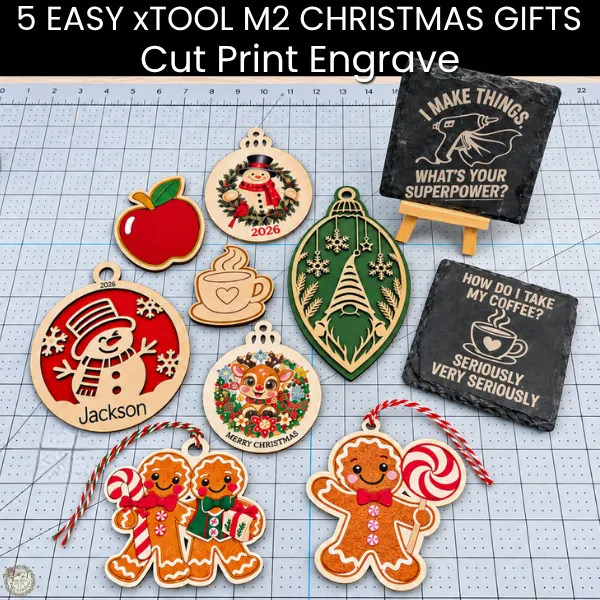
I’ve spent the last couple of months learning my xTool M2, and I’m absolutely loving it! I’ve wanted a laser for a long time, but I like to take my time learning something new before sharing tutorials with you.
Now I’m sharing 5 easy xTool M2 Christmas gifts you can make for family and friends or even sell at holiday craft fairs! From wooden ornaments and engraved slate coasters to refrigerator magnets, I’ll show you how to cut, engrave, and print with the M2.
And yes, I’m still a Cricut girl! I love that I can use SVG designs I already have to create something completely different. Best of all, these projects are simple because we’re making Christmas gifts, not creating another full-time job for ourselves!
Disclosure: xTool provided my M2 and accessories as part of a product collaboration. This post contains affiliate links, which means I may earn a small commission if you purchase through my links, at no additional cost to you. All opinions and project experiences are my own.
xTool M2 Christmas Gifts | Video Tutorial
In this video, I’m showing you how to make five different projects using the xTool M2, including laser cutting, engraving, and full-color printing.
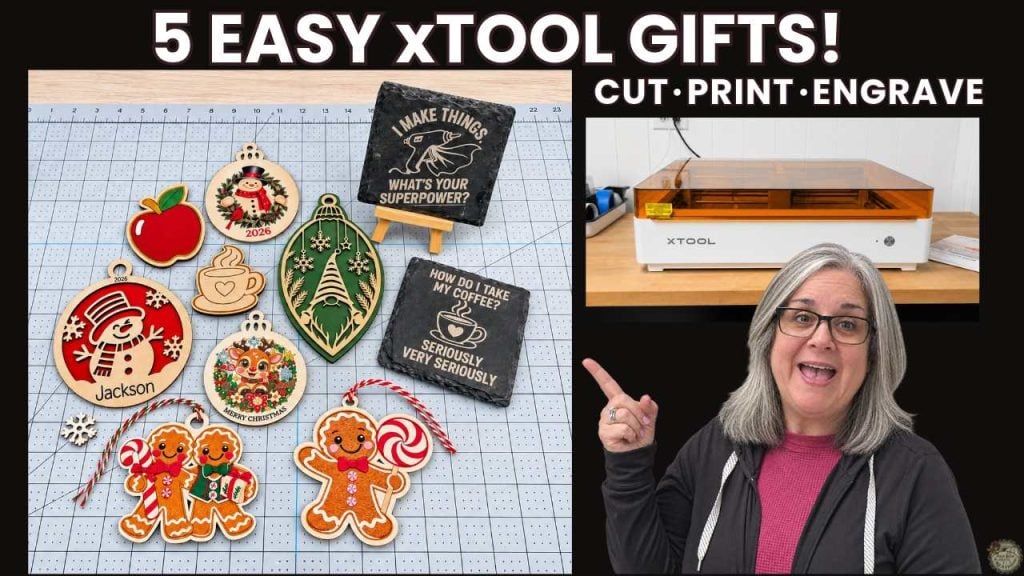
Since I’m walking you through each project from start to finish, this is a longer tutorial! I’ve added video chapters so you can jump directly to the project you’re interested in, or watch the whole video to see everything this machine can do.
Along with the five projects I’m making in the video, you’ll also see a few extras I made using the same techniques! These include my painted apple magnet, a printed snowman and cardinal ornament, and my personalized snowman ornament with a red MDF backing.
I made these additional projects off camera, but I’ll share the design links, supplies, and other helpful information in their matching project sections below.
1. Wooden Refrigerator Magnets | Cut and Engrave on Basswood
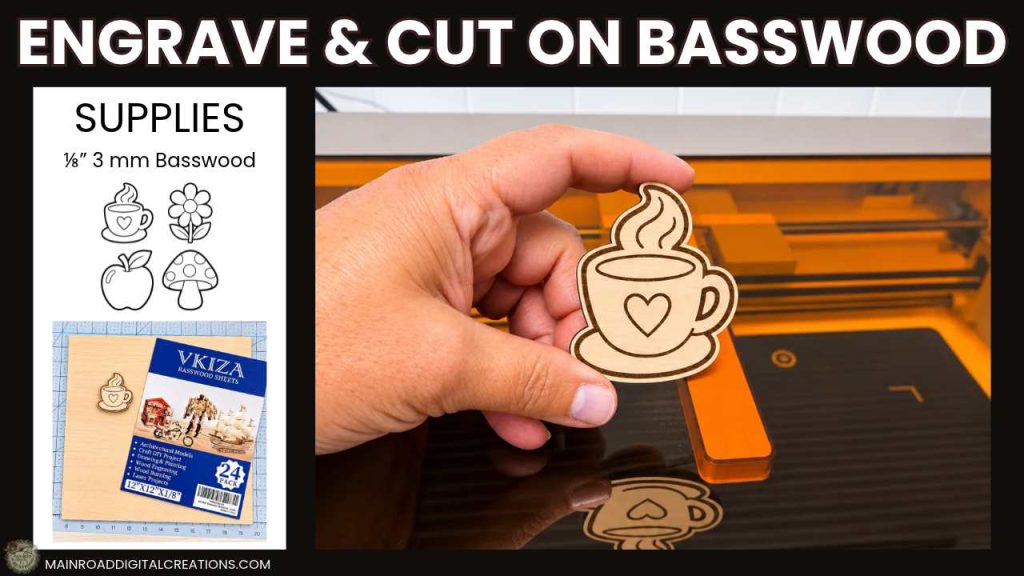
For our first project, I’m making a wooden coffee cup refrigerator magnet using 3mm basswood. I’ll show you how to prepare the SVG in xTool Studio, engrave the details, and cut out the design with the laser.
Free SVG: I’m sharing a bundle of four line drawing designs: a coffee cup, apple, daisy, and mushroom. Use these to make your own magnets or try them on other wooden projects!
Supplies and Design Files
- 3mm basswood
- Acrylic craft paint
- Foam Brush
- Magnets
- Posca Paint Markers
- Download My Free Line Drawings Bundle (direct download)
- Sealer
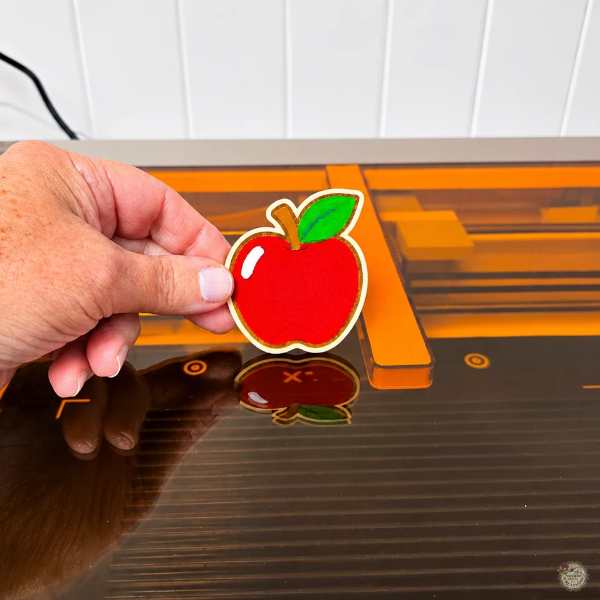
I also made an apple magnet and painted it with acrylic paint and Posca paint markers.
2. Gingerbread Christmas Ornament | Print & Cut on Basswood
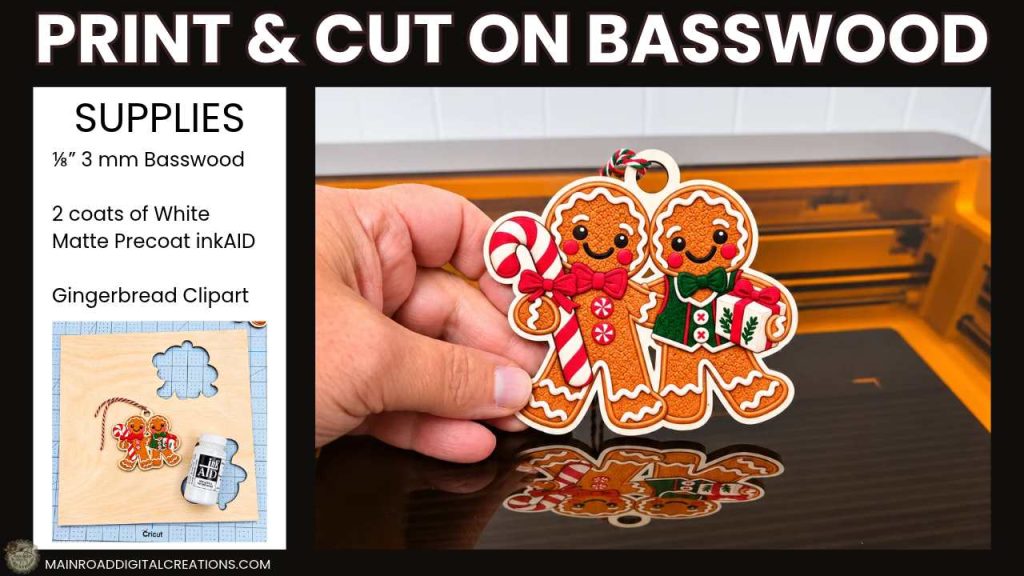
Next, I’ll show you how to print a colorful gingerbread couple design directly onto basswood, add an offset in xTool Studio, and create a hanger before cutting out the ornament.
I used gingerbread clipart from Creative Fabrica and prepared my basswood with two coats of inkAID White Matte Precoat. I let the first coat dry for about 25 minutes, then applied the second coat and let it dry for 24 hours before printing.
Supplies and Design Files
- 3mm basswood
- inkAID White Matte coating-use XTM2FB20 for 10% off Clear Gloss Type II, White Matte, and Iridescent Pearl Inkjet Receptive Coatings, Pints and Quarts
- Gingerbread PNG clip art
- Twine for hanging
- Sealer
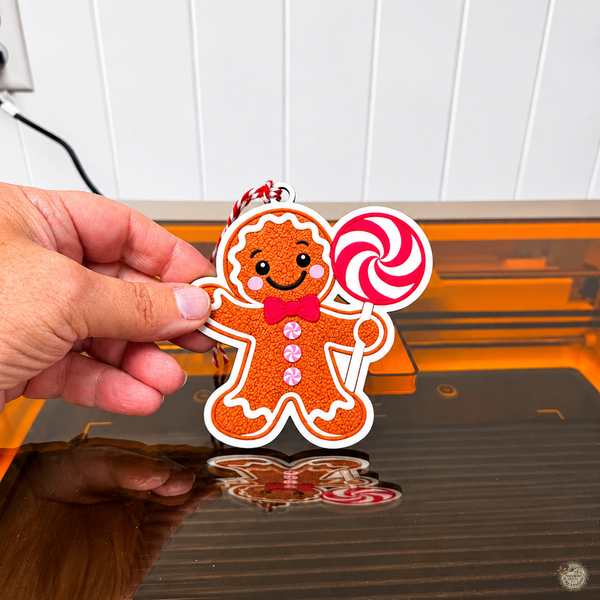
I also made a single gingerbread ornament holding a peppermint lollipop using the same technique.
3. Engraved Slate Coasters | Use an SVG with the xTool M2
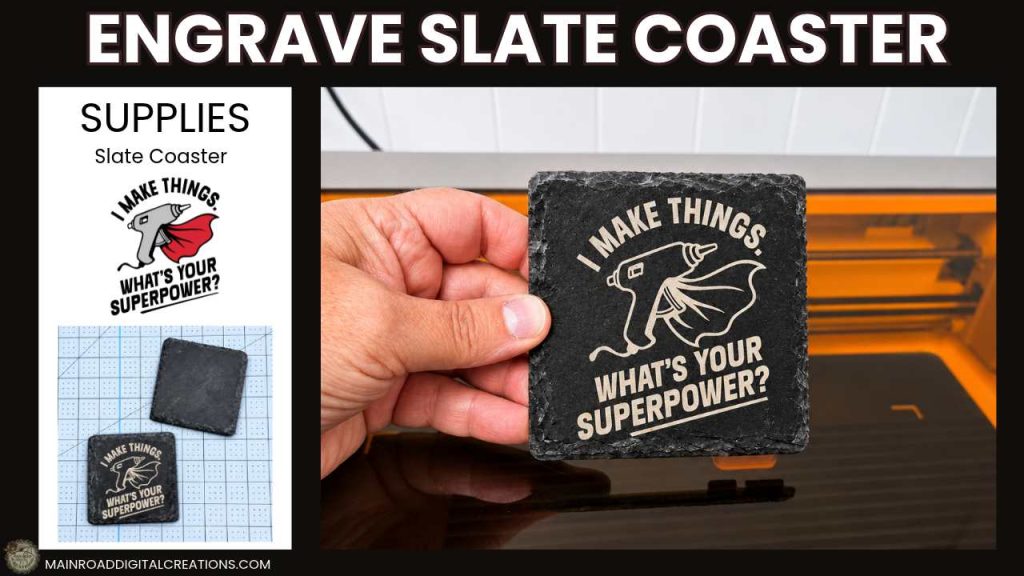
For this project, I’m using one of my existing free SVG designs, I Make Things, What’s Your Superpower?, and showing you how to prepare it for engraving on slate using xTool Studio.
I also made a second slate coaster with a funny coffee saying: How Do I Take My Coffee? Seriously, Very Seriously. I made this one off camera, but I’m sharing the SVG so you can make your own!
Both designs are great for handmade gifts, especially for your crafty friends and coffee lovers!
Supplies and Design Files
- 4 × 4-inch slate coasters
- Free I Make Things SVG (original blog post)
- Download the Free Coffee Saying SVG (direct download)
- Font I used on the Coaster
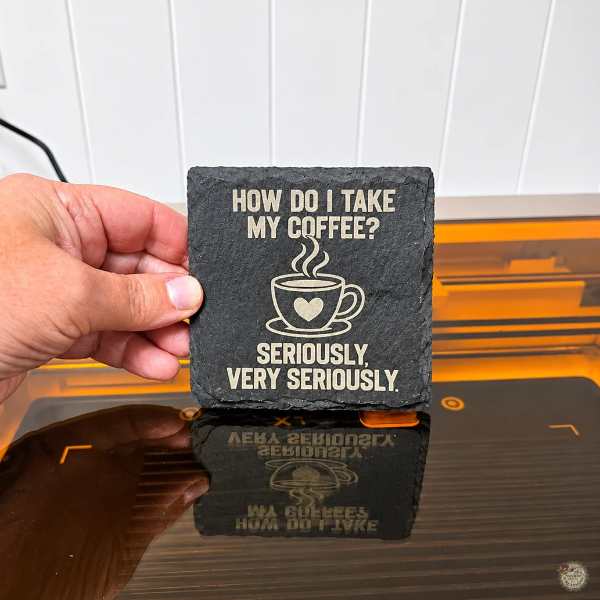
I also made a second slate coaster with a funny coffee quote. I made this one off camera, but I’m sharing my free design so you can make your own!
4. Personalized Christmas Ornament | Print on Precut Wood
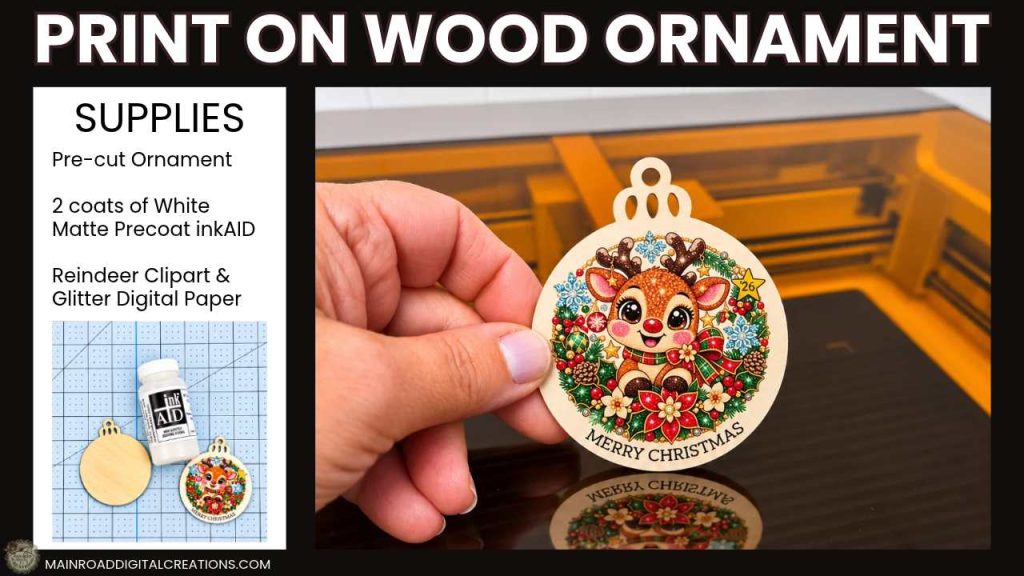
This is one of my favorite projects! I’m printing a colorful Christmas reindeer design directly onto a precut wooden ornament using the xTool M2.
I’ll show you how to personalize the design in xTool Studio by adding text, changing colors, adding a star, rounding its corners, and using a glitter digital paper pattern to fill the star.
I prepared my wooden ornament with inkAID White Matte Precoat before printing. I applied the first coat, let it dry for about 25 minutes, then applied the second coat and let that dry for 24 hours before printing. Since the ornament is already cut, this project doesn’t require laser cutting!
Supplies and Design Files
- Precut wooden ornament
- inkAID White Matte coating-use XTM2FB20 for 10% off Clear Gloss Type II, White Matte, and Iridescent Pearl Inkjet Receptive Coatings, Pints and Quarts
- Reindeer PNG Clipart
- Glitter Digital Paper
- Tippy Tap Font
- Twine for hanging
- Vintage Snowman Clipart Bundle made off camera
- Sealer
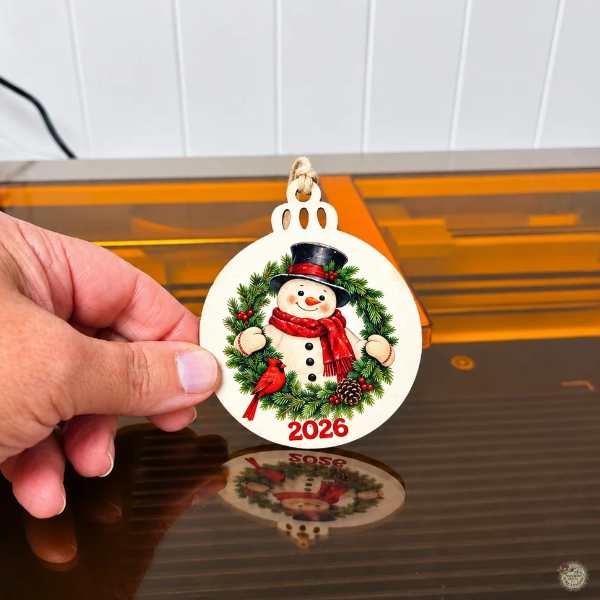
I also made a vintage snowman and cardinal ornament using the same printing technique.
5. Layered Christmas Ornaments | Cut Basswood and Colored MDF
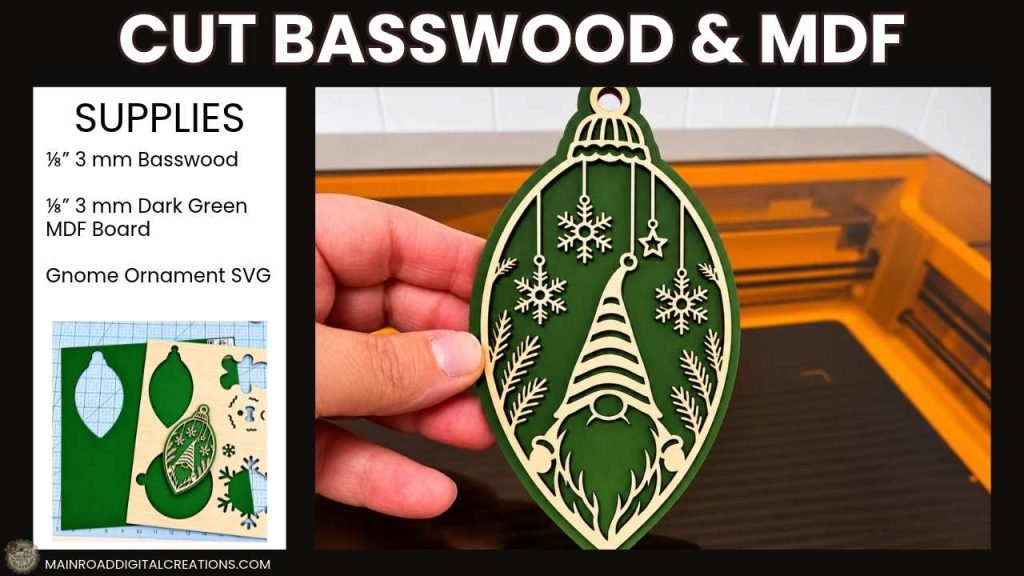
For our final project, I’m making a layered Christmas gnome ornament using basswood and dark green MDF board.
I found this gnome SVG on Creative Fabrica and used the xTool M2 to cut the detailed front layer from basswood and the solid backing from colored MDF.
I also tested 3M adhesive sheets to attach the layers. Highly recommend!
Supplies and Design Files
- 3mm Basswood
- Dark Green Colored MDF
- 3M Adhesive Transfer Tape
- Twine or Hook for hanging
- Gnome Ornament SVG
- Download the Free Snowman Ornament SVG (direct download)
- Red MDF Board for the Snowman Ornament
- I used Bearly Art Glue for my Snowman Ornament
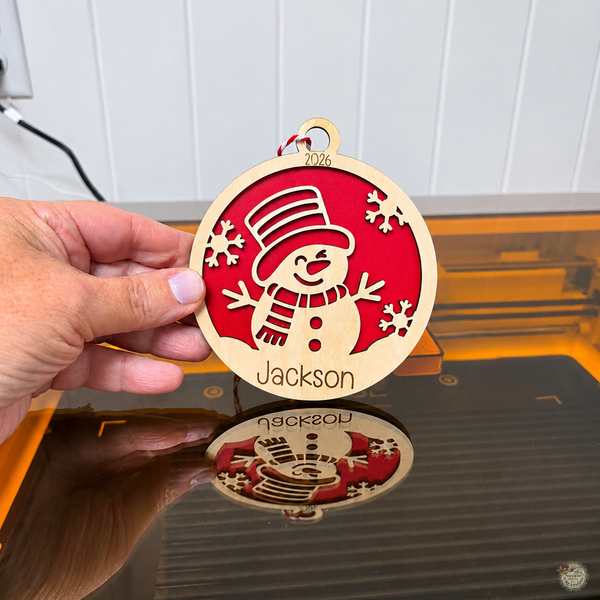
And I’ve got another free SVG for you! I designed this snowman ornament and made it with basswood and red MDF.
Tips for Making Christmas Gifts to Sell at Craft Fairs
Thinking about selling your handmade Christmas gifts? Here are a few tips to keep in mind!
- Keep it simple. Choose designs that are easy to make in batches, and use leftover wood for smaller projects like ornaments and magnets.
- Offer personalization. Adding names, dates, or funny sayings can make your handmade gifts even more special.
- Know your costs. Factor in materials, machine time, finishing supplies, and packaging when pricing your projects.
- Check commercial-use licenses. If you’re using purchased SVG or PNG designs, make sure the designer allows you to sell finished products.
Final Thoughts on These xTool M2 Christmas Gifts
I love finding new ways to use the designs and materials I already have, and these five projects are a great example of that!
I have to say, I’m absolutely loving my xTool M2! The more I use it, the more ideas I come up with. From cutting layered wooden ornaments and printing colorful designs to engraving slate coasters, I’m having so much fun learning what this machine can do!
And if you’re already a Cricut crafter like me, remember that many of the SVG designs you already own can also be used for laser projects. I love that I can take something I’ve designed for my Cricut and turn it into something completely different with the M2!
I hope these ideas inspire you to make something special for family and friends, or maybe even try selling a few handmade gifts at your next holiday craft fair!
xTool has some holiday deals going on, and I’ve got two discount codes to share with you!
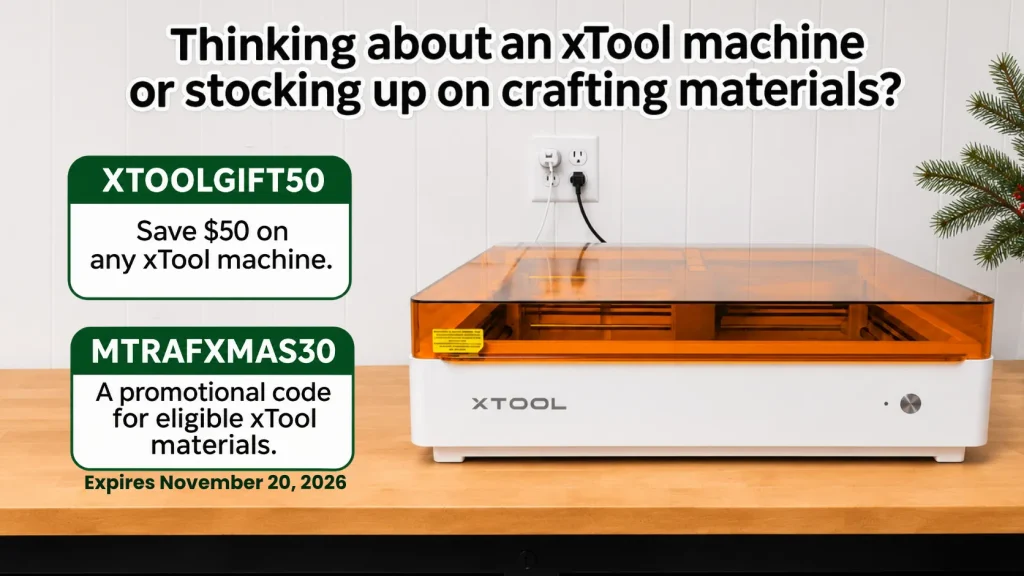
You can check out the xTool M2 and current offers here.
Be sure to check the offer details before ordering.
Love these xTool M2 Christmas gift ideas? Save this project to Pinterest!
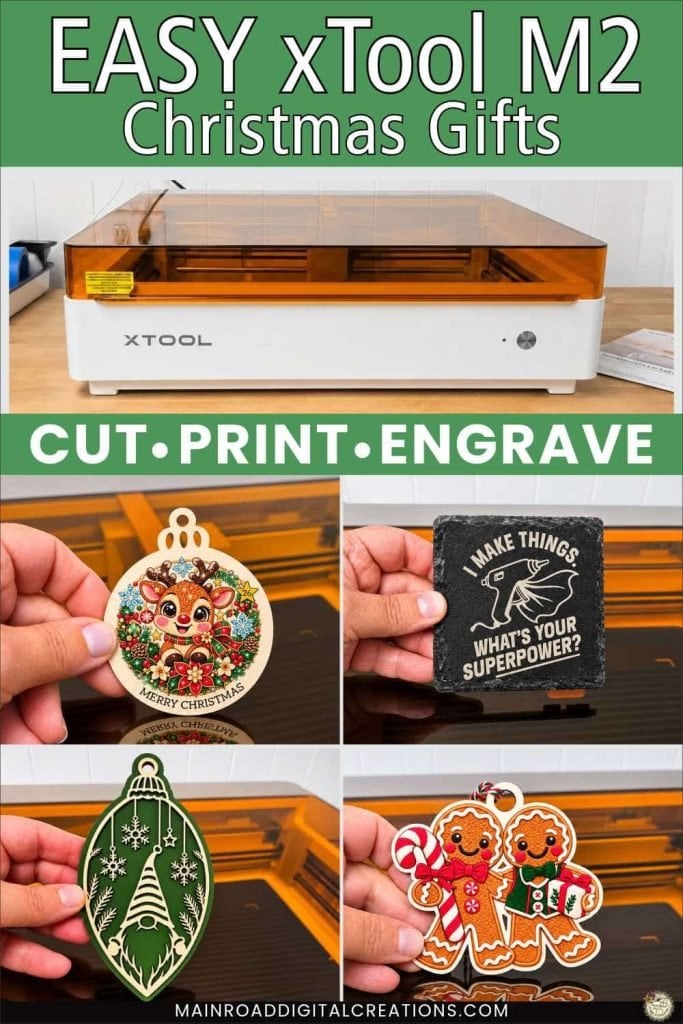
Pin the image above to your favorite DIY Christmas crafts board so you can easily find these five gift ideas and step-by-step tutorials when you’re ready to make them!
More xTool M2 Projects and Tutorials
Want to learn more about the xTool M2 and what you can make with it? Check out the xTool M2 here!
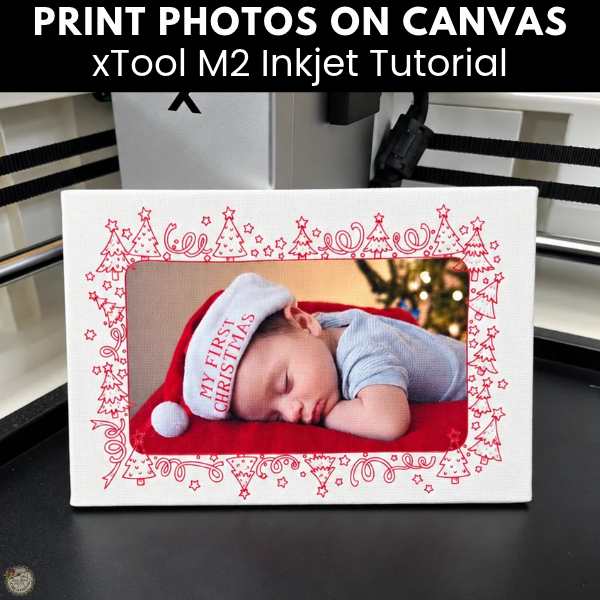
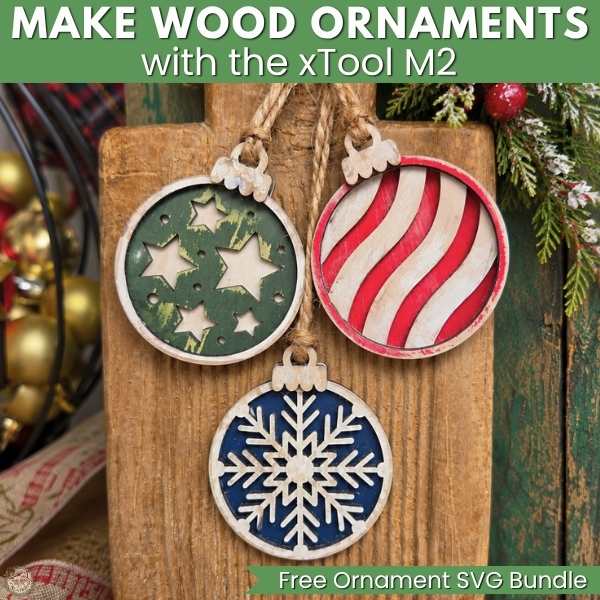
I’ve also shared tutorials on printing photos directly onto canvas and making wooden Christmas ornaments with the xTool M2. Check out both projects below for more ideas and step-by-step instructions!
Check out my shop for fun and creative designs you can use in your projects!



Get Your Freebie Library Password
Join my Freebie Club to get access to all my free SVG designs!
Enter your email to join my free newsletter, and I’ll send the Freebie Library password straight to your inbox.
Once you have the password, you can access the library anytime and download the designs you want.
Join the Creative Fabrica Membership

Fonts, designs, and so much crafty goodness! Over 16 million digital files are waiting! In partnership with Main Road Digital Creations, your first 10 downloads are totally free. After that? It’s just $47 a year (yep, that’s $3.99/month) with full commercial and POD use included. Sign up for Free!